BMW Nav 6 - Disobedient
-

Forgive me if I'm thick............
I planned this year's Trip via my I Mac and uploaded a number of Routes ( Garmin HERE Maps) to my BMW Nav 6, converting the Tracks to Routes. So far, so good.
However, on my wonderful European Adventure the Nav 6 made its own mind up either to not follow my intended routes or on one ocassion to claim I had arrived at my destination ( Bastogne ) when I was still 12 KMS away.
On a similar jaunt from my home in the Cotswolds to Guildford, the Nav 6 repeatedly refused to follow my intended route and I had to reprogram it on the move.
I have now planned another trip to five Countries, using the fantastic planning App and don't want any 'Hanky Panky' this time around.Any advice will be very gratefully received.
-
Forgive me if I'm thick............
I planned this year's Trip via my I Mac and uploaded a number of Routes ( Garmin HERE Maps) to my BMW Nav 6, converting the Tracks to Routes. So far, so good.
However, on my wonderful European Adventure the Nav 6 made its own mind up either to not follow my intended routes or on one ocassion to claim I had arrived at my destination ( Bastogne ) when I was still 12 KMS away.
On a similar jaunt from my home in the Cotswolds to Guildford, the Nav 6 repeatedly refused to follow my intended route and I had to reprogram it on the move.
I have now planned another trip to five Countries, using the fantastic planning App and don't want any 'Hanky Panky' this time around.Any advice will be very gratefully received.

@John-B-1 To be able to follow the route you created in MRA on your Garmin, you must turn off recalculation. At least, that's the case with my BMW Nav V. The navigation engine of Garmin is slightly different from that of MRA. Whether you're using TomTom, Garmin, or another engine like MRA, they all use their own logic during navigation. You can also drive the route as a track. That way, it's almost foolproof.
🏍️ BMW K1600GT-P (2013) | Nolan N100-5 with Sena 30K
📱 iOS on iPhone 13 & 16 (mounted on Quadlock or AliExpress extention on BMW-cradle)
🚙 Apple CarPlay in VW T-Roc
💻 Routelab on MacBook Air & iMac (Golden Gate & Ventura) -
@John-B-1 To be able to follow the route you created in MRA on your Garmin, you must turn off recalculation. At least, that's the case with my BMW Nav V. The navigation engine of Garmin is slightly different from that of MRA. Whether you're using TomTom, Garmin, or another engine like MRA, they all use their own logic during navigation. You can also drive the route as a track. That way, it's almost foolproof.
@Rob-Verhoeff Thanks Rob, I'll have a look at that. I'm not sure how to turn off 'recalculation' but I'll dig out my Nav 6 and have a look.
-

hi @John-B-1
as mentioned above the navigation engine is different, obviously we haven't seen your route, but if there are not many shaping points the garmin/NAV will find a better/faster/quicker route between way/shaping points.
you could send it across as a 1.2gpx and it should follow exactly, or convert to a track and it will definitely follow your intended route.
what i used to do was, make my route on the MRA, send it across to NAV and then view it and compare the two. if you then notice a difference, go back to MRA route and add some more shaping points, but not too near junctions or on bridges. some place a shaping point on every road of travel, possibly excessive, but it's whatever works.
once you've got the intended route convert it to track and navigate that. and as mentioned by rob, turn recalculation off, it can a nightmare sometimes.
to achieve, we must first attempt ✌️
K1600 GTL
Oukitel RT3
iPhone 13 Pro, carpuride 702b -
hi @John-B-1
as mentioned above the navigation engine is different, obviously we haven't seen your route, but if there are not many shaping points the garmin/NAV will find a better/faster/quicker route between way/shaping points.
you could send it across as a 1.2gpx and it should follow exactly, or convert to a track and it will definitely follow your intended route.
what i used to do was, make my route on the MRA, send it across to NAV and then view it and compare the two. if you then notice a difference, go back to MRA route and add some more shaping points, but not too near junctions or on bridges. some place a shaping point on every road of travel, possibly excessive, but it's whatever works.
once you've got the intended route convert it to track and navigate that. and as mentioned by rob, turn recalculation off, it can a nightmare sometimes.
@paul69 Thanks for that Advice. I been under the impression I needed to convert Tracks to Routes and deploy those on the Nav6. OK, I’ll use Tracks and add a ‘wise’ number of Waypoints. I can make the Plans ‘Public’ if that will give better insight into what I’ve been literally plotting.
-
@paul69 Thanks for that Advice. I been under the impression I needed to convert Tracks to Routes and deploy those on the Nav6. OK, I’ll use Tracks and add a ‘wise’ number of Waypoints. I can make the Plans ‘Public’ if that will give better insight into what I’ve been literally plotting.
@John-B-1 whilst I now use an XT I regularly share routes with others who use the Nav V and 6. I always upload as GPX 1.1 and use the route and not the track. We did a big tour a couple of months back and I had no issues sharing the routes with the others and they seemed to work fine. As Rob mentioned the key is to have plenty of shaping points and I always have recalculation turned off.
-
@John-B-1 whilst I now use an XT I regularly share routes with others who use the Nav V and 6. I always upload as GPX 1.1 and use the route and not the track. We did a big tour a couple of months back and I had no issues sharing the routes with the others and they seemed to work fine. As Rob mentioned the key is to have plenty of shaping points and I always have recalculation turned off.
@Stuart-Greer Ah, this is good......... thanks. I'll try that. Frankly I still can't 'get my head around' 'Shaping Points and Waypoints' but I'll add more to my existing Plans. At the moment the Points are 'Waypoints'. I certainly don't want to set off in June to visit five Countries with a System that ignores all my careful routing. Thanks again.
-
@Stuart-Greer Ah, this is good......... thanks. I'll try that. Frankly I still can't 'get my head around' 'Shaping Points and Waypoints' but I'll add more to my existing Plans. At the moment the Points are 'Waypoints'. I certainly don't want to set off in June to visit five Countries with a System that ignores all my careful routing. Thanks again.
@John-B-1 said in BMW Nav 6 - Disobedient:
I still can't 'get my head around' 'Shaping Points and Waypoints' but I'll add more to my existing Plans.
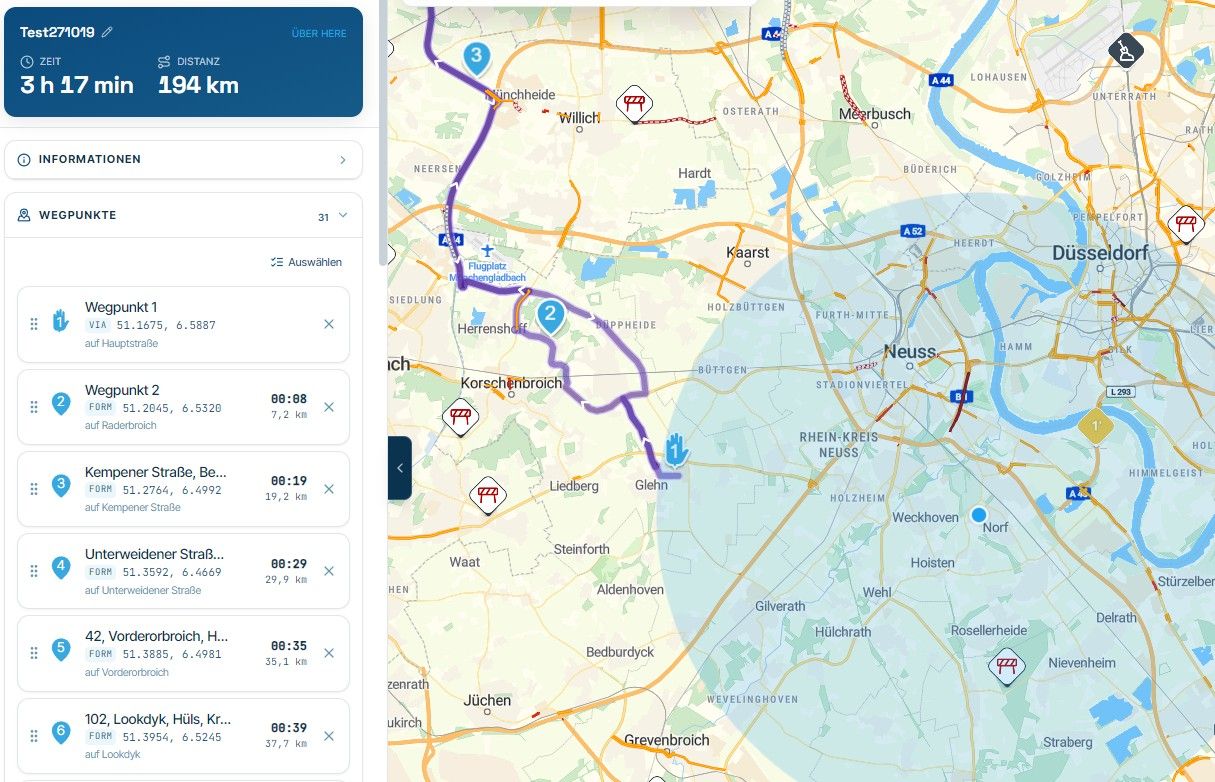
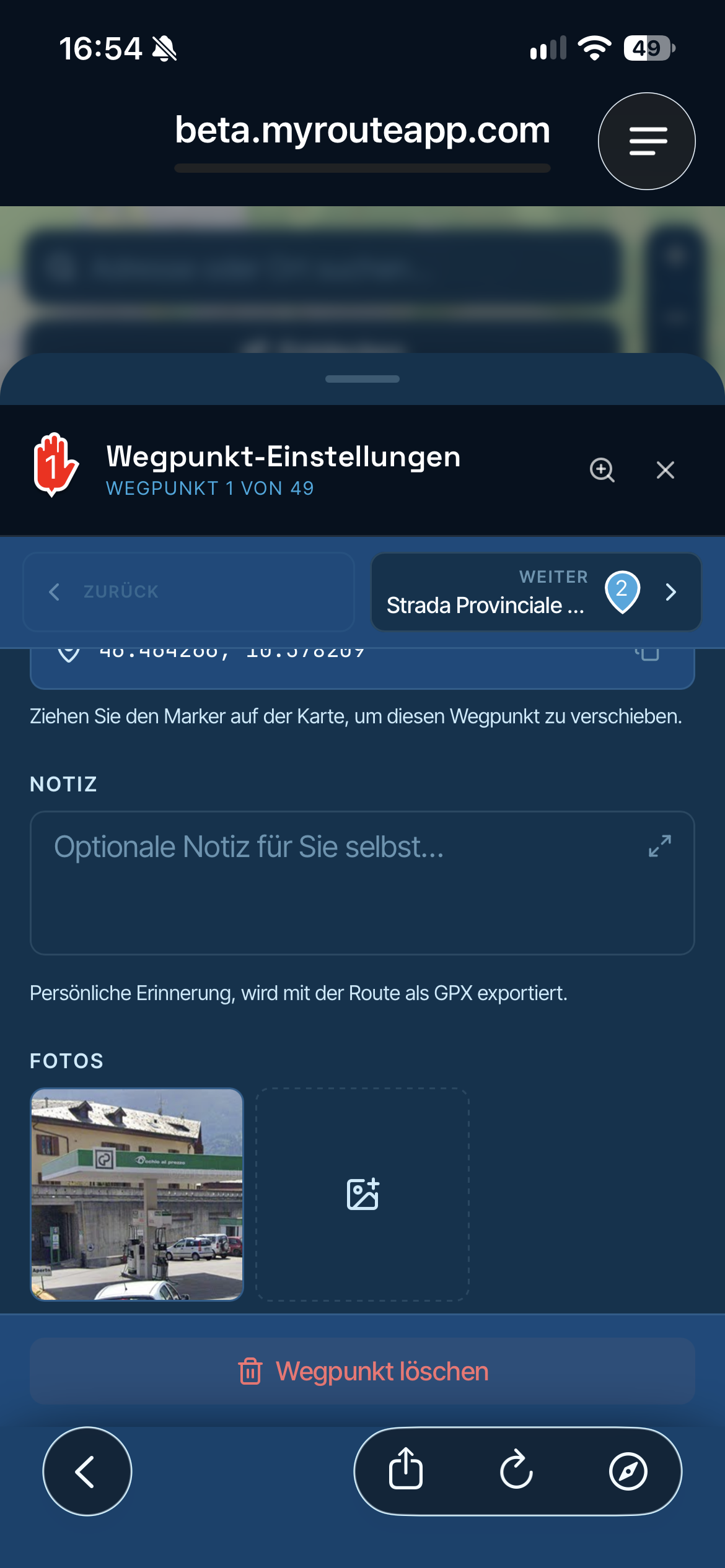
MRA uses two different concepts:
1 - shapingpoint - the blue drop, indicates a regular route point.
2 - viapoint - the hand symbol, is a route point that must be visited! You must pass over it with your vehicle. If you don't, MRA will always redirect you back to this point.Both points are so called 'waypoints'!
-
@John-B-1 whilst I now use an XT I regularly share routes with others who use the Nav V and 6. I always upload as GPX 1.1 and use the route and not the track. We did a big tour a couple of months back and I had no issues sharing the routes with the others and they seemed to work fine. As Rob mentioned the key is to have plenty of shaping points and I always have recalculation turned off.
@Stuart-Greer I've reviewed my Routes and made sure all the Points, both 'Vias' and 'Waypoints' are exactly on the Roads, and in the correct direction lane. Ive uploaded as GPX 1.1 and I now have them both classified as Routes and Tracks on my Nav 6, so I'll have to see how that turns out and I HAVE turned off 'Recalculate'.
Fingers crossed and I'm all excited about the upcoming season.
Hello! It looks like you're interested in this conversation, but you don't have an account yet.
Getting fed up of having to scroll through the same posts each visit? When you register for an account, you'll always come back to exactly where you were before, and choose to be notified of new replies (either via email, or push notification). You'll also be able to save bookmarks and upvote posts to show your appreciation to other community members.
With your input, this post could be even better 💗
Register Login-
 17126
17126
-
 06125
06125
-
0493
-
 0414
0414
-
 06306
06306
-
 0316
0316
-
 0210
0210
-
0211