Where do GPX files go if downloaded not synced?
-

Hi all,
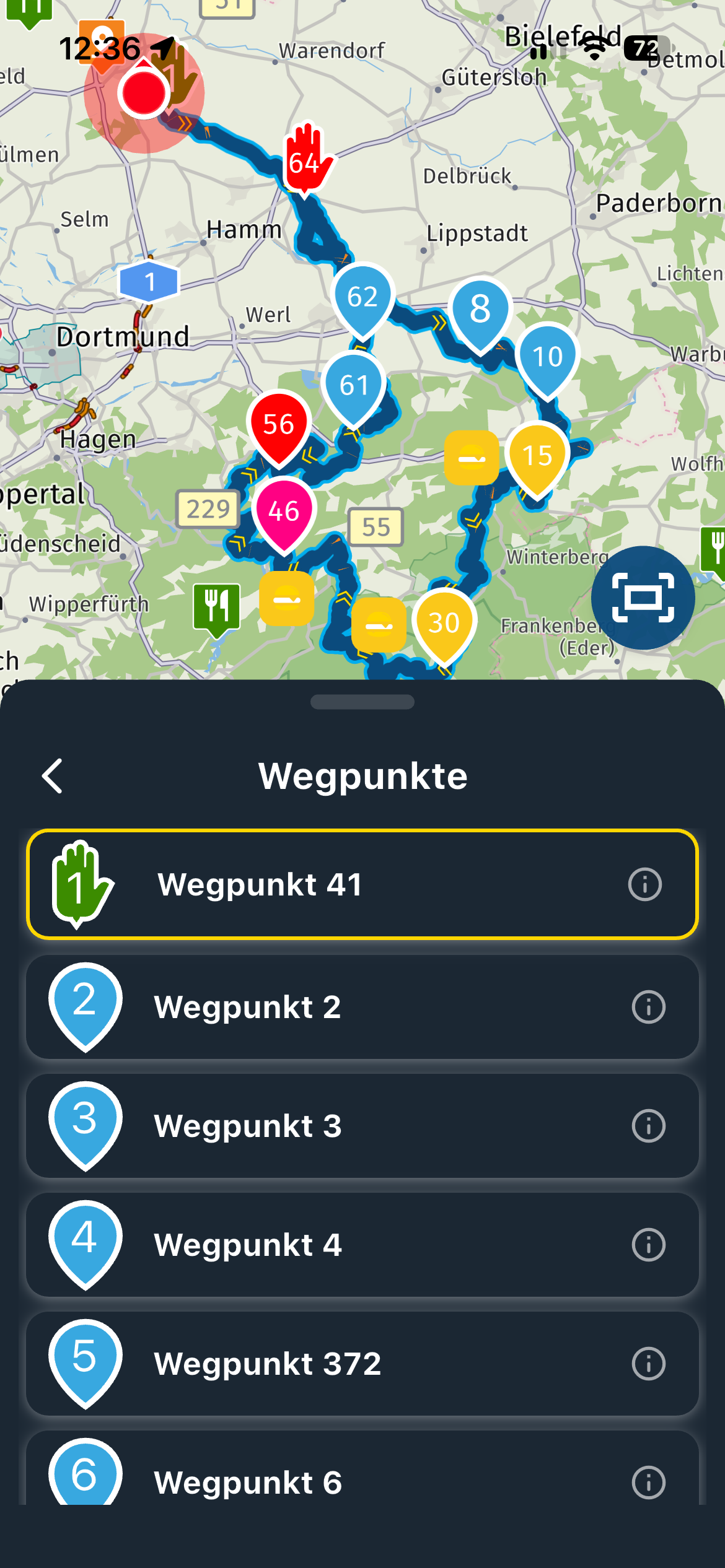
I want to open a route on my phone using something other than MRA. I can use the MRA 4.3.0 app to select a route, download it and then click on the downloaded route to open it in an app of my choice. Great. However, I can't find where that download went - it certainly doesn't seem to be in the Android Downloads folder. Once downloaded, I'd like to be able to open the route again in other apps in the future without the MRA stage, but to do this I need to find where the GPX file was stored...
Maybe now it's not stored as a GPX file anywhere and I need to Export it once downloaded?
-
Hi all,
I want to open a route on my phone using something other than MRA. I can use the MRA 4.3.0 app to select a route, download it and then click on the downloaded route to open it in an app of my choice. Great. However, I can't find where that download went - it certainly doesn't seem to be in the Android Downloads folder. Once downloaded, I'd like to be able to open the route again in other apps in the future without the MRA stage, but to do this I need to find where the GPX file was stored...
Maybe now it's not stored as a GPX file anywhere and I need to Export it once downloaded?

@Tim-Watson On my android phone, the files end up in the downloads folder, but that may vary from device to device I guess...
Manks bu'j te bange.
-
@Tim-Watson On my android phone, the files end up in the downloads folder, but that may vary from device to device I guess...
@Stefan-Hummelink Thanks Stefan. You saying it's in your downloads folder got me looking again and it IS in there. I'm using the Files app on a Pixel 8, and that has a Categories section called Downloads, and it's not listed there. However, if you go to All Storage instead, and then open Download, the GPX file is there.

-
@Stefan-Hummelink Thanks Stefan. You saying it's in your downloads folder got me looking again and it IS in there. I'm using the Files app on a Pixel 8, and that has a Categories section called Downloads, and it's not listed there. However, if you go to All Storage instead, and then open Download, the GPX file is there.
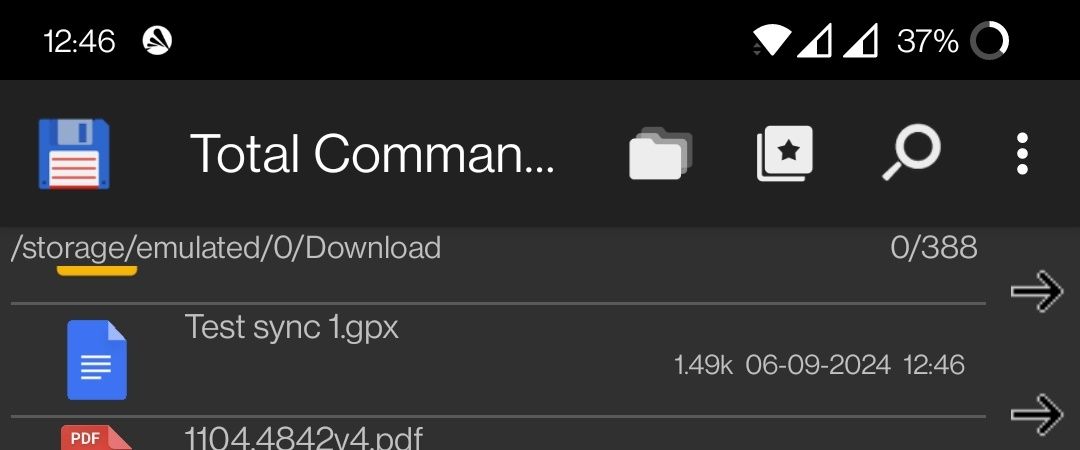
@Tim-Watson Haha I'm familiar with those "built-in" file browsers. I NEVER use them.

I use Total Commander for my file browsing.

-
Hi all,
I want to open a route on my phone using something other than MRA. I can use the MRA 4.3.0 app to select a route, download it and then click on the downloaded route to open it in an app of my choice. Great. However, I can't find where that download went - it certainly doesn't seem to be in the Android Downloads folder. Once downloaded, I'd like to be able to open the route again in other apps in the future without the MRA stage, but to do this I need to find where the GPX file was stored...
Maybe now it's not stored as a GPX file anywhere and I need to Export it once downloaded?

Hi @Tim-Watson I also find the download/export procedure a shade confusing but it does work with a bit of perserverance its just a bit counter intuative.
On my android if I want to download a file I have to select "Export" rather than download, then again rather than a simple option to save the file I have a choice to "Share" or "Open"
The "Open" option lets me select an App that is capable of reading a GPX file like Osmand or Komoot & wierdly MRA which would get me in a sort of infinite loop
Selecting "Open" only transfers the gpx data to the app I choose, it does not save it to my phone.
To download to my phoneI have to select the "Share" option then choose where I want to "Share" the file to, this could be to Google Drive, Microsoft Onedrive or I have an app icon called "My Files" which will save the GPX to my android download folderBlackView BV7100, Android 12
Navigate "Routes as Tracks" in Offline mode with Offline Maps
No Wifi, no internet, no interruptions, works well -
Hi @Tim-Watson I also find the download/export procedure a shade confusing but it does work with a bit of perserverance its just a bit counter intuative.
On my android if I want to download a file I have to select "Export" rather than download, then again rather than a simple option to save the file I have a choice to "Share" or "Open"
The "Open" option lets me select an App that is capable of reading a GPX file like Osmand or Komoot & wierdly MRA which would get me in a sort of infinite loop
Selecting "Open" only transfers the gpx data to the app I choose, it does not save it to my phone.
To download to my phoneI have to select the "Share" option then choose where I want to "Share" the file to, this could be to Google Drive, Microsoft Onedrive or I have an app icon called "My Files" which will save the GPX to my android download folder
Brian,
regard … its just a bit counter intuative.thank you, sometimes I have similar concerns and the feeling MRA play with you hide and seek.
Hello! It looks like you're interested in this conversation, but you don't have an account yet.
Getting fed up of having to scroll through the same posts each visit? When you register for an account, you'll always come back to exactly where you were before, and choose to be notified of new replies (either via email, or push notification). You'll also be able to save bookmarks and upvote posts to show your appreciation to other community members.
With your input, this post could be even better 💗
Register Login-
 011760
-
06180
-
09108
-
05200
-
 029
029
-
0228
-
111558
-
0213