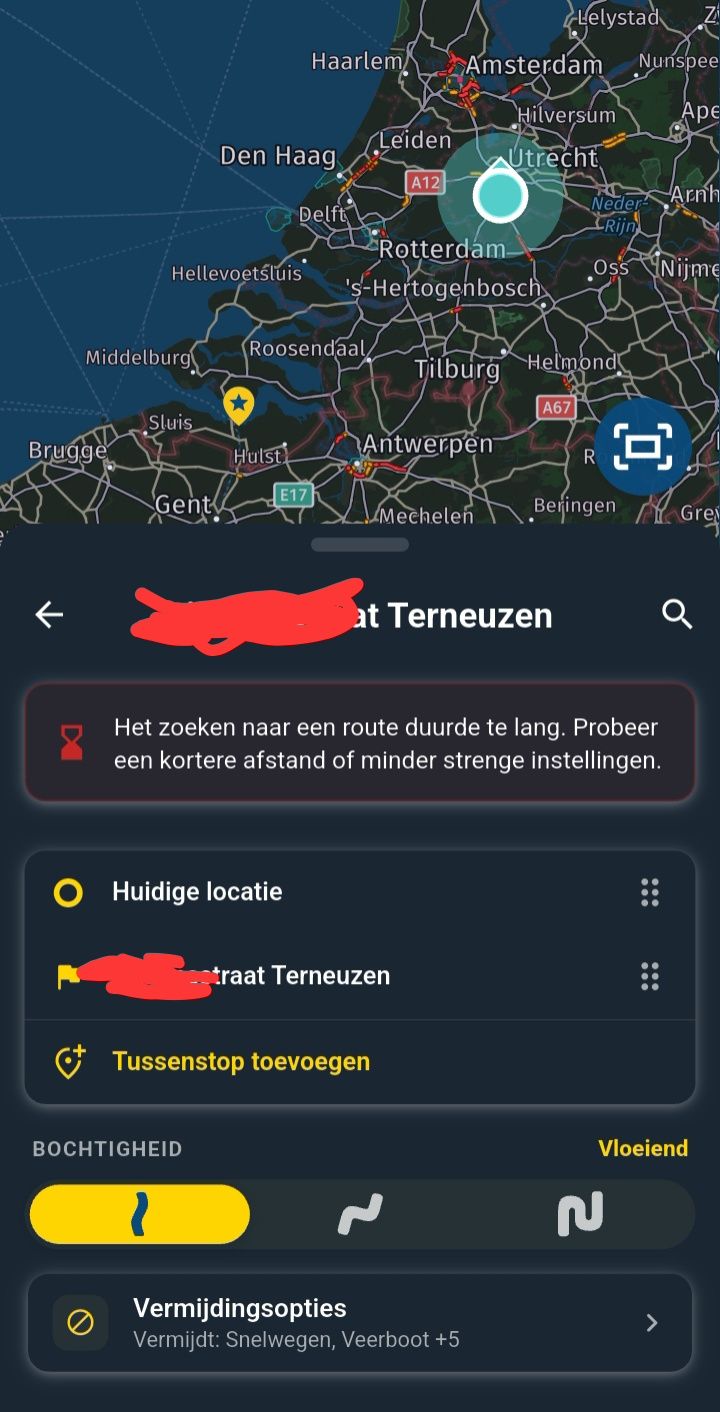
ETA icon not displayed in Android Auto
-

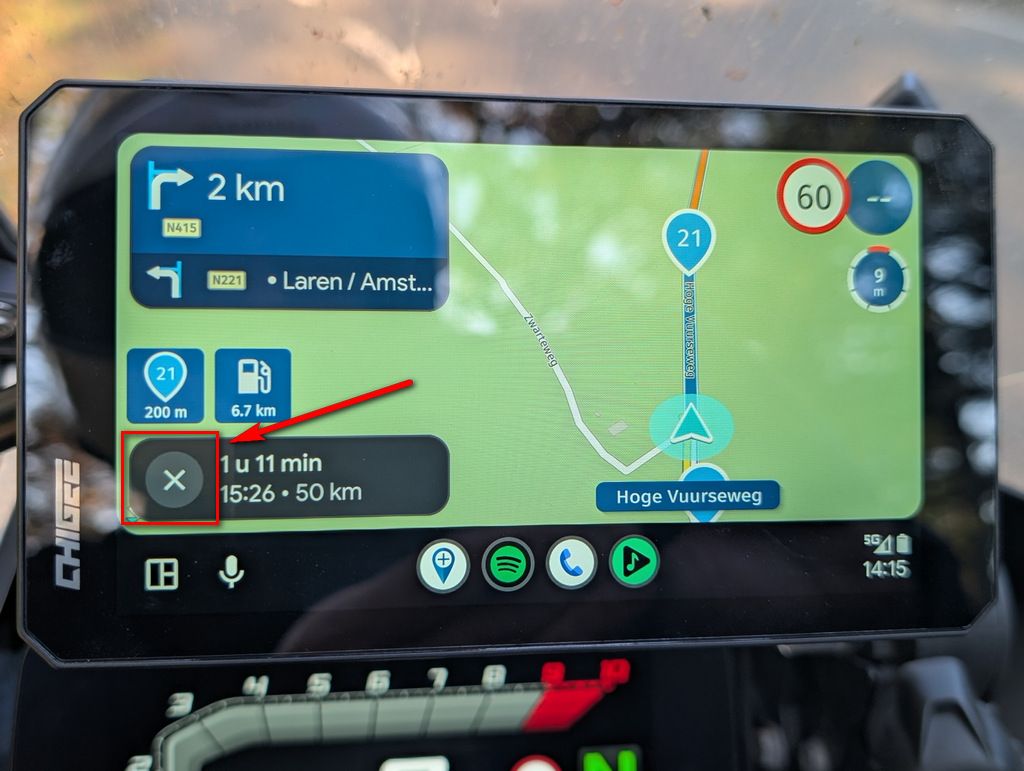
I tested this in version 5.2.2 (489) with AA version 17.9.664044. Here there is no ETA icon available at all, but also no cross. It's also not possible to click on the message. In 6.0.0 you can click on the message and then the navigation stops. This is a functional difference between 5.2.2 and 6.0.0. On the phone in both versions it is possible to change the ETA by clicking on the message.
-

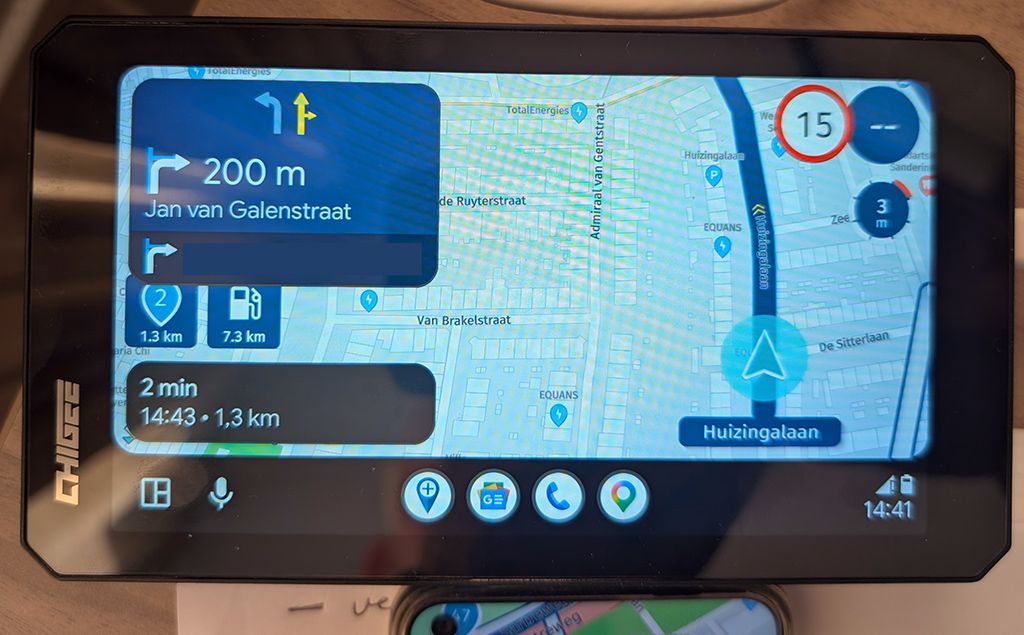
I think it would be nice to have an indicator for arrival time, next Viapoint or next shapingpoint instead of the X so you can see in what mode you are! And maybe it is possible that touching it brings you to the menu to change it!
-
@Marinus-van-Deudekom That function ( change between arrival time, next Viapoint and next shaping point) is accessible via a submenu. It’s not available directly from the main screen, but it works very well.

@Òscar that's added the second screen on your phone with all the features that Google and Apple wont met you use. Cheers Corjan you're the best

Hello! It looks like you're interested in this conversation, but you don't have an account yet.
Getting fed up of having to scroll through the same posts each visit? When you register for an account, you'll always come back to exactly where you were before, and choose to be notified of new replies (either via email, or push notification). You'll also be able to save bookmarks and upvote posts to show your appreciation to other community members.
With your input, this post could be even better 💗
Register Login
-
01124
-
01160
-
023376
-
2241.6k
-
011197
-
 113157
-
 0845
-
0779