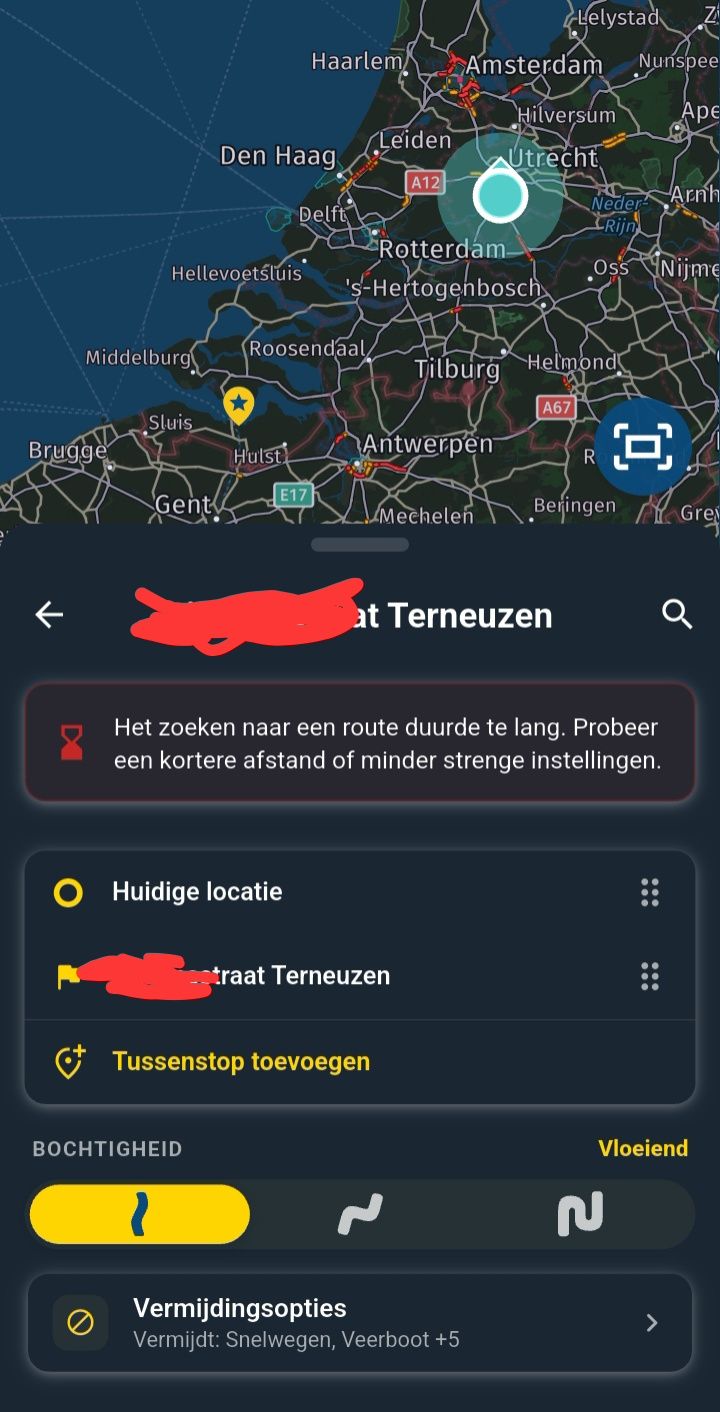
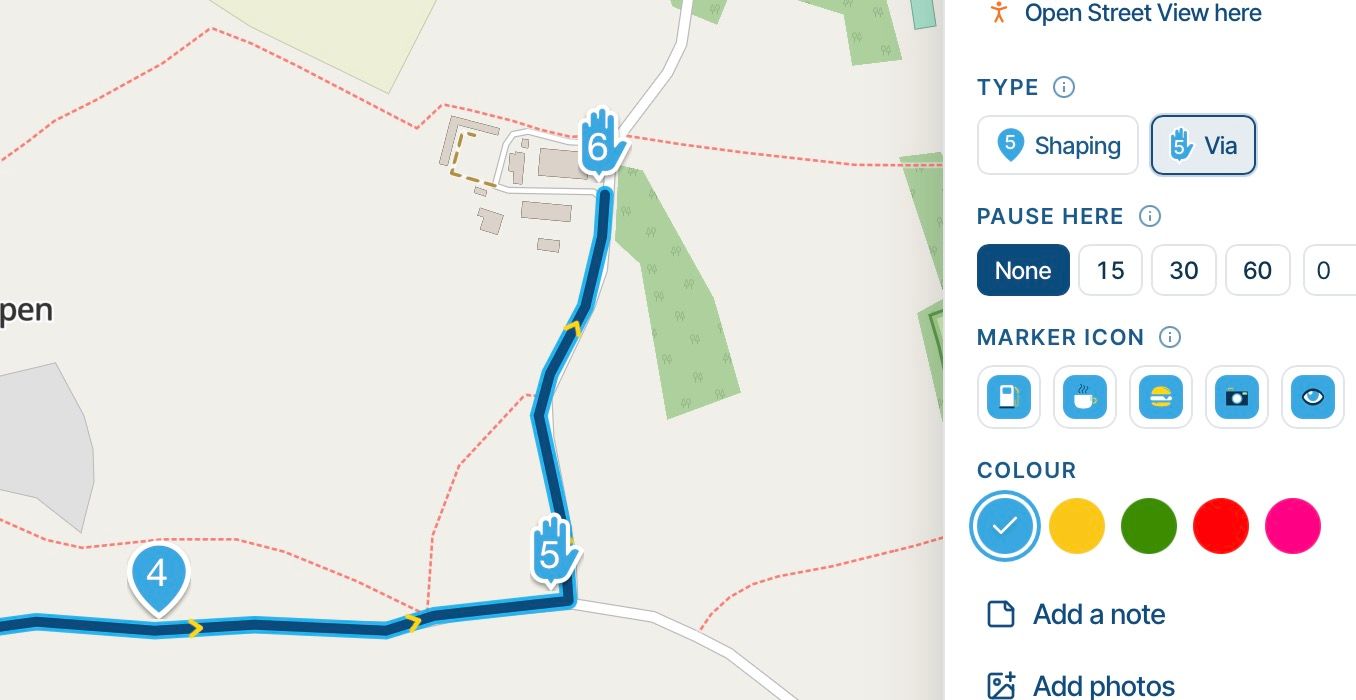
ETA icon not displayed in Android Auto
-

-
Complain with Google

@Corjan-Meijerink
 I’m sure we could complain directly to Google (I’m not actually sure where to do that—if you could point me in the right direction, I’d be happy to), but I’m also convinced that you have much more influence than we do... hehe.
Don’t get tired of making magic!!!
Regards, -
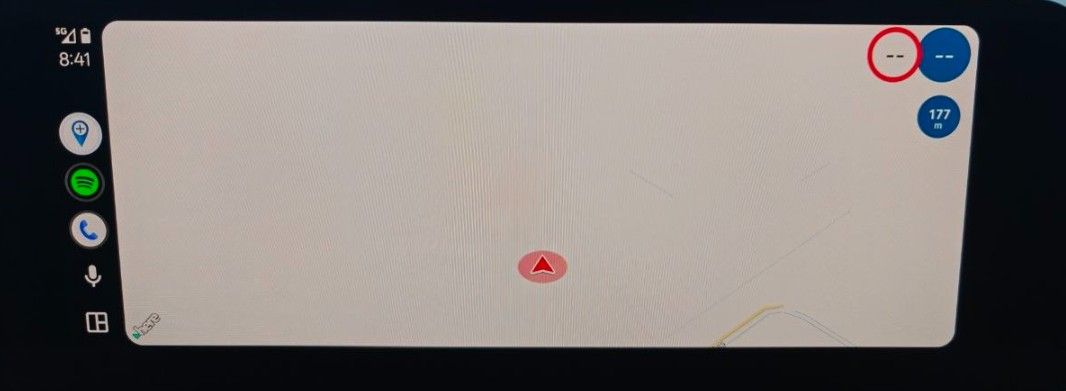
On the other hand, although everything points to it being a Google-related issue, it is curious that it does not appear during general web browsing, nor in other programs:
MRa
Maps
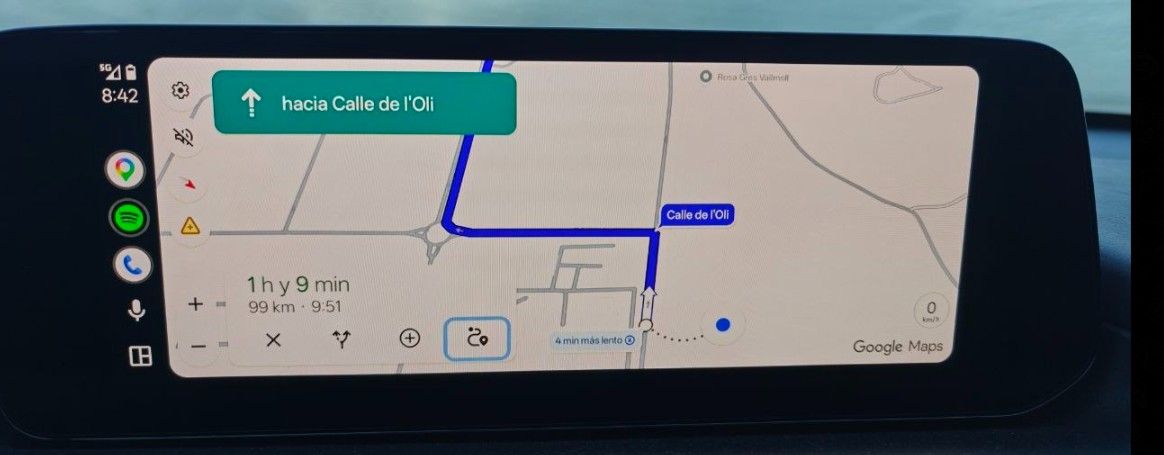
Tomtom
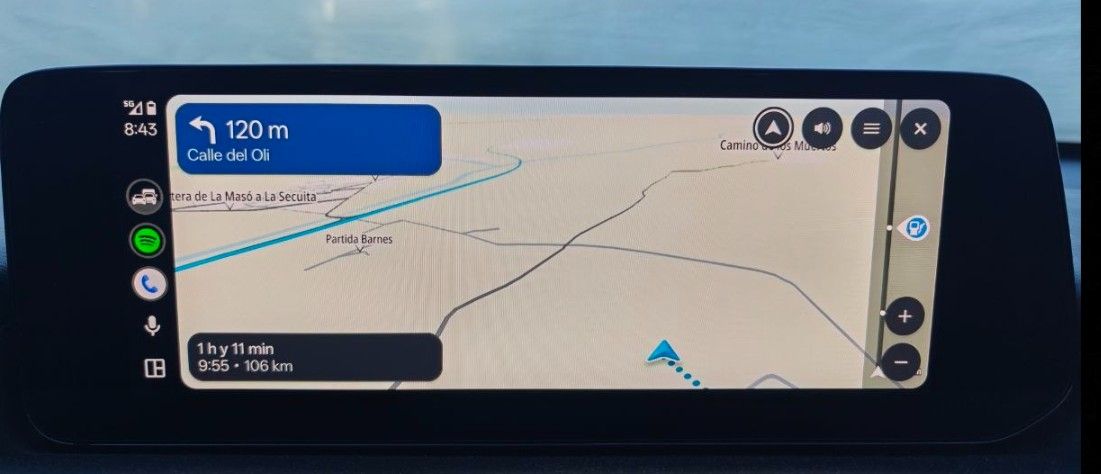
Regards!
Creator and administrator of the largest MRA groups.
- https://t.me/MRa_by_b0hd1
- https://www.myrouteapp.com/group/messages/7007
- YouTube: @demco17
- Ex-routexpert, current beta tester and MRA expert. Creator of tutorials, manuals, and MRA user trainer.
-

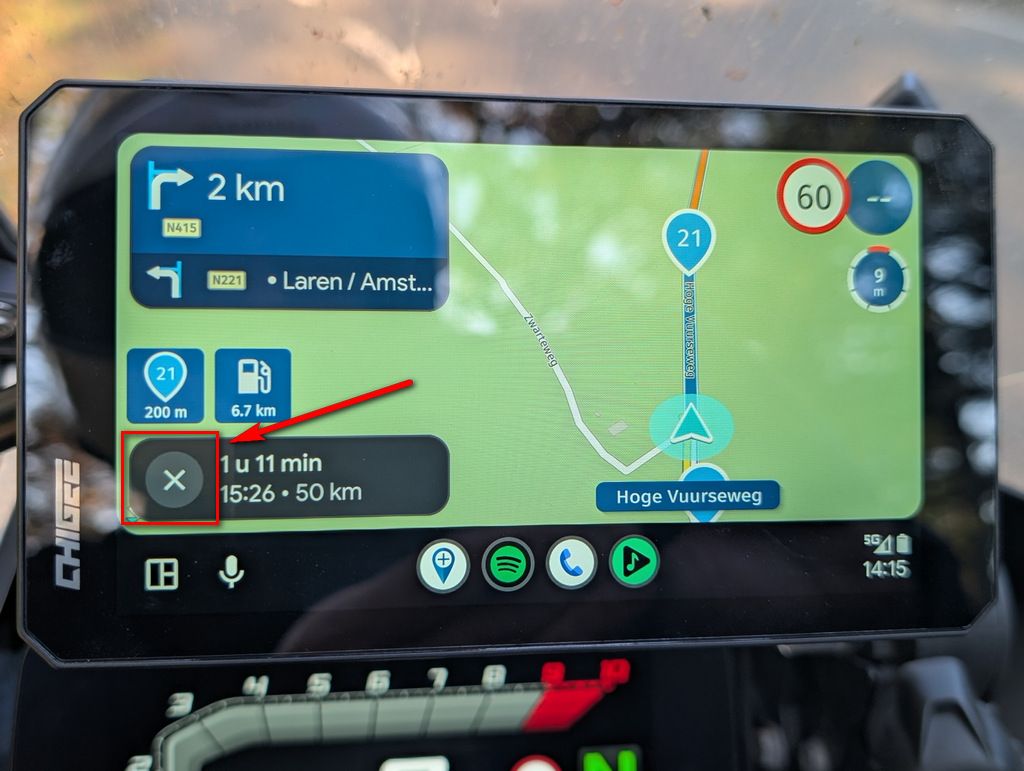
Perhaps your Developer Assistant does not see de "Exit button" top right and has put a new "Exit button" bottom left?

It does not seems related to google....

-
On the other hand, although everything points to it being a Google-related issue, it is curious that it does not appear during general web browsing, nor in other programs:
MRa
Maps
Tomtom
Regards!

@Òscar that ugly X as you call it was there also in the first 6 version, 515 but I'm not sure anymore if it was there in the version 5
Honda Goldwing GL1500,
Honda Silverwing GL 650
DMD2 T865X 8 inch Android tablet using MRA next for navigation
Garmin XT sold
Samsung S24FE mounted on a Quadlock and using Android Auto in my car -
@Òscar that ugly X as you call it was there also in the first 6 version, 515 but I'm not sure anymore if it was there in the version 5
@Marinus-van-Deudekom It was going well on the 5th one.
Creator and administrator of the largest MRA groups.
- https://t.me/MRa_by_b0hd1
- https://www.myrouteapp.com/group/messages/7007
- YouTube: @demco17
- Ex-routexpert, current beta tester and MRA expert. Creator of tutorials, manuals, and MRA user trainer.
-
@Marinus-van-Deudekom It was going well on the 5th one.
@Òscar honestly, I can't remember it anymore. Corjan is pushing his best and has moved to much work.
On the other hand, I was only one time mistaken and that time my route was terminated. Since then, I've got the message.
What I miss is when tapping that button thanks to Google and Apple you can't change between arrival time, next Viapoint and next shaping point. As I understand that feature is possible using your phone as a remote. Did not have the chance to use that yetHonda Goldwing GL1500,
Honda Silverwing GL 650
DMD2 T865X 8 inch Android tablet using MRA next for navigation
Garmin XT sold
Samsung S24FE mounted on a Quadlock and using Android Auto in my car -
@Òscar honestly, I can't remember it anymore. Corjan is pushing his best and has moved to much work.
On the other hand, I was only one time mistaken and that time my route was terminated. Since then, I've got the message.
What I miss is when tapping that button thanks to Google and Apple you can't change between arrival time, next Viapoint and next shaping point. As I understand that feature is possible using your phone as a remote. Did not have the chance to use that yet
@Marinus-van-Deudekom That function ( change between arrival time, next Viapoint and next shaping point) is accessible via a submenu. It’s not available directly from the main screen, but it works very well.
Creator and administrator of the largest MRA groups.
- https://t.me/MRa_by_b0hd1
- https://www.myrouteapp.com/group/messages/7007
- YouTube: @demco17
- Ex-routexpert, current beta tester and MRA expert. Creator of tutorials, manuals, and MRA user trainer.
-

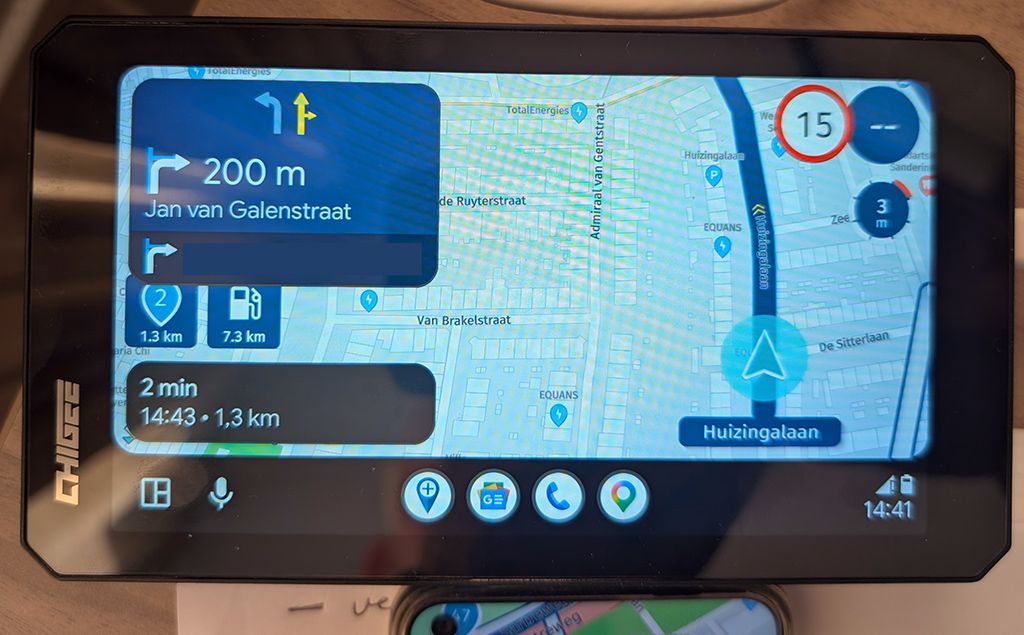
I tested this in version 5.2.2 (489) with AA version 17.9.664044. Here there is no ETA icon available at all, but also no cross. It's also not possible to click on the message. In 6.0.0 you can click on the message and then the navigation stops. This is a functional difference between 5.2.2 and 6.0.0. On the phone in both versions it is possible to change the ETA by clicking on the message.
-

I think it would be nice to have an indicator for arrival time, next Viapoint or next shapingpoint instead of the X so you can see in what mode you are! And maybe it is possible that touching it brings you to the menu to change it!
-
@Marinus-van-Deudekom That function ( change between arrival time, next Viapoint and next shaping point) is accessible via a submenu. It’s not available directly from the main screen, but it works very well.
@Òscar that's added the second screen on your phone with all the features that Google and Apple wont met you use. Cheers Corjan you're the best
Hello! It looks like you're interested in this conversation, but you don't have an account yet.
Getting fed up of having to scroll through the same posts each visit? When you register for an account, you'll always come back to exactly where you were before, and choose to be notified of new replies (either via email, or push notification). You'll also be able to save bookmarks and upvote posts to show your appreciation to other community members.
With your input, this post could be even better 💗
Register Login-
 01235
-
012208
-
023388
-
2241.6k
-
114173
-
 0888
-
0847
-
08122