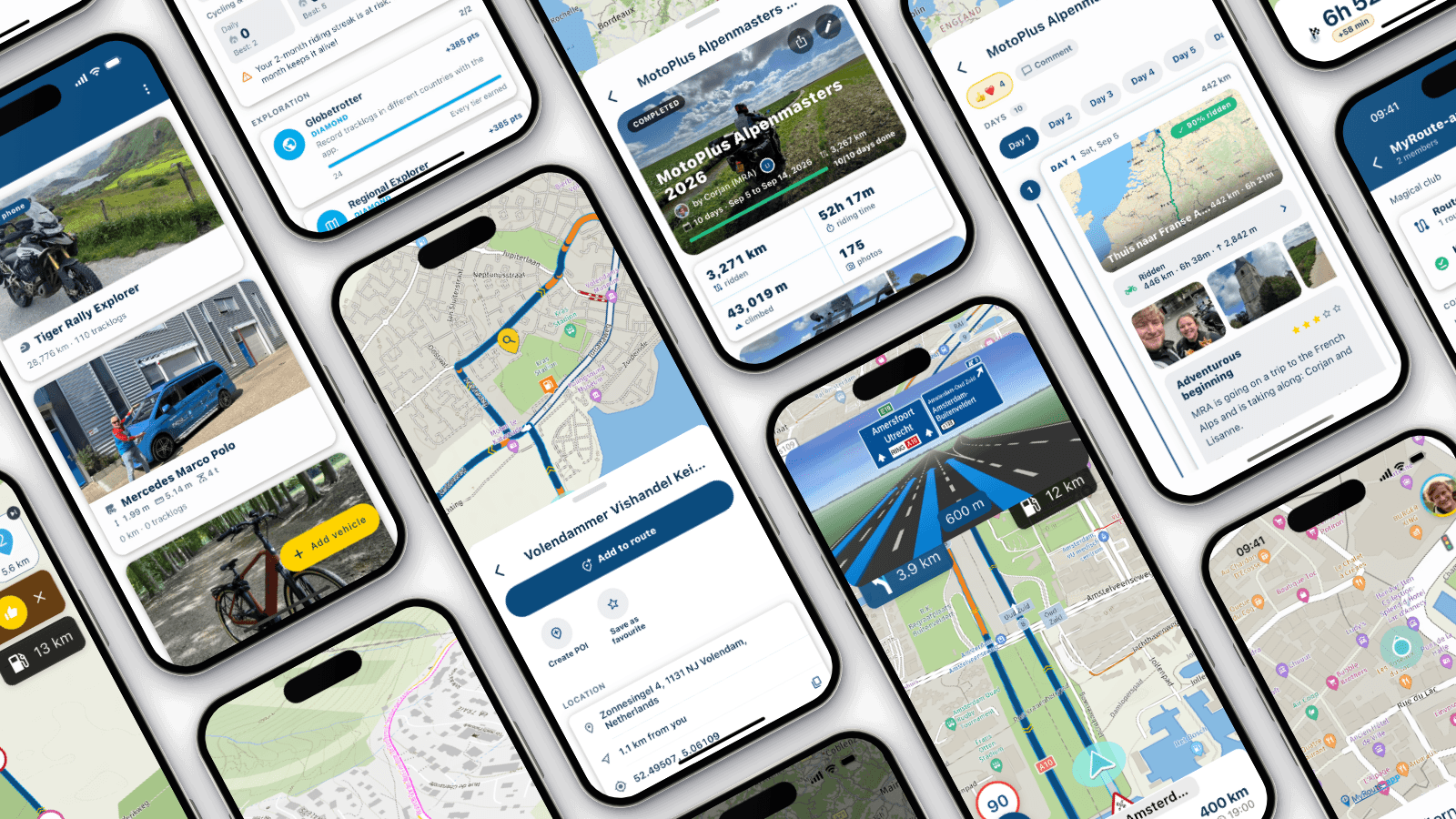
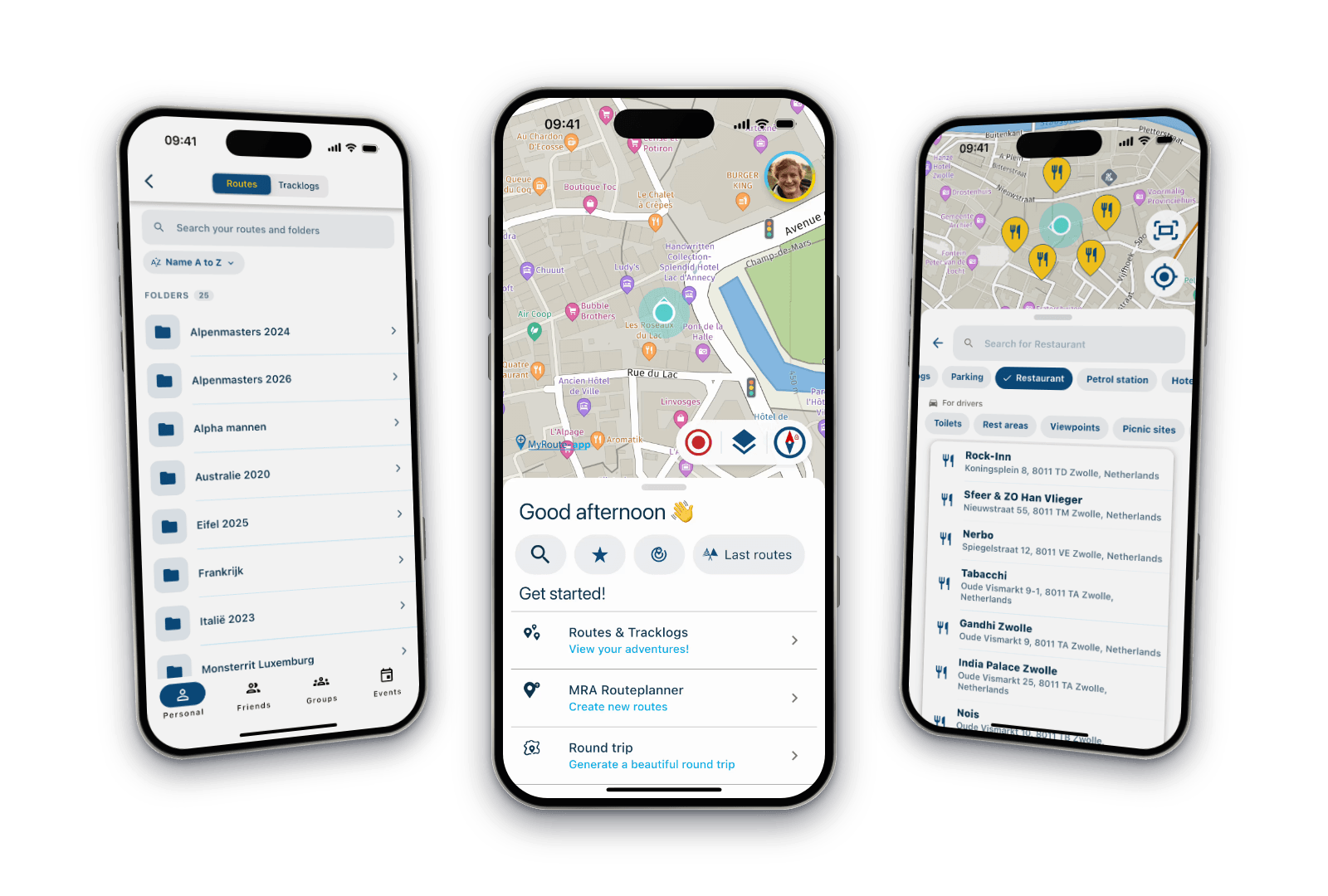
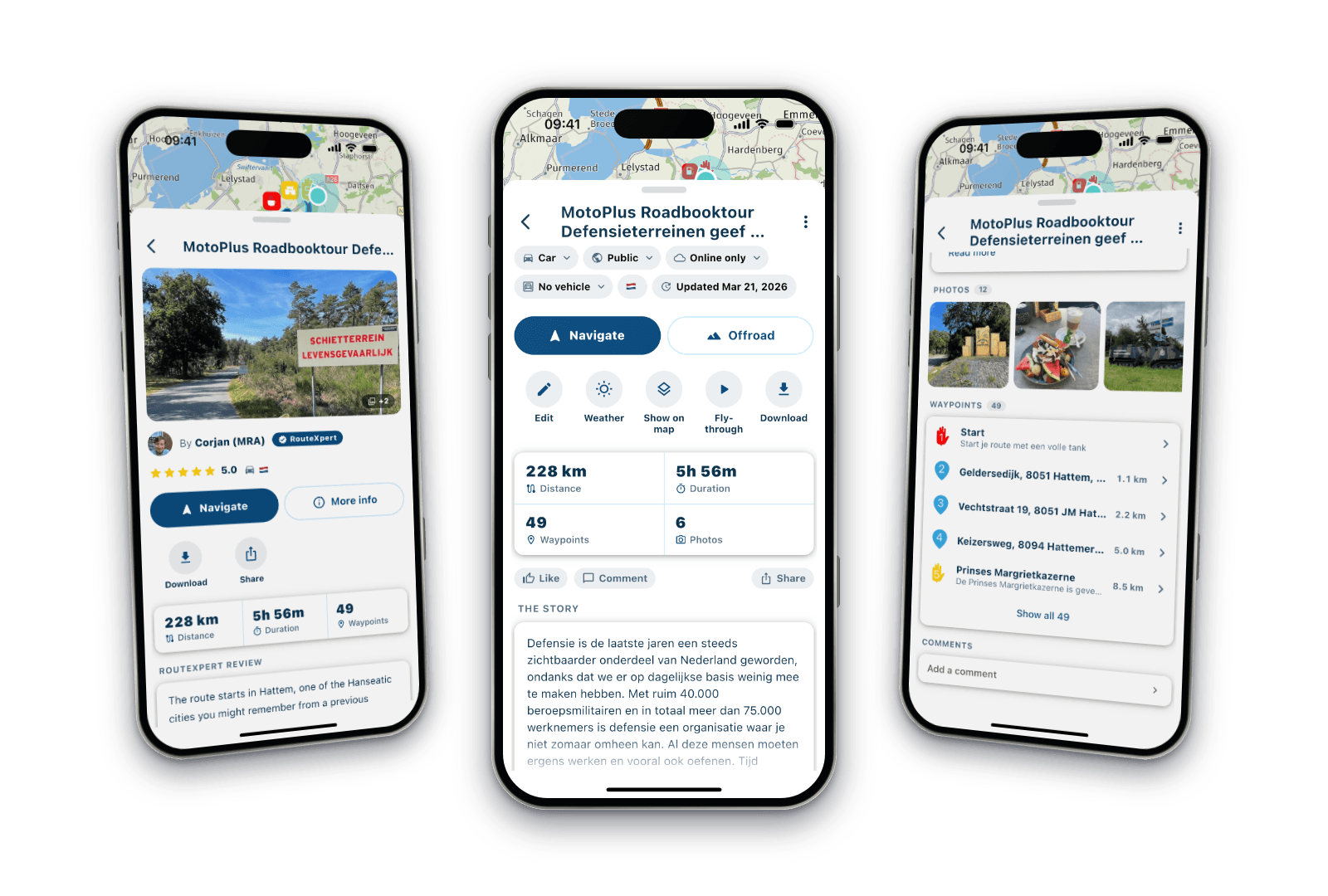
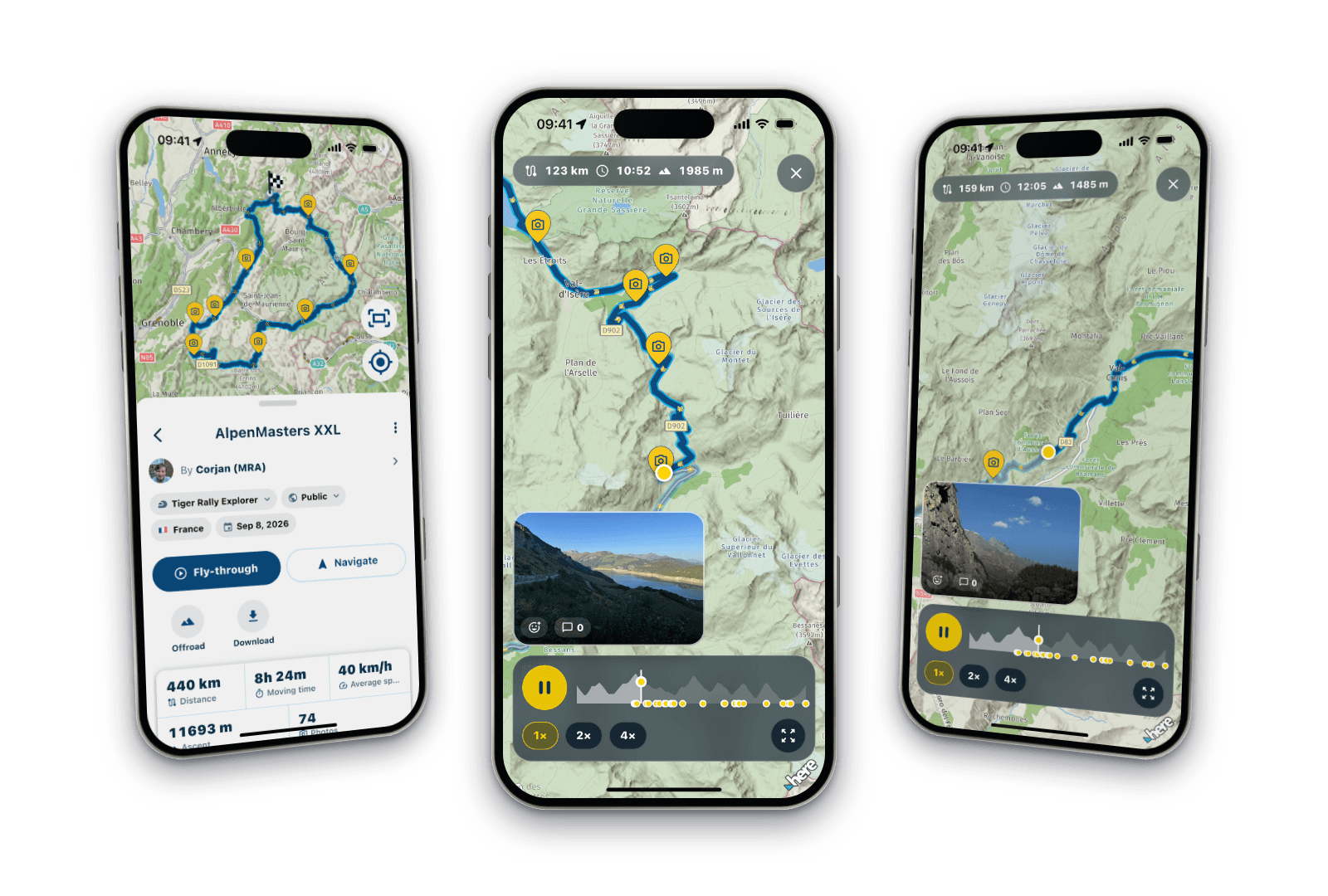
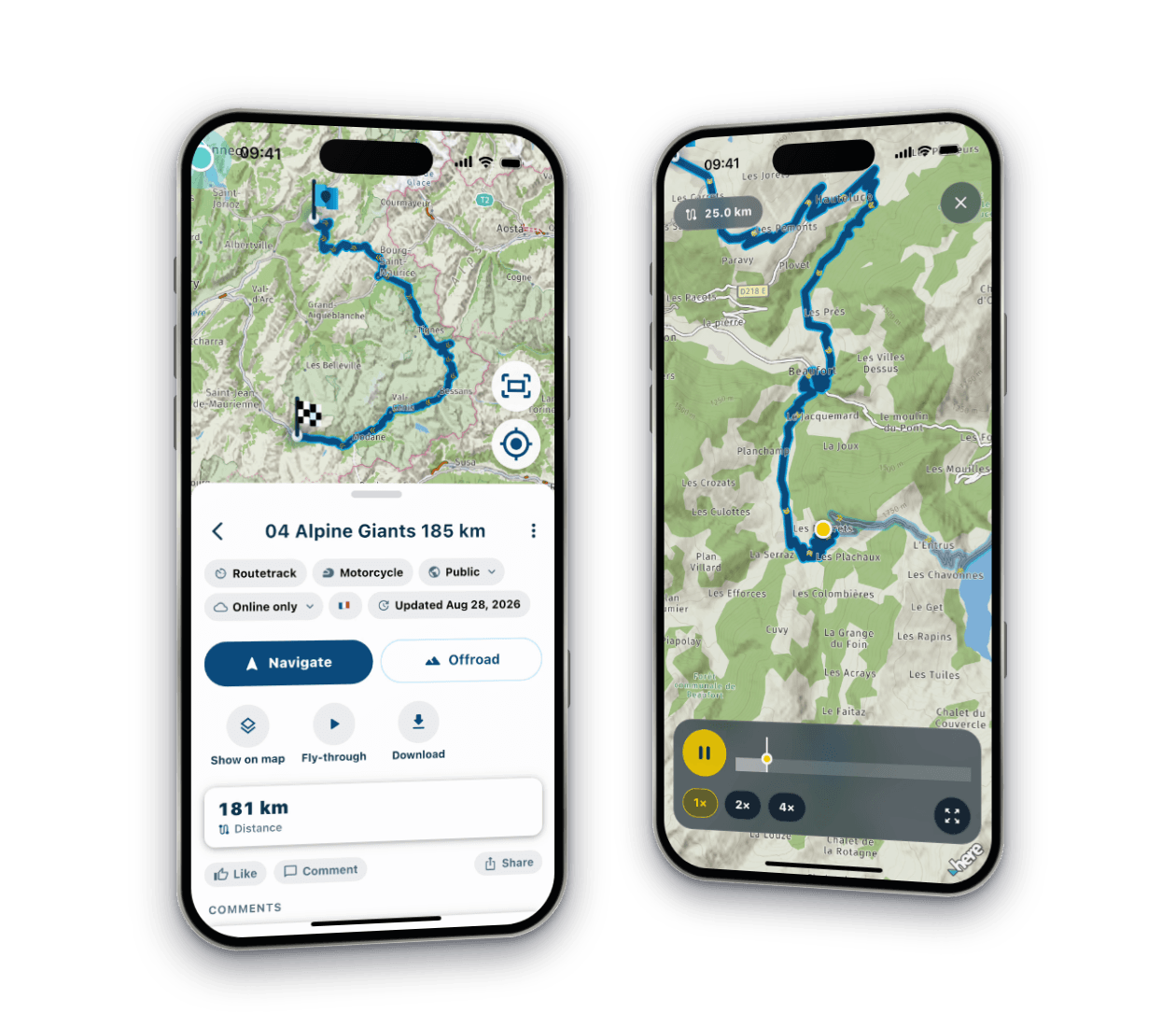
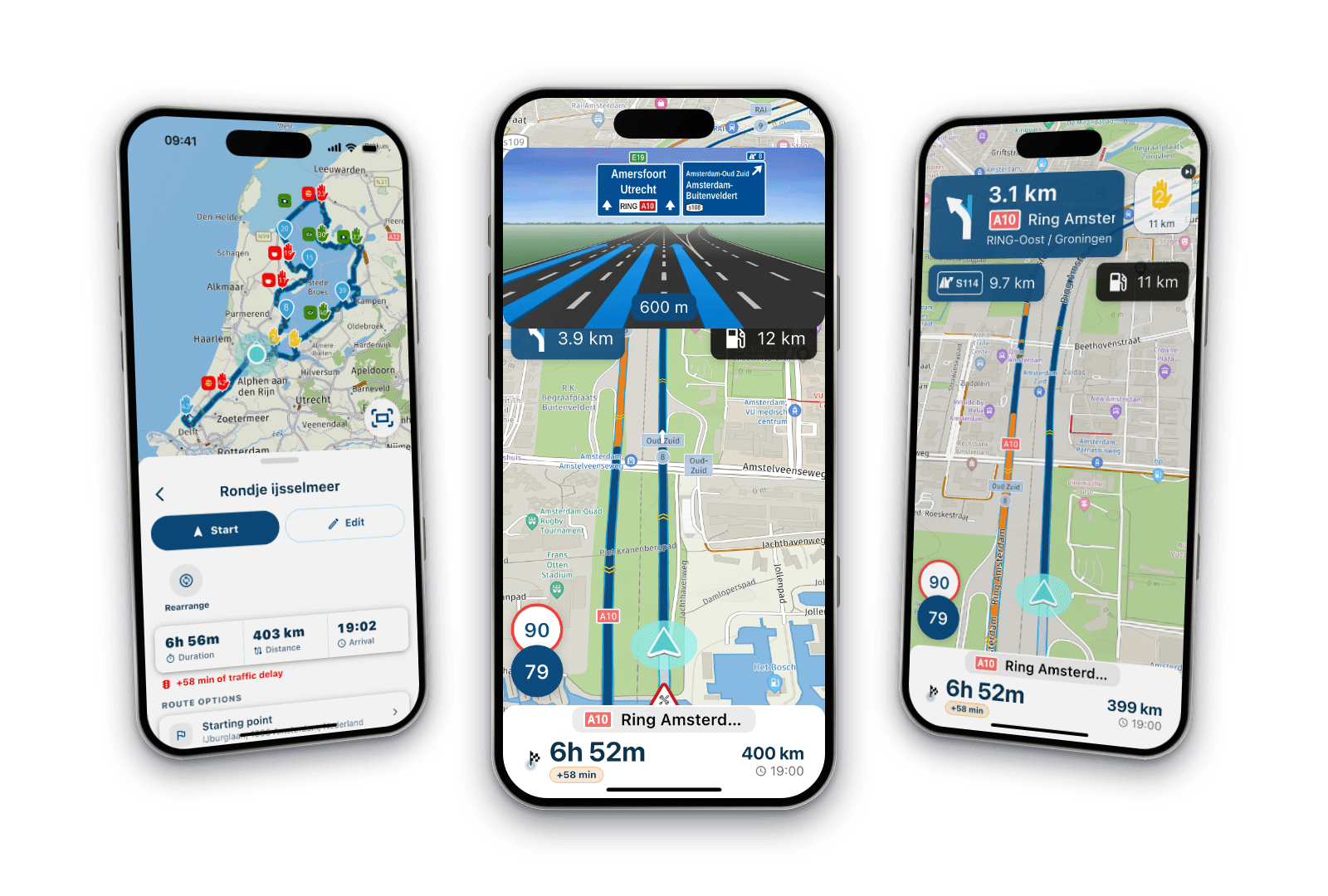
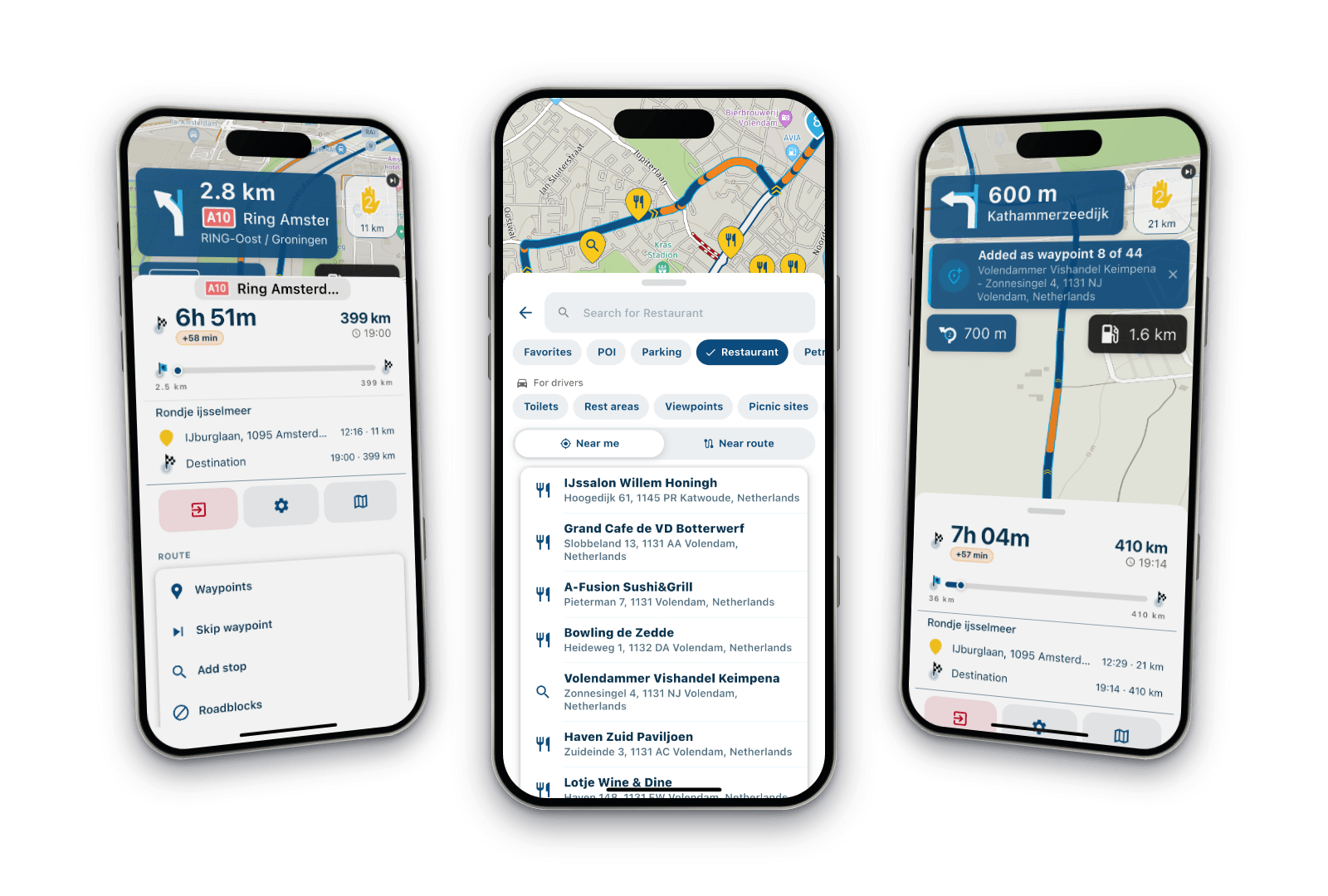
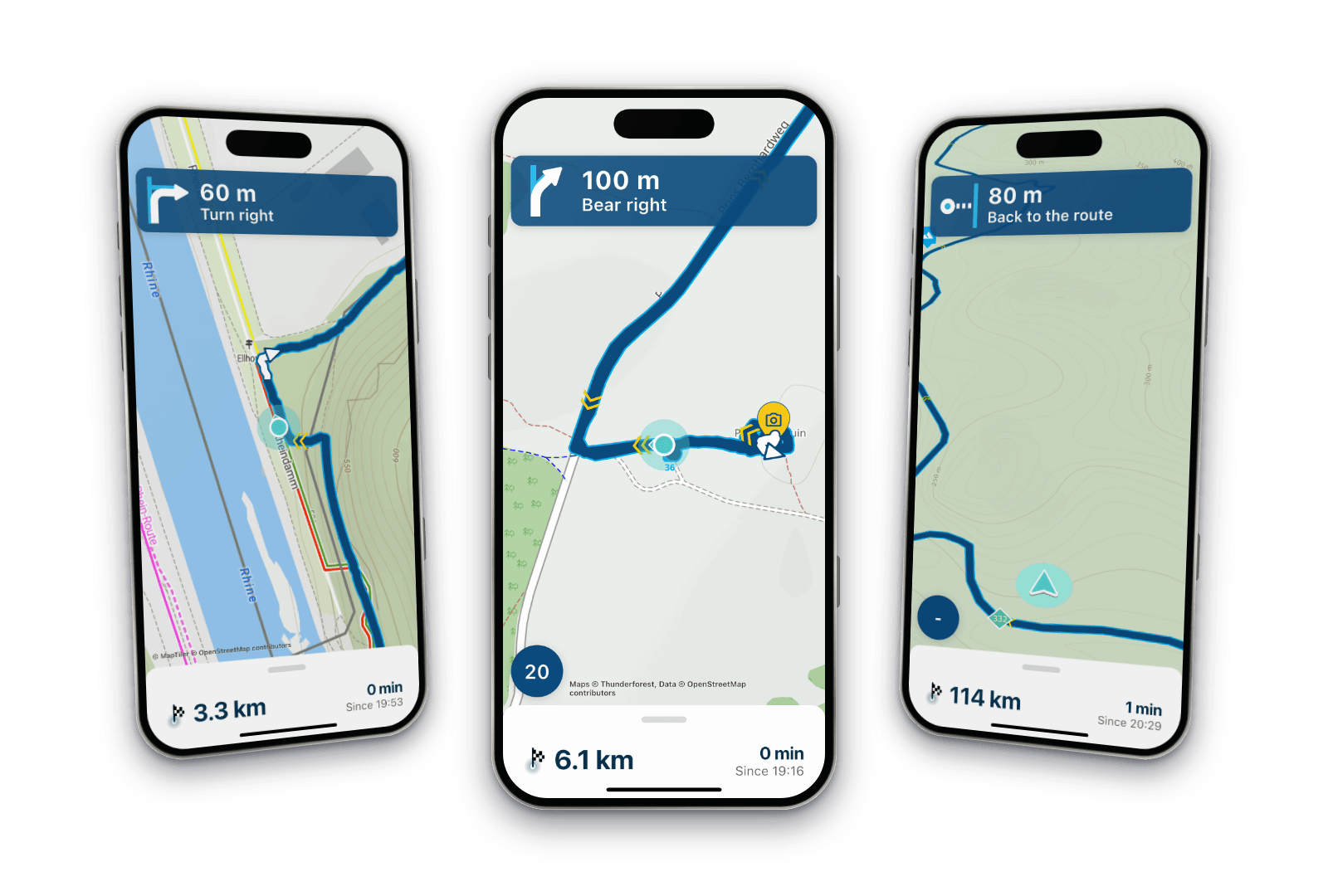
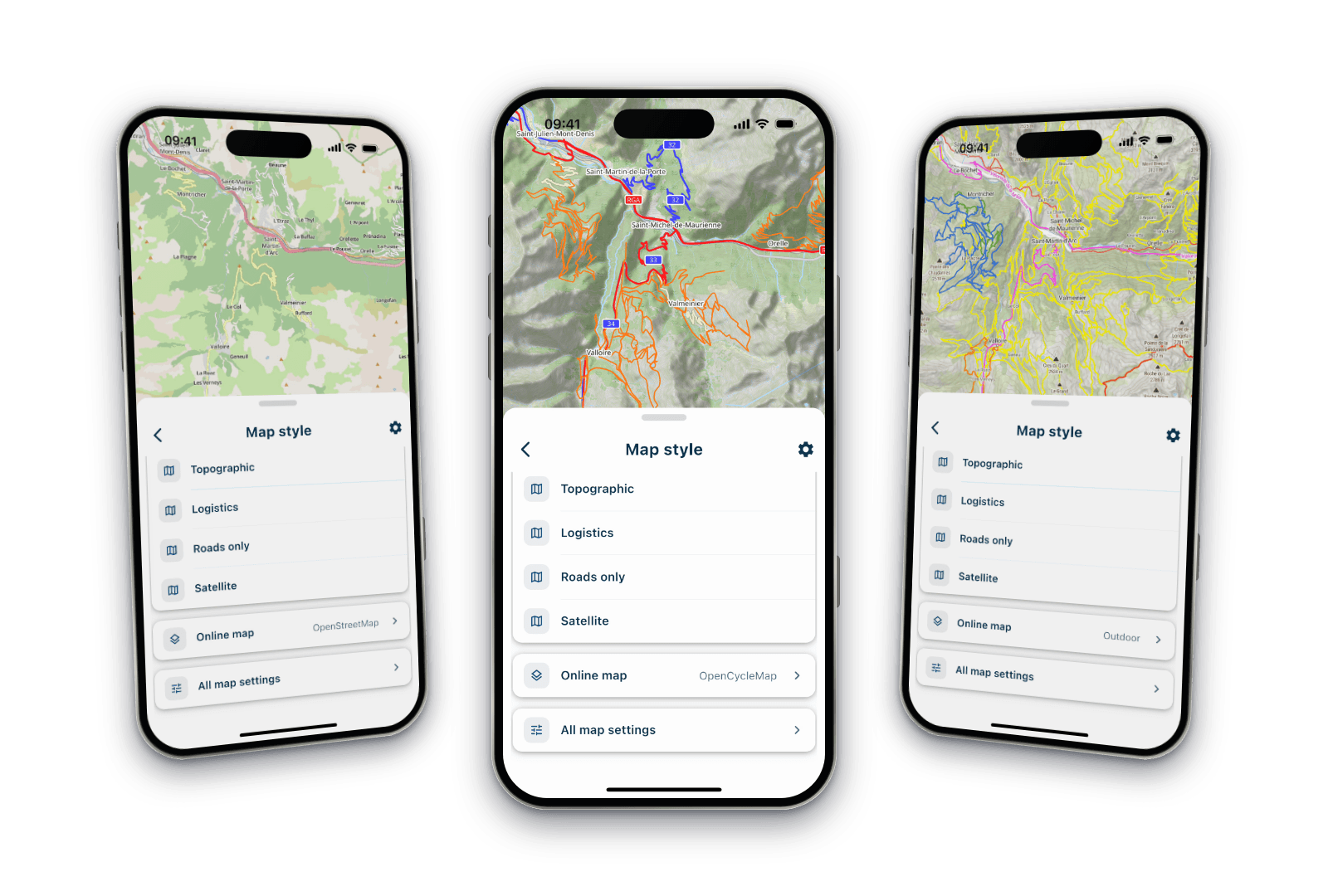
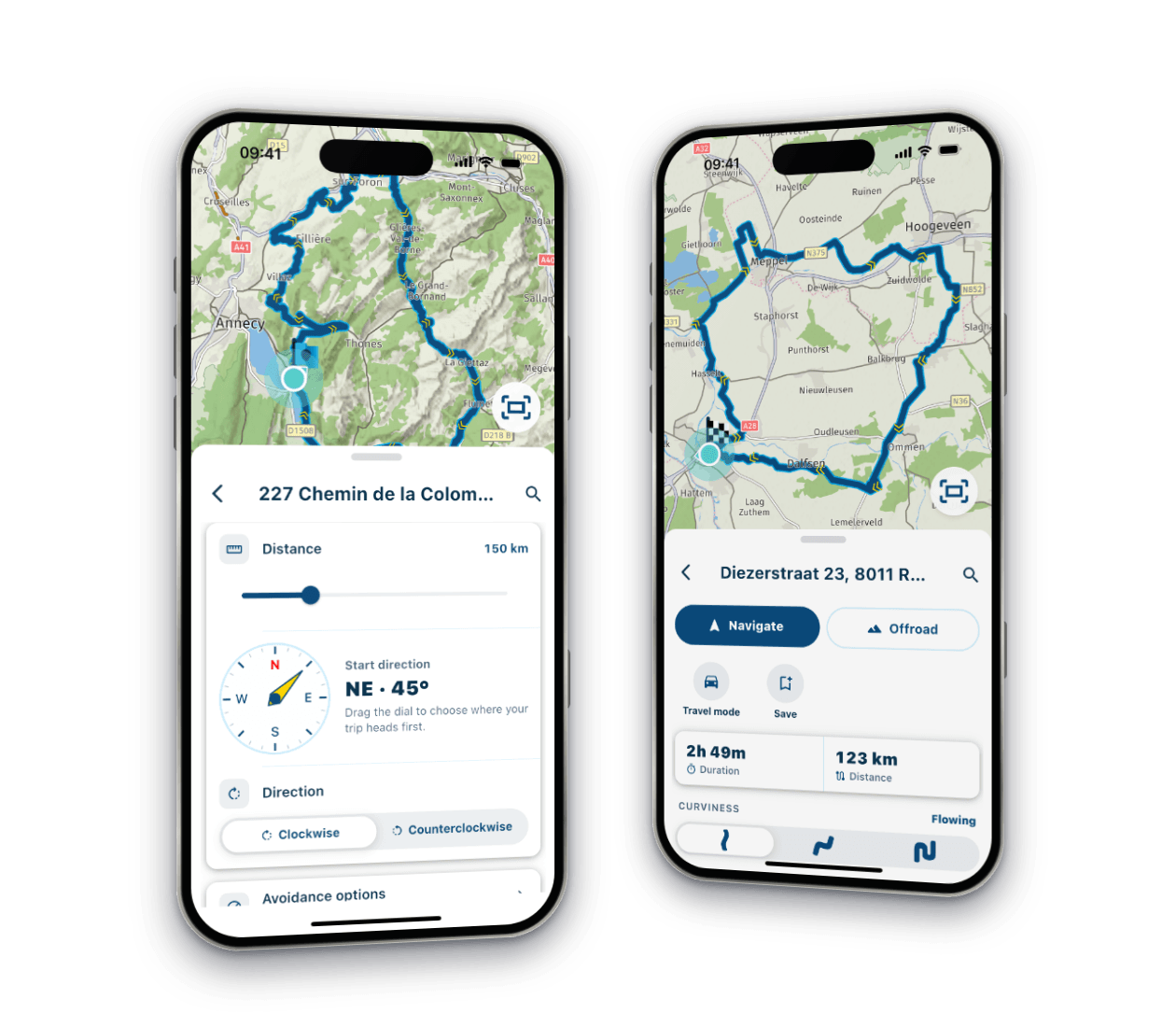
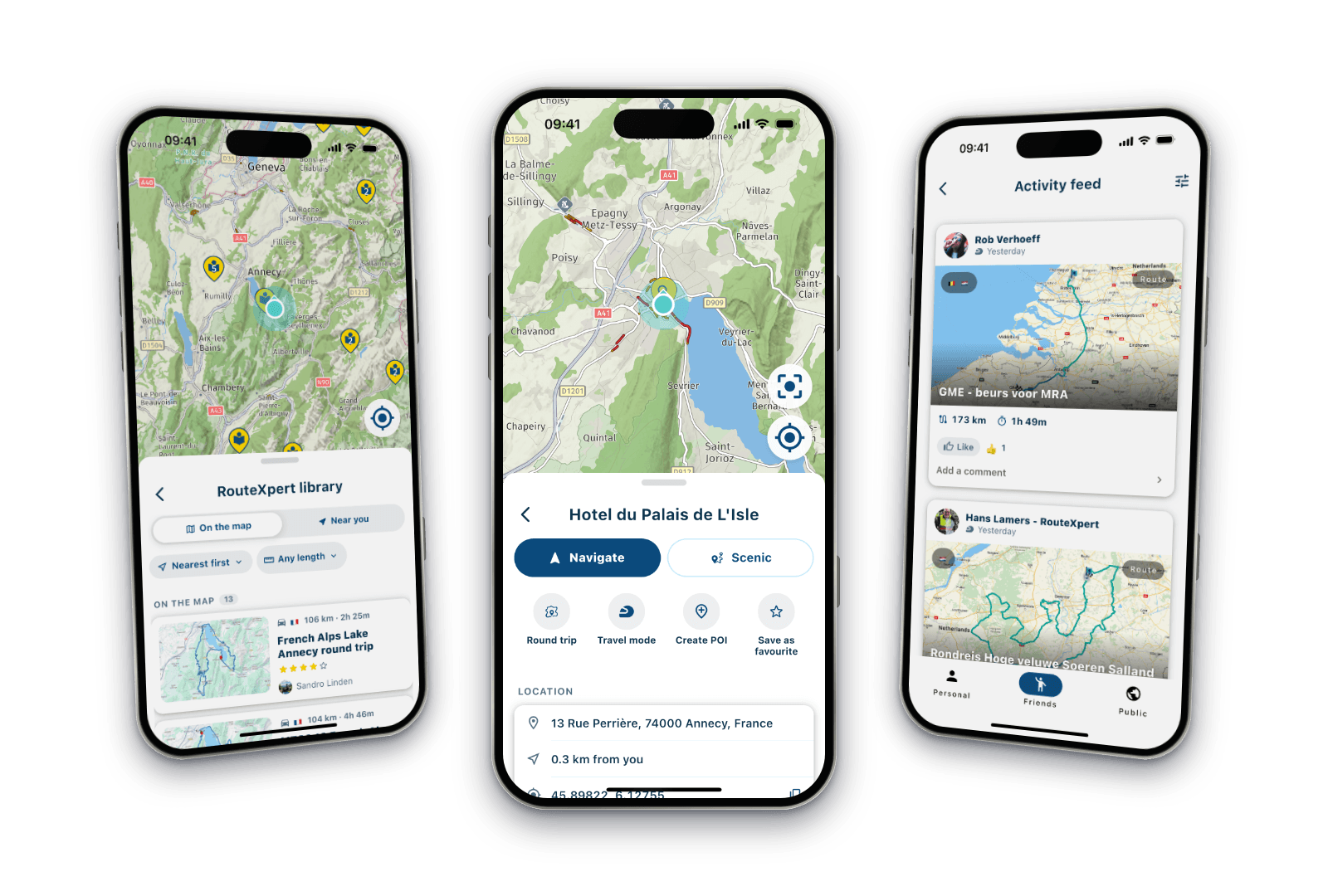
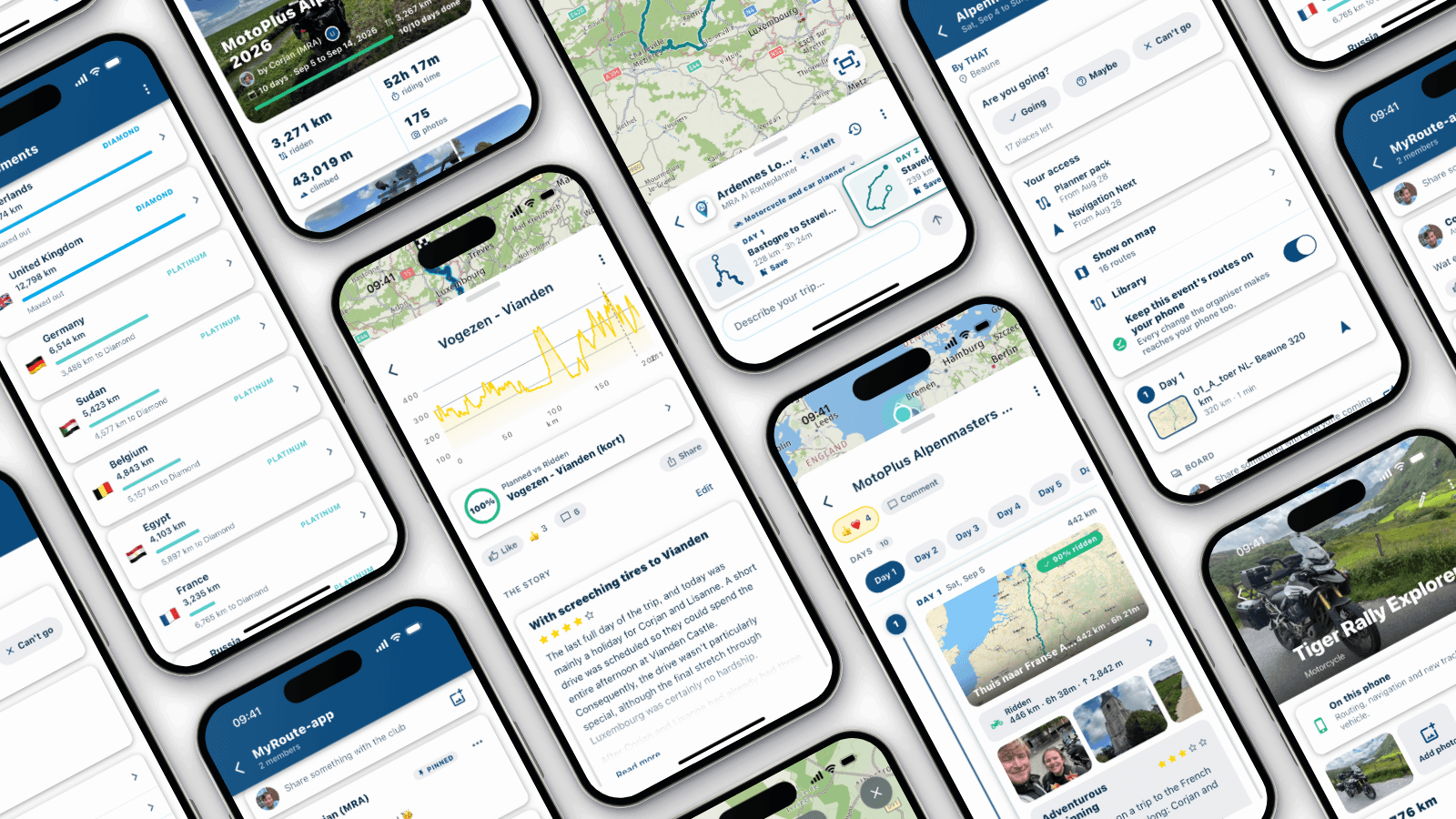
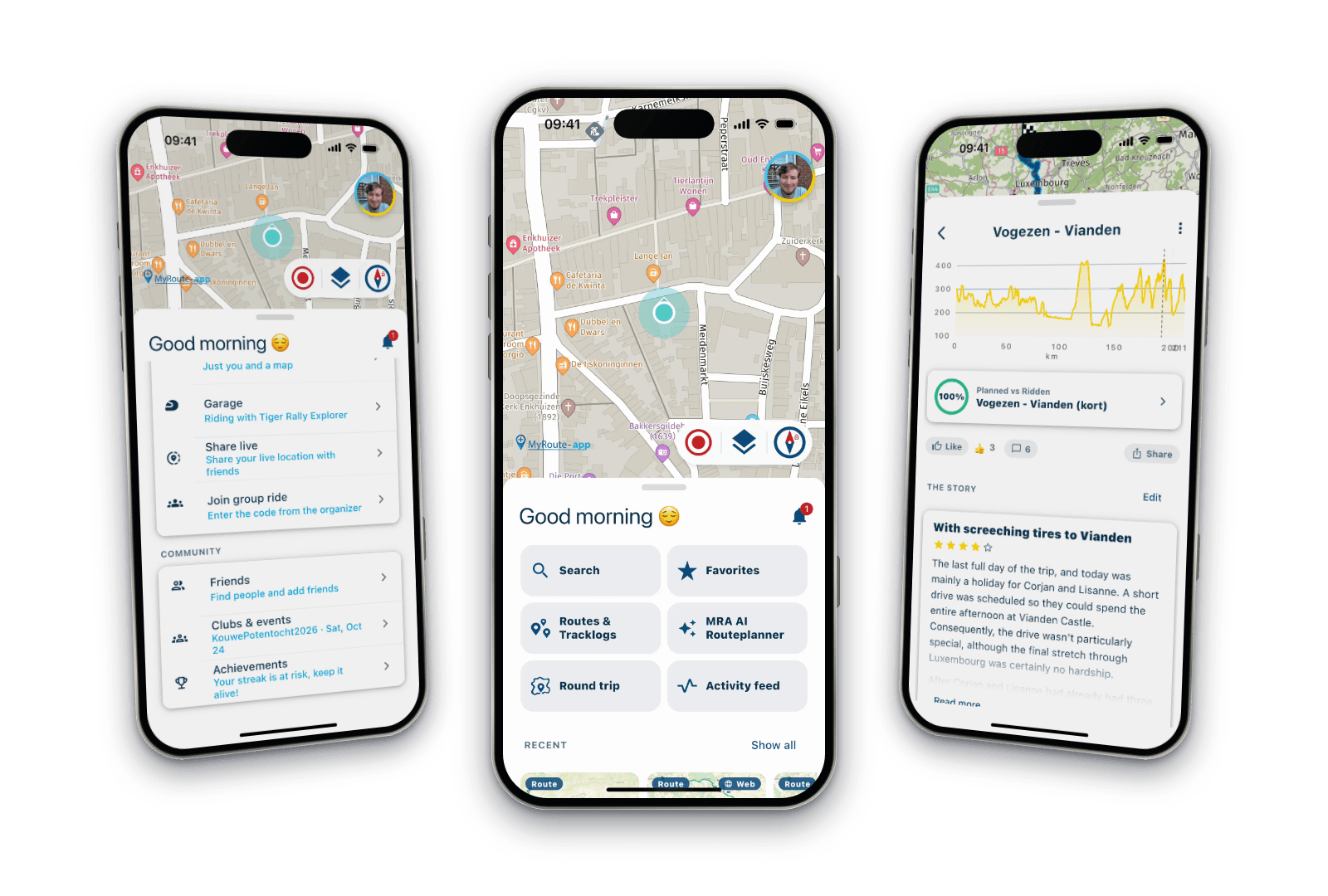
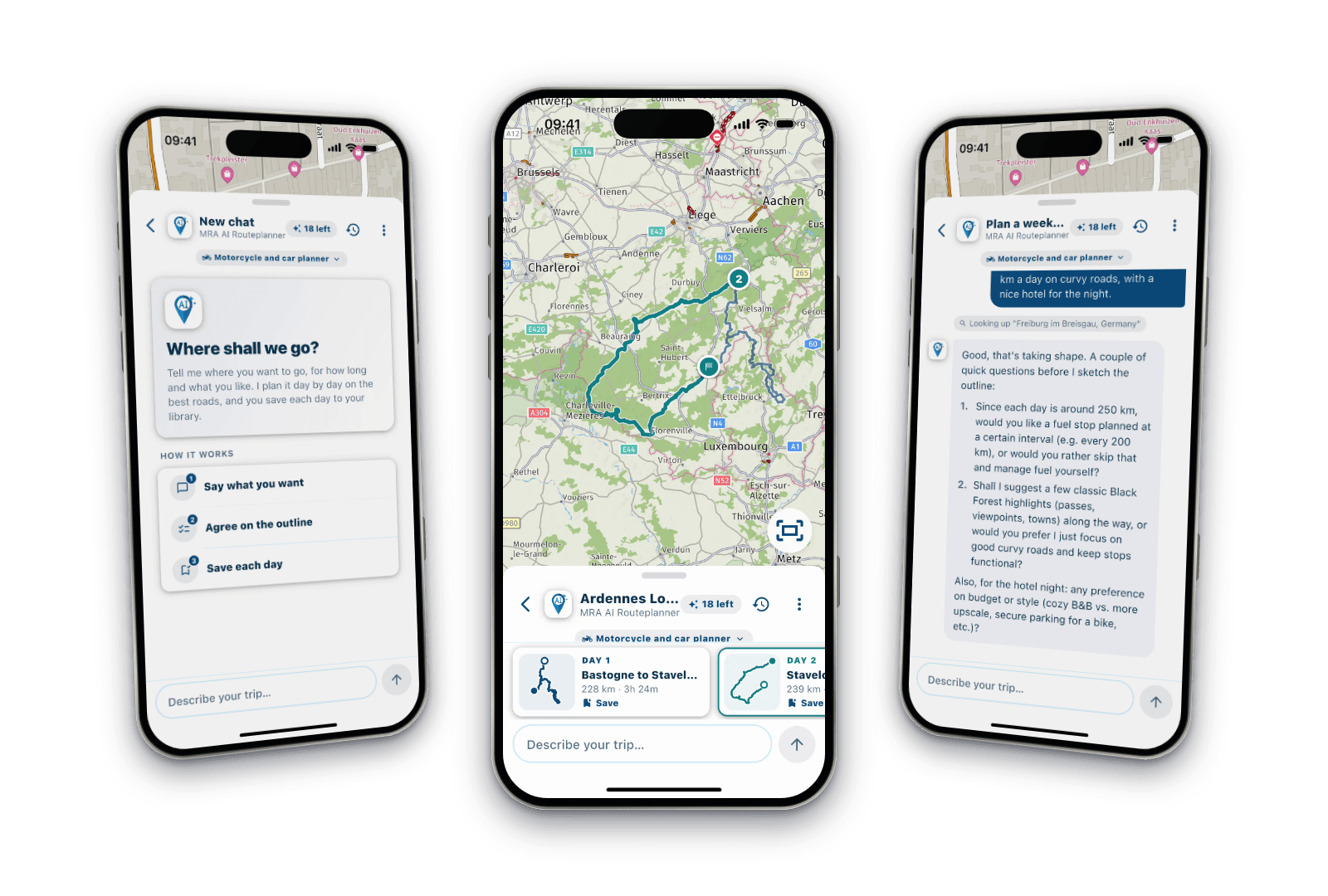
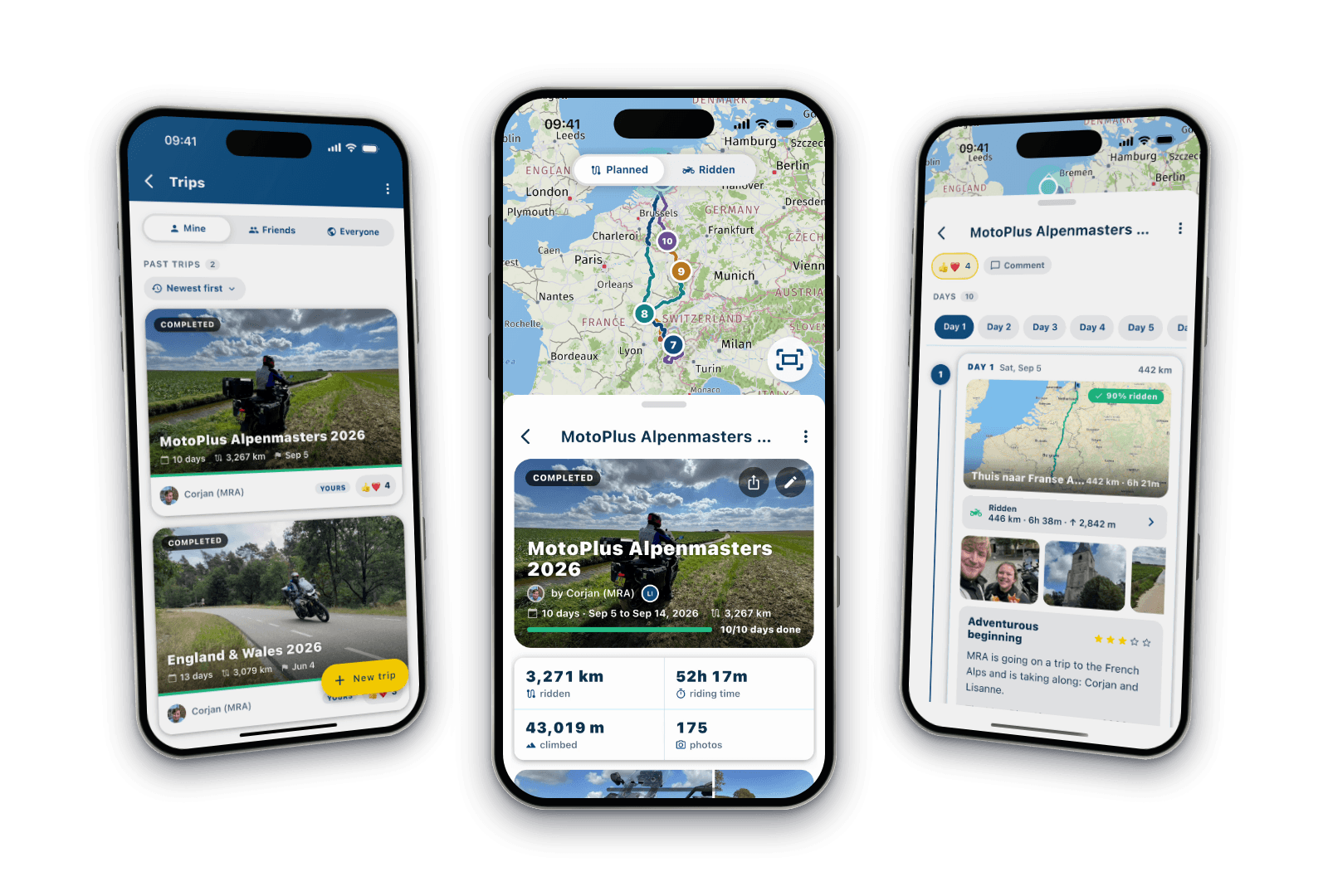
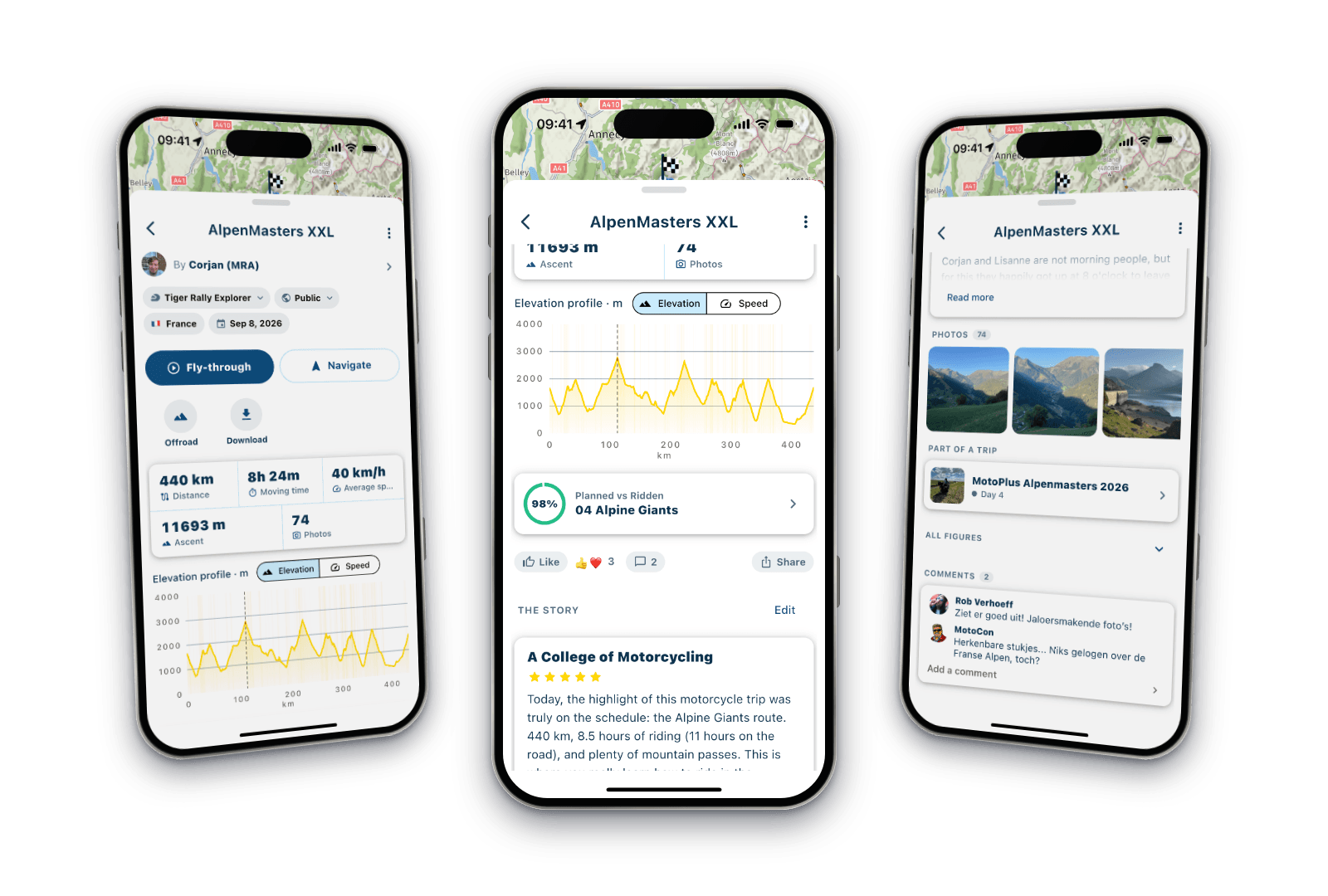
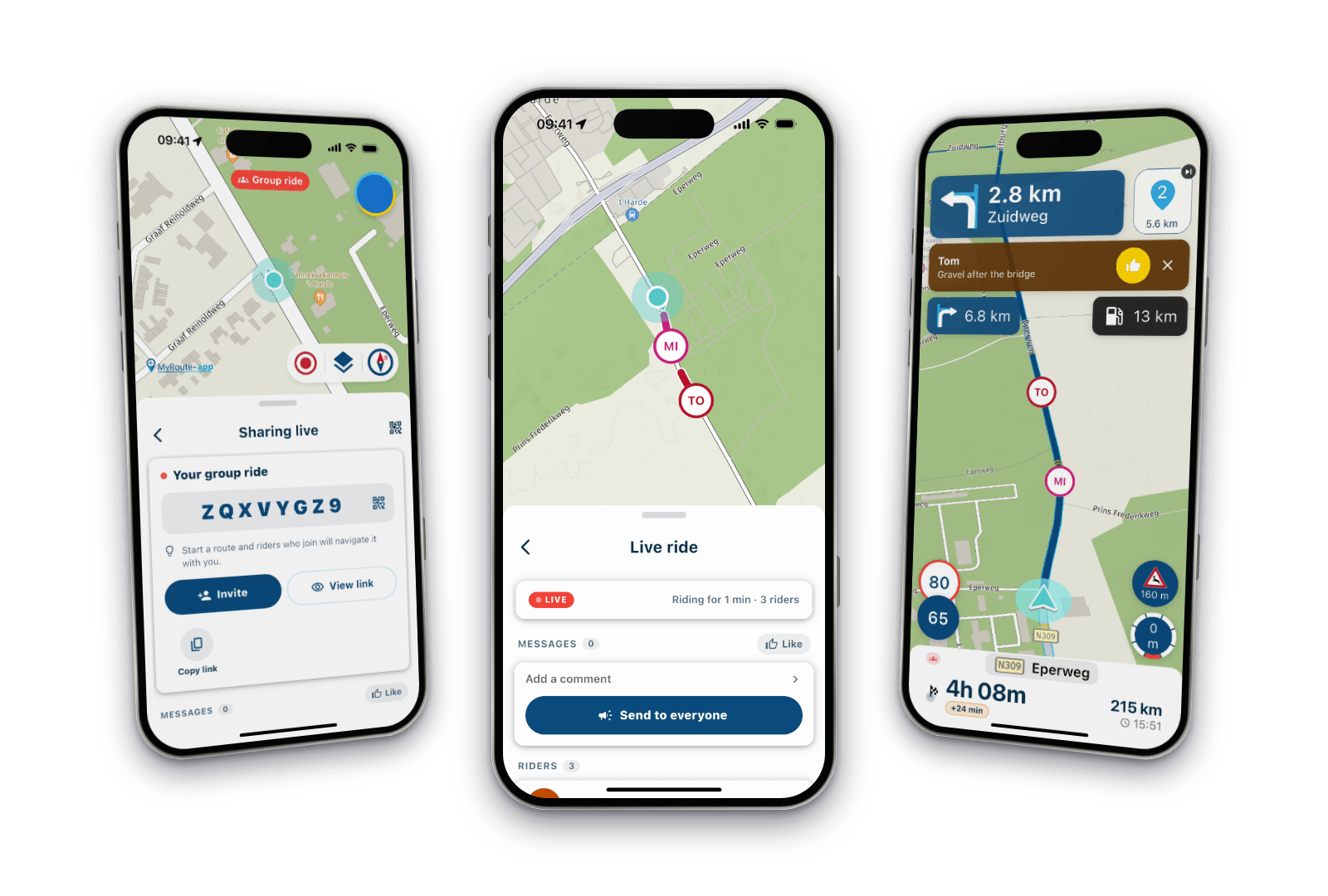
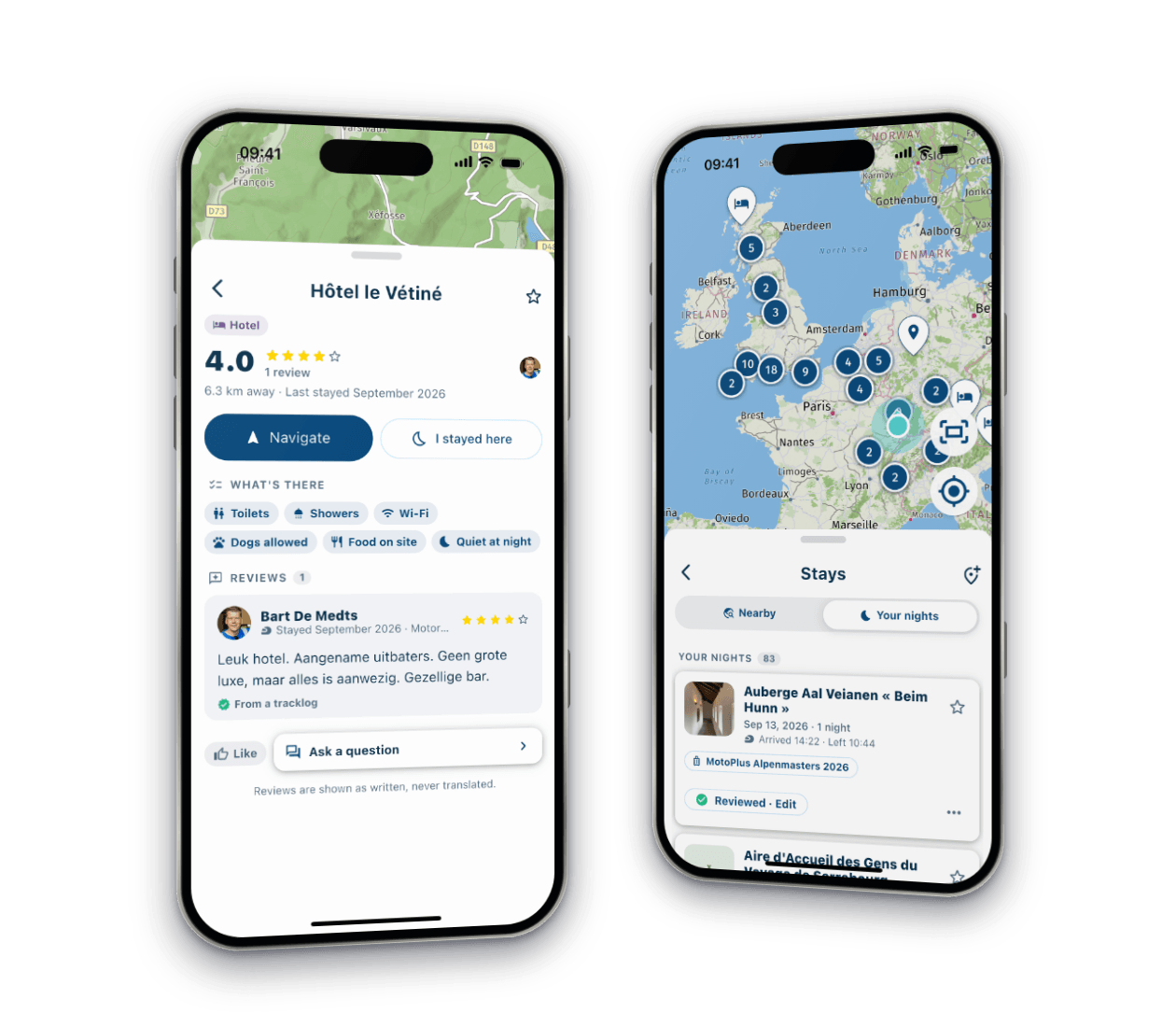
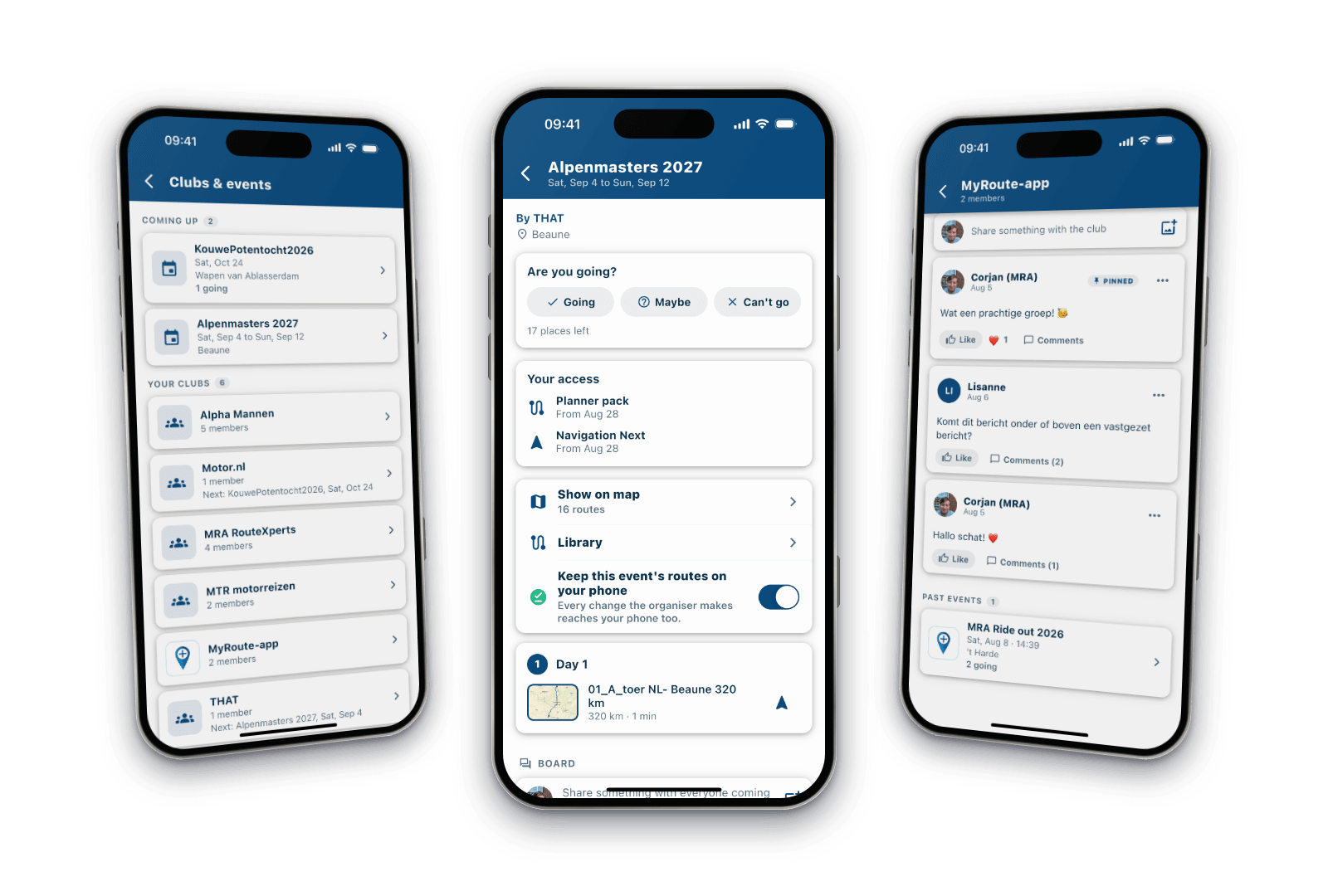
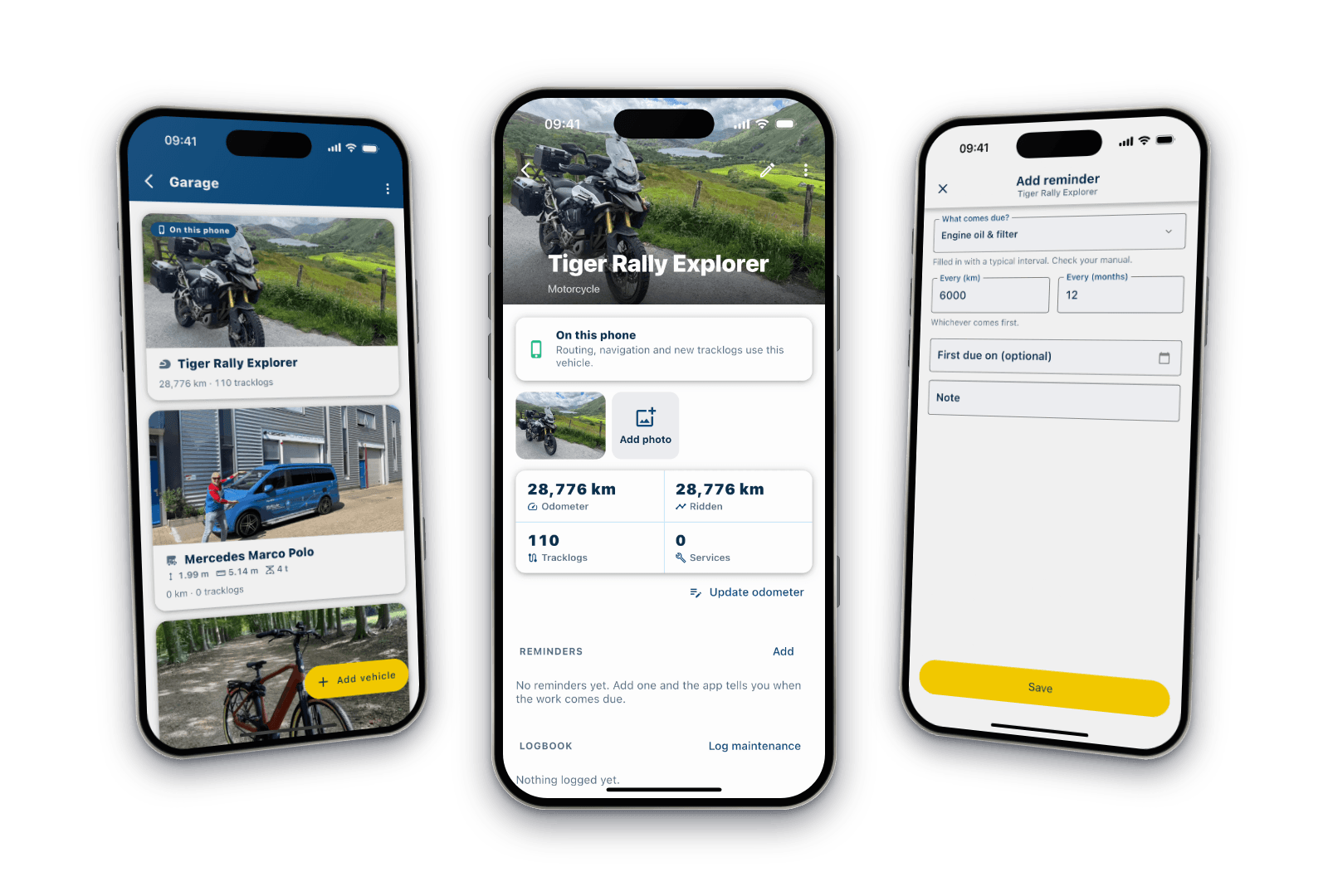
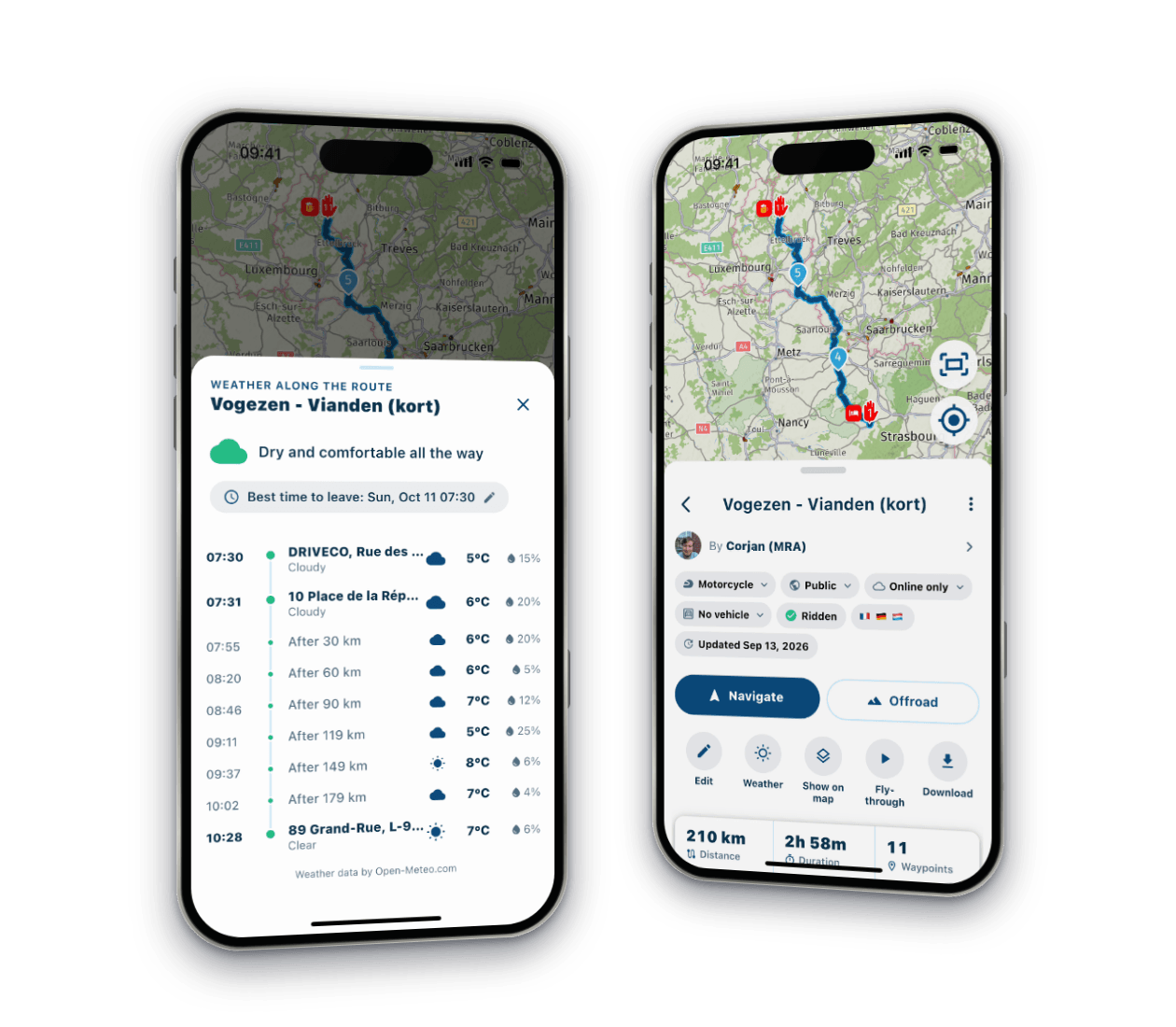
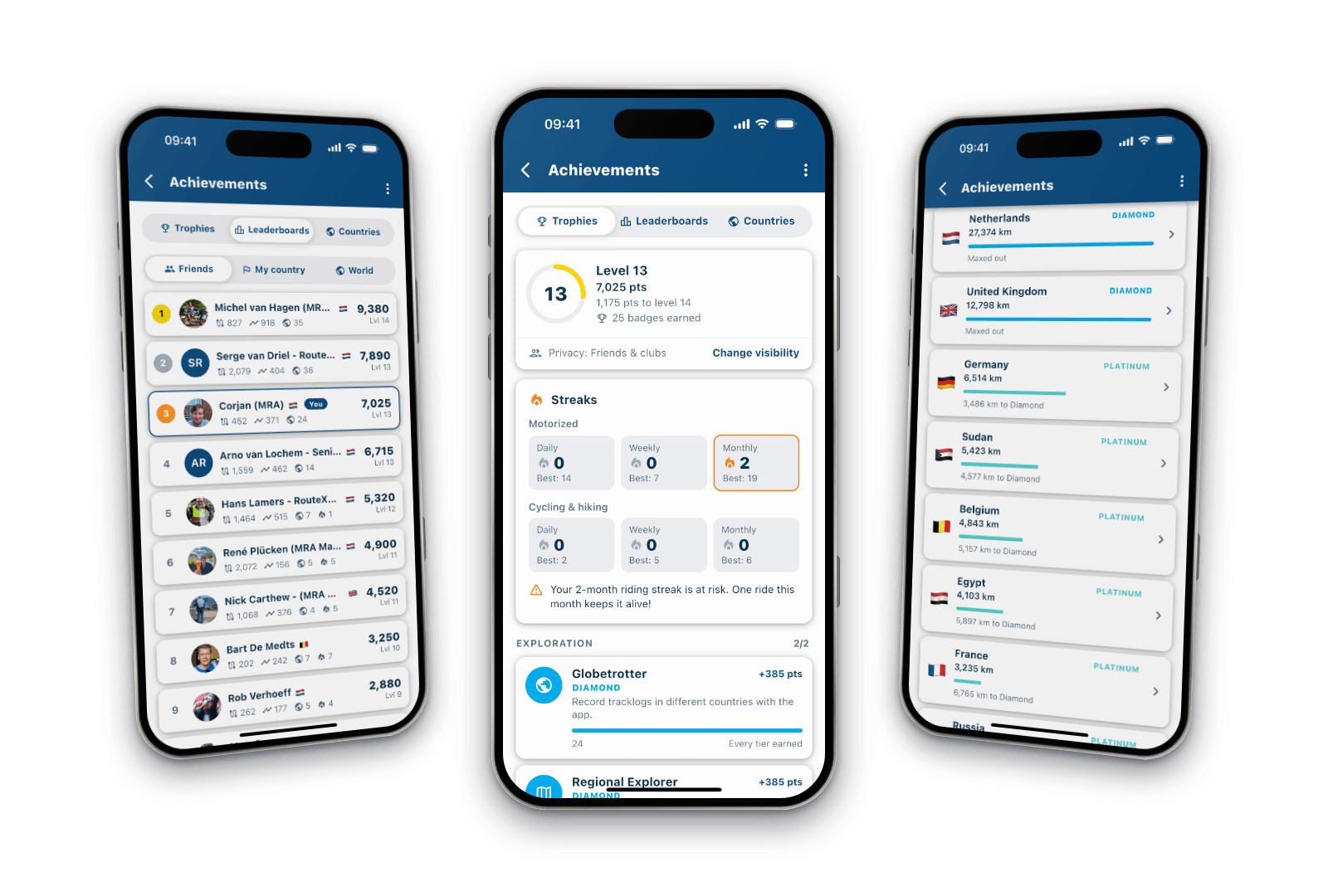
New update 6.0.0 - An absolute masterpiece, ready for Routeplanner Next
-
Fantastic!!!!!!!! Such an improvement.
One thing I noticed right away is the terrible voice (Xander, Dutch).
It is really a computer voice. Can this be altered somewhere?
@Arjan-de-Vries That's in your own iPhone.
Go to the iOS accessibility voiced, download an enhanced voice and select that one
-
-
 This post is deleted!
-
Please attach an image
Please attach an image
I will do this as soon as possible, it will be a picture
-
Please try another app because I am quite sure those CarPlay related fields will be just as large there
-
@Arjan-de-Vries That's in your own iPhone.
Go to the iOS accessibility voiced, download an enhanced voice and select that one
@Corjan-Meijerink found it! Great! Thx.
-
A premium brand car without premium carplay
A premium brand car without premium carplay
@corjan-meijerink is right. Those dimensions are kind of fixed size for every app.
On a small screen you loose much screen to those boxes. On big screens you cannot find those infoboxes. Because they are pretty small.7" screen with a ratio of 16:10 to 4:3 is a good formfactor for Android Auto and Apple Carplay. Everything larger is nice. Everything smaller is making compromises.
At least that is what i have noticed.
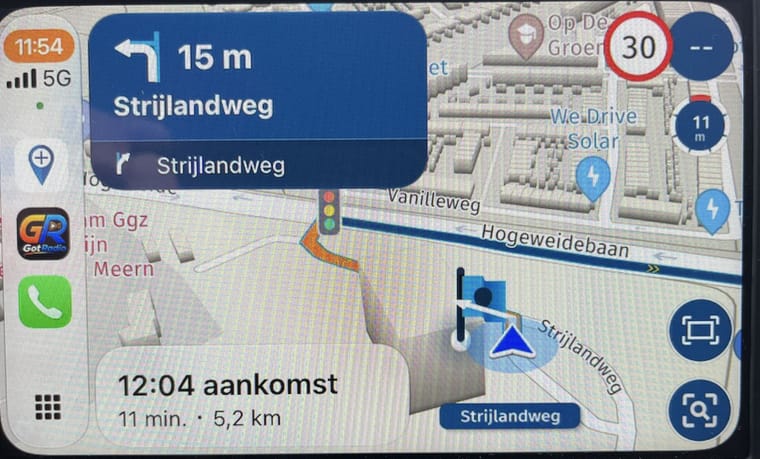 My personal preference on this smaal screen is that left blue en white banners use less real estate so i have mor map to view. It can be a carplay thing of this brand car
Hello! It looks like you're interested in this conversation, but you don't have an account yet.
Getting fed up of having to scroll through the same posts each visit? When you register for an account, you'll always come back to exactly where you were before, and choose to be notified of new replies (either via email, or push notification). You'll also be able to save bookmarks and upvote posts to show your appreciation to other community members.
With your input, this post could be even better 💗
Register Login





-
033239
-
 112173
-
14291.6k
-
012100
-
 01080
-
412142
-
0976
-
0748