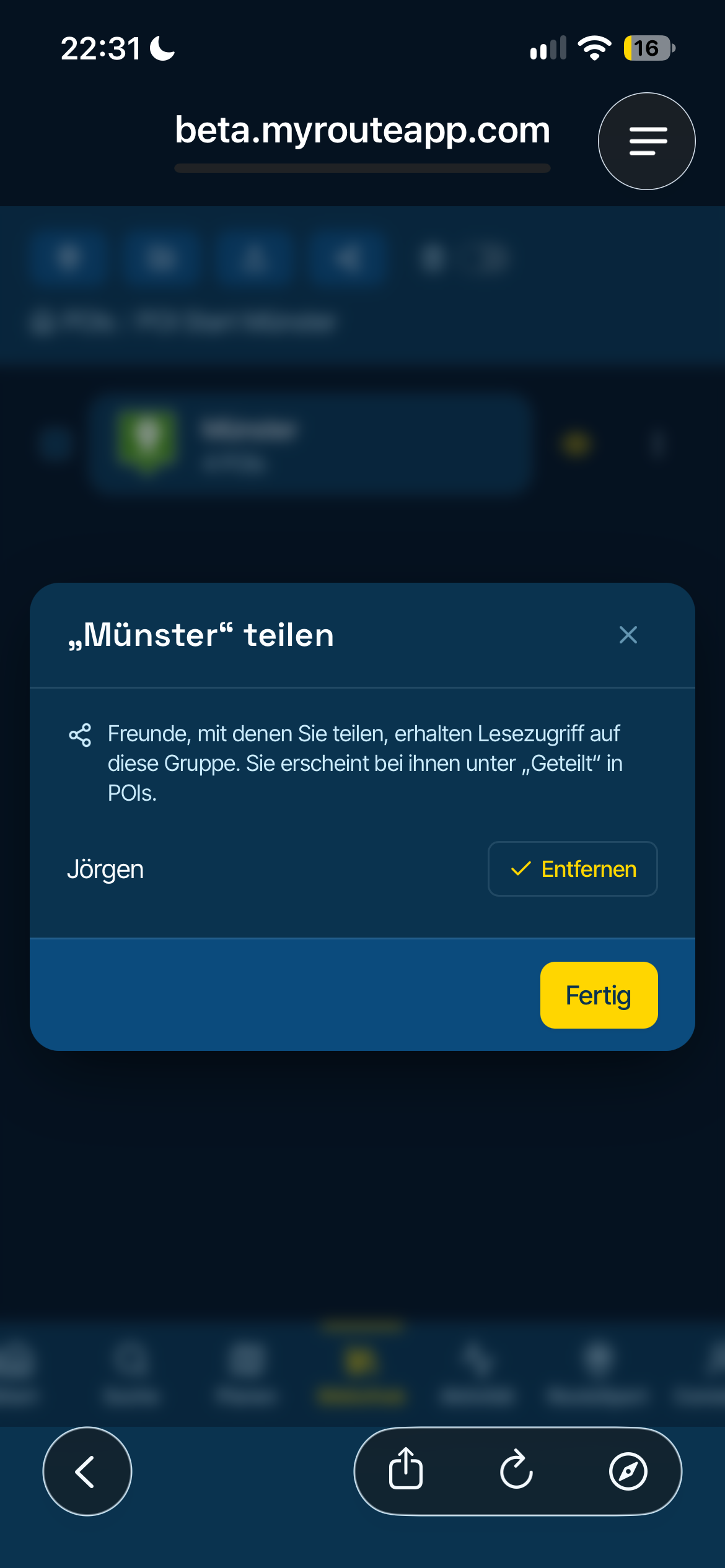
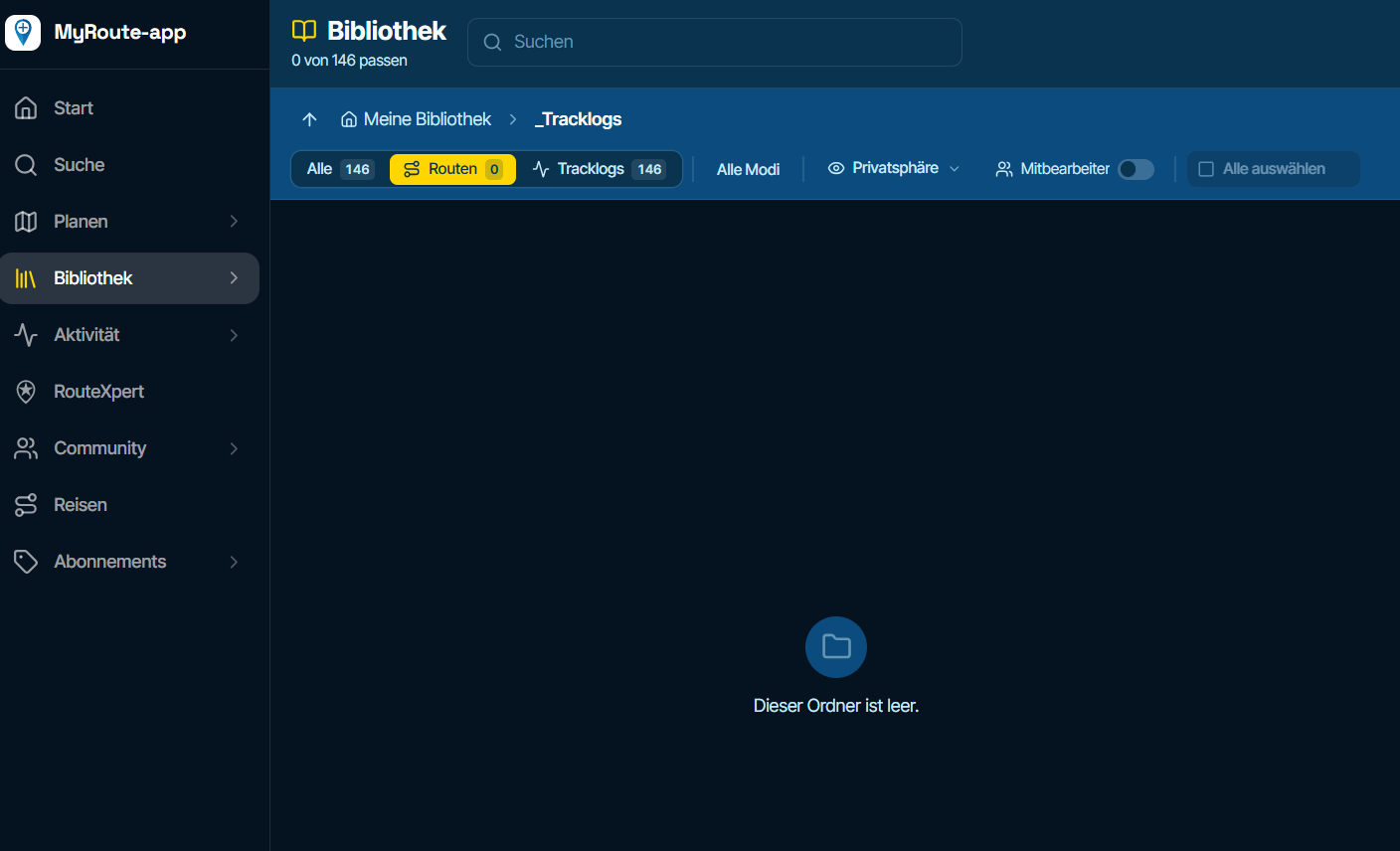
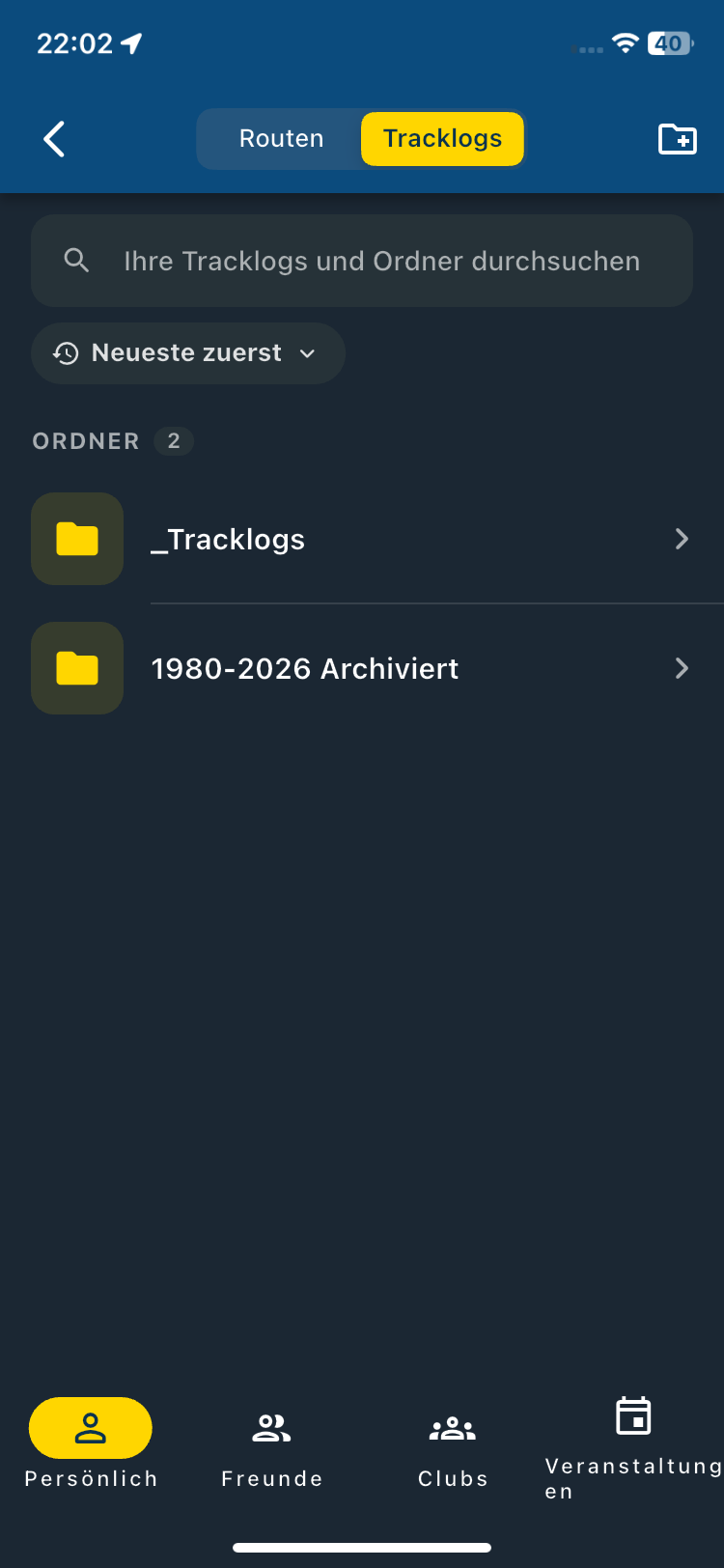
F011 Save Tracklog - Create Text Issue - Save
-

This was now a dry test in the house, which is difficult to document, but it is difficult to simply save after a long day trip 300-400km.
Saving a current tracklog should be simple

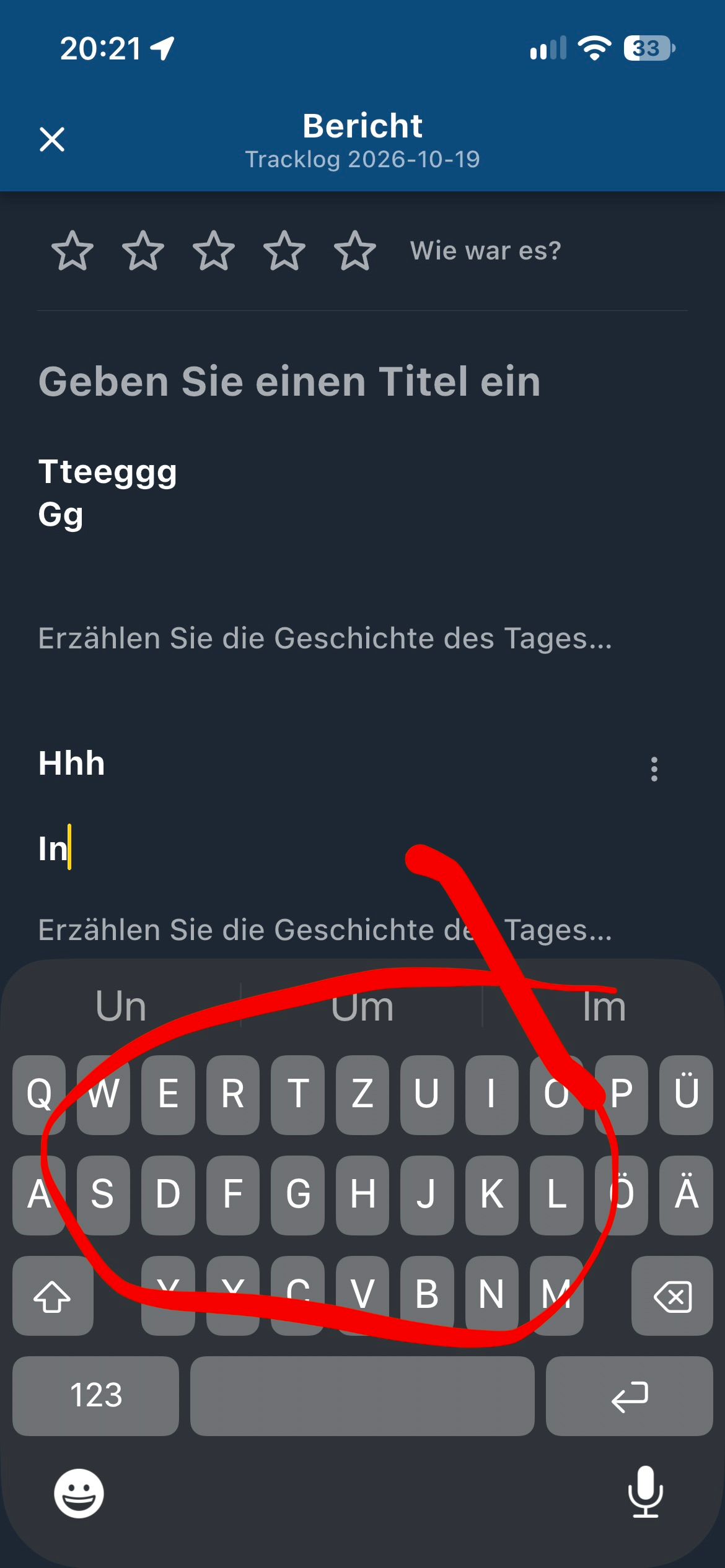
This is not really consistent on the mobile phone, when entering text for a report.
The keyboard gets stuck and you don't really know how to get out of this view again, only later I know that I have to click on "X" at the top left, the whole thing is a bit confusing, somehow confusing on the mobile phone especially when you are indirectly asked to do so at the end of a long day with the field "Report". You think that must be, but also here at the top left the "X".
Can't describe it better, you should rework a bit here...
Note in order:
When I finish a route, the recording of the tracklog is still on pause, you are not informed with a pop-up window.
I see the pause symbol, I press it..
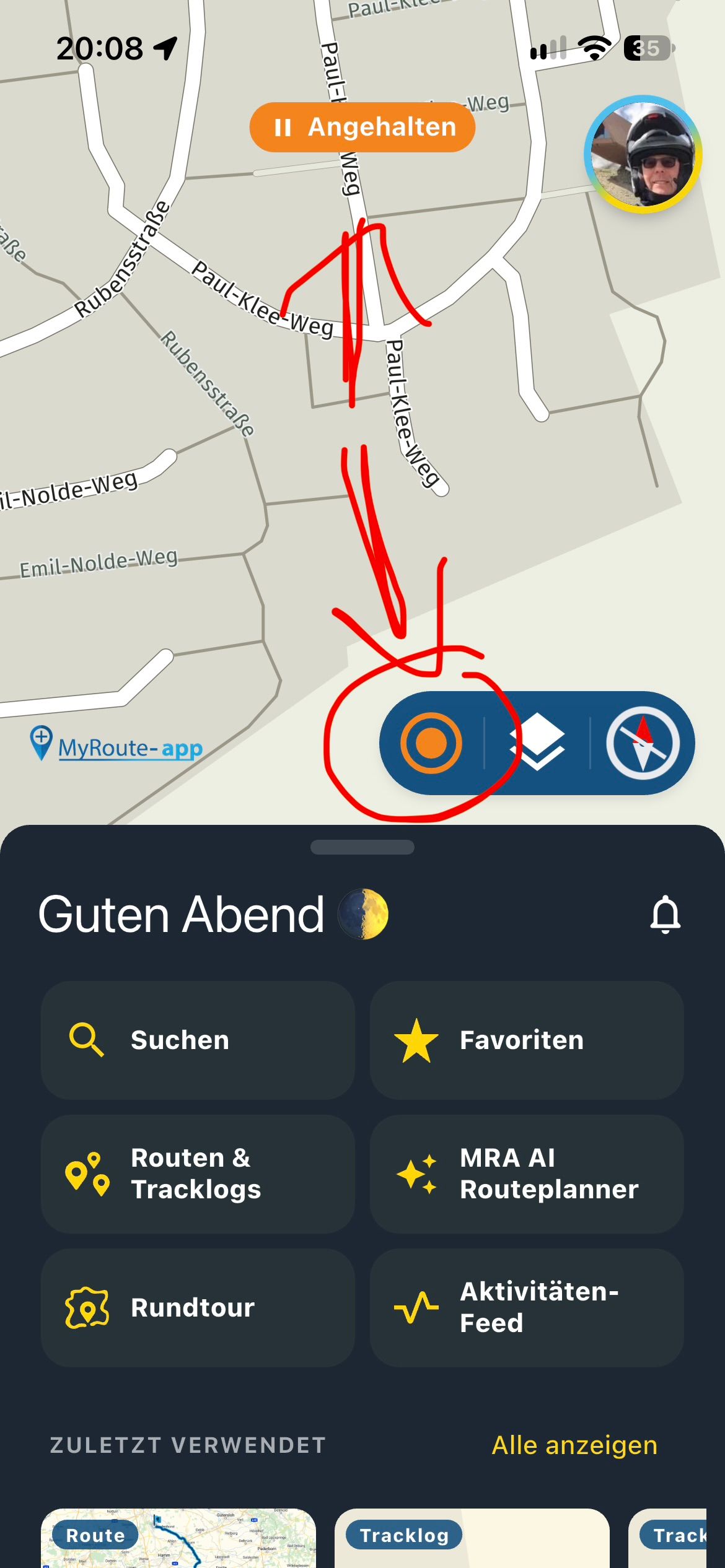
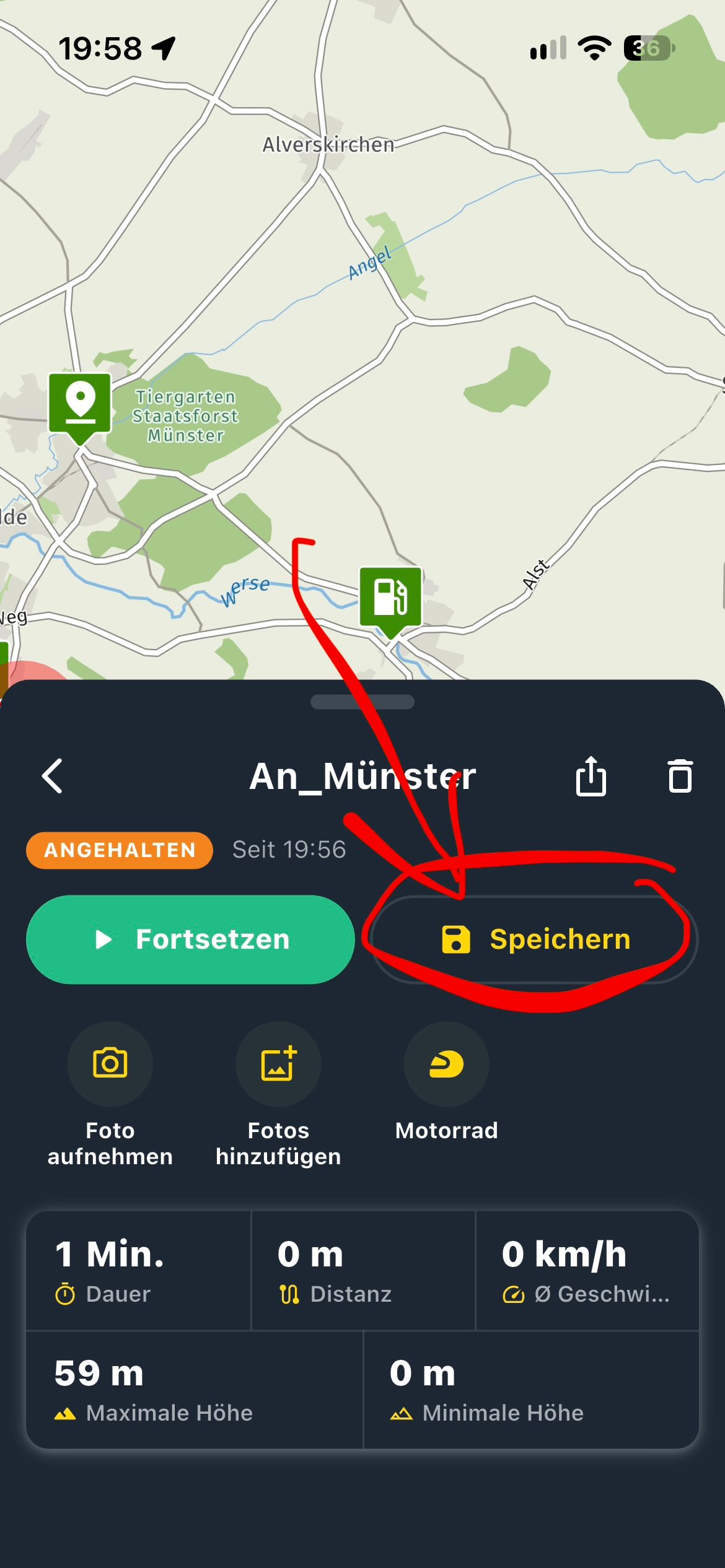
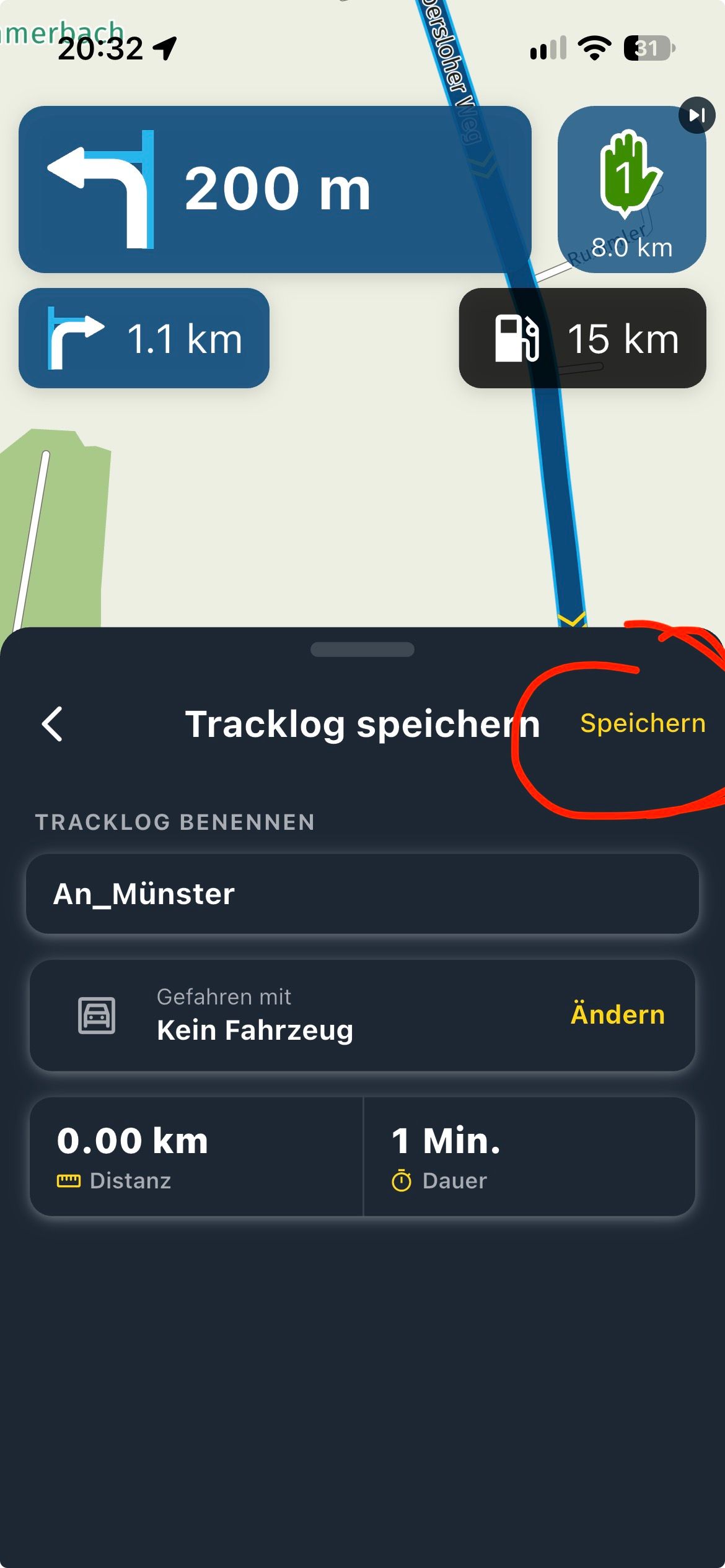
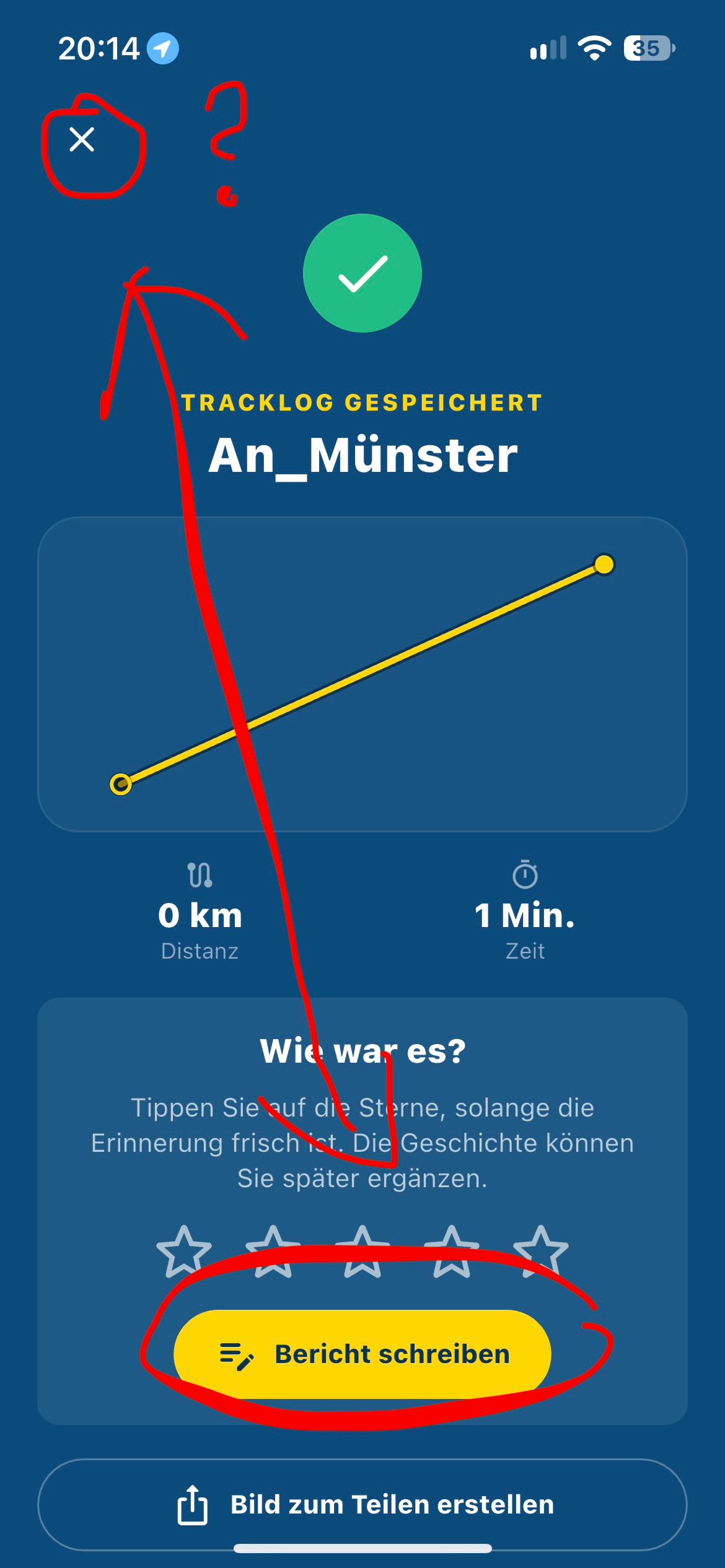
Sorry: Here the keyboard is stuck, you don't know what to do next, Return ..? Doesn't help? Keyboard partially comes back..?
Hello! It looks like you're interested in this conversation, but you don't have an account yet.
Getting fed up of having to scroll through the same posts each visit? When you register for an account, you'll always come back to exactly where you were before, and choose to be notified of new replies (either via email, or push notification). You'll also be able to save bookmarks and upvote posts to show your appreciation to other community members.
With your input, this post could be even better 💗
Register Login-
 01847
01847
-
 07103
07103
-
01041
-
0519
-
 05103
05103
-
0519
-
0426
-
 0657
0657