Any tip on "renumbering" many WP when adapting a file?
-

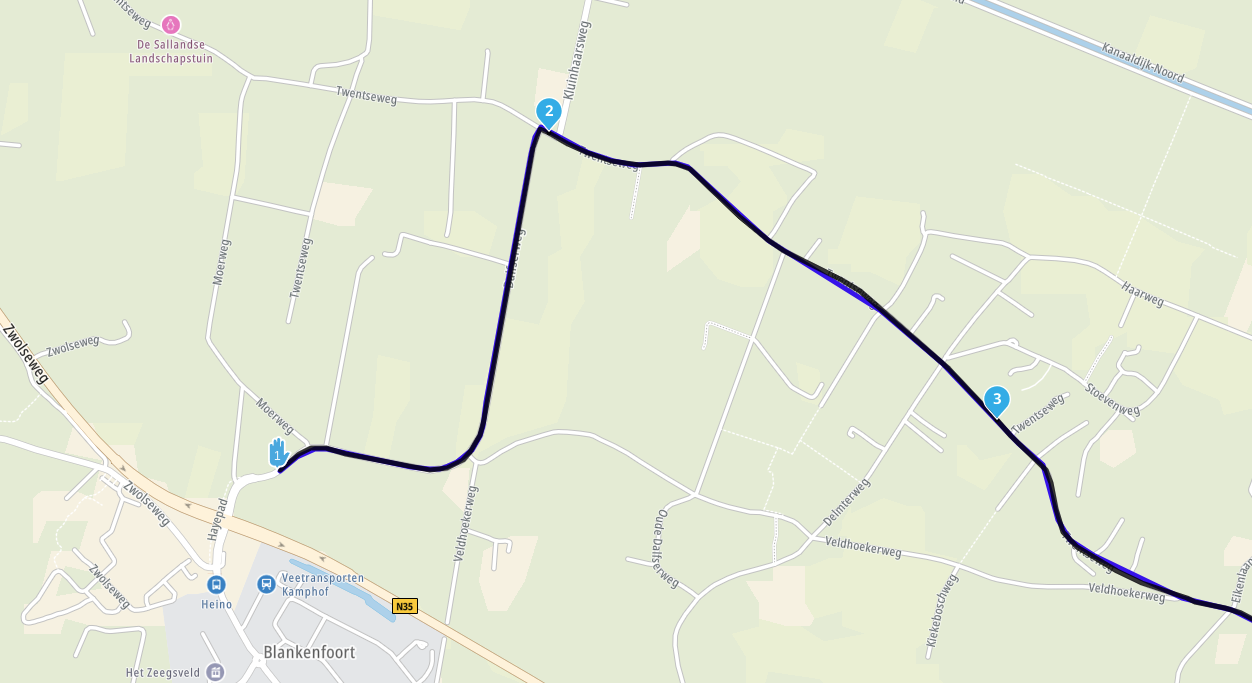
Common situation: I download a gpx file such as a loop that starts on the other side of the loop from where we will be. We want to start and end, for example, 10 km from a middle way point as "21". Cumbersome method I use: enter start WP and move to "20", enter finish wp and move to "new 21". Route now goes from hotel, makes the loop and back but the number as all off by ~20. Is there a trick to renumbering them all while keeping on the information provided?
-
Common situation: I download a gpx file such as a loop that starts on the other side of the loop from where we will be. We want to start and end, for example, 10 km from a middle way point as "21". Cumbersome method I use: enter start WP and move to "20", enter finish wp and move to "new 21". Route now goes from hotel, makes the loop and back but the number as all off by ~20. Is there a trick to renumbering them all while keeping on the information provided?

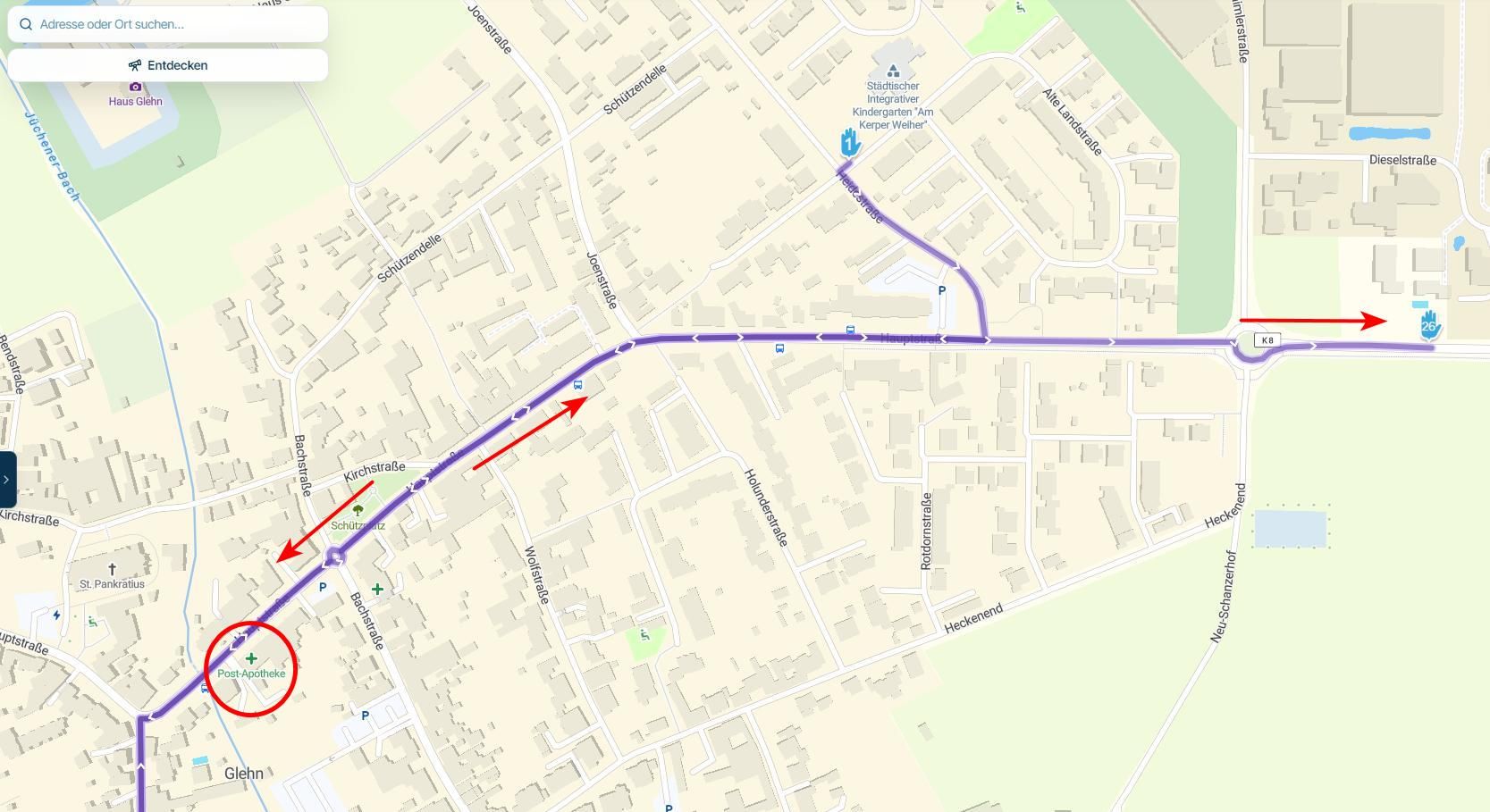
@Lary, yes! Just klik the route point which you want to become nr. 1, click expand (three dots), click Starting point (the flag with Go in it). That's it.
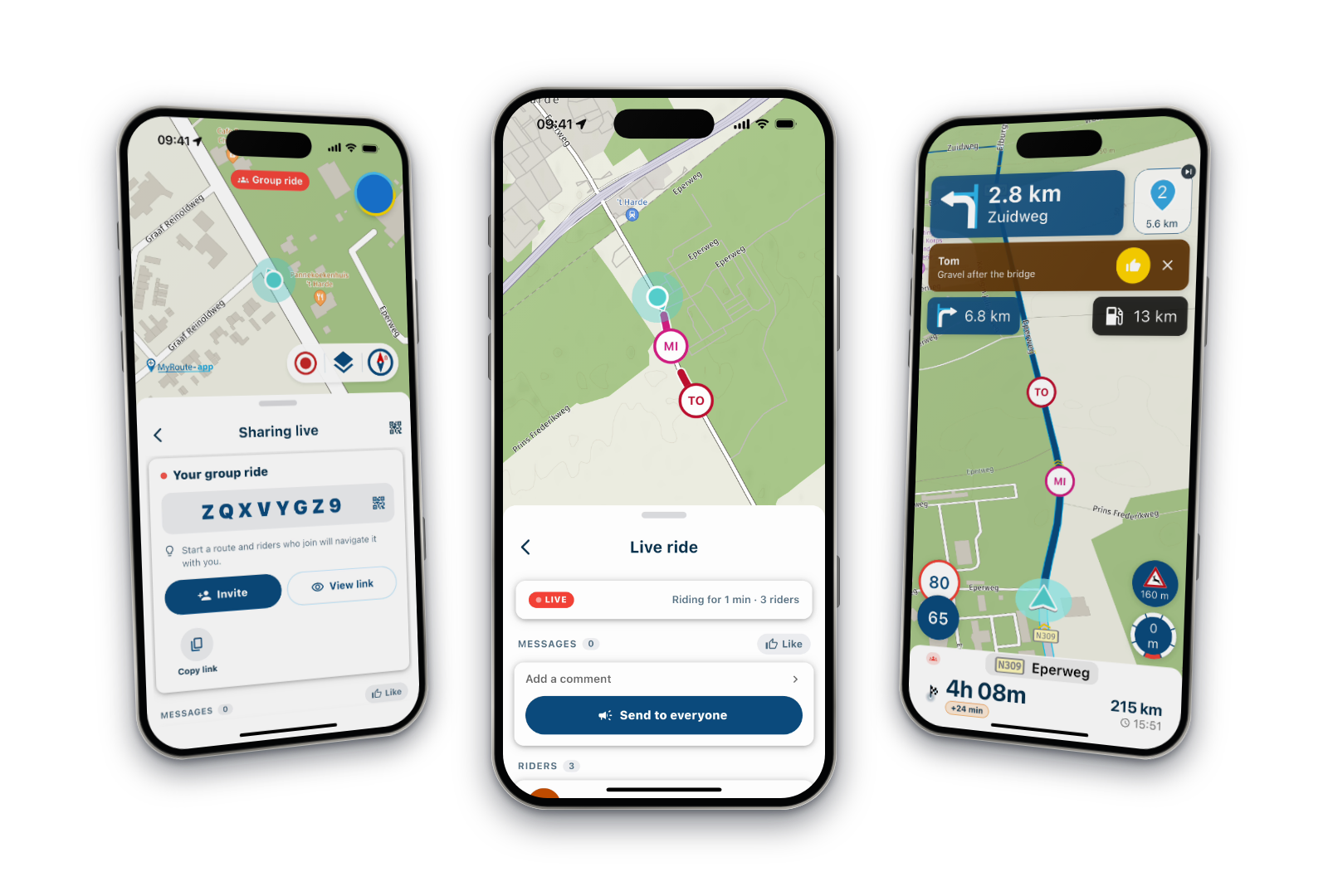
And even that is not really necessary when you navigate with the MRA app! Simply open the route, tap Navigate, tap Rearrange. Your closest routepoint will become #1, and the whole route is instantly renumbered without even touching the original.
-
@Lary, yes! Just klik the route point which you want to become nr. 1, click expand (three dots), click Starting point (the flag with Go in it). That's it.
And even that is not really necessary when you navigate with the MRA app! Simply open the route, tap Navigate, tap Rearrange. Your closest routepoint will become #1, and the whole route is instantly renumbered without even touching the original.

@Con-Hennekens. Wow, another feature I didn't know about. There have been so many features added it's just about impossible to try them all or to remember them.
2010 GL1800 Goldwing using Samsung Galaxy S20 5G Android 13.
-
@Con-Hennekens. Wow, another feature I didn't know about. There have been so many features added it's just about impossible to try them all or to remember them.
@RetiredWingMan, it helps if you are not afraid of pressing buttons and slide menus

Hello! It looks like you're interested in this conversation, but you don't have an account yet.
Getting fed up of having to scroll through the same posts each visit? When you register for an account, you'll always come back to exactly where you were before, and choose to be notified of new replies (either via email, or push notification). You'll also be able to save bookmarks and upvote posts to show your appreciation to other community members.
With your input, this post could be even better 💗
Register Login-
 0836
0836
-
 1425551
-
 0517
0517
-
 0573
0573
-
0586
-
 116279
-
 08498
08498
-
 0420
0420