Google maps and Streetview
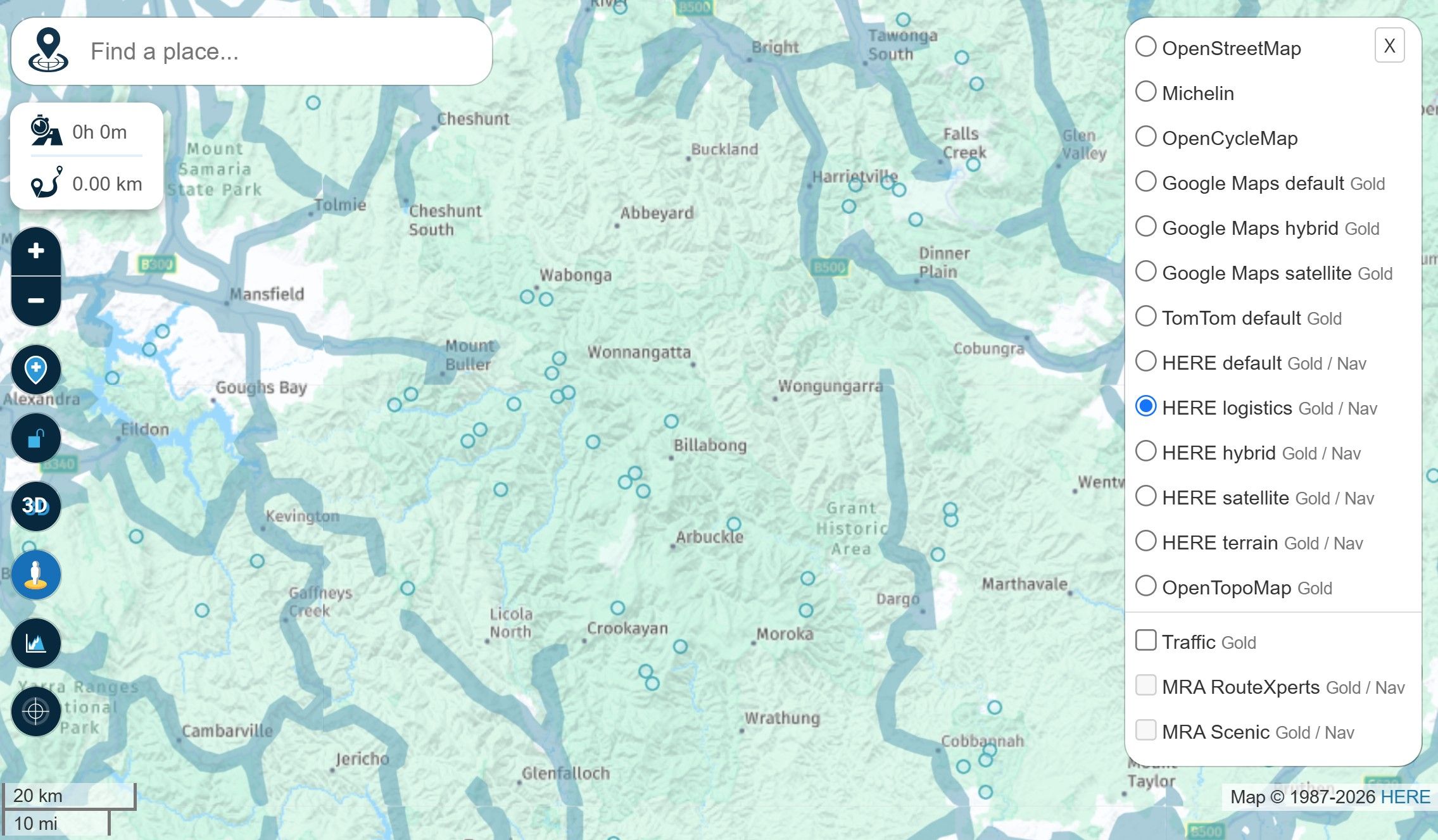
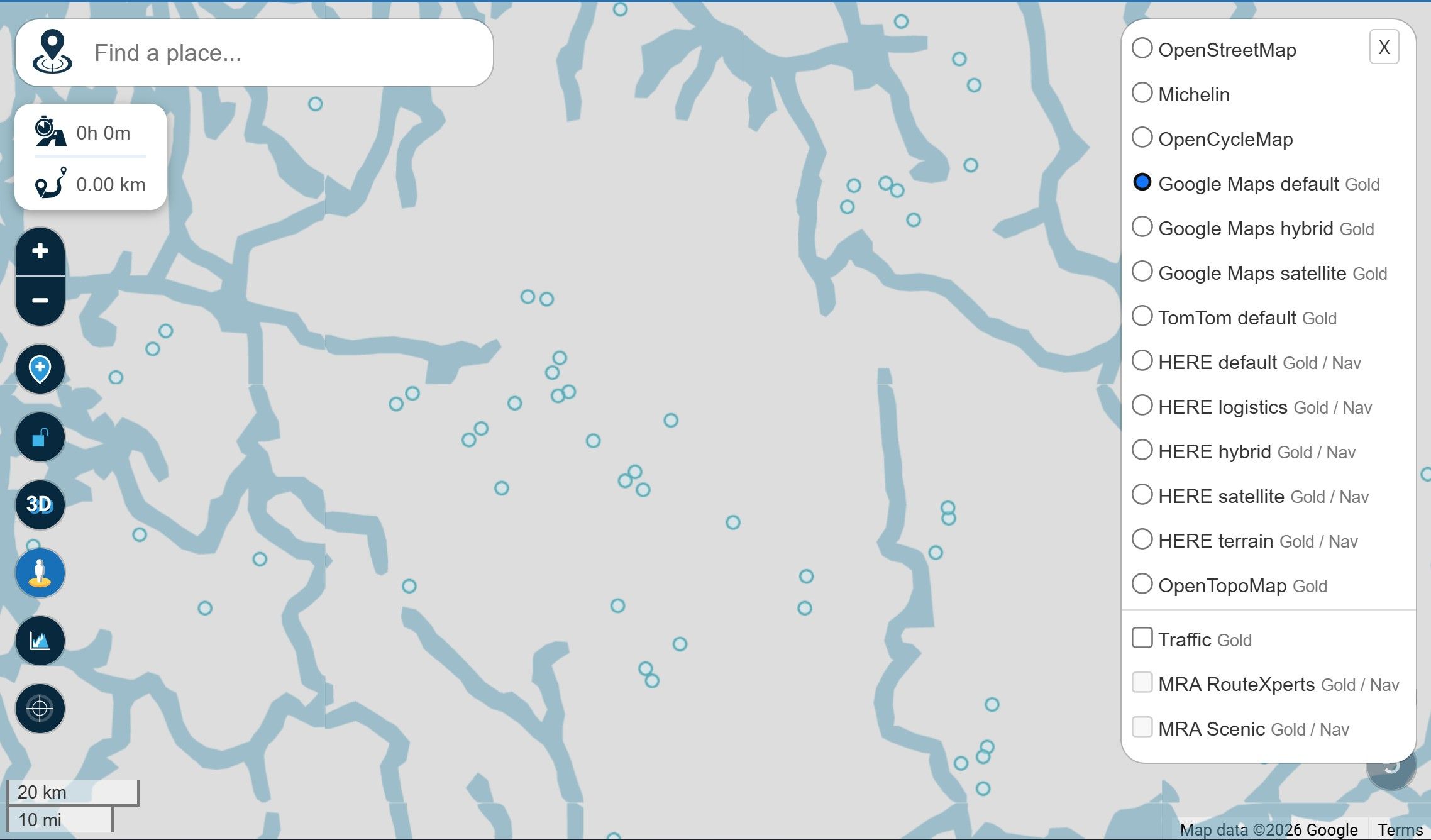
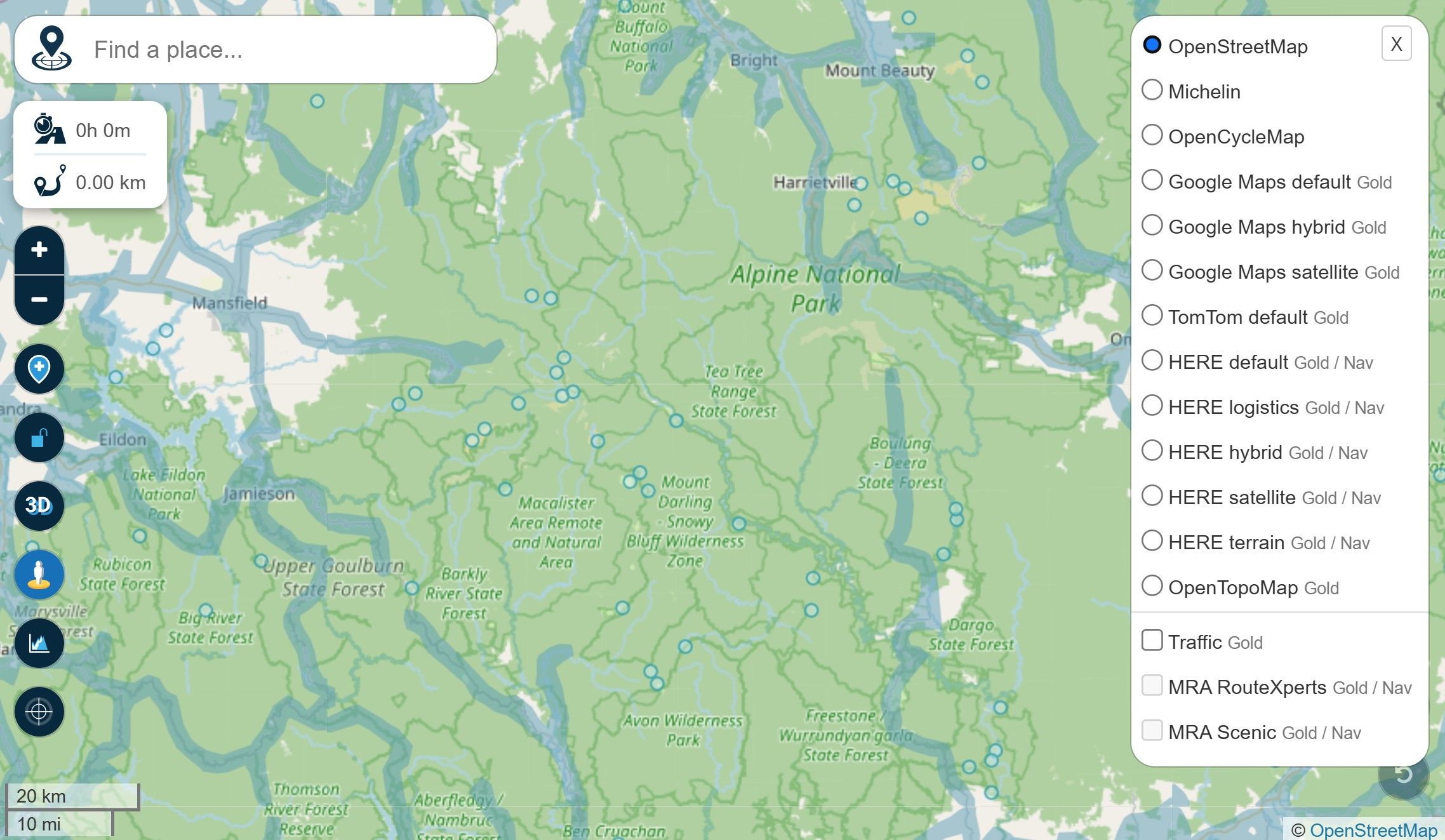
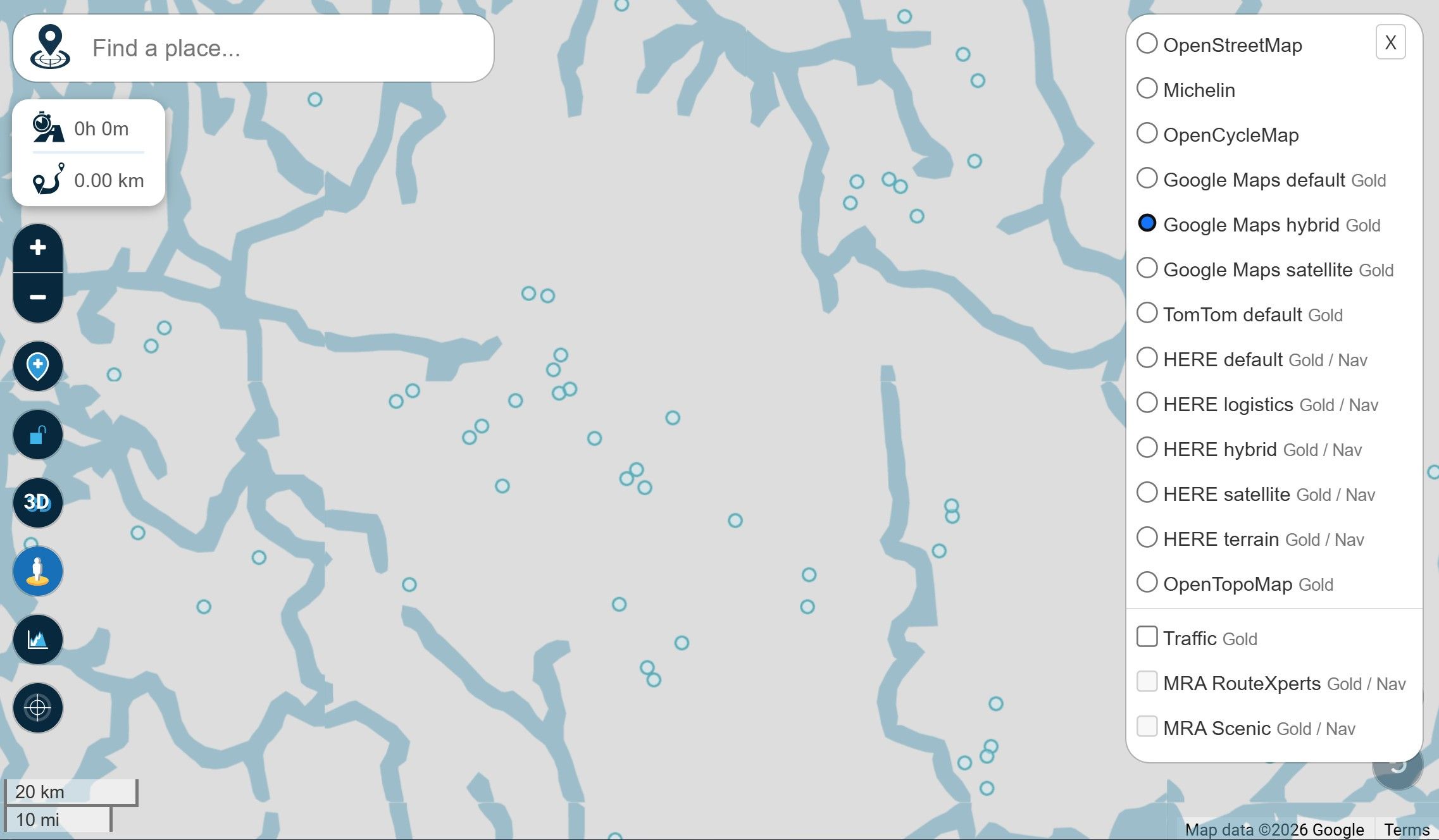
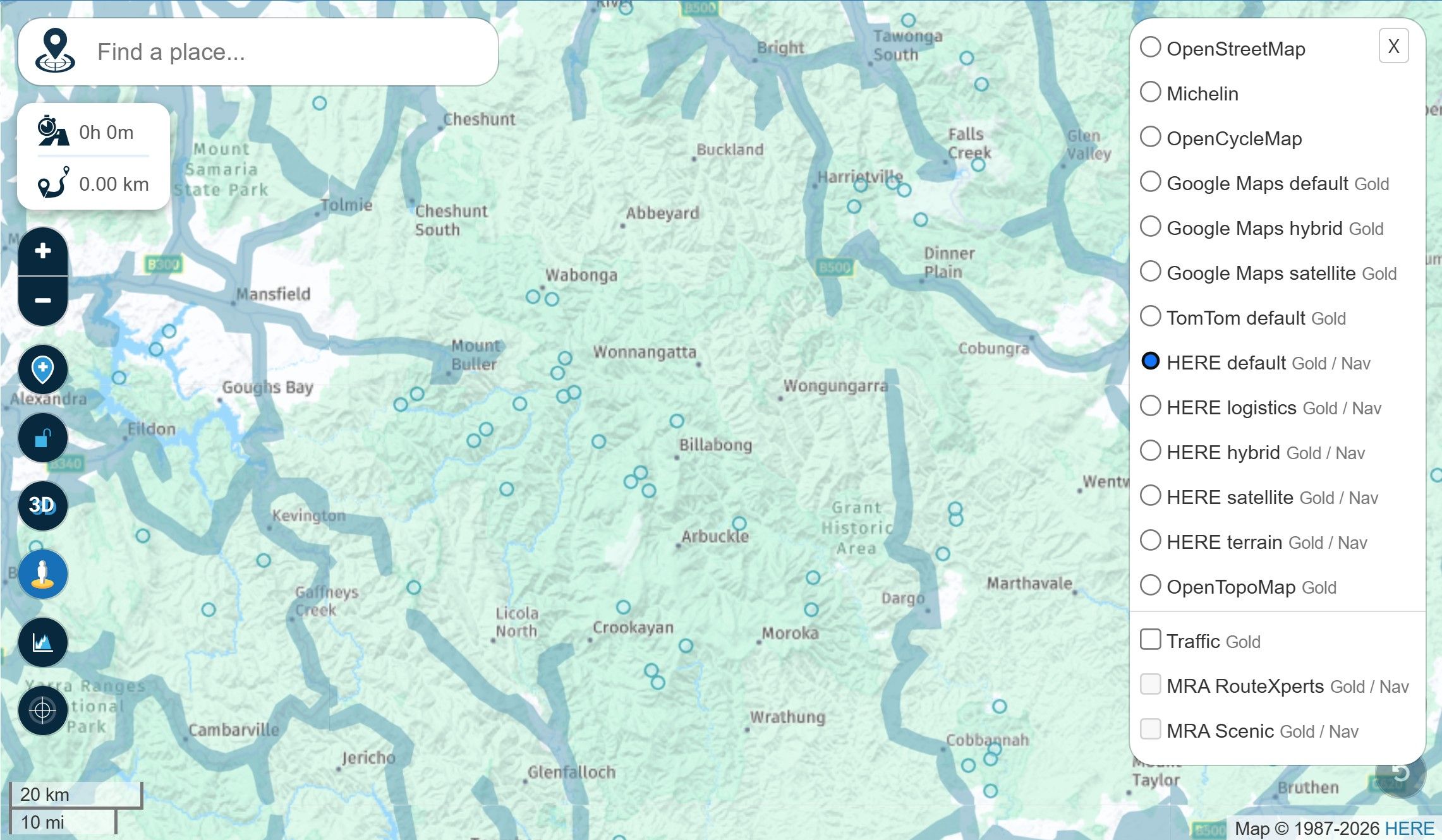
-
For me its working without any issues on Windows 11 and Chrome Browser ...
The issue still exists and was acknowledged by the MRA team this morning in an email to me at 07:37 (UK time) as still existing. They have said that due to the planner being re-written they will not fix this issue and have closed the support ticket again.
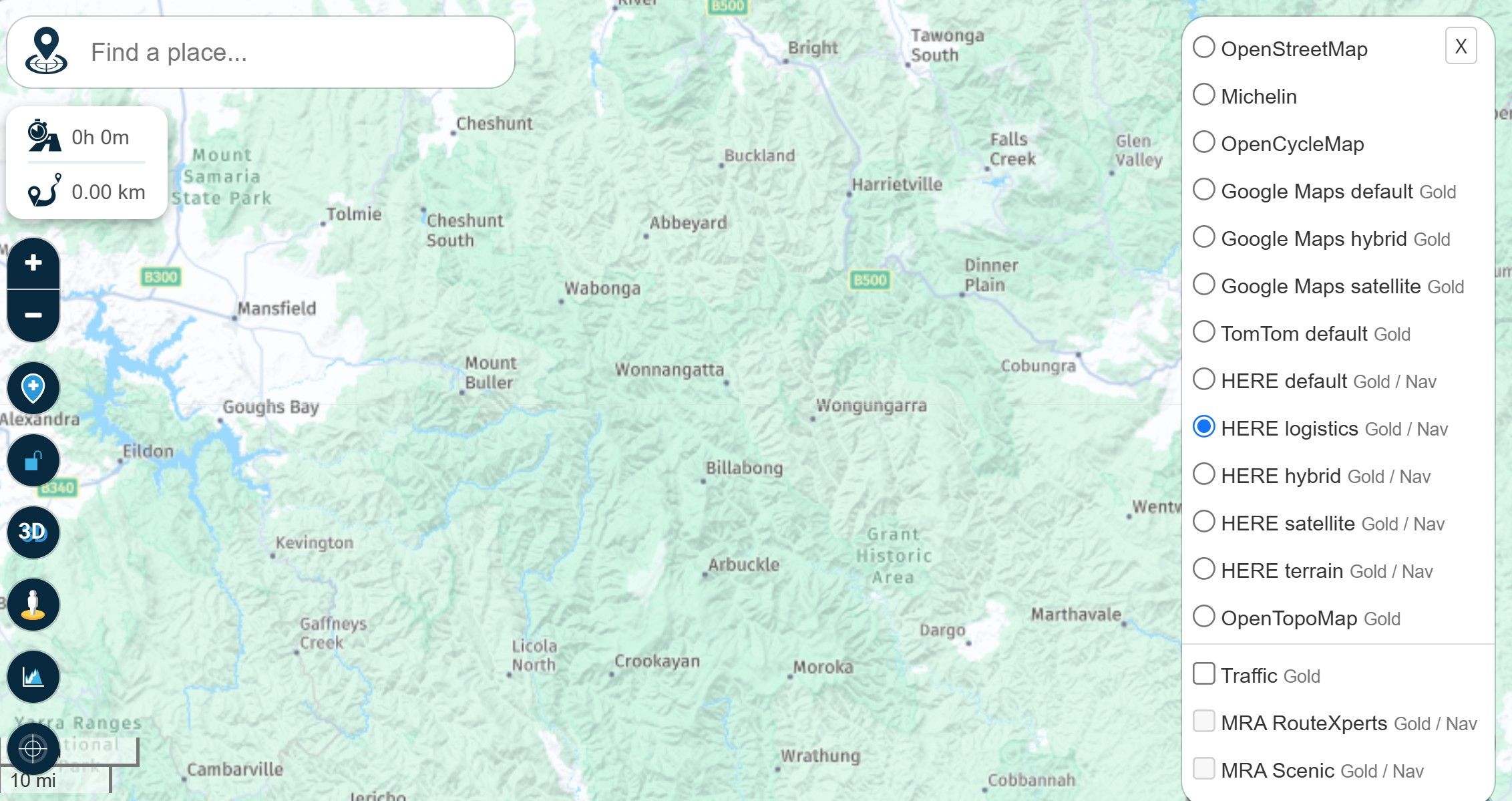
To replicate the problem: 1. Go to the planner and select any map overlay other than any Google map. 2. Turn on StreetView. 3. Now select any Google map overlay.

To replicate the problem: 1. Go to the planner and select any map overlay other than any Google map. 2. Turn on StreetView. 3. Now select any Google map overlay.
As I said, there is no problem for me !
Check the video below.
https://drive.google.com/file/d/1eEY3v67T8IWQSZ4XaDH6NUOoi1DSg5If/view?usp=drive_link

Hello! It looks like you're interested in this conversation, but you don't have an account yet.
Getting fed up of having to scroll through the same posts each visit? When you register for an account, you'll always come back to exactly where you were before, and choose to be notified of new replies (either via email, or push notification). You'll also be able to save bookmarks and upvote posts to show your appreciation to other community members.
With your input, this post could be even better 💗
Register Login





-
 01847
01847
-
 07130
07130
-
 06118
06118
-
 01042
01042
-
 1327342
-
057
-
0521
-
0519