3 Devices and only 1 using NN.
-
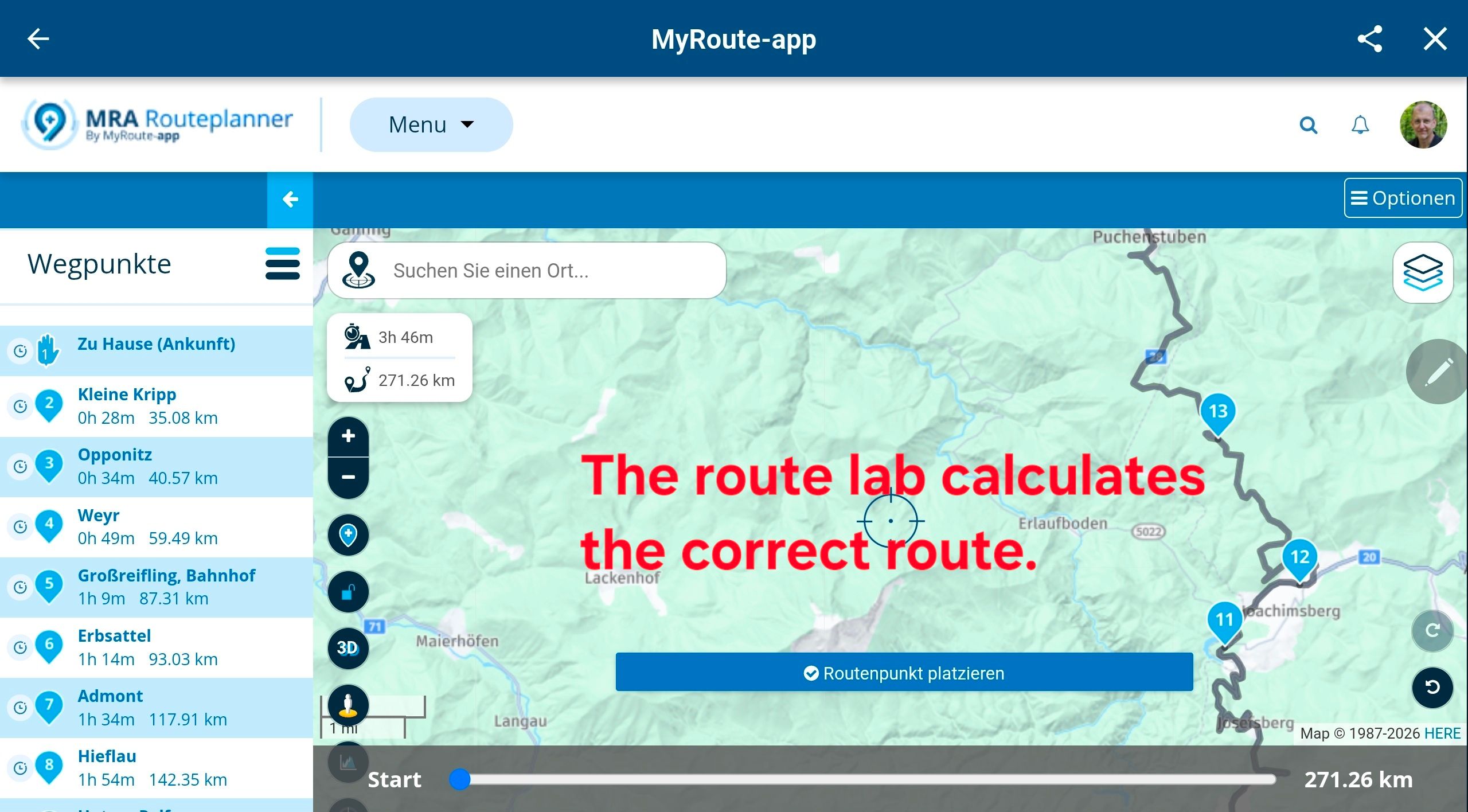
I plan my routes on my iPad using the app, taking the ‘Route Lab’ menu item. I use a dedicated Android device on my bike (using the BMW Connected Ride App) and have the same setup, just in case I need to alter the route when I ride.
I have just purchased Navigation next, which I only use on my iPhone via Apple CarPlay in my car.
But now, I get a message complaining I can only use 2 licences and have to log one device out, even though I’m only using Navigation Next on one device. There must be a way round this to stop me continually swapping the licences around. Before I purchased Navigation Next, I had the app on all 3 devices without a problem. -
I plan my routes on my iPad using the app, taking the ‘Route Lab’ menu item. I use a dedicated Android device on my bike (using the BMW Connected Ride App) and have the same setup, just in case I need to alter the route when I ride.
I have just purchased Navigation next, which I only use on my iPhone via Apple CarPlay in my car.
But now, I get a message complaining I can only use 2 licences and have to log one device out, even though I’m only using Navigation Next on one device. There must be a way round this to stop me continually swapping the licences around. Before I purchased Navigation Next, I had the app on all 3 devices without a problem.Hi @Big-Al-1 I will try & take a stab at explaining where your problem lies, others with more knowledge of licensing will I am sure be along to give you a fuller & more thorough explanation
You seem to have 3 devices, the iPad, an Android & an iPhone
On all 3 devices you use / have installed the MRA app
When you purchased the Navigation Next licence, each of the installed versions of the MRA app on your 3 devices is able to access the Navigation Next licence, so you have 3 devices each capable of using the licence hence your seeing the licencing messageI think the simplest way for you to stop seeing this message would be to remove the MRA app from the iPad & instead add a shortcut on the iPad that take you to the browser / web portal of MRA
-
Thanks for replying. I have tried to do what you described, albeit by keep the app on the iPhone and iPad and trying to invoke just the web planner on the Android, via Chrome. All of the routes come up on the Android but as soon as I open a route I get the only 2 user message and the sign-out dialogue. Maybe I did the shortcut wrong!

 ️
️ -
Thanks for replying. I have tried to do what you described, albeit by keep the app on the iPhone and iPad and trying to invoke just the web planner on the Android, via Chrome. All of the routes come up on the Android but as soon as I open a route I get the only 2 user message and the sign-out dialogue. Maybe I did the shortcut wrong!
️@Big-Al-1 yup, it does sound like your shortcut is opening the MRA app on the android rather than the MRA web site
The web site knows nothing about licensing & devices for the mobile navigation app so you won't ever see such a message if your accessing the web site via a browser -
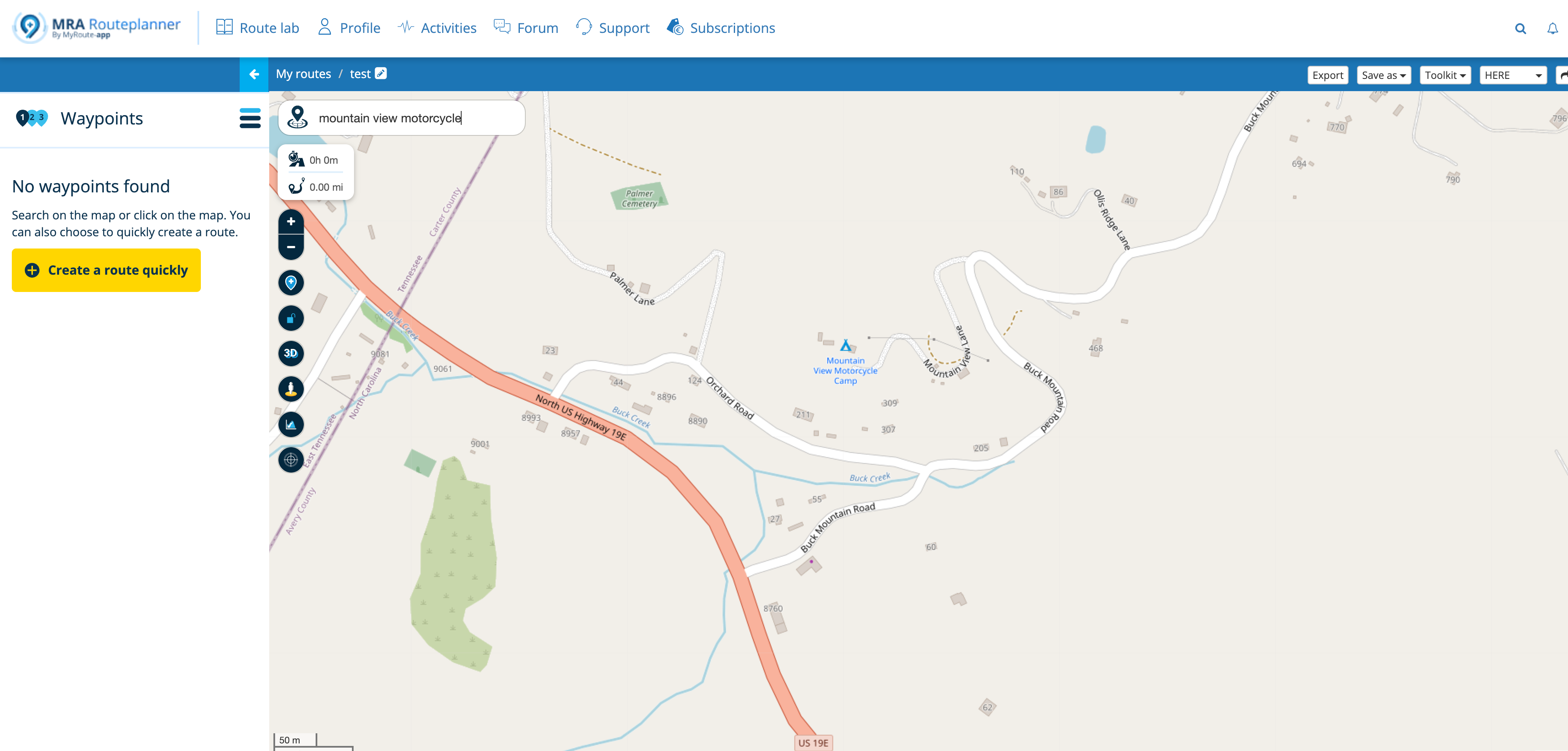
In the browser on the Android I type in https://www.myrouteapp/routlab - is this the correct path? The screen comes up with all my planned routes with a welcome that shows it is me signed on. I press on one of my routes and then the menu page shows with the ”good morning screen”, Destination, RX library etc, with the Route lab option at the bottom. If I take that last option I get ‘Account Required’ and a login page. What the heck am I doing wrong?
-
In the browser on the Android I type in https://www.myrouteapp/routlab - is this the correct path? The screen comes up with all my planned routes with a welcome that shows it is me signed on. I press on one of my routes and then the menu page shows with the ”good morning screen”, Destination, RX library etc, with the Route lab option at the bottom. If I take that last option I get ‘Account Required’ and a login page. What the heck am I doing wrong?
@Big-Al-1 yes the path is good, the path https://www.myrouteapp.com is enough
your issue is that your browser or some setting on your android is directing you to the mra app when you use that path
the web site does not have any of the useless annoying pointless guff telling you what time of day it isI would try uninstalling the mra app then the broswer should take you to the web site
-
Sorted - thanks guys. I thought I had deleted the app off the Android…..but I hadn’t. I’m not an Android person. Thanks again for your time and patience.


Hello! It looks like you're interested in this conversation, but you don't have an account yet.
Getting fed up of having to scroll through the same posts each visit? When you register for an account, you'll always come back to exactly where you were before, and choose to be notified of new replies (either via email, or push notification). You'll also be able to save bookmarks and upvote posts to show your appreciation to other community members.
With your input, this post could be even better 💗
Register Login-
0790
-
08180
-
08190
-
07164
-
010420
-
0341.6k
-
1579