Use Silverfox C1 to skip waypoints
-

Using the Silverfox C1 remote controller in MRA, I realized I can open the menu in MRA by long-pressing button 2 (see support) to the right.
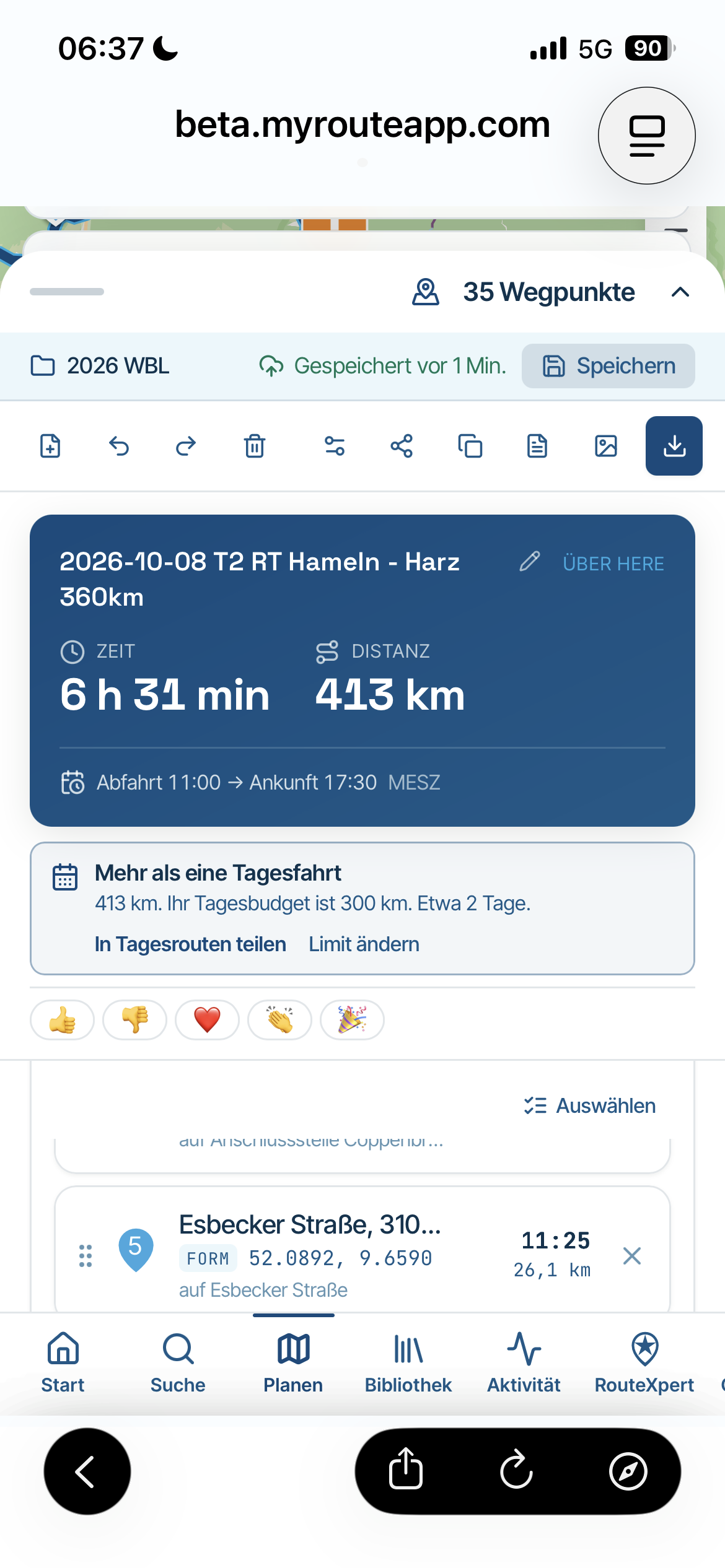
Using the other C1 button, I can move down through the menu options, select Waypoints, and likewise move down the waypoints until I reach a waypoint I want to use at the next navigation point.
But how do I select that waypoint? Long pressing button 2 does not work with the remote, I have to use my finger on the screen to long press that waypoint.
Best regards, Makro
-
Using the Silverfox C1 remote controller in MRA, I realized I can open the menu in MRA by long-pressing button 2 (see support) to the right.
Using the other C1 button, I can move down through the menu options, select Waypoints, and likewise move down the waypoints until I reach a waypoint I want to use at the next navigation point.
But how do I select that waypoint? Long pressing button 2 does not work with the remote, I have to use my finger on the screen to long press that waypoint.

@Makro indeed selecting a specific waypoint to navigate to does not work with a controller

-
Hi Corjan.
I understand, it's not currently supported. Fair enough.It seems a little odd that the remote can open the menu, select a menu item, but no more.
I'm glad my TV remote does not work that way
I hereby suggest to have the otherwise great app support an additional long press click on selected waypoints (similar to doing it with my finger on the screen). That way I don't have to take off my glove to make the final click.
Hello! It looks like you're interested in this conversation, but you don't have an account yet.
Getting fed up of having to scroll through the same posts each visit? When you register for an account, you'll always come back to exactly where you were before, and choose to be notified of new replies (either via email, or push notification). You'll also be able to save bookmarks and upvote posts to show your appreciation to other community members.
With your input, this post could be even better 💗
Register Login-
 01331
01331
-
 0625
0625
-
 0627
0627
-
 09198
09198
-
 0512
0512
-
 1530
1530
-
 0318
0318
-
 0369
0369