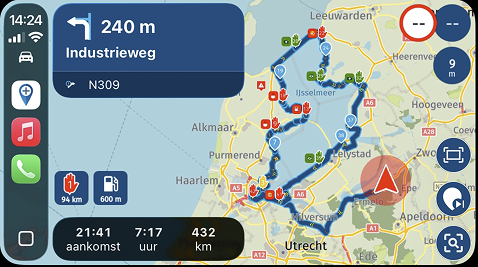
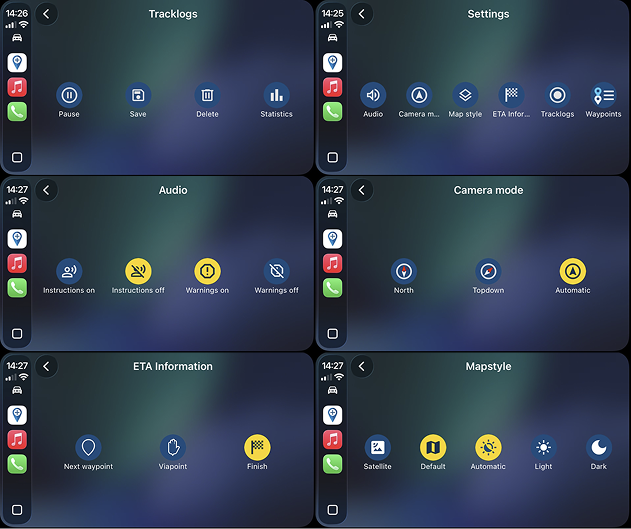
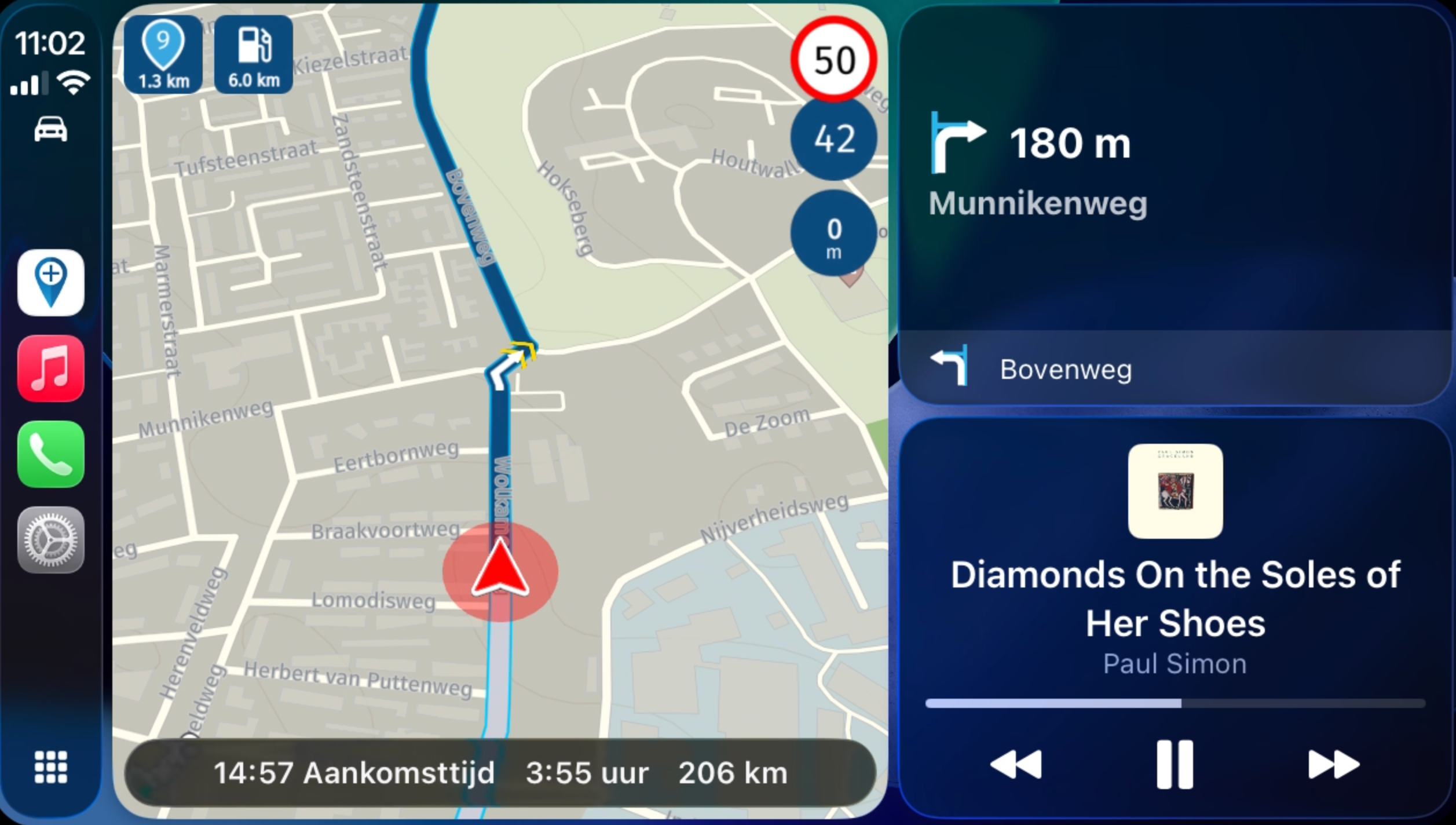
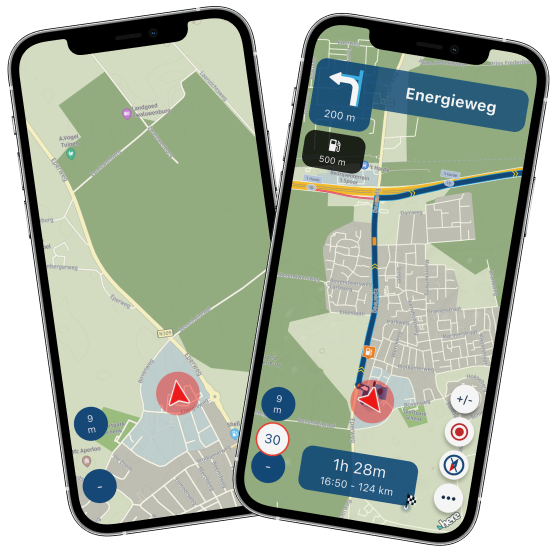
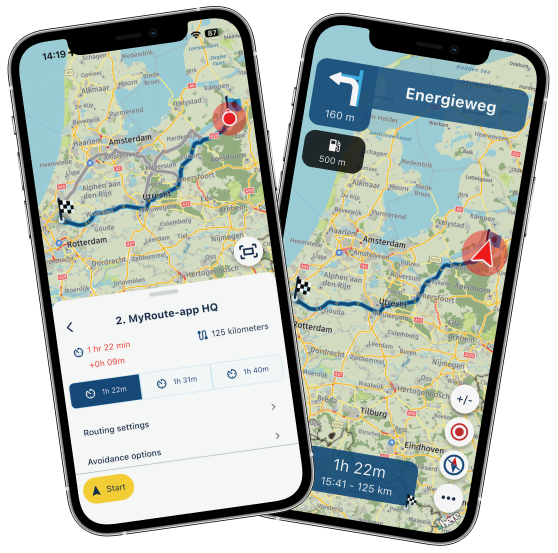
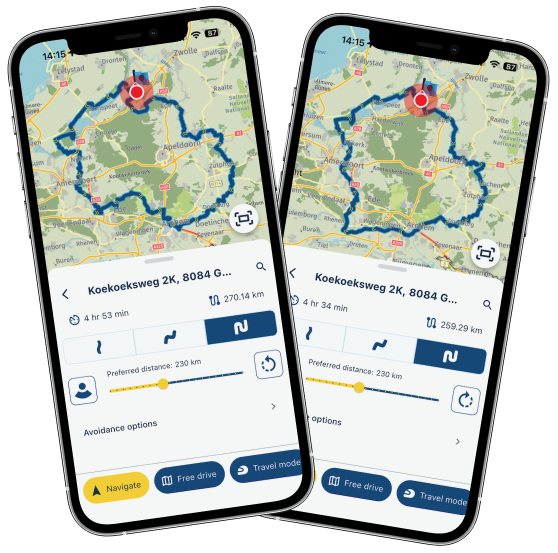
Update 5.1 - CarPlay / Android Auto improvements and more!
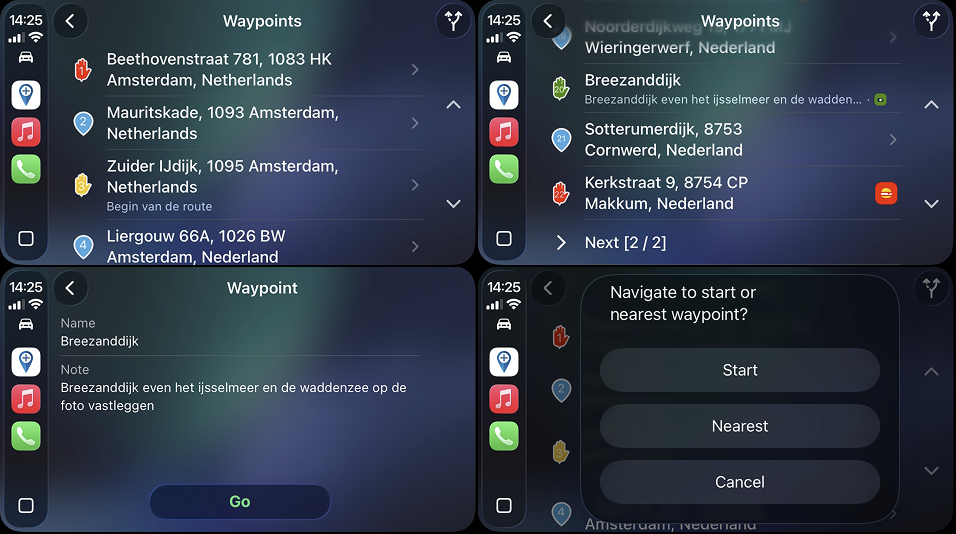
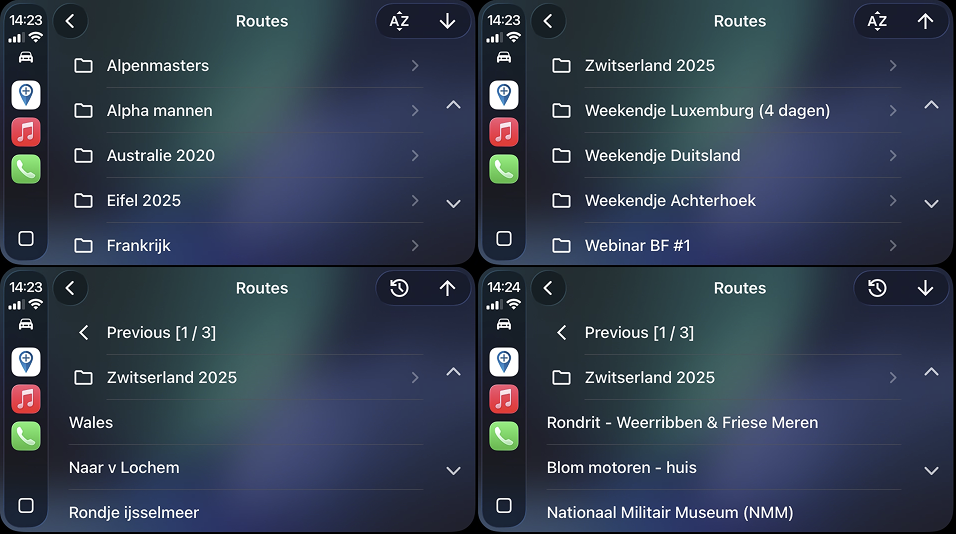
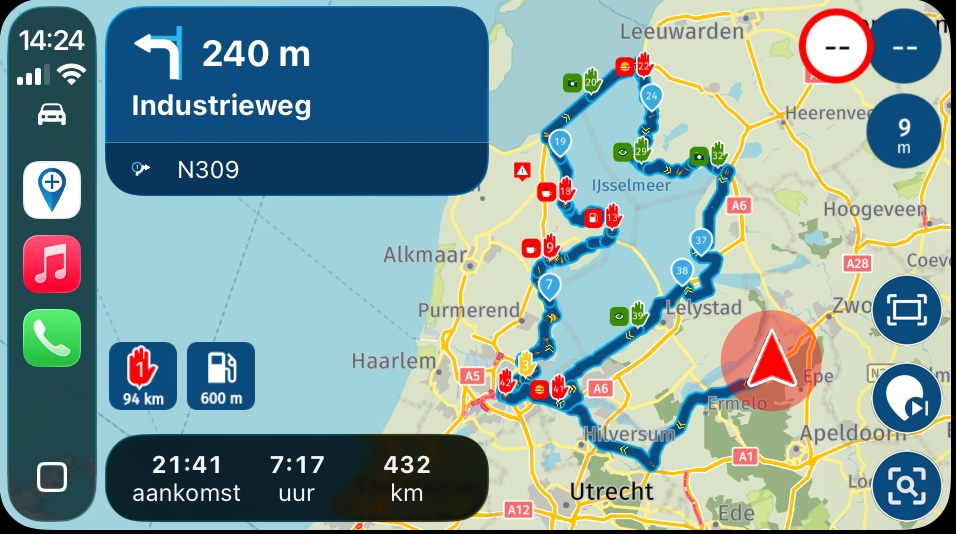
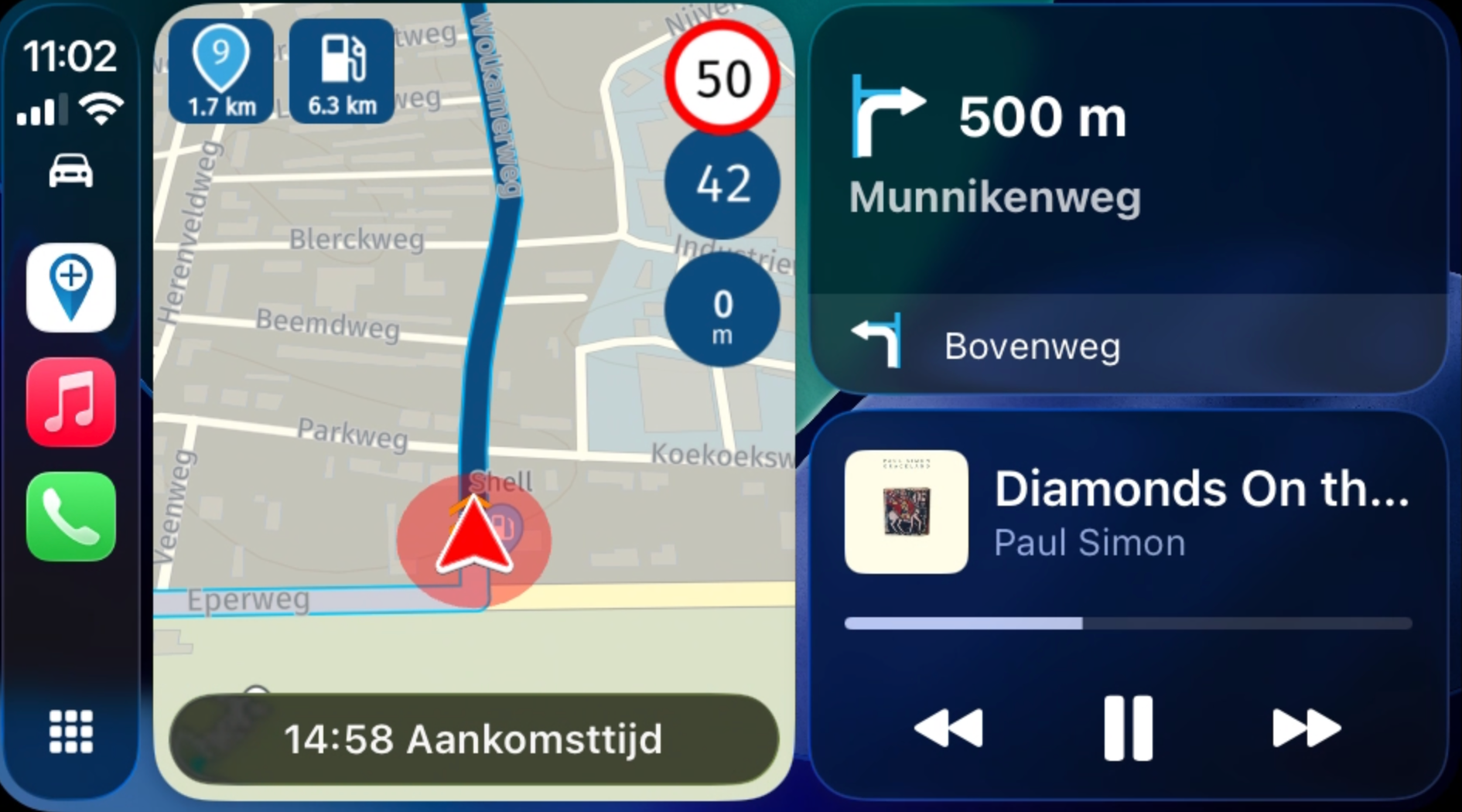
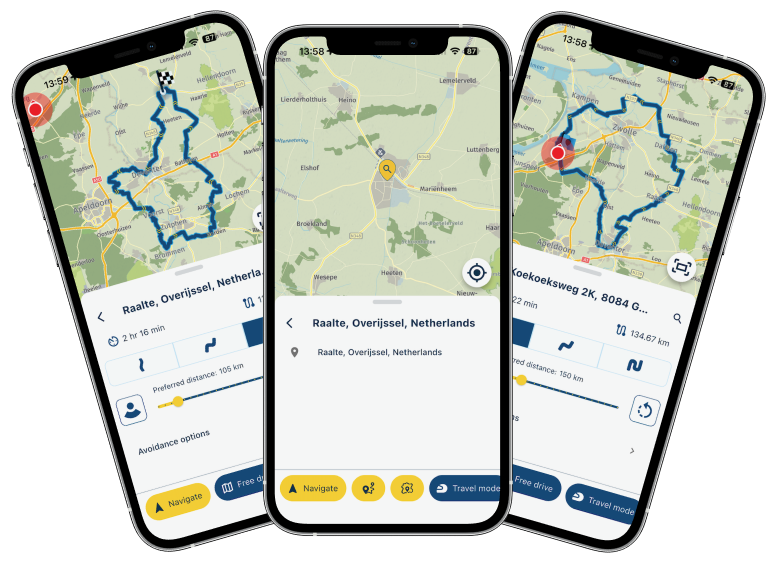
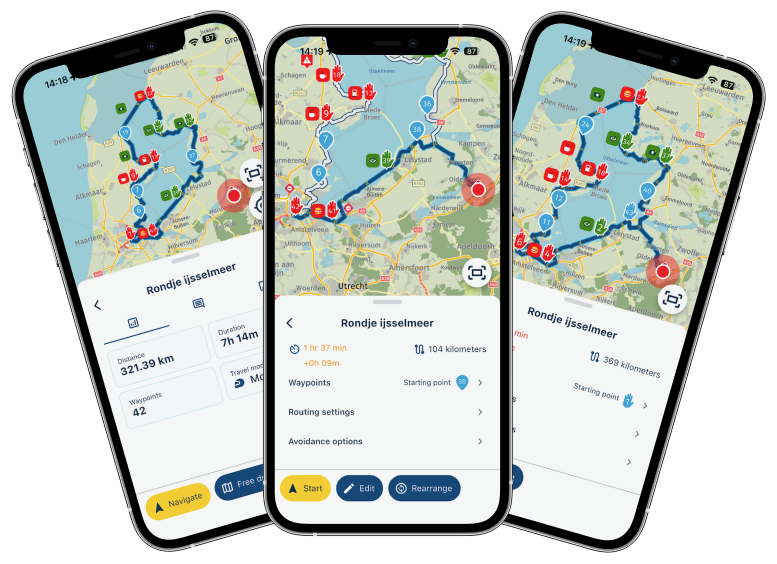
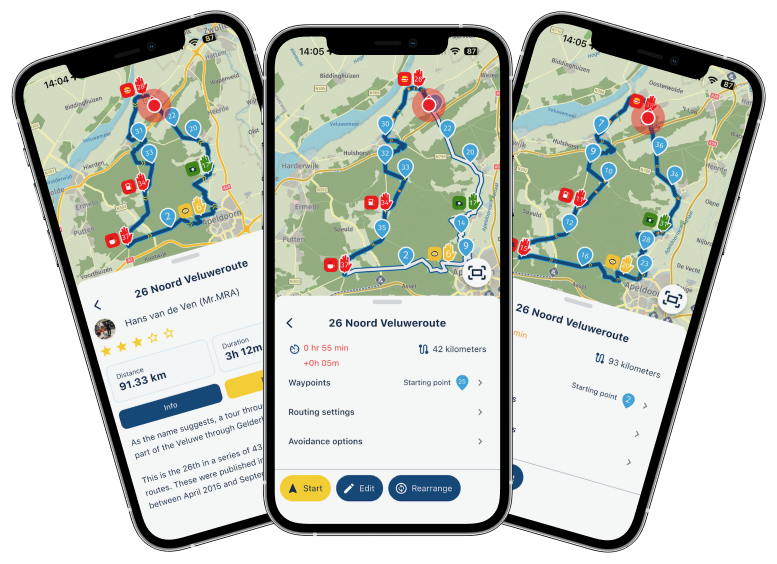
-
Run the new version today on an Android Phone. Offline 162 mile route with 32 waypoints. No issues at all. Will test again tomorrow on the Africa Twin AA screen. Good job.

@Mzokk thanks for sharing

-
So interesting how many people report how much better this version works while others still have problems.
Rest assured, we will continue this journey to further improve the app!

-

Hello all !
Used the 5.1 version from Romania to Hungary and back using Android Auto. Truly impressed that track recording was working even after a refuel stop, si thats perfect. The only thing I am not sure about is the route loading directly from Android Auto. Before I was able to select the route and start it, but now it only works from my phone ( on the display I get an message that loading routes while driving is not possible …but I was standing still while trying that )
So maybe there is a glitch or I am not doing something right ?
Thanks ! -
Can confirm HERE released their update yesterday.
Expecting to implement that tomorrow in the app and push towards a quick Alpha / Beta / release.I'll even try to add POI management / persistent map items and road avoidance features

Hopefully their SDK works as expected with the fix for map spinning.
Can confirm HERE released their update yesterday.
Expecting to implement that tomorrow in the app and push towards a quick Alpha / Beta / release.I'll even try to add POI management / persistent map items and road avoidance features
Hopefully their SDK works as expected with the fix for map spinning.Which Version will this be?
-

Went on tour to Wales from Ireland and was pleasently surprised with the auto update and love the new features. CarPlay is much more resilient. The Compass is a brilliant addition. It's just simpler to use. I am pleased to say that MRA has become my default sat-nav in both my car and on moto.
Congratulations.
Looking forward to the next surprises. Thank-you -
Follow up to yesterday's post using the app on an Android phone. I used the same phone today Motorola Edge Neo 40 (Offline) connected to the Android Auto screen of my Honda Africa twin. 82 mile route with 67 waypoints (its all backroads) no issues including missing some waypoints as one of the roads was closed due to roadworks. No high power use or other weird behaviour. Seems as stable as it was yesterday just using the phone.
-
Follow up to yesterday's post using the app on an Android phone. I used the same phone today Motorola Edge Neo 40 (Offline) connected to the Android Auto screen of my Honda Africa twin. 82 mile route with 67 waypoints (its all backroads) no issues including missing some waypoints as one of the roads was closed due to roadworks. No high power use or other weird behaviour. Seems as stable as it was yesterday just using the phone.
@Mzokk thanks for sharing your experience
-

Tested the app again and everything works perfectly. What an amazing app it has become. In 3 weeks I’m heading to Norway, and the only navigation app coming with me is MyRoute-app

-

I just returned from 10 days in the Dolomites. I drove the majority of the journey with the previous 5.1 version of MRA and spent 2 days with this new version. I am completely won over. MRA surprised us very positively and guided us flawlessly through 3,000 km of Europe. Even at local road closures and detours, MRA had already devised a workaround before we even realized a blockage was imminent. MRA calculated perfect detours, no longer than necessary, and on excellent roads. It then brought us neatly back onto the route. I did experience a frozen screen with the latest version (AndroidCar), but this was easily resolved by simply unplugging the phone. In short, very satisfied.
GuRu
-
I just returned from 10 days in the Dolomites. I drove the majority of the journey with the previous 5.1 version of MRA and spent 2 days with this new version. I am completely won over. MRA surprised us very positively and guided us flawlessly through 3,000 km of Europe. Even at local road closures and detours, MRA had already devised a workaround before we even realized a blockage was imminent. MRA calculated perfect detours, no longer than necessary, and on excellent roads. It then brought us neatly back onto the route. I did experience a frozen screen with the latest version (AndroidCar), but this was easily resolved by simply unplugging the phone. In short, very satisfied.
@Guido-Rulof thanks for sharing your positive experience!

-

I was out on a little trip today. At one point, I ran out of gas and wanted to find a gas station; to do this, I tapped the magnifying glass on the Android Auto unit while driving—somewhere between waypoint 3 and 4 or so—then tapped on gas stations and selected the top entry (the first suggested station). The screen immediately went black and I got an error message saying an unexpected error had occurred and the app was closed. When I restarted it afterwards (via the Android Auto unit), it froze ("App is not responding") for a while until it finally restarted. After that, the navigation seemed "messed up" (it wasn't clear to me if I was now navigating to the gas station or the original route—and whether it was starting "from the beginning" or picking up from where I actually was).
The gas station search still feels somewhat unintuitive to me (why am I shown a gas station "in 23 km (!) along the route" when I actually pass several on the way, or one just a street over—not directly on the route, but it would only be a detour of maybe 500 meters?), and it apparently isn't 100% stable/reliable yet. For example, what's the best way to proceed if I want to find the nearest gas station while navigating on the highway (where stations are rare and absurdly expensive): do I take the next possible exit and only then search for a nearby station using the AA display > magnifying glass > gas station?
Aside from the crash and the known "spinning while standing" problem, which will hopefully be fixed soon (I think that was also the main reason for the confusion when restarting the navigation), the user interface changes (altitude display, etc.) on Android Auto are very well done! Go, Corjan & team!
-
Finally the official 5.1 was there (Google found some time).
Did only one trip. Because of that just some simple comments from my side.- Everything find fine
- Nice touch that enlarge next gas station icon
- Nice touch that compass in de altitudemeter.
-
Léon Hassing referenced this topic on
-
I was out on a little trip today. At one point, I ran out of gas and wanted to find a gas station; to do this, I tapped the magnifying glass on the Android Auto unit while driving—somewhere between waypoint 3 and 4 or so—then tapped on gas stations and selected the top entry (the first suggested station). The screen immediately went black and I got an error message saying an unexpected error had occurred and the app was closed. When I restarted it afterwards (via the Android Auto unit), it froze ("App is not responding") for a while until it finally restarted. After that, the navigation seemed "messed up" (it wasn't clear to me if I was now navigating to the gas station or the original route—and whether it was starting "from the beginning" or picking up from where I actually was).
The gas station search still feels somewhat unintuitive to me (why am I shown a gas station "in 23 km (!) along the route" when I actually pass several on the way, or one just a street over—not directly on the route, but it would only be a detour of maybe 500 meters?), and it apparently isn't 100% stable/reliable yet. For example, what's the best way to proceed if I want to find the nearest gas station while navigating on the highway (where stations are rare and absurdly expensive): do I take the next possible exit and only then search for a nearby station using the AA display > magnifying glass > gas station?
Aside from the crash and the known "spinning while standing" problem, which will hopefully be fixed soon (I think that was also the main reason for the confusion when restarting the navigation), the user interface changes (altitude display, etc.) on Android Auto are very well done! Go, Corjan & team!
@corjan-meijerink Would it help to share the log file, regarding the crash (I don't know how tondo that, though)?
-

@peha
In the account at the bottom, press the version number longer, then the protocols will be written. -

V5.1.0-462 iOS: Will the new fuel station indicator be improved? Sorry, if this already written, I did not read the entire thread here. But currently the indicator is somehow crazy, showing fuel station next, which are not there or even a distance of several kilometers away, even if I can see a fuel sign in the distance. Beyond that I don't find the symbol very helpful, I would expect that I can tip on it and the next fuel station would be added to the route to be the next routing point.
-

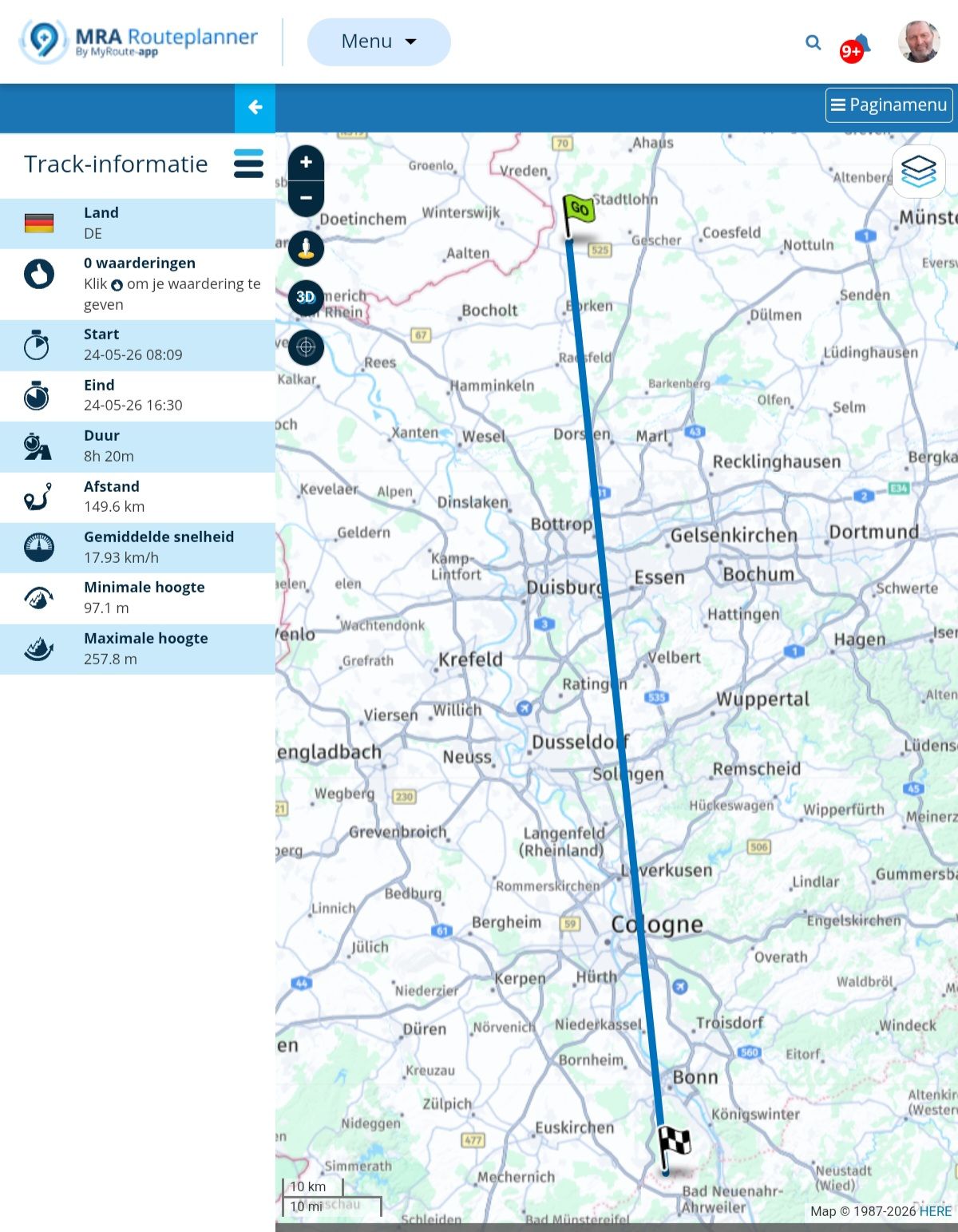
For 2 months I struggled with the last version during my trip to Spain and Portugal. I am glad with the new version, no funny recalculations of the route I made in the planner and some other things. But last week I went for a trip with my car and after I returned, I got this weird tracklog, a straight line and a duration of 8:20 hours
 :
:
Met andere apps maak je een route, met MRA componeer je een route!
Ducati Monster 1200 met Garmin Zümo XT
Fiat 124 Spider/Camper Dethleffs met Navigation-App op Samsung Tab Active4 Pro
MRA Lifetime Gold -
For 2 months I struggled with the last version during my trip to Spain and Portugal. I am glad with the new version, no funny recalculations of the route I made in the planner and some other things. But last week I went for a trip with my car and after I returned, I got this weird tracklog, a straight line and a duration of 8:20 hours
:

@Travellexxie Long time since I saw that one!
-
And I didn't fly!

 ,
,Hello! It looks like you're interested in this conversation, but you don't have an account yet.
Getting fed up of having to scroll through the same posts each visit? When you register for an account, you'll always come back to exactly where you were before, and choose to be notified of new replies (either via email, or push notification). You'll also be able to save bookmarks and upvote posts to show your appreciation to other community members.
With your input, this post could be even better 💗
Register Login











-
0925
-
4261.9k
-
015522
-
018676
-
1623
-
 91058.0k
-
0487
-
 08273
08273