
Error 02 on import
-

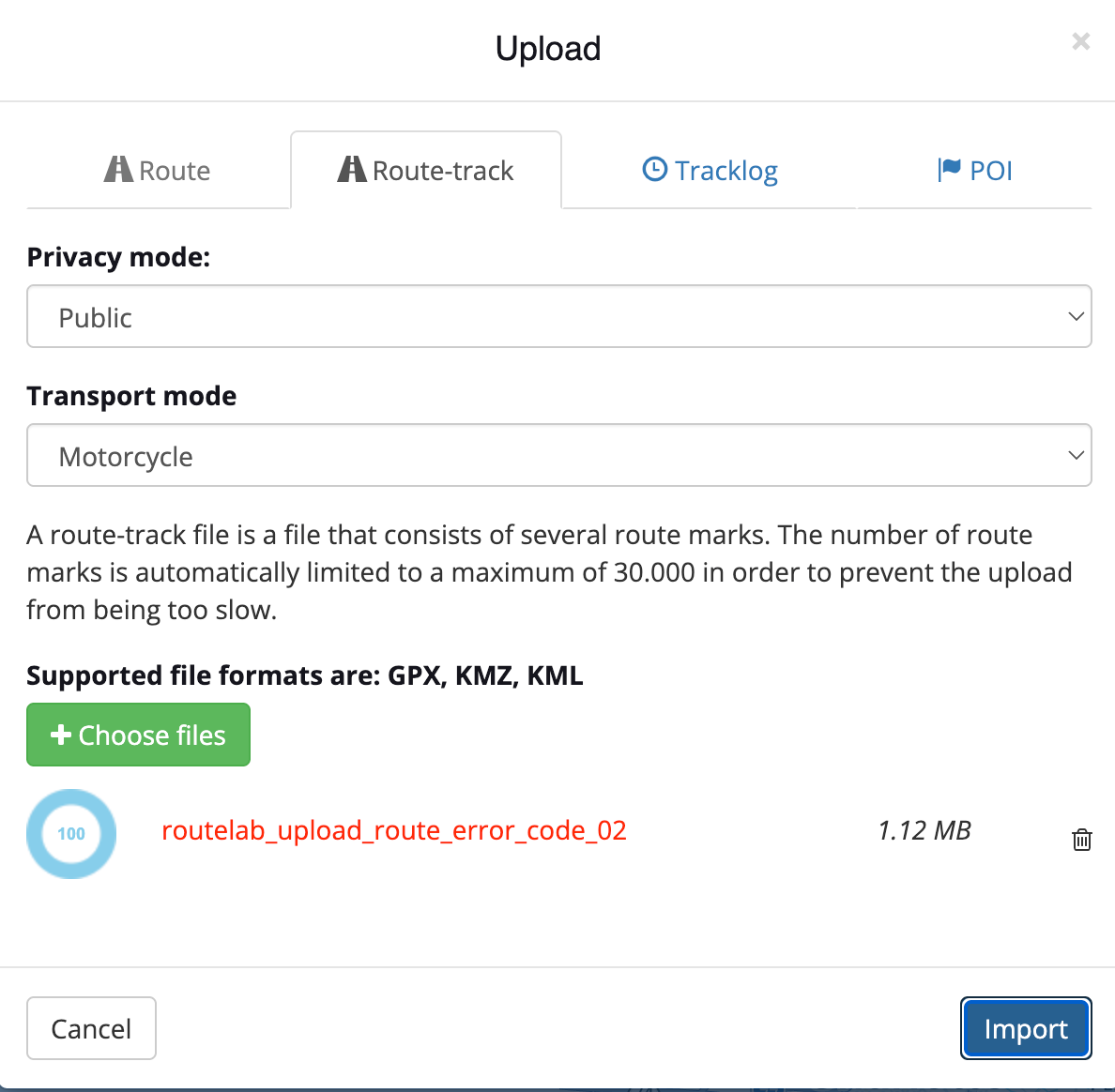
I have a a KMZ file that I exported directly from a custom Google map that I am trying to import in MRA. Below is a screenshot of the error message I am getting when I try to import the file. I have tried as a route, route-track and tracklog. All result in the same error.
Here is a Google Drive link to the actual file.
https://drive.google.com/file/d/1xrCVMpPAeaM_LSECay72YdtsqNRNM-zM/view?usp=sharing
I've made no modifications to the file exported from Google. Any help would be appreciated. Thanks!
-

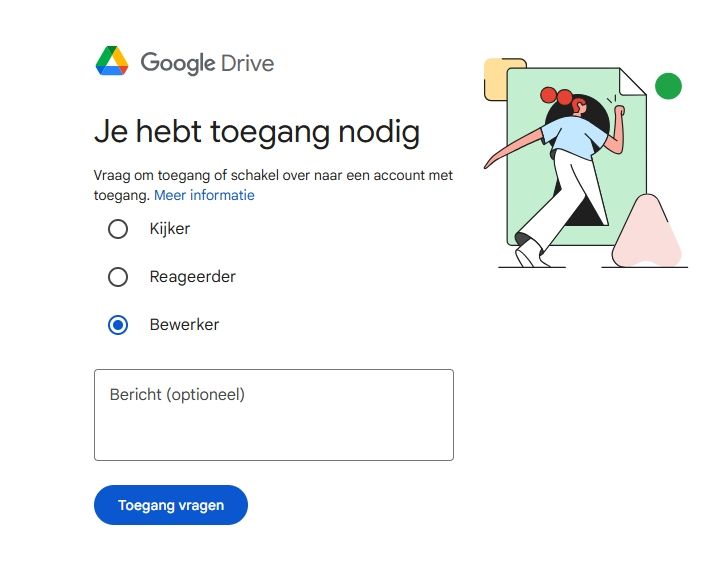
I get this message when I try to view the file!
-
Apologies. I copied the wrong link. This one should give you full editor rights.
https://drive.google.com/file/d/1xrCVMpPAeaM_LSECay72YdtsqNRNM-zM/view?usp=sharing
-

@Kerry-Lebel, I tried to import as route, and it does that without issues. It is just that between the route points a route is calculated that is likely not correct. Importing as track leads to the error you mentioned indeed. What I did was convert the KMZ to GPX at https://mygeodata.cloud/
Conversion leads to a multi day folder with individual GPX files with checkpoints, and a single complete track GPX file that all import just fine.
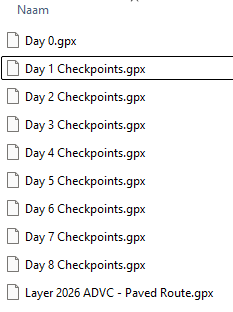
I think the culprit here is that MRA import can't handle multiple segments in one file.
-
I have a a KMZ file that I exported directly from a custom Google map that I am trying to import in MRA. Below is a screenshot of the error message I am getting when I try to import the file. I have tried as a route, route-track and tracklog. All result in the same error.
Here is a Google Drive link to the actual file.
https://drive.google.com/file/d/1xrCVMpPAeaM_LSECay72YdtsqNRNM-zM/view?usp=sharing
I've made no modifications to the file exported from Google. Any help would be appreciated. Thanks!

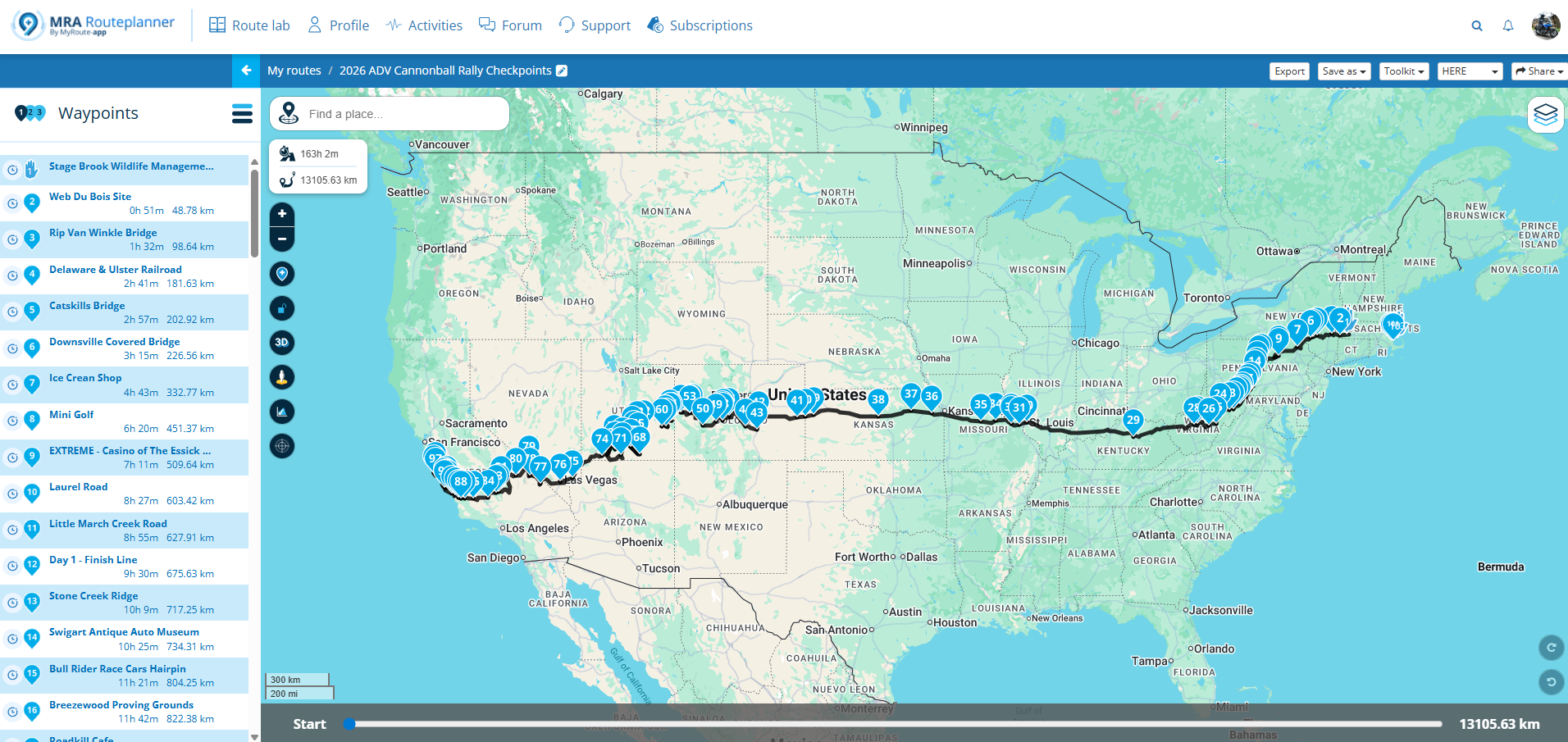
@Kerry-Lebel for me the import works perfectly without any issues
Best regards,
Adrian📱Samsung S24 Ultra with MyRoute-APP (GOLD Lifetime)
🏍️Honda NC750X (2021) with AA/CarPlay by CHIGEE Aio-5
🚙Renault Duster with onboard AA/CarPlay Unit -
@Kerry-Lebel for me the import works perfectly without any issues
@Adrian-Avram can you tell me what your process was please? I still can not get it to import without following @Con-Hennekens (thank you Con) extra steps converting to a GOX file first.
-
@Adrian-Avram can you tell me what your process was please? I still can not get it to import without following @Con-Hennekens (thank you Con) extra steps converting to a GOX file first.
@Kerry-Lebel said in Error 02 on import:
can you tell me what your process was please?
Sure.
https://drive.google.com/file/d/1FRwnbuSFrU2YWDEysqEP6DE_ODRlngGp/view?usp=drive_link -
I get this message when I try to view the file!
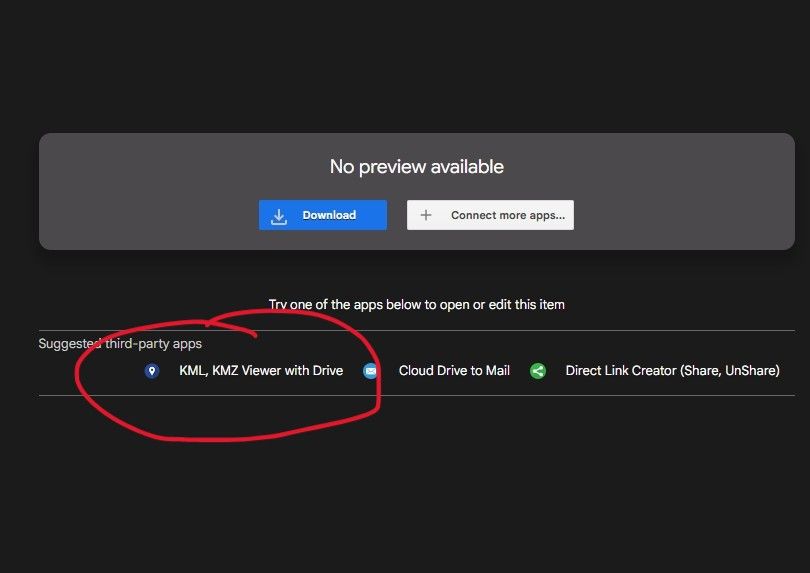
@white.mouse in order to view it directly from Google Drive, you need to install an addon.
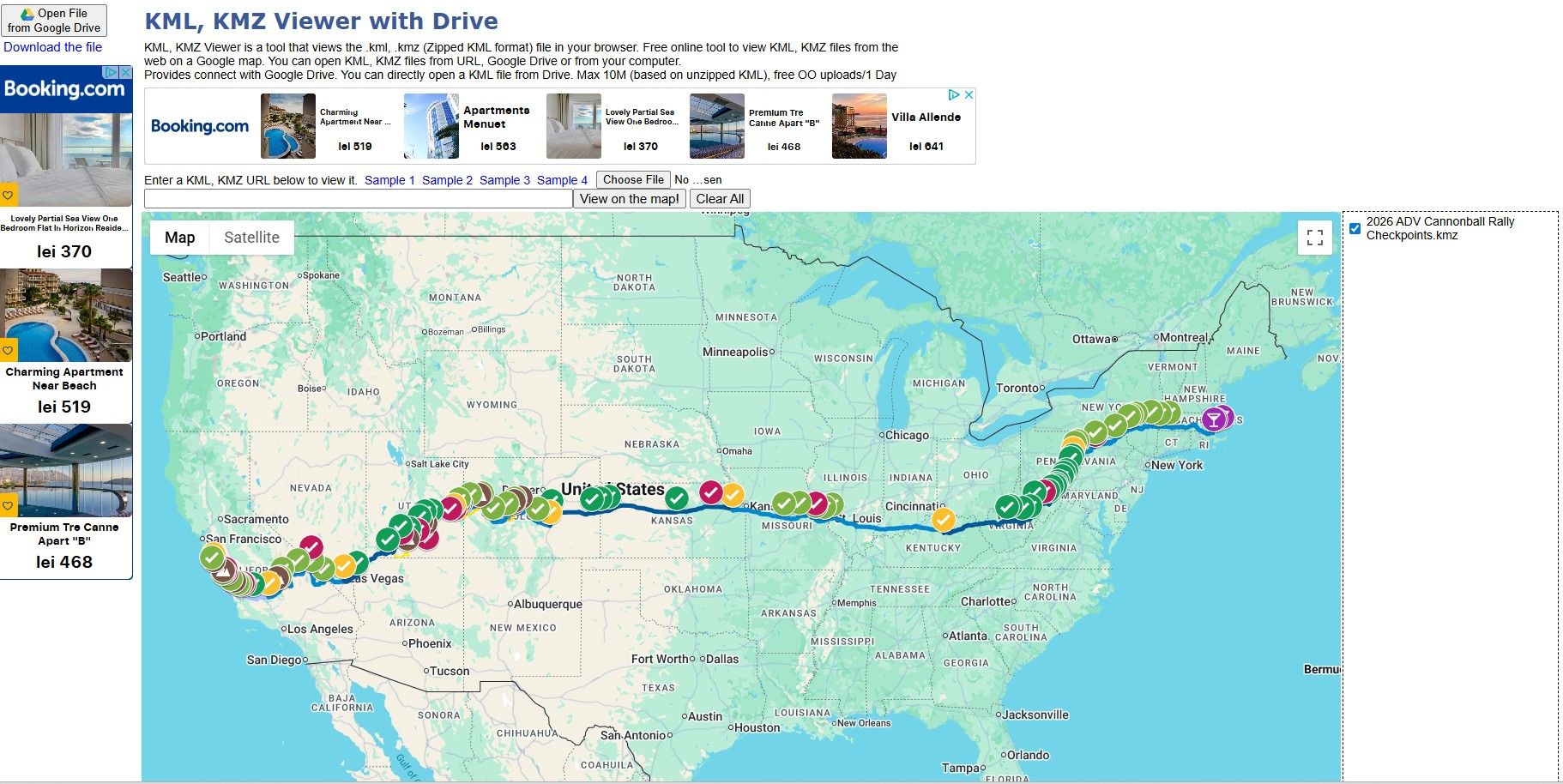
wich looks like this after opening directly in Google Drive:
Hello! It looks like you're interested in this conversation, but you don't have an account yet.
Getting fed up of having to scroll through the same posts each visit? When you register for an account, you'll always come back to exactly where you were before, and choose to be notified of new replies (either via email, or push notification). You'll also be able to save bookmarks and upvote posts to show your appreciation to other community members.
With your input, this post could be even better 💗
Register Login-
011710
-
06160
-
 05137
05137
-
 057
057
-
111474
-
05167
-
06151
-
 0211
0211



