
Absurd detours on the highway maps HERE
-
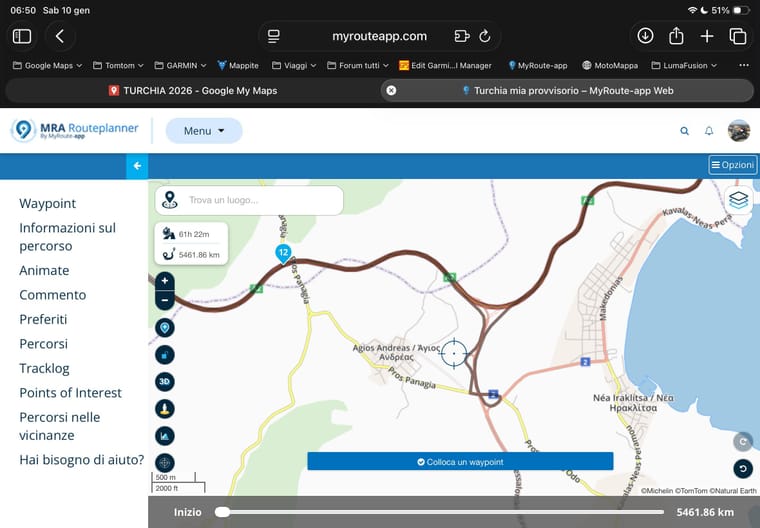
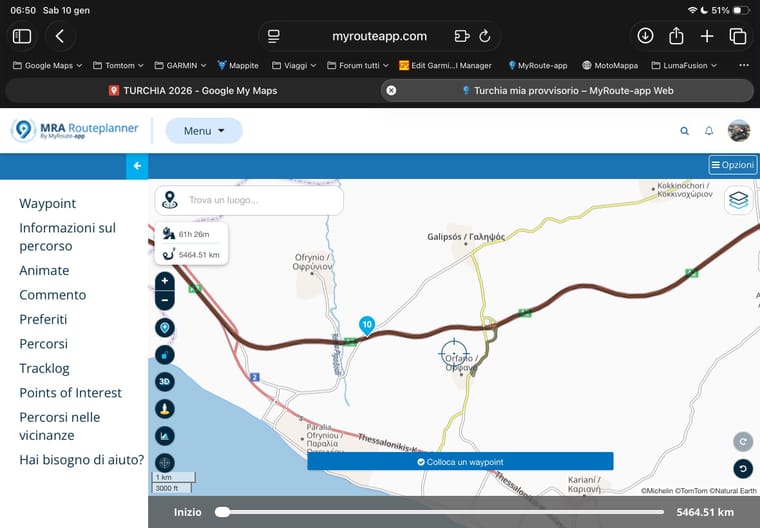
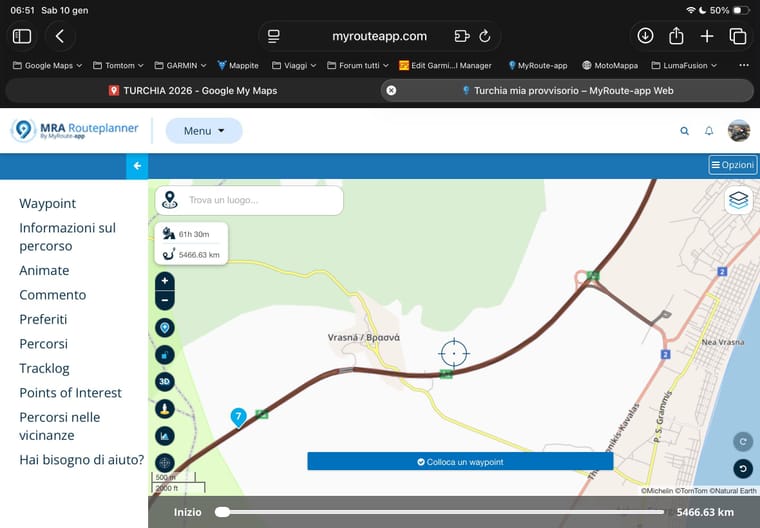
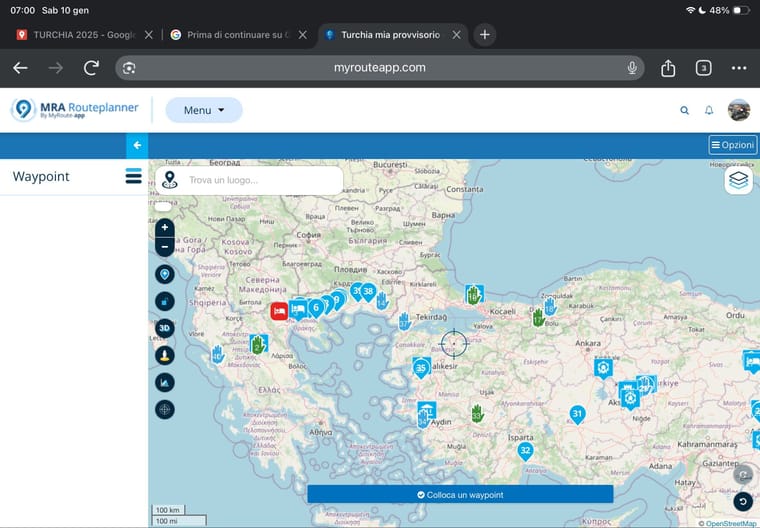
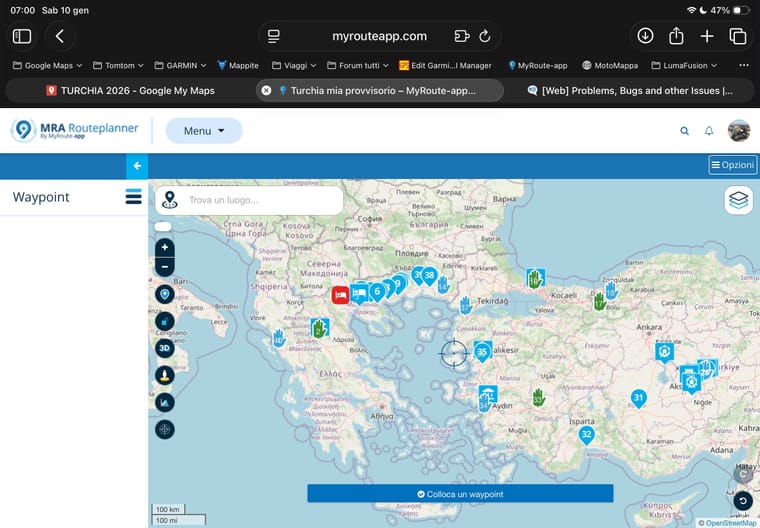
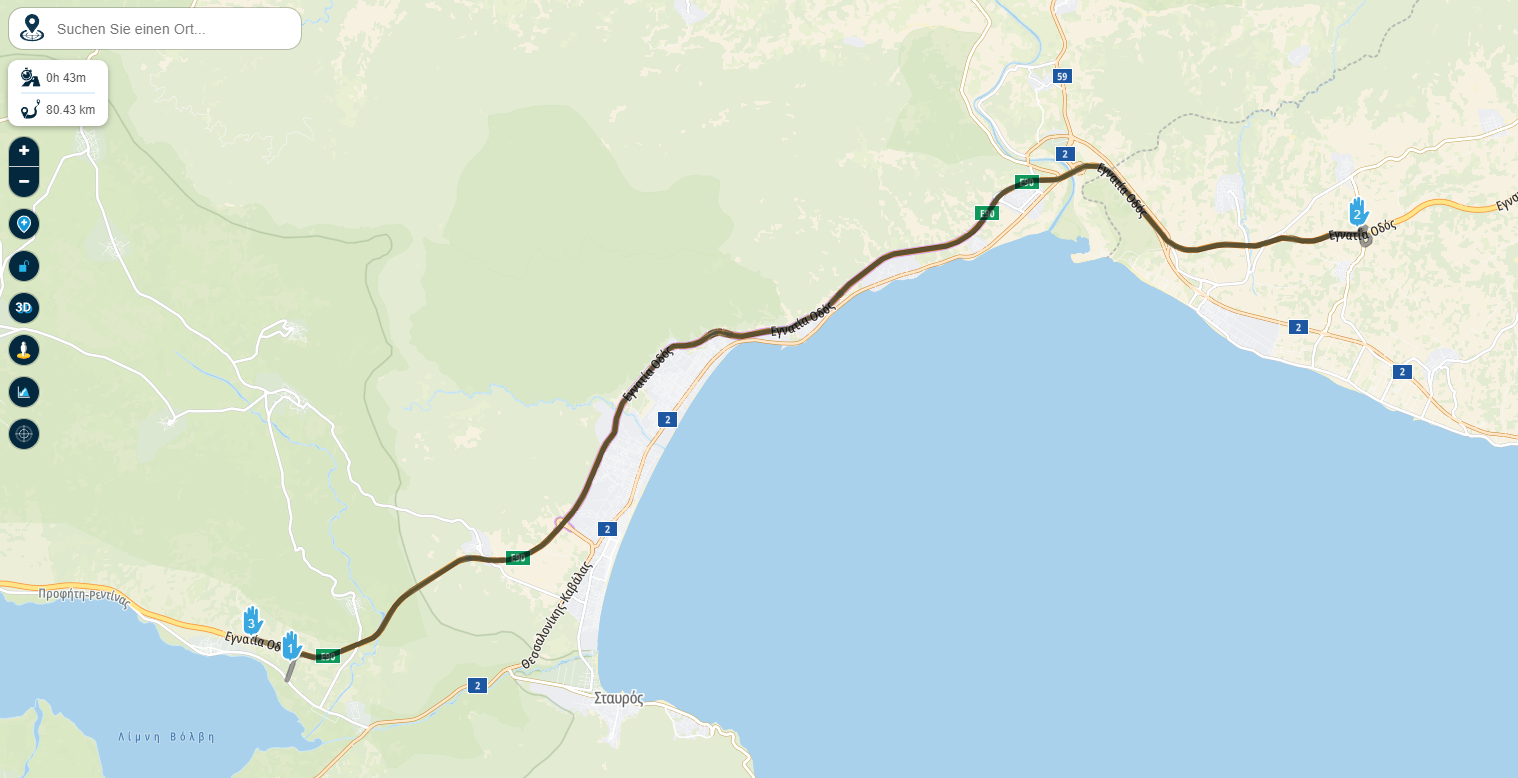
I'm planning a trip to Turkey, and it keeps calculating highway routes in an absurd way, making me exit and enter the highway. I haven't activated any options to avoid toll roads or motorways... this doesn't happen with TomTom maps... but with standard maps, everything disappears, both the route and the waypoints in the sidebar...I tried with two different browsers but nothing changes…I have carefully checked that all the transition points are positioned correctly…
EDIT: Ok, I turned on the traffic level and it looks like there are some closures, my fault, sorry, but what about the rest?
-
I'm planning a trip to Turkey, and it keeps calculating highway routes in an absurd way, making me exit and enter the highway. I haven't activated any options to avoid toll roads or motorways... this doesn't happen with TomTom maps... but with standard maps, everything disappears, both the route and the waypoints in the sidebar...I tried with two different browsers but nothing changes…I have carefully checked that all the transition points are positioned correctly…
EDIT: Ok, I turned on the traffic level and it looks like there are some closures, my fault, sorry, but what about the rest?
@Aiello-antonino The behavior you describe with highway on- and off-ramps matches what I used to see frequently with the OSM map in the past. From the images, it looks like you’re using the Michelin overlay map. Which planning map are you using — OSM, TomTom, or Here? I can’t tell from your screenshots. You might want to share the route here by posting a link, but make sure to set the route to public before doing so.
-
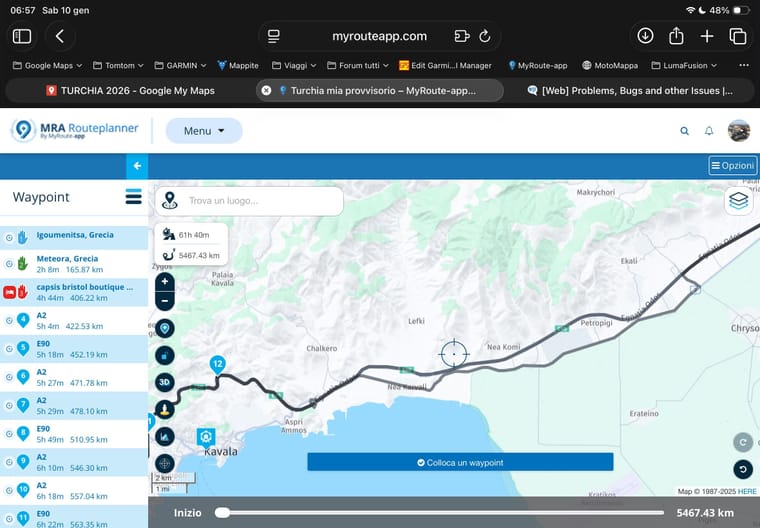
As I wrote in my "EDIT", it's my fault for not realizing that the Here maps, which are the ones I use, show closures on the highways. I activated the traffic level and noticed it, so I think it's normal like this... I don't think it's normal, however, that if I set the STANDARD map as the calculation method, everything disappears as you can see in the photos. You only see the Waypoints on the map but not in the sidebar, and you can't even see the itinerary...
-
As I wrote in my "EDIT", it's my fault for not realizing that the Here maps, which are the ones I use, show closures on the highways. I activated the traffic level and noticed it, so I think it's normal like this... I don't think it's normal, however, that if I set the STANDARD map as the calculation method, everything disappears as you can see in the photos. You only see the Waypoints on the map but not in the sidebar, and you can't even see the itinerary...
@Aiello-antonino Can you share your route please?
BMW K1600GT-P (2013) with BMW Navigator | Nolan N100-5 with Sena 30K
iOS on iPhone 13 & 16 (mounted on Quadlock)
Apple CarPlay in VW T-Roc (wired)
Routelab on MacBook Air & iMac (Tahoe & Ventura) -
In normal setting there is no detour for me. As in your third sample.
-
Empty the cache of your browser for MRA.
-
@Aiello-antonino Can you share your route please?
-
@Aiello-antonino To be completely honest… putting together a route of over 5500 km this way is asking for trouble. It’s nice as an overall overview, but hardly suitable for actual navigation! I suggest splitting the route into daily trips. After that, you can optionally merge the individual day trips — each in a different color — to get a complete overview of your route. There’s really no way to make any meaningful comments about it otherwise!
By the way, it does show as a complete route when I view your route!
-
Yes, at the moment it is the complete route, I will divide it when I have defined everything that interests me, but I understood what the "problem" is due to, the closures that the HERE maps have, TOMTOM does not have these closures, but as written, the problem that happens is that if you set the calculation method to STANDARD, the itinerary disappears, do you say it is due to the length of the itinerary? Photos 5-6
-
Yes, at the moment it is the complete route, I will divide it when I have defined everything that interests me, but I understood what the "problem" is due to, the closures that the HERE maps have, TOMTOM does not have these closures, but as written, the problem that happens is that if you set the calculation method to STANDARD, the itinerary disappears, do you say it is due to the length of the itinerary? Photos 5-6
@Aiello-antonino said in Absurd detours on the highway maps HERE:
do you say it is due to the length of the itinerary? Photos 5-6
Perhaps, although I do see a route line — unlike in the photos you posted.
-
Non così allora per quale motivo a me la fa vedere così...vedrò dal PC, adesso sono da iPdad,uso sempre questo per tutto
-
Always put waypoints on the grey line (route). If your destiny is not nearby the route, use a POI instead (waypoint 3 hotel). Waypoints 8, 15, 16 and 18 are also too far from the line.
Like Rob wrote, I also don't see any strange behaviour of the route. -
Yes, I knew about the points far from the route line, I had placed them there to remind myself that I have to place points of interest, now I have fixed them, but the problem with the STANDARD maps does not change, I also tried from PC and the problem occurs there too...
-
What do you mean by "standard maps" and with what do you want to navigate? The app something else?
-
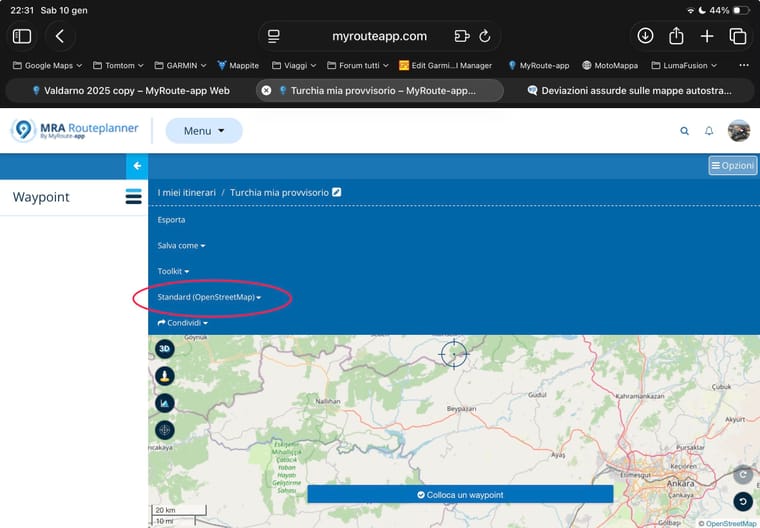
I navigate with the app, by maps I mean the STANDARD calculation method...as in the photo
-
I navigate with the app, by maps I mean the STANDARD calculation method...as in the photo
@Aiello-antonino Change your planning map. The OpenStreetMap does not calculate long distances. Or split your route into shorter, daily routes.
-
I always use HERE, I accidentally checked the standards and noticed this…But you said you tried and show the route…