Stopping For Coffee - While Navigating a Route in the APP - Android Auto
-

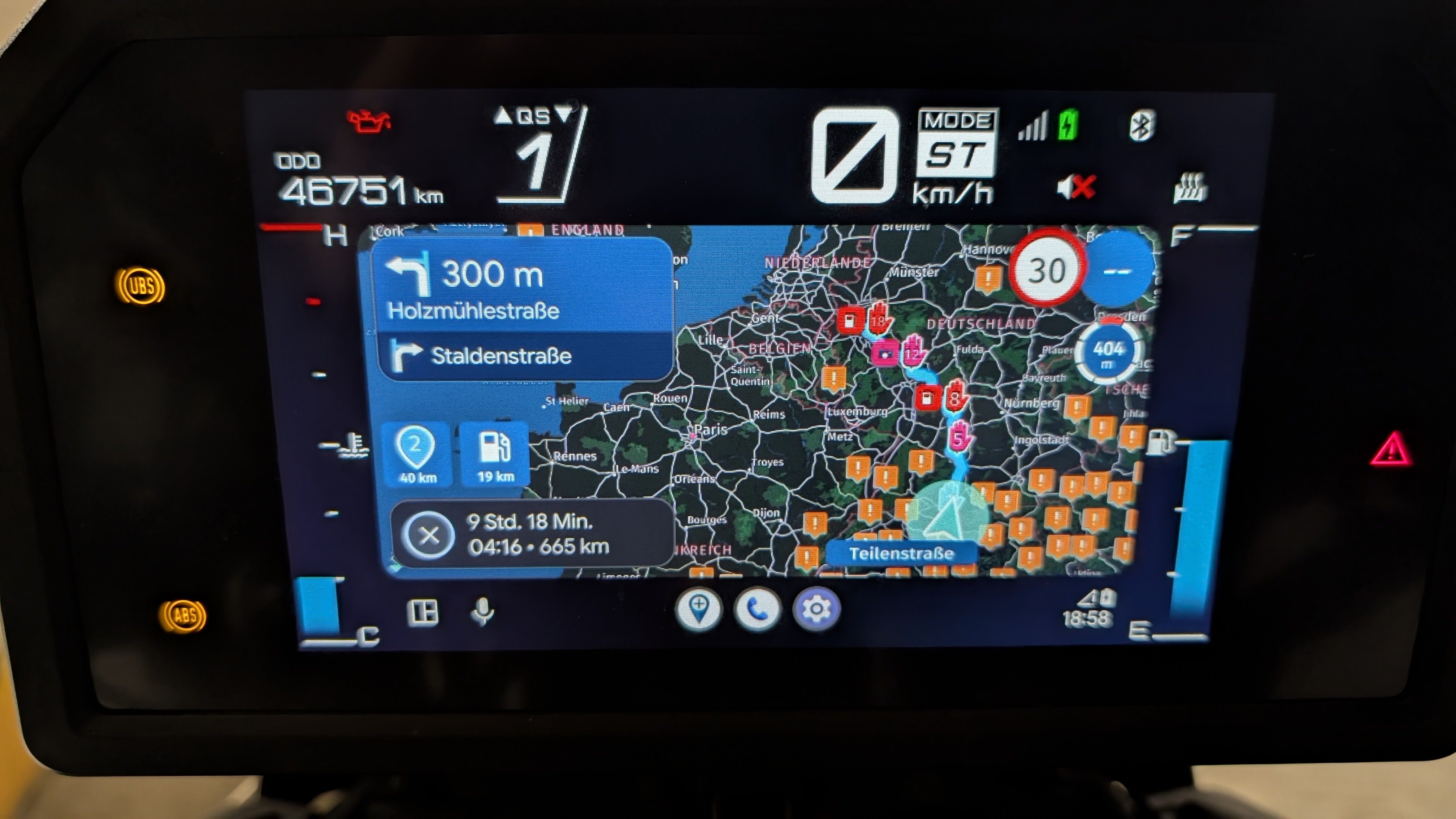
In the past , many times while navigating a route I have stopped for fuel, food, or coffee and when I come out to continue the Route is frozen and refuses to continue along the partially navigated route. Can someone please explain the correct procedure when stopping so the App will continue along the route when I come out of a restaurant and want to continue without playing around with the App? I just want to continue and eliminate the route from freezing. It causes lot of stress while traveling.
-
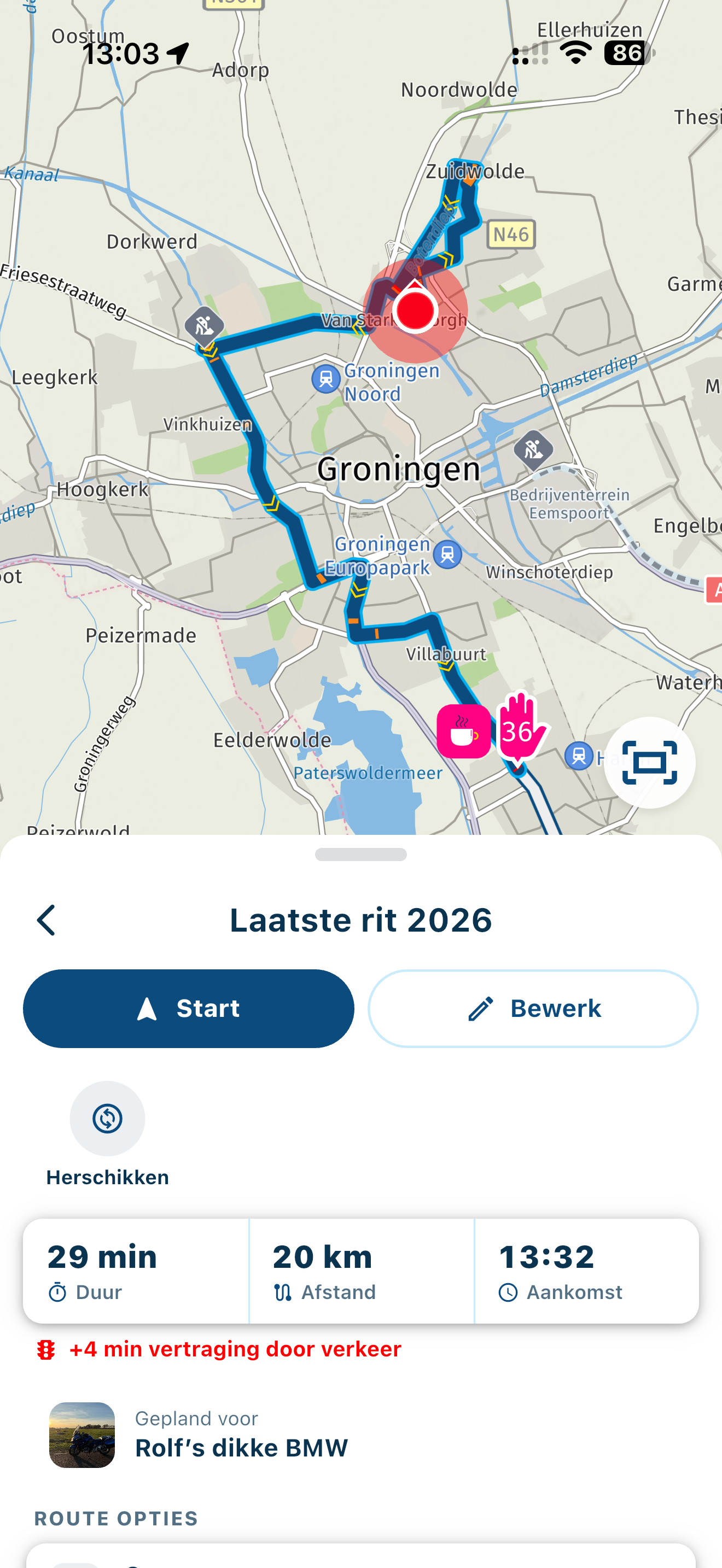
So I will answer my own question here. I realized Nick had already helped me with this problem last Spring. Proper procedure is as follows : (Please correct me if I am wrong.) While navigating a route, pull into the parking area for coffee , On your phone App, slide up from bottom to open a menu, on the left (TAP) red square with arrow, a STOP NAVIGATION prompt pops up, to STOP NAVIGATION (TAP) CONFIRM, the app/route is now paused, It prompts you to DISCARD or RESUME, at this point CLOSE THE APP, go take your break, when you come back , open the app, the route should be right there in the same paused state as when you closed it, DISCARD or RESUME, (TAP) RESUME to continue and it should smoothly proceed with instruction along your route, or DISCARD if you want to clear the current active route.
-

Ate you running the latest version of the App?
I had the similar issue with my Galaxy S26 and it was solved with an update a while ago.
Hello! It looks like you're interested in this conversation, but you don't have an account yet.
Getting fed up of having to scroll through the same posts each visit? When you register for an account, you'll always come back to exactly where you were before, and choose to be notified of new replies (either via email, or push notification). You'll also be able to save bookmarks and upvote posts to show your appreciation to other community members.
With your input, this post could be even better 💗
Register Login-
 011242
-
 0647
-
 0532
-
 07223
-
0355
-
 0323
-
01380
-
0252