Discard-and-leave issues
-

- Did this:
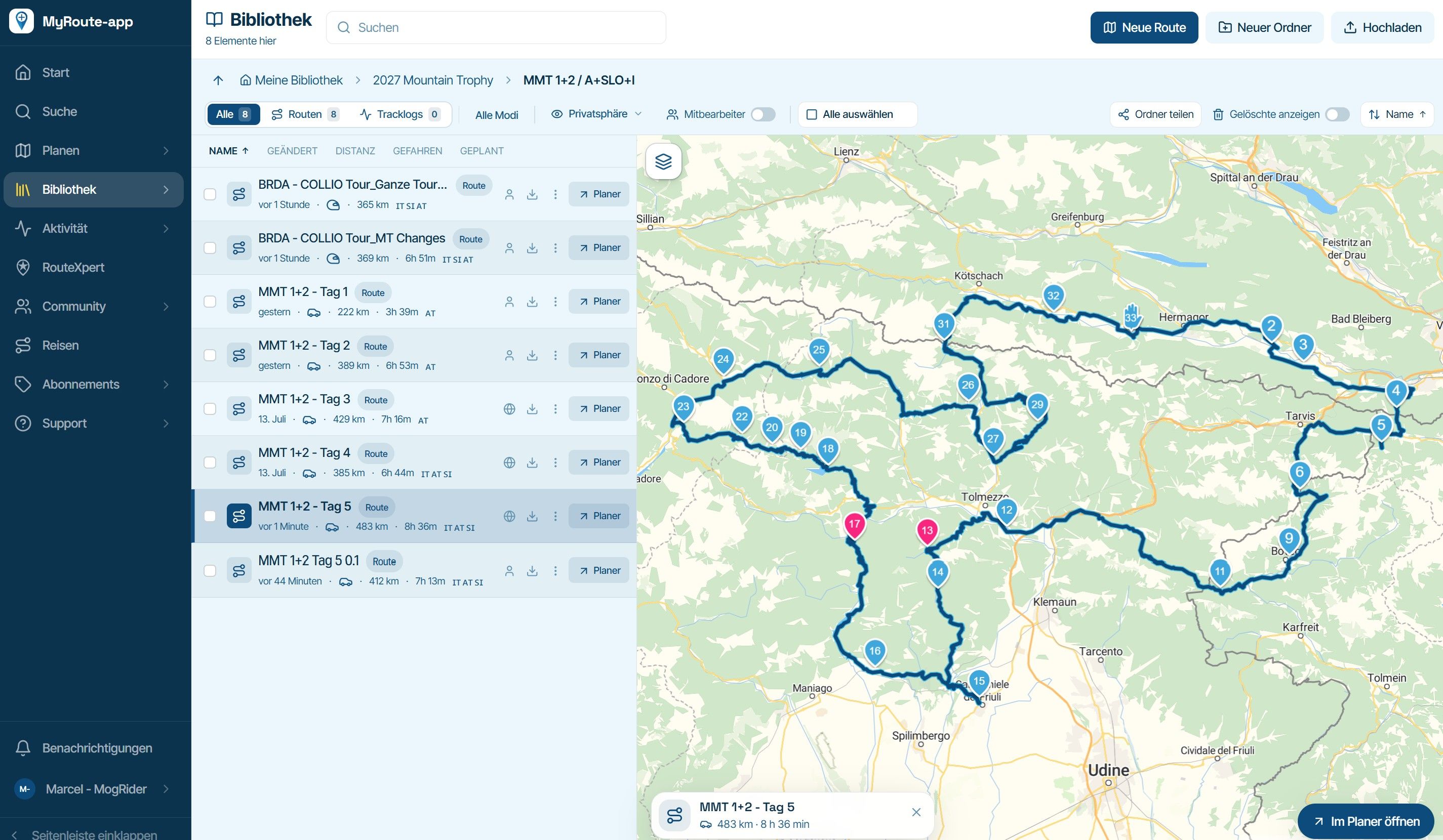
- open an old route in planner
- compare route engines; click button to force to same route
- click on a library folder
- prompted at exit: chose “discard and leave”
Result: that route is shown as modified “now”
Expected result: it should have the old date still on it, as no changes were madeOn another route: I opened, reversed the route, reversed again, discarded changes: same thing happened - route erroneously marked as changed.
This behaviour was not consistent when retested even when repeating the same operations on the same map.
- Did this:
- open an old route in planner
- click “reverse”
- click on folder name
Result: change was saved with no “discard or save” prompt
Expected result: at exit, prompt to discard or save change
I repeated this, reversing it again, and this time it prompted on exit.I have had a couple more times when it saved without prompting, so something is not 100% right there.
Hello! It looks like you're interested in this conversation, but you don't have an account yet.
Getting fed up of having to scroll through the same posts each visit? When you register for an account, you'll always come back to exactly where you were before, and choose to be notified of new replies (either via email, or push notification). You'll also be able to save bookmarks and upvote posts to show your appreciation to other community members.
With your input, this post could be even better 💗
Register Login-
 116103
-
01382
-
 0857
-
311280
-
 08248
-
 44128
-
 07238
-
011364