Blue haze on top of screen in free drive
-

As above really!
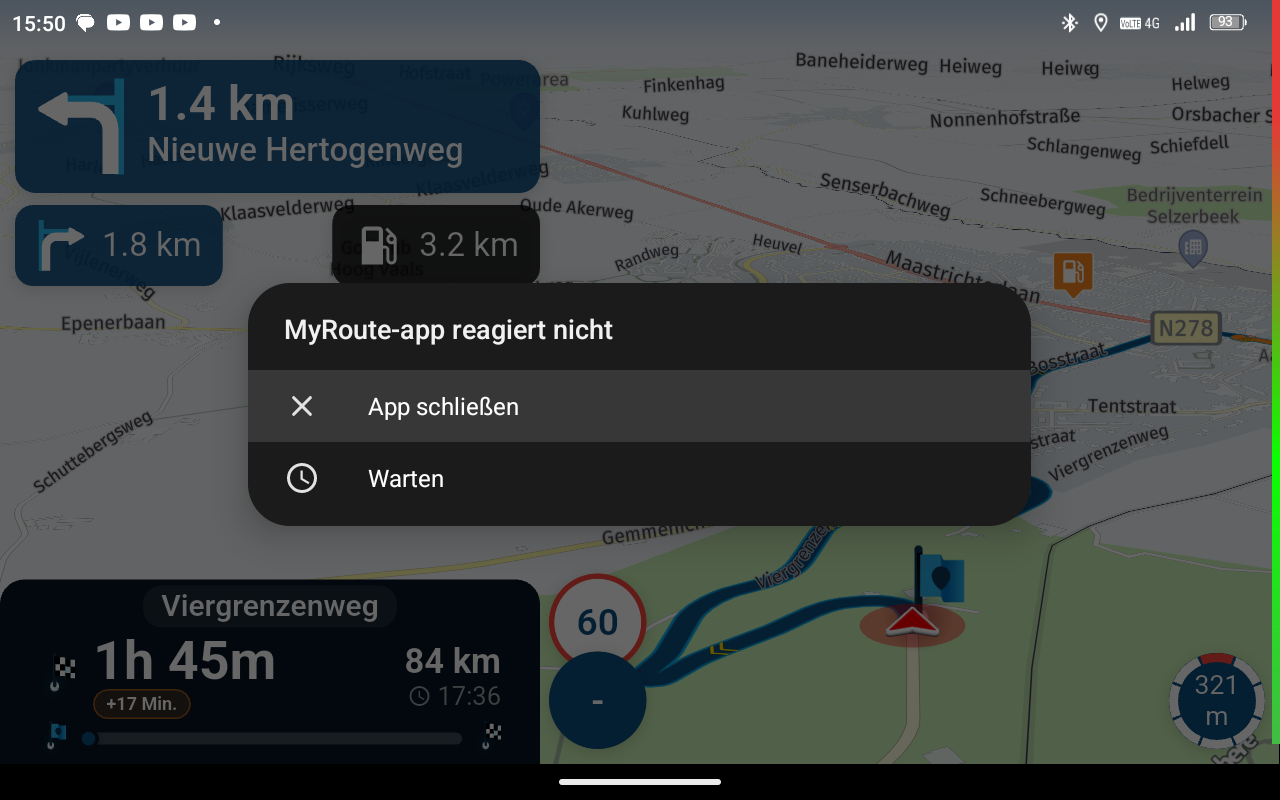
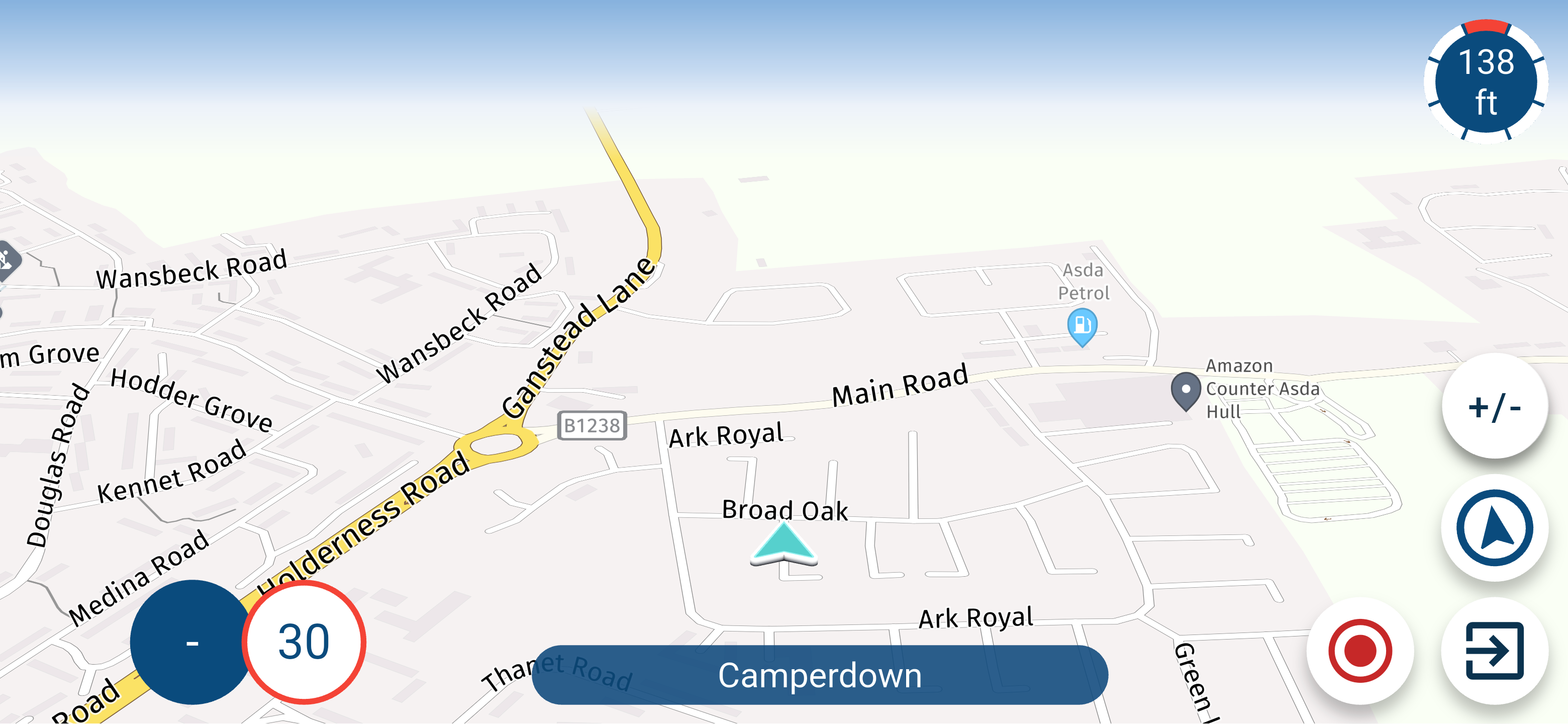
Since the new update I now have a blue haze at the top of the screen when in free drive
It looks as though you are always heading to the sea! it is a bit off putting and is worse in portrait mode
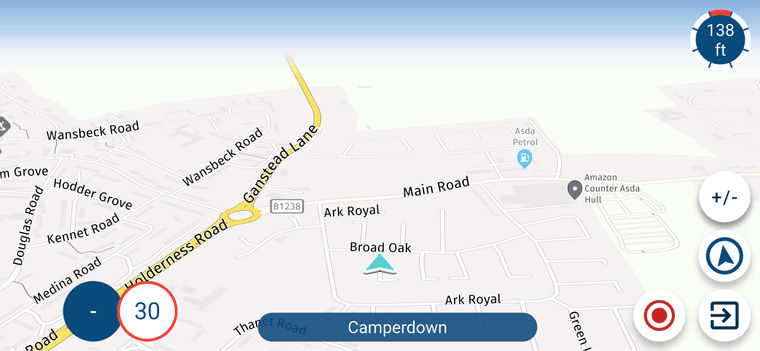
Here is a screenshot that you can hopefully see it on
There is no issues when navigating though
Thanks
Stu -
As above really!
Since the new update I now have a blue haze at the top of the screen when in free drive
It looks as though you are always heading to the sea! it is a bit off putting and is worse in portrait mode
Here is a screenshot that you can hopefully see it on
There is no issues when navigating though
Thanks
Stu
@stuart-marritt That's the simulated horizon. Adjust the Tilt correction in the Map layer section of the Navigation settings.
It was announced in the post of the release to check your settings!
-
Setting it to 0.0 has fixed it
Have all settings been reset since the latest update?
If so thats a little annoying as I can't remember all the settings I had set
-
Setting it to 0.0 has fixed it
Have all settings been reset since the latest update?
If so thats a little annoying as I can't remember all the settings I had set

I can't remember all the settings I had set
Well... let's be honest. There aren't really that many settings to adjust that you couldn't remember them.
And once you know your own settings and understand what they do, you'll realise why MRA is behaving this way.
Do yourself a favour and have a bit of a play around with the settings – it'll help you understand how MRA works better

-
I can't remember all the settings I had set
Well... let's be honest. There aren't really that many settings to adjust that you couldn't remember them.
And once you know your own settings and understand what they do, you'll realise why MRA is behaving this way.
Do yourself a favour and have a bit of a play around with the settings – it'll help you understand how MRA works better

I can't remember all the settings I had set
Well... let's be honest. There aren't really that many settings to adjust that you couldn't remember them.
That's why I made screenshots of all the settings. Once its done it's very convenient. And when something changes just make en new screenshot.
met een R1250RT met TFT
en BMW Connected Ride App(die dus nog steeds niet voldoet!) ; M.R.A. in combinatie met de Carpuride W702 (voor Android op de Motor!), de Garmin Zumo XT als backup en een Samsung Galaxy S24 -
I can't remember all the settings I had set
Well... let's be honest. There aren't really that many settings to adjust that you couldn't remember them.
That's why I made screenshots of all the settings. Once its done it's very convenient. And when something changes just make en new screenshot.
@white.mouse I am still able to remember my settings
Don't know how long that will last
-
I can't remember all the settings I had set
Well... let's be honest. There aren't really that many settings to adjust that you couldn't remember them.
And once you know your own settings and understand what they do, you'll realise why MRA is behaving this way.
Do yourself a favour and have a bit of a play around with the settings – it'll help you understand how MRA works better
I can't remember all the settings I had set
Well... let's be honest. There aren't really that many settings to adjust that you couldn't remember them.
And once you know your own settings and understand what they do, you'll realise why MRA is behaving this way.
Do yourself a favour and have a bit of a play around with the settings – it'll help you understand how MRA works better
No need to be so patronising!
its been a few years since I changed the settings to how I wanted the app to be
No one looks at these settings everyday to remember them
I very well know what all the settings do
But the tilt adjustment should not be behaving this way and never did before in the past, I have never had to adjust it this is a new issue in my opinion
-
I can't remember all the settings I had set
Well... let's be honest. There aren't really that many settings to adjust that you couldn't remember them.
And once you know your own settings and understand what they do, you'll realise why MRA is behaving this way.
Do yourself a favour and have a bit of a play around with the settings – it'll help you understand how MRA works better
No need to be so patronising!
its been a few years since I changed the settings to how I wanted the app to be
No one looks at these settings everyday to remember them
I very well know what all the settings do
But the tilt adjustment should not be behaving this way and never did before in the past, I have never had to adjust it this is a new issue in my opinion
its been a few years since I changed the settings to how I wanted the app to be
I wasn’t being condescending; I just wanted to let you know that it isn’t enough to set the options once and then not check them again for years.
MRA is constantly being improved, and user suggestions are reviewed by the developers and implemented where appropriate.
It’s only logical, then, that there may be additional new settings to configure within the system.
-
Setting it to 0.0 has fixed it
Have all settings been reset since the latest update?
If so thats a little annoying as I can't remember all the settings I had set
@stuart-marritt I struggled with that transition from “MRA-previous” to MRA-Next as well. At the time, I ended up taking screenshots of the screens where you could change settings. Because of all the testing, I don’t really need them anymore—they’re pretty much in my head now. Still, every now and then I go back to those images.
I’d recommend doing the same. I understand it’s frustrating when a personal setting suddenly changes after an app update. For now, creating a backup file for this isn’t something that’s expected. It also shouldn’t happen very often that a setting suddenly changes.
🏍️ BMW K1600GT-P (2013) | Nolan N100-5 with Sena 30K
📱 iOS on iPhone 13 & 16 (mounted on Quadlock or AliExpress extention on BMW-cradle)
🚙 Apple CarPlay in VW T-Roc
💻 Routelab on MacBook Air & iMac (Golden Gate & Ventura) -
@stuart-marritt I struggled with that transition from “MRA-previous” to MRA-Next as well. At the time, I ended up taking screenshots of the screens where you could change settings. Because of all the testing, I don’t really need them anymore—they’re pretty much in my head now. Still, every now and then I go back to those images.
I’d recommend doing the same. I understand it’s frustrating when a personal setting suddenly changes after an app update. For now, creating a backup file for this isn’t something that’s expected. It also shouldn’t happen very often that a setting suddenly changes.
@stuart-marritt I struggled with that transition from “MRA-previous” to MRA-Next as well. At the time, I ended up taking screenshots of the screens where you could change settings. Because of all the testing, I don’t really need them anymore—they’re pretty much in my head now. Still, every now and then I go back to those images.
I’d recommend doing the same. I understand it’s frustrating when a personal setting suddenly changes after an app update. For now, creating a backup file for this isn’t something that’s expected. It also shouldn’t happen very often that a setting suddenly changes.
A back up solution would be the way forward as if like me you are caught out on the update and never took screenshots or can remember the settings you had its a bit of a pain in the rear end.
I will get it back to looking how it was by trial and error but just a little frustrating
If you are testing and having to change settings you will always remember what settings you had and what to change quickly and easily but once the app is set up how you want it as a normal user there is no need to go back in to settings so can soon forget what you had
Hello! It looks like you're interested in this conversation, but you don't have an account yet.
Getting fed up of having to scroll through the same posts each visit? When you register for an account, you'll always come back to exactly where you were before, and choose to be notified of new replies (either via email, or push notification). You'll also be able to save bookmarks and upvote posts to show your appreciation to other community members.
With your input, this post could be even better 💗
Register Login-
 17335.5k
-
 0770
0770
-
 0463
0463
-
 216134
-
 712122
-
0325
-
125283
-
 07202
07202