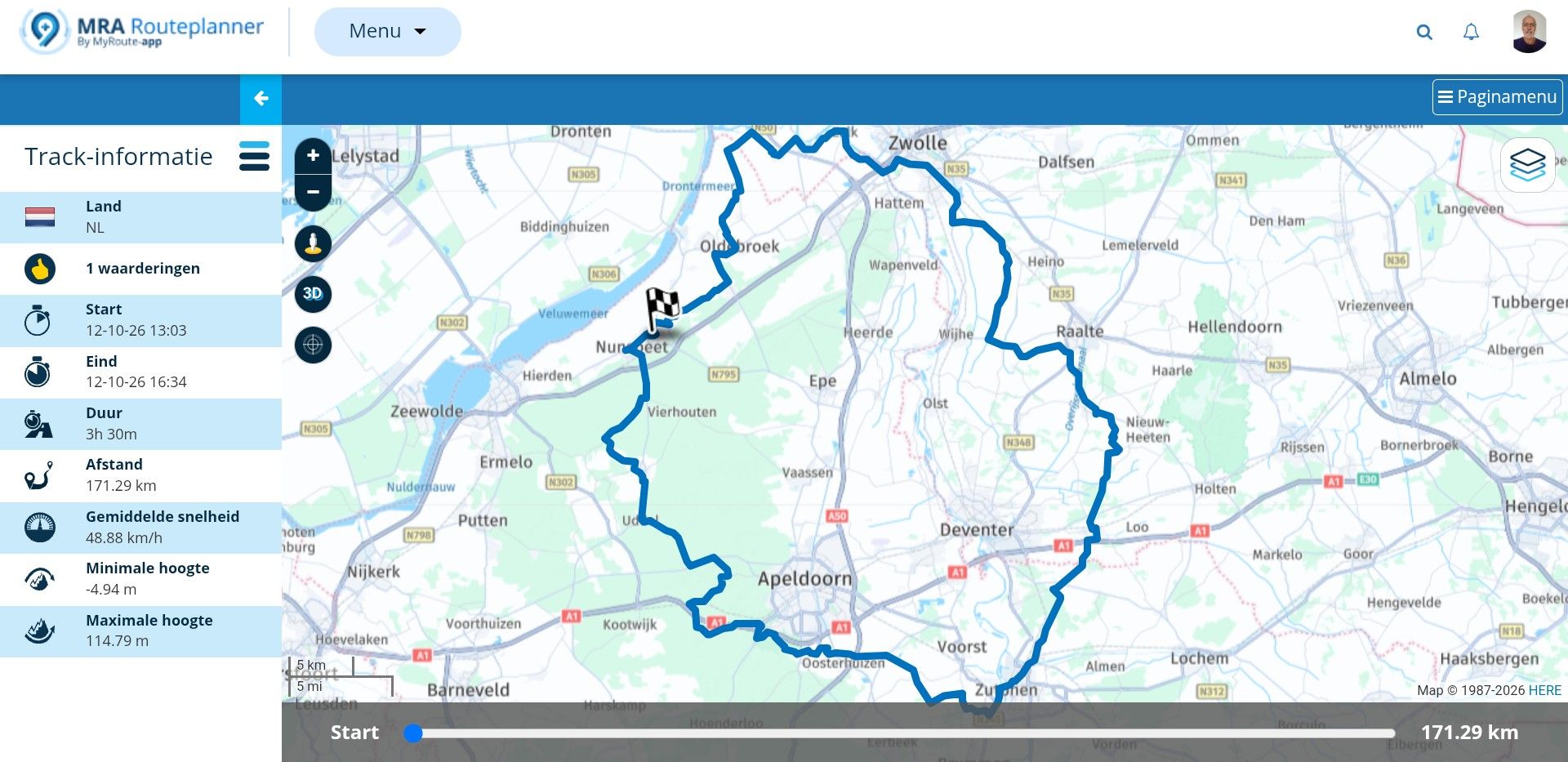
Track on Myroute Nav
-

When I create ant itinerary on Myroute, it's a route.
I can export it to a GPS as route or as track, no problem with that.
When I open it on Myroute Nav, i's a route. But I did'nt find how to open it as a track on Myroute Nav. Is it possible ? -
When I create ant itinerary on Myroute, it's a route.
I can export it to a GPS as route or as track, no problem with that.
When I open it on Myroute Nav, i's a route. But I did'nt find how to open it as a track on Myroute Nav. Is it possible ?
@Joce-Doubs You can ride routes as a track by adjusting this in the navigation settings. See: Navigation Settings > Functional > Track Navigation > Navigate routes as track.
-
OK, thank you. I'll try that
-

@Joce-Doubs if you have switched on synch at MyRoute-App then your planned routes with MRA-Routeplanner will be synched automatically into the app (as route).
Then you can try as @Bart-De-Medts wrote: navigate as track.But if you really want to see your planning as track, then do a download from MRA-Routeplanner as gpx file at your phone. Then do an import in MyRoute-App of that file as track.
I'm doing it in that way, if I'm riding offroad and don't want an active routing. Seeing the track on screen is enough... -
Yes, @Guzzist , that's what I Want to do. Thanks
Hello! It looks like you're interested in this conversation, but you don't have an account yet.
Getting fed up of having to scroll through the same posts each visit? When you register for an account, you'll always come back to exactly where you were before, and choose to be notified of new replies (either via email, or push notification). You'll also be able to save bookmarks and upvote posts to show your appreciation to other community members.
With your input, this post could be even better 💗
Register Login-
 02042
02042
-
 0735
0735
-
 11755
11755
-
 013203
-
0732
-
1685
-
 011738
-
 15143
15143