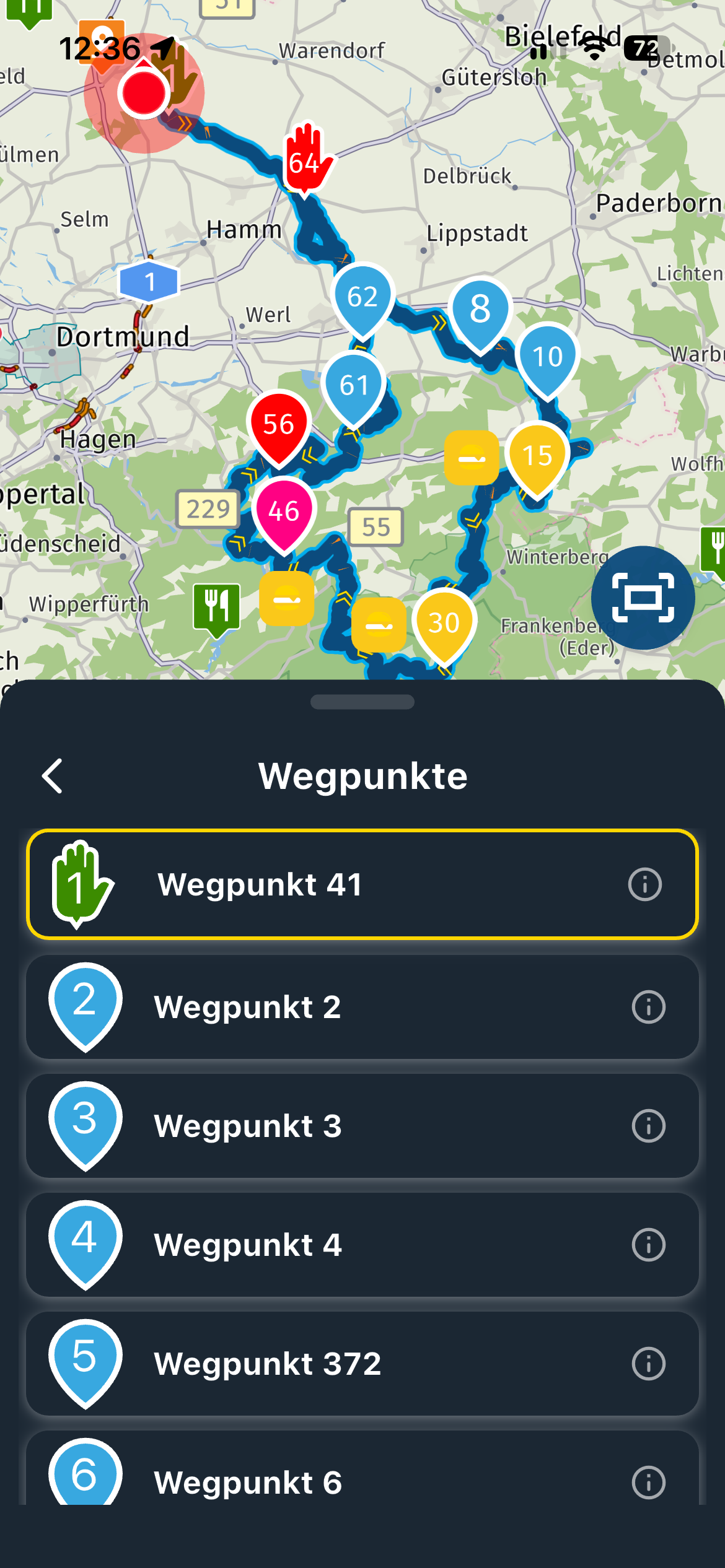
MRA Routplanner
-

Hi All, I am currently well through my free trial period with MRA, and very impressed.
Quick question though, what is the difference between creating a route in MRA Routeplanner and creating a route via new route in the Routelab ? -
Hi All, I am currently well through my free trial period with MRA, and very impressed.
Quick question though, what is the difference between creating a route in MRA Routeplanner and creating a route via new route in the Routelab ?
@Iain-Cochrane-0 MRA routeplanner is the in app planner in the MRA next app. The other one uses the web planner. Basicly ist the same
-

@Iain-Cochrane-0
Also keep in mind, using the webbased MRA routelab you have a better view on what you are doing.Experienced MRA Next users will tell you that it's not gonna be of any issue plotting a (new) route on your mobile phone. But using the webbased MRA route lab on a laptop or computer can be of more ease for regular users.
See it like this: either you plot your route on a 6" mobile phone (smartphone) screen with all the inconveniences that come with it OR you can use the webbased routelab on a 15"/17"/19" screen (or larger screen if you have such at home) providing a better overview of what you are doing.
For myself, i hate working on mobile phones, things like filling forms or doing some typewriting on a mobile phone (smartphone). I find the screen for such things too small and you have to zoom in and out constantly to see what you are doing and what you filled in.
-
@Iain-Cochrane-0
Also keep in mind, using the webbased MRA routelab you have a better view on what you are doing.Experienced MRA Next users will tell you that it's not gonna be of any issue plotting a (new) route on your mobile phone. But using the webbased MRA route lab on a laptop or computer can be of more ease for regular users.
See it like this: either you plot your route on a 6" mobile phone (smartphone) screen with all the inconveniences that come with it OR you can use the webbased routelab on a 15"/17"/19" screen (or larger screen if you have such at home) providing a better overview of what you are doing.
For myself, i hate working on mobile phones, things like filling forms or doing some typewriting on a mobile phone (smartphone). I find the screen for such things too small and you have to zoom in and out constantly to see what you are doing and what you filled in.
@Nomko-Nomden thank you for your comments.
That makes sense to me.
Like you I am not a big fan of using a phone, when a pc would be an easier option. -
@Iain-Cochrane-0 MRA routeplanner is the in app planner in the MRA next app. The other one uses the web planner. Basicly ist the same
@Marinus-van-Deudekom thanks, that clears up that issue !
I think I am getting to grips with this app now.
Hello! It looks like you're interested in this conversation, but you don't have an account yet.
Getting fed up of having to scroll through the same posts each visit? When you register for an account, you'll always come back to exactly where you were before, and choose to be notified of new replies (either via email, or push notification). You'll also be able to save bookmarks and upvote posts to show your appreciation to other community members.
With your input, this post could be even better 💗
Register Login-
 4940
4940
-
06158
-
 0425
0425
-
 010123
-
 0348
0348
-
 8955
8955
-
 011860
-
 113685