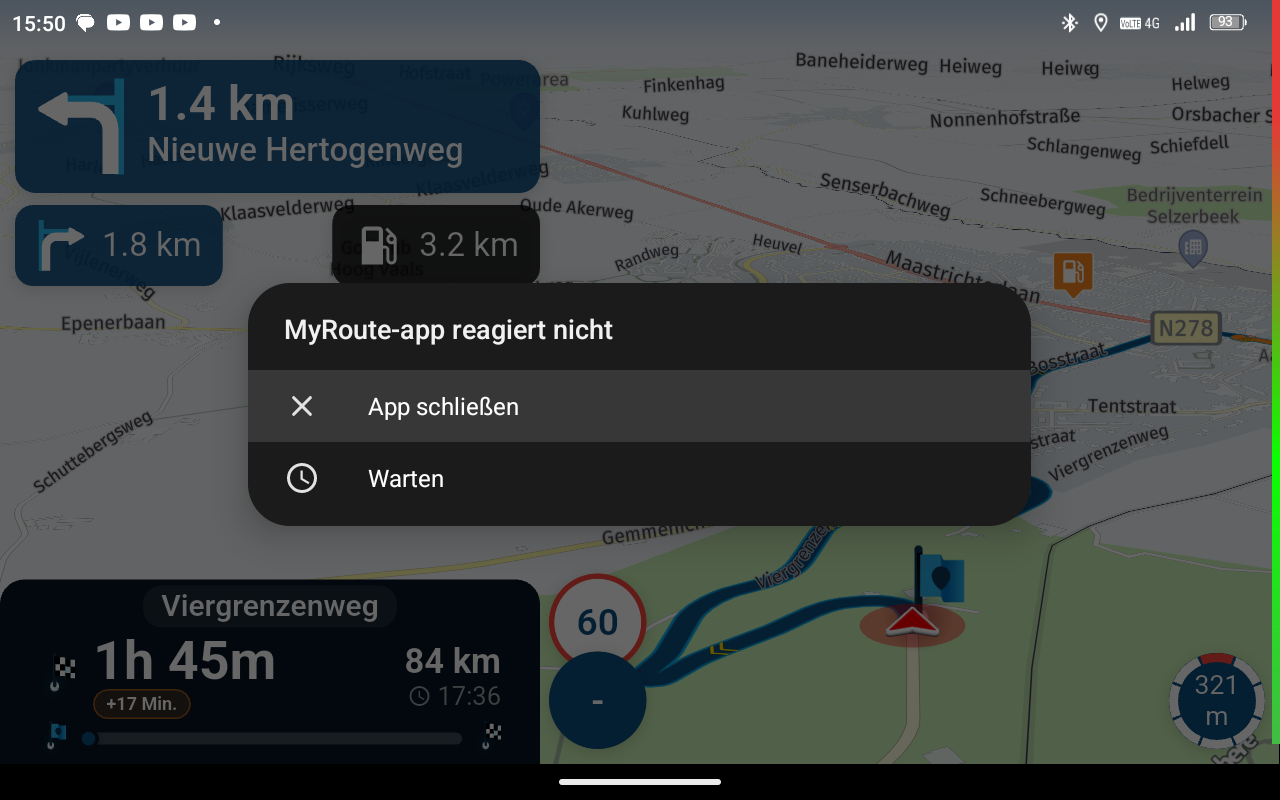
Turn off Screen rotation
-

Hi everyone, is there a way to turn off the screen rotation during navigation? On my last trip, the screen rotated when I hit a few bumps in the road and only turned back again after the next bump. I have my smartphone in landscape format and it's a pain when the picture suddenly appears in portrait format. If I turn off the automatic rotation on my smartphone, I can no longer navigate in landscape format. Maybe someone else has an idea. LG Reisetourer
-
Hi everyone, is there a way to turn off the screen rotation during navigation? On my last trip, the screen rotated when I hit a few bumps in the road and only turned back again after the next bump. I have my smartphone in landscape format and it's a pain when the picture suddenly appears in portrait format. If I turn off the automatic rotation on my smartphone, I can no longer navigate in landscape format. Maybe someone else has an idea. LG Reisetourer

@Marschel For Android you have to look in the settings of your phone. For iOS this feature is not availible. Only screenlock for portrait is possible.
-

Android will also have other apps that can help you with this. It is something (together with a rain “lock”) on our list

-
Android will also have other apps that can help you with this. It is something (together with a rain “lock”) on our list

@Corjan-Meijerink said in Turn off Screen rotation:
together with a rain “lock”
Woaaaaaa, so no need for "Touch Blocker" anymore :D?
The old app had the screen lock built-in, I would also fancy it getting back into Next :). -
@Corjan-Meijerink
Hello Corjan, then I'll hope that this item moves up the list very quickly and that I need an additional app for it. -
@Marschel For Android you have to look in the settings of your phone. For iOS this feature is not availible. Only screenlock for portrait is possible.

@Rob-Verhoeff using Android, so long as the screen is in landscape, with Navigation Next, it locks in landscape. This is a setting in from the cog you get on a swipe-down on on my Samsung S22. Might be different on other brands of phone as this, I believe, is part of the Samsung 'One UI'.
Hello! It looks like you're interested in this conversation, but you don't have an account yet.
Getting fed up of having to scroll through the same posts each visit? When you register for an account, you'll always come back to exactly where you were before, and choose to be notified of new replies (either via email, or push notification). You'll also be able to save bookmarks and upvote posts to show your appreciation to other community members.
With your input, this post could be even better 💗
Register Login-
 17335.6k
-
 0773
0773
-
 0486
0486
-
 216135
-
 712127
-
 0348
0348
-
 125293
-
 07206
07206