Skip to content
  • Categories
  • Recent
  • Popular
  • Support
  • MyRoute-app
Collapse
Brand Logo

MRA Community Forum

  1. Home
  2. General Discussion
  3. Offroad - nur gerade Linie?

Offroad - nur gerade Linie?

Scheduled Pinned Locked Moved General Discussion
2 Posts 2 Posters 565 Views 1 Watching
  • Oldest to Newest
  • Newest to Oldest
  • Most Votes
Reply
  • Reply as topic
Log in to reply
This topic has been deleted. Only users with topic management privileges can see it.
  • Sybilleundefined Offline
    Sybilleundefined Offline
    Sybille
    wrote on last edited by
    #1

    Wenn ich eine Route planen will mit Offroad, dann wird nur eine schnurgerade Linie angezeigt. Was mache ich falsch?
    Reinhard-32undefined 1 Reply Last reply
    0
    • Sybilleundefined Sybille

      Wenn ich eine Route planen will mit Offroad, dann wird nur eine schnurgerade Linie angezeigt. Was mache ich falsch?

      Reinhard-32undefined Offline
      Reinhard-32undefined Offline
      Reinhard-32
      wrote on last edited by Reinhard-32
      #2

      @Sybille
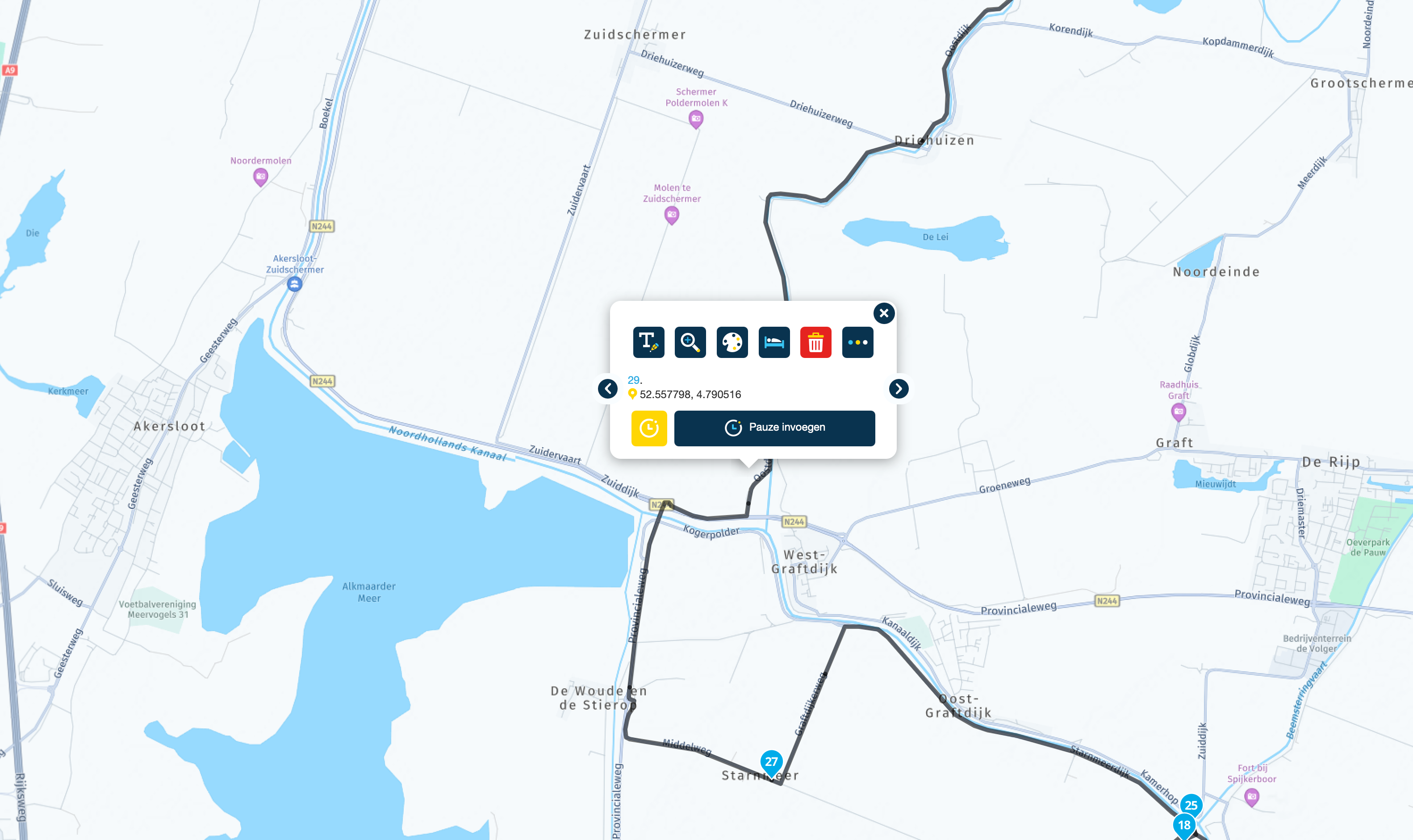
      Hallo Sybille, Off-road heist hier nicht auf Straßen fahren. Deshalb wird nur die Verbindung zwischen 2 Punkten als Line dargestellt. Im Off-road Modus fährt man nur nach den örtlichen Gegebenheiten möglichst entlang der Routenlinie (Luftlinie) zum nächsten Wegpunkt. Man könnte auch sagen, man fährt Querfeldein.
      Wenn Du im Kartenmaterial vorhanden Wege benutzen willst, dann solltest Du im Straßenmodus Deine Routen planen.

      Übrigens: Die Forumssprache ist gemäß der Forenregeln englisch. Wenn Du zukünftig Fragen auf Deutsch stellen möchtest, da platziere sie bitte im Deutschsprachigen Forumsteil. Danke.

      Kindly regards
      Reinhard

      Montana 700i and Mac

      1 Reply Last reply
      0

      Hello! It looks like you're interested in this conversation, but you don't have an account yet.

      Getting fed up of having to scroll through the same posts each visit? When you register for an account, you'll always come back to exactly where you were before, and choose to be notified of new replies (either via email, or push notification). You'll also be able to save bookmarks and upvote posts to show your appreciation to other community members.

      With your input, this post could be even better 💗

      Register Login
      Reply
      • Reply as topic
      Log in to reply
      • Oldest to Newest
      • Newest to Oldest
      • Most Votes


      ACTIVE USERS
      Reinhard-32undefined
      Reinhard-32
      Sybilleundefined
      Sybille
      POPULAR TOPICS
      • Skipping a Via point...
        Marinus van Deudekomundefined
        Marinus van Deudekom
        0
        17
        338

      • Choice for starting point of a route
        Nick Carthewundefined
        Nick Carthew
        0
        19
        352

      • Veekeersinfo en omleiden
        Marinus van Deudekomundefined
        Marinus van Deudekom
        0
        9
        176

      • Web App isn’t stable
        Aiello antoninoundefined
        Aiello antonino
        1
        4
        92

      • Synchronise a folder. Is it possible.
        Richard 18undefined
        Richard 18
        0
        4
        52

      • Library sync error
        Albert van den Elsenundefined
        Albert van den Elsen
        0
        5
        108

      • how can I make Next speak the waypoints and notes to me?
        supergundefined
        superg
        0
        2
        52

      • CarPlay route selection functionality
        Nick Carthewundefined
        Nick Carthew
        0
        4
        81

      MY GROUPS
      • Login

      • Login or register to search.
      • First post
        Last post
      0
      • Categories
      • Recent
      • Popular
      • Support
      • MyRoute-app