Offline Maps Management
-
Is there any way to manage the offline maps? Will there ever be?
I have downloaded too many maps, and would like to delete some of them.
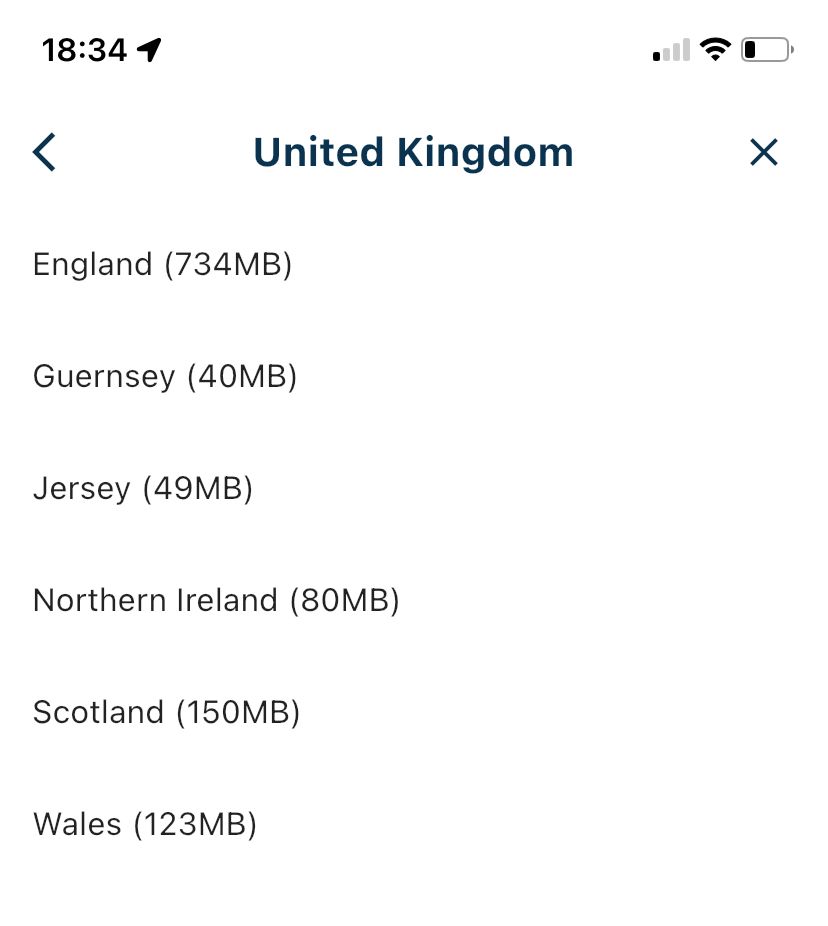
@UltraStar, a map that has been downloaded shows an "X" in the list, instead of a download icon. If you press that X the map is being deleted.
I am just an enthusiastic MRA user, and hope you will be one too!
Most motorcycle problems are caused by the nut that connects the handlebar to the saddle.
Check out RideSleepRepeat.eu, a biker community for sharing stays across Europe
-
@UltraStar, a map that has been downloaded shows an "X" in the list, instead of a download icon. If you press that X the map is being deleted.

@Con-Hennekens Not after the map is downloaded.
-
@Con-Hennekens Not after the map is downloaded.

@Nick-Carthew Tap top right (the cross) to remove them.
We already made some UI improvements for the upcoming update

For now: the x is removing. -
@Con-Hennekens Not after the map is downloaded.
@Nick-Carthew, it does on my end:
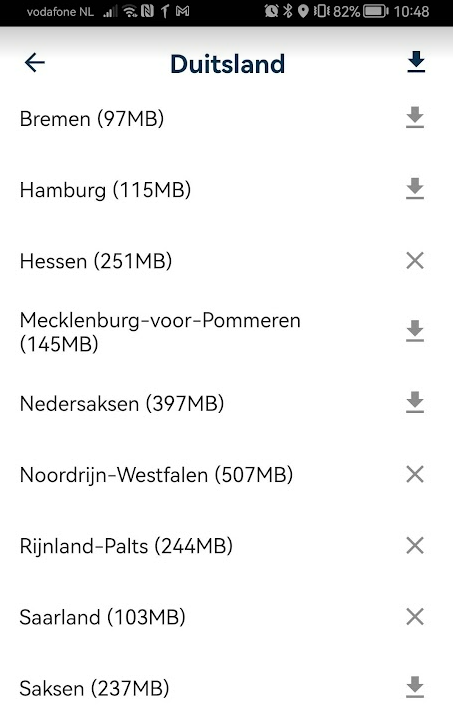
I guess you downloaded UK as a whole, and it can only be deleted as a whole?
If you want UK only partly, it seems you cannot download the whole of UK and delete some parts if it.I am just an enthusiastic MRA user, and hope you will be one too!
Most motorcycle problems are caused by the nut that connects the handlebar to the saddle.
Check out RideSleepRepeat.eu, a biker community for sharing stays across Europe
-
@Nick-Carthew, it does on my end:
I guess you downloaded UK as a whole, and it can only be deleted as a whole?
If you want UK only partly, it seems you cannot download the whole of UK and delete some parts if it.
@Con-Hennekens that’s correct!
-
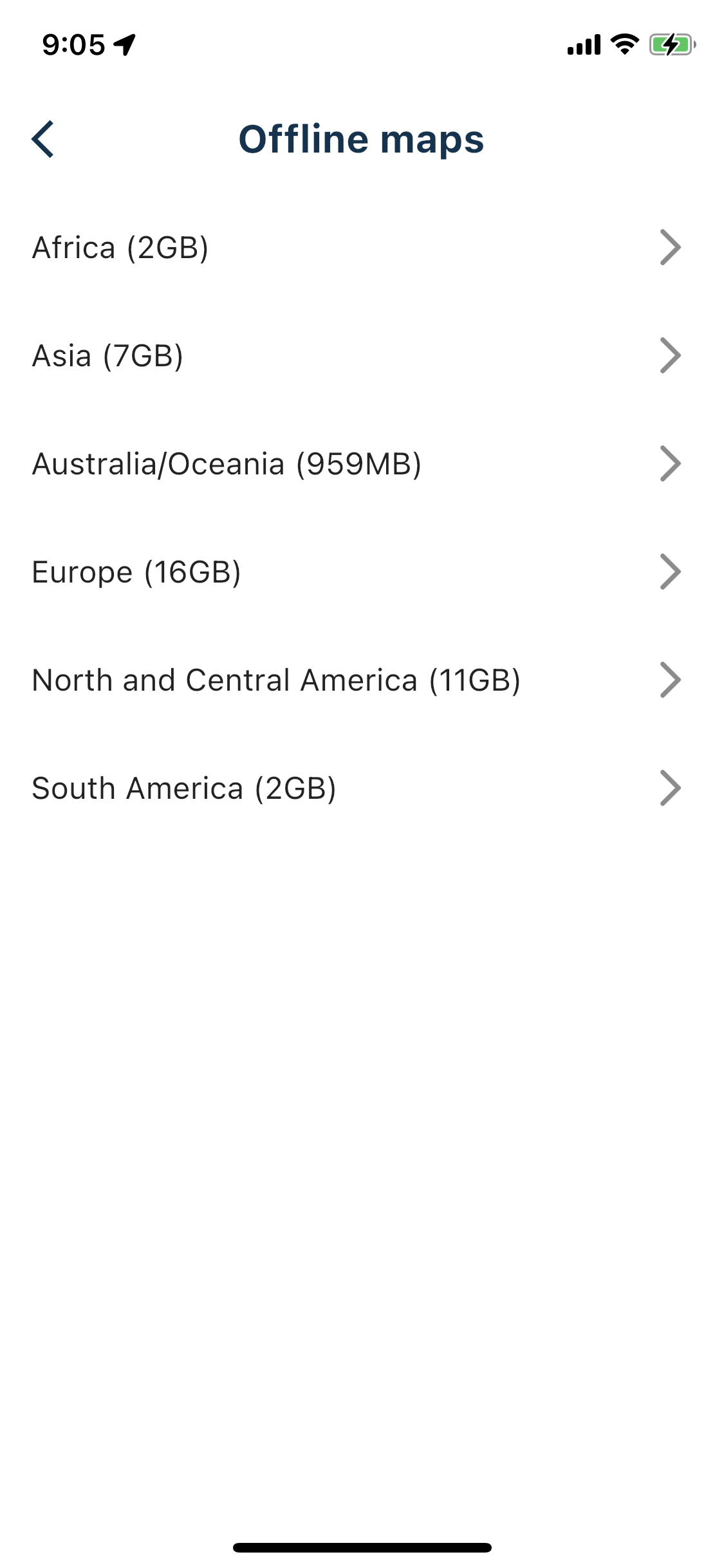
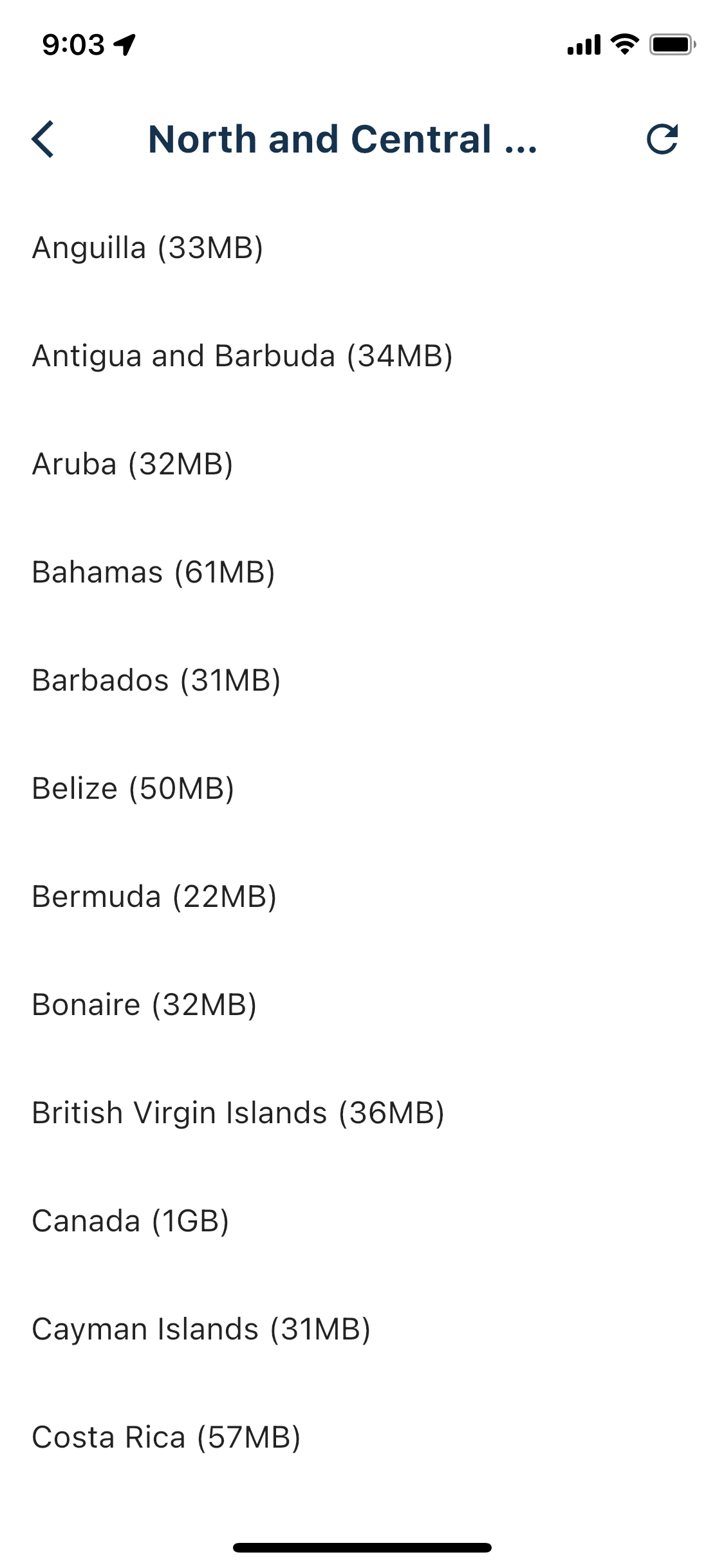
I guess I am in a pickle. I have downloaded North and Central America, and now I cannot remove anything. I do have the refresh button on the top left; I have use it couple of times, but nothing changed.

-
@UltraStar Sorry, the refresh button on the top-right.
@UltraStar I just read a long conversation about this issue in New Beta! (v3.2.9). I'll wait until the thing cools down a little.
-
I guess I am in a pickle. I have downloaded North and Central America, and now I cannot remove anything. I do have the refresh button on the top left; I have use it couple of times, but nothing changed.

@UltraStar said in Offline Maps Management:
I guess I am in a pickle. I have downloaded North and Central America, and now I cannot remove anything. I do have the refresh button on the top left; I have use it couple of times, but nothing changed.
I saw this same thing a few times after I had attempted to download all of the USA.
-
Thanks for reporting. The refresh icon would mean that a part of the download hasn’t finished and after clicking it, the download will be refreshed: checking the status and resuming where necessary.
We will work on it
Hello! It looks like you're interested in this conversation, but you don't have an account yet.
Getting fed up of having to scroll through the same posts each visit? When you register for an account, you'll always come back to exactly where you were before, and choose to be notified of new replies (either via email, or push notification). You'll also be able to save bookmarks and upvote posts to show your appreciation to other community members.
With your input, this post could be even better 💗
Register Login-
 08189
08189
-
 0519
0519
-
 0745
0745
-
 010285
-
0310
-
 0337
0337
-
 3271
3271
-
 025
025