Navigation App Display
-

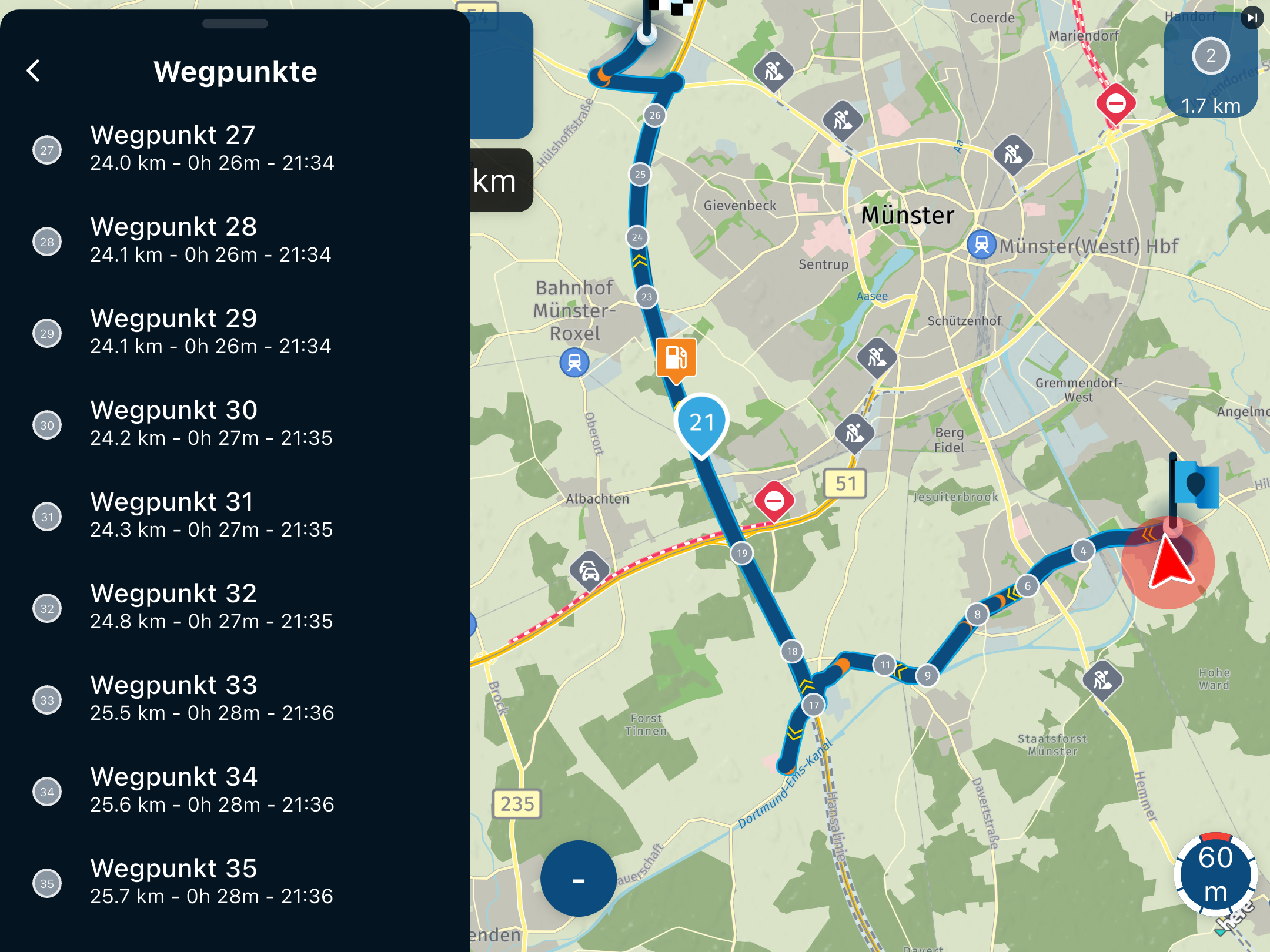
I used the navigation app yesterday via AppleCar in my car. On the top right of the screen was a box with a direction indicator and a distance underneath it. Which I assumed was the distance to the next turn.
This distance counted down but not correctly, for example it might take 10 miles for it to count down 2 miles. The direction indicator also bore no resemblance to the geography of the road I was on. For example it might have been indicating a right turn ahead but when the mileage indicator finally reached zero the road was straight.
So is this indicator box for some other purpose? Is it a bug in the app?
-
I used the navigation app yesterday via AppleCar in my car. On the top right of the screen was a box with a direction indicator and a distance underneath it. Which I assumed was the distance to the next turn.
This distance counted down but not correctly, for example it might take 10 miles for it to count down 2 miles. The direction indicator also bore no resemblance to the geography of the road I was on. For example it might have been indicating a right turn ahead but when the mileage indicator finally reached zero the road was straight.
So is this indicator box for some other purpose? Is it a bug in the app?

Hello! It looks like you're interested in this conversation, but you don't have an account yet.
Getting fed up of having to scroll through the same posts each visit? When you register for an account, you'll always come back to exactly where you were before, and choose to be notified of new replies (either via email, or push notification). You'll also be able to save bookmarks and upvote posts to show your appreciation to other community members.
With your input, this post could be even better 💗
Register Login-
 912311.9k
-
 01038
01038
-
 01336
01336
-
0621
-
 0515
0515
-
 0517
0517
-
 05128
05128
-
1420