@JWeetje said:
I use different themes to get different colors and thickness of the roads.
If MRA can give me that on the T835X, we might have a deal.
There are a few presets you can choose from, but there is no customization possible in MRA.
@Stueygee-0 did you have the update 5.1 installed? In the menu you can check automaticly skip waypoint or you can longpress the upcoming waypoint. Than you will be ask if you want to navigate further from this waipoint. You're planned route will not be affected.
@Stanisław
I totally agree. It's simply the most logical thing to do: check the gas stations along my route, and if I don't see them (because there aren't any), then if there are any, I'll look for the nearest POI using MRA's POIs. What I don't want is to deviate from my route when there are already gas stations along it, even if they're a few kilometers further on.
@corjan-meijerink bedankt voor je reactie; Zou wel mooi gemakkelijk zijn. En zou in het veld links boven kunnen waar tijdens het rijden van de route info staat.
Een wens dus!
No solution for this? Since two weeks I experience the same issue. But it happens every now and then. Sometimes it works sometimes it does not work. But I cannot rely on this
I discovered that it’s actually a “user error.” If you (accidentally) click the magic wheel in the opposite direction when making a selection, it goes “back.” This causes the software to think you want to close the app.
Maybe the developers could remove this feature and add a real “stop” button instead? For now, I’ll just set the wonder wheel to control the TFT instead of the NAV.
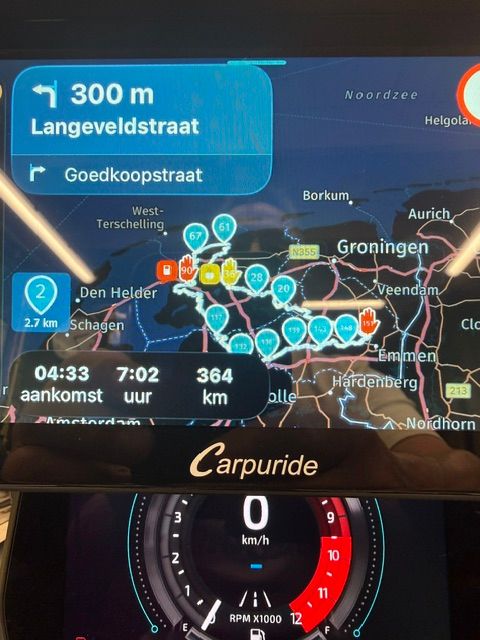
Hier van hetzelfde sinds gisteren. Carpuride in combi met iphone. Bijzonder vervelend dit. Ik heb het al eerder gehad. Aanwijzingen in helm doen het wel. Iphone zelf werkt ook.
That is not the issue. Only MRA has this issue.
My test yesterday showed me that HereWeGo has the same problem. So Here is the cause of this.
TomTom (GO Expert), Waze and Google Maps doesn't have this problem.
Kreeg je ook geen aanwijzingen meer. Wat er dus op duidt dat de navigatie op de achtergrond wel of niet doorgaat.
Mijn laatste rit met de Auto had ik ook veel last van het bevriezen van het scherm (Android Auto overigens. Maar de aanwijzingen gingen wel door. En daarmee het navigeren in feite ook.
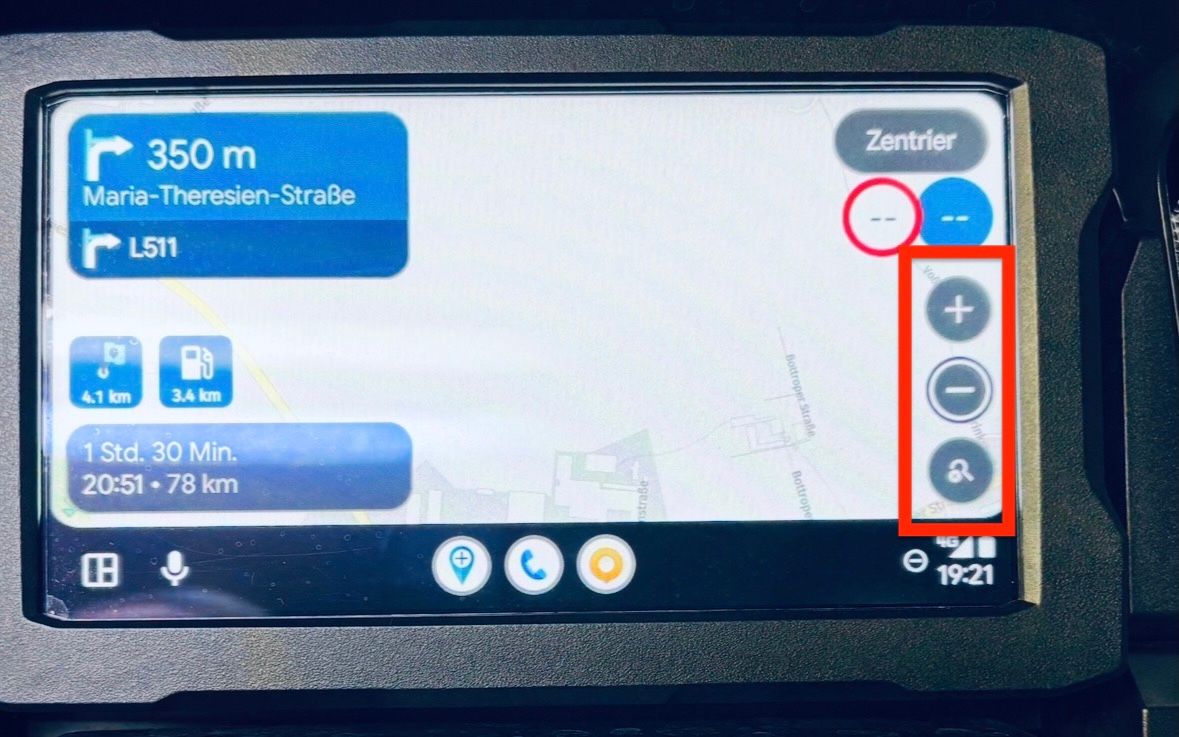
@Andre-Klap Zoomen met het wiel werkt niet. Maakt niet uit welke instelling je gebruikt bij het tabje "invoerinstellingen"
Wel kan je door met het wieltje te draaien en kantelen alle opties in het scherm bedienen. Hou wel rekening met het feit dat AA/CP zijn beperkingen heeft tov de
native-app.
Dit is niet doordat de ontwikkelaars van MRA dit niet willen maar wat er mogelijk is
of vrijgegeven is voor AA/CP.