Skip to content
  • Categories
  • Recent
  • Popular
  • Support
  • MyRoute-app
Collapse
Brand Logo

MRA Community Forum

  1. Home
  2. General Discussion
  3. Notes attached to waypoints

Notes attached to waypoints

Scheduled Pinned Locked Moved General Discussion
4 Posts 3 Posters 2.1k Views 2 Watching
  • Oldest to Newest
  • Newest to Oldest
  • Most Votes
Reply
  • Reply as topic
Log in to reply
This topic has been deleted. Only users with topic management privileges can see it.
  • D Griffin Offline
    D Griffin Offline
    D Griffin
    wrote on last edited by
    #1

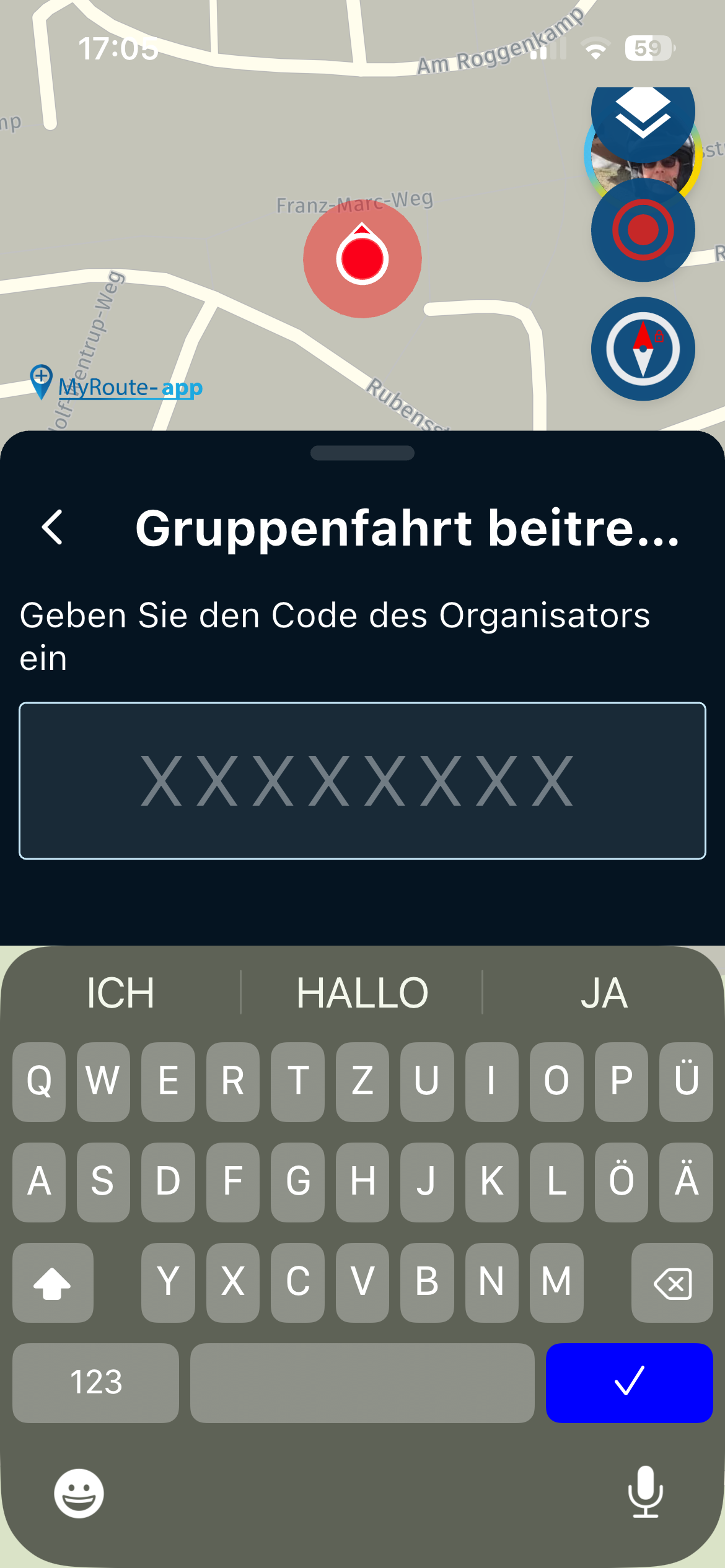
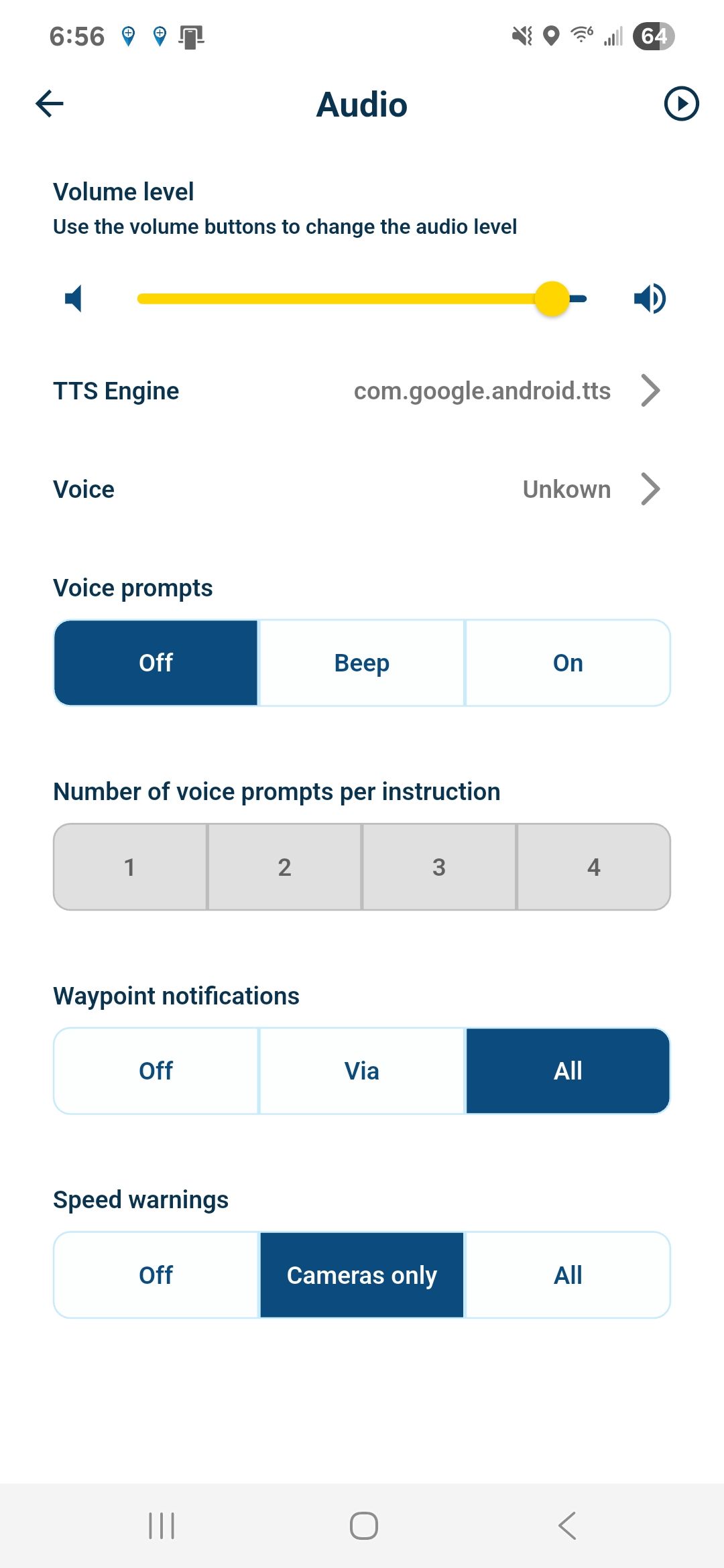
    Hello all, I have been playing with the notes attached to the waypoint function. I am having difficulties I think maybe with my phone settings. I leave a note for myself, however I don't hear it or see it on my screen. So I am wondering If I am looking in the correct location on my phone. Is this it? Does Voice prompts need to be "ON"? Thanks for the help! app1.jpg
    1 Reply Last reply
    0
    • nomko Offline
      nomko Offline
      nomko
      wrote on last edited by
      #2

      Yes, voice prompts needs to be enable, so switch it to on.

      You also need to set the number of voice prompts per instruction. It is left greyed out. The number of spoken instructions per instruction Indicates how many instructions you want to receive for each instruction like turns and such.

      Also, check the support pages for audio settings in the MRA Next app to set up your MRA Next to your specific wishes/needs.

      | MRA Gold Member |
      | Garmin Zumo XT + BMW K1200GT |
      | MRA Next + Kawasaki Z650 |

      1 Reply Last reply
      1
      • Jörgen Online
        Jörgen Online
        Jörgen
        Valued contributor
        wrote on last edited by
        #3

        Hi, I have copied this from another post.

        There are no written instructions for using Text to Speech.
        However, it is possible to have text read aloud when navigating to waypoints.
        This works for both SHAPING points and VIA points.
        To do this, the text must be entered in the ‘Text’ field and/or in the ‘Note’ field for the corresponding SHAPING or VIA point.
        Normally, the ‘Text’ field contains the address of the SHAPING point or VIA point. Numbers and letters are used for this. Such texts are therefore never spoken. Except!!! if a ‘Note’ has also been filled in.
        “Texts” must not contain any numbers or punctuation marks unless a ‘Note’ has also been filled in!!! Numbers must therefore be written out in full.
        Numbers may be permitted if they are enclosed in quotation marks? (still to be tested)
        To hear text, the ‘Via’ or ‘All’ box must be ticked in the navigation app under Navigation settings > Audio > Waypoint notifications.
        The text in the ‘Text’ field can be up to 101 characters long.
        The text in the ‘Note’ field can be up to 512 characters long.
        The text of a SHAPING point is read aloud approximately 750 metres before the SHAPING point. Please note that there must be no other SHAPING points or VIA points in between.
        Otherwise, the text will be read aloud at the last point before it.
        For VIA points, the standard distance is approximately 2 kilometres before the VIA point. This is also subject to the restriction that there are no other waypoints in between.

        Hardware
        iPhone 12 pro (iOS 26.2.1)
        iPad (7.Gen.) 18.7.3
        Oukitel RT3 Pro (Andr. 14)
        Wireless CarPlay mit (Elebest C650)
        Wired CarPlay (SEAT Arona - 2021)
        MRA Workshops in Deutsch sind hier zu finden

        1 Reply Last reply
        4
        • D Griffin Offline
          D Griffin Offline
          D Griffin
          wrote on last edited by
          #4

          Thanks!!

          1 Reply Last reply
          0

          Hello! It looks like you're interested in this conversation, but you don't have an account yet.

          Getting fed up of having to scroll through the same posts each visit? When you register for an account, you'll always come back to exactly where you were before, and choose to be notified of new replies (either via email, or push notification). You'll also be able to save bookmarks and upvote posts to show your appreciation to other community members.

          With your input, this post could be even better 💗

          Register Login
          Reply
          • Reply as topic
          Log in to reply
          • Oldest to Newest
          • Newest to Oldest
          • Most Votes


          ACTIVE USERS
          Jörgen
          Jörgen
          nomko
          nomko
          D Griffin
          D Griffin
          POPULAR TOPICS
          • The compas direction on the elevation circle is wrong
            Nick Carthew
            Nick Carthew
            0
            47
            1.6k

          • GPX Versions 1.1 vs 1.2 for Garmin Visually Explained
            John S Parry
            John S Parry
            7
            186
            15.8k

          • HERE maps updates
            Marinus van Deudekom
            Marinus van Deudekom
            2
            15
            575

          • bundel purchase
            Travellexxie
            Travellexxie
            0
            3
            83

          • MRA V5.2.1 (488) Kompass fest einstellbar auf „Dynamische Kamera“
            Jörgen
            Jörgen
            0
            2
            15

          • Complimenten
            Corjan Meijerink
            Corjan Meijerink
            4
            2
            23

          • Wegwerkzaamheden / Road works
            veghelvan 0
            veghelvan 0
            0
            7
            167

          • Modify a scenic route in the Navigation Naxt app
            Peter Zehentreiter
            Peter Zehentreiter
            3
            12
            560

          MY GROUPS
          • Login

          • Login or register to search.
          • First post
            Last post
          0
          • Categories
          • Recent
          • Popular
          • Support
          • MyRoute-app