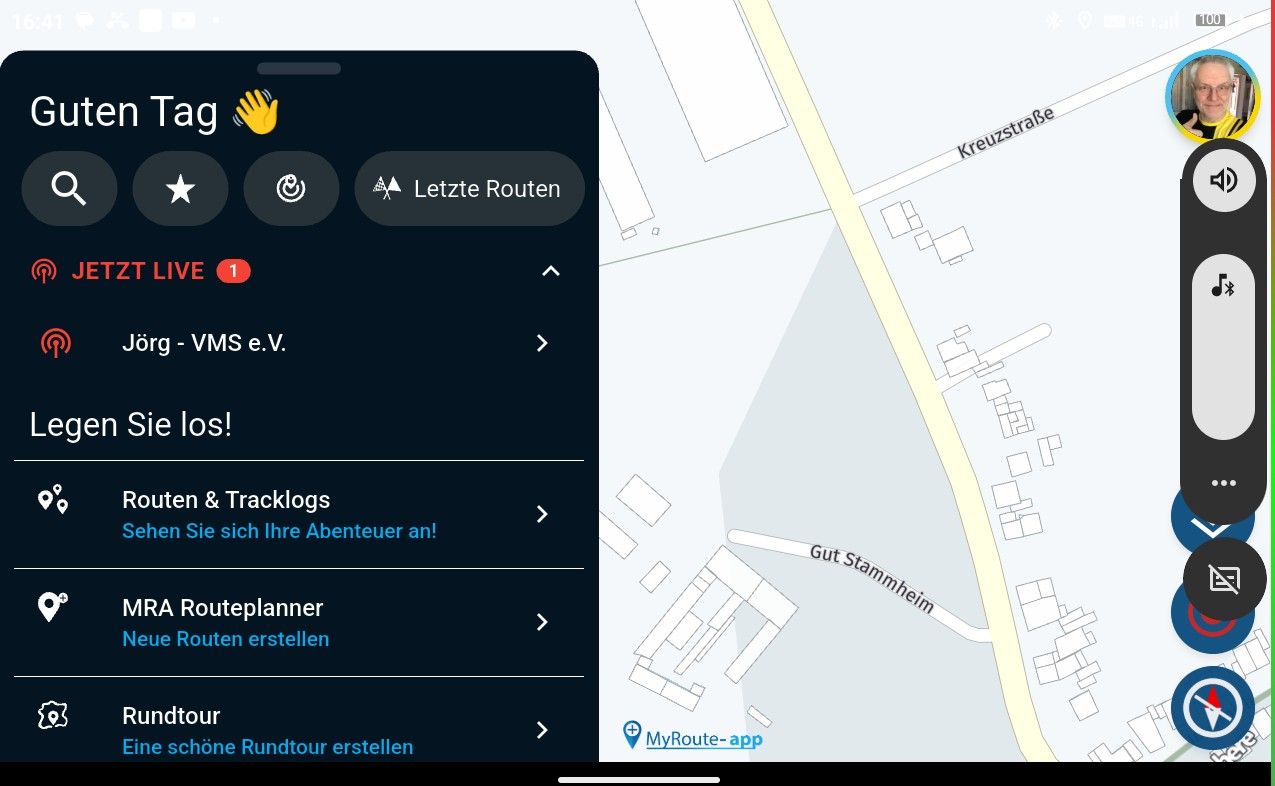
First time Navigation Next on Android Auto - strange display rotation
-

I switched on the trial for MRA Navigation Next today, for use with Android Auto. I'm hoping for a viable alternative to TomTom hardware which I've used for nearly years.
On my first trial I had NN running on the main car screen, with tomtom PND set to the same destination in the corner.
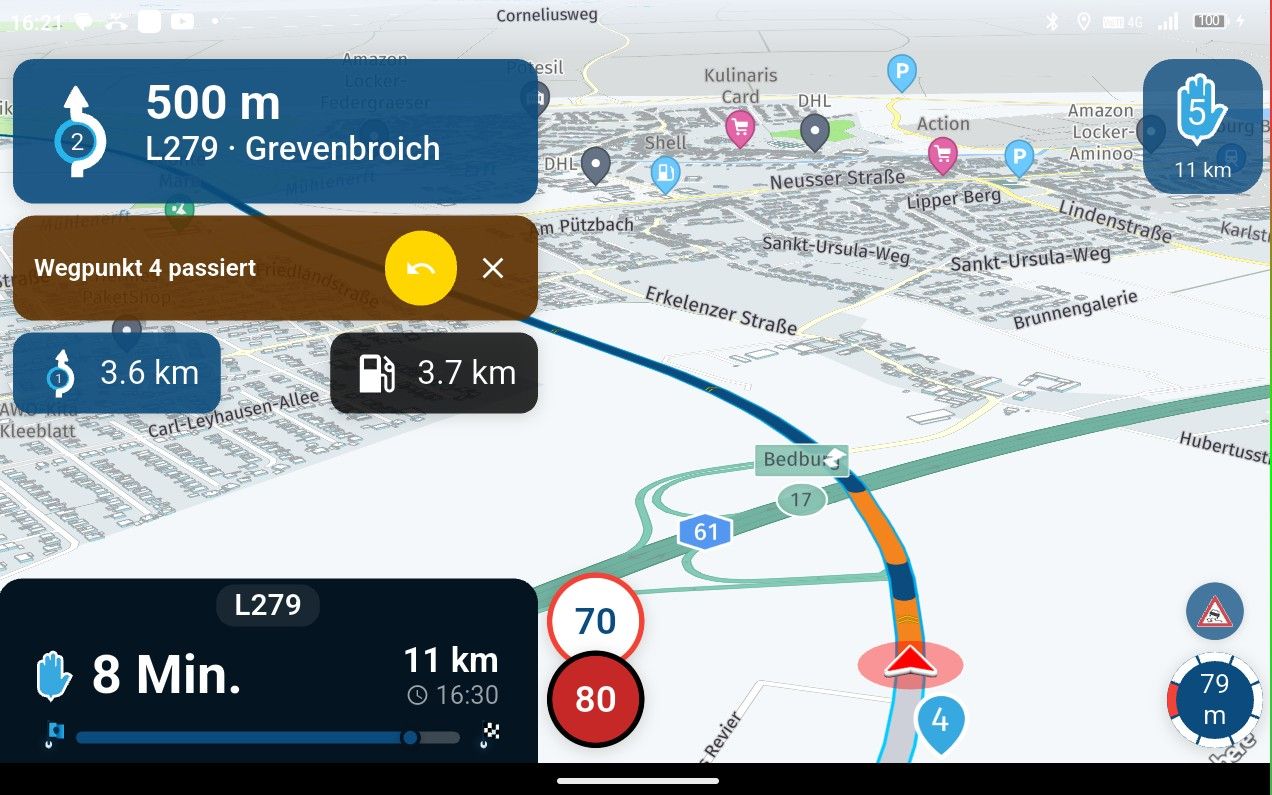
I really like that NN uses large format in AA. Route and text is easy to read, much better than google maps. Also the display is uncluttered.
I had one deal-breaker problem. The map would not stay oriented in the direction of the vehicle. On my outbound journey, sometimes the map froze and the arrow representing my vehicle started to move sideways on the display (North was not at the top).
On my return journey it got a lot worse. The map kept rotating but not to where the car was facing, but then, started showing the arrow (and route) going backwards, even though I was on a highway at speed. At this point I switched it off as it was a big distraction. Switching google maps on (to check the gyroscope), google maps was fine. I hope this is useful feedback.
-
I switched on the trial for MRA Navigation Next today, for use with Android Auto. I'm hoping for a viable alternative to TomTom hardware which I've used for nearly years.
On my first trial I had NN running on the main car screen, with tomtom PND set to the same destination in the corner.
I really like that NN uses large format in AA. Route and text is easy to read, much better than google maps. Also the display is uncluttered.
I had one deal-breaker problem. The map would not stay oriented in the direction of the vehicle. On my outbound journey, sometimes the map froze and the arrow representing my vehicle started to move sideways on the display (North was not at the top).
On my return journey it got a lot worse. The map kept rotating but not to where the car was facing, but then, started showing the arrow (and route) going backwards, even though I was on a highway at speed. At this point I switched it off as it was a big distraction. Switching google maps on (to check the gyroscope), google maps was fine. I hope this is useful feedback.
Additional observations:
There were two roadworks shown in the NN map which did not exist. Tomtom did not show roadworks. It wasn't clear if they affected route calculations.
There seemed to be no live traffic information. Tomom did show live traffic.
There were no speed camera warnings. I guess this is not a feature? I couldn't find anything definitive in the app descriptions.
When in two panel mode in AA, with spotify in the left and NN in the right, the Next junction advice overlapped the circle with the speed limit, hiding it.Suggestions:
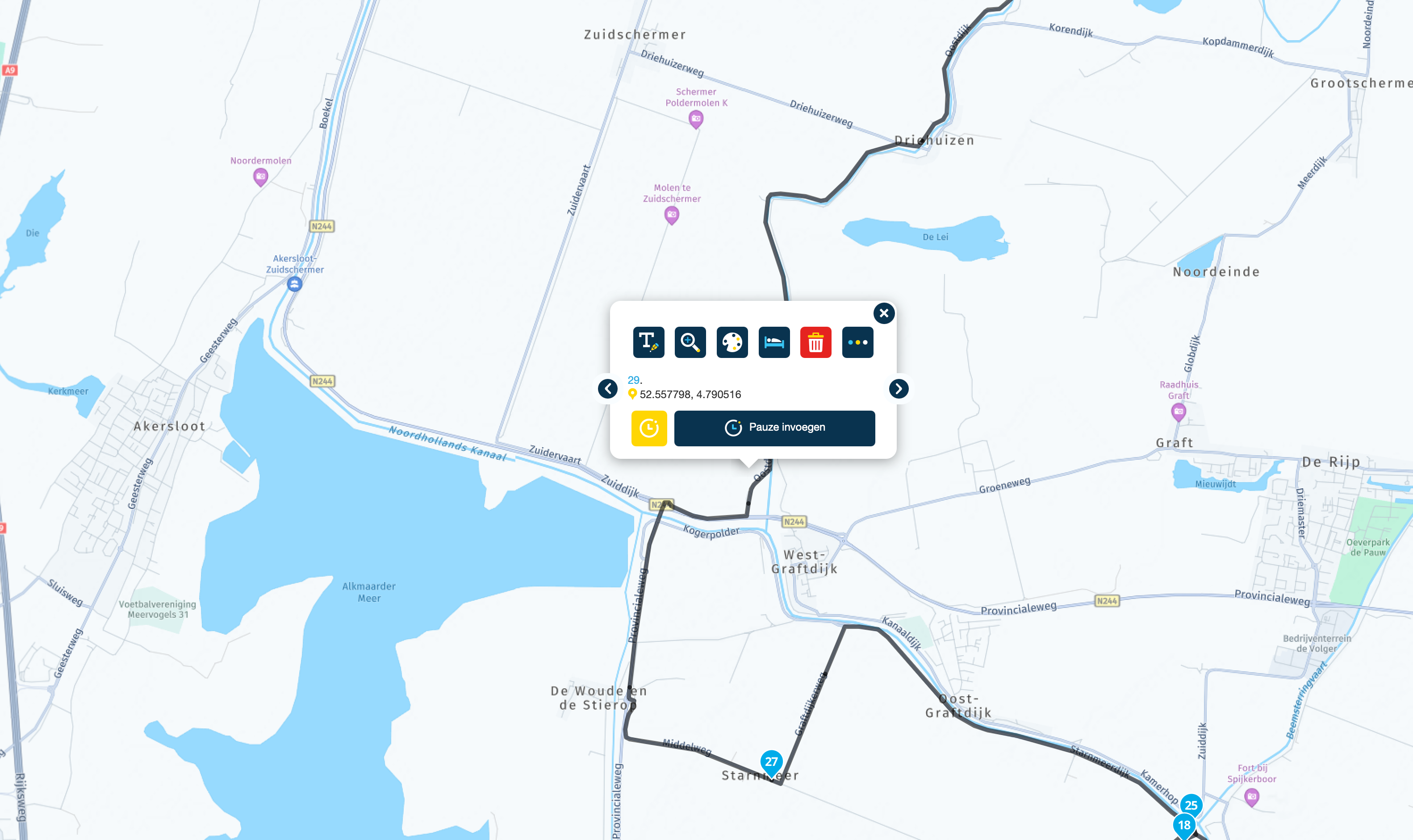
I think an angled map view (as available in myrouteapp) would be great for NN.
I'd love a tone prompt option. I don't like voice prompts as I find them distracting, and I always turn them off. But a simple "bing" sound to remind me to look at the map would be ideal when the route changes. -
BFG referenced this topic on
Hello! It looks like you're interested in this conversation, but you don't have an account yet.
Getting fed up of having to scroll through the same posts each visit? When you register for an account, you'll always come back to exactly where you were before, and choose to be notified of new replies (either via email, or push notification). You'll also be able to save bookmarks and upvote posts to show your appreciation to other community members.
With your input, this post could be even better 💗
Register Login-
 39120
39120
-
 01588
01588
-
 018894
-
014815
-
06131
-
 0326
0326
-
0313
-
 0325
0325