Confused about the online/offline navigation
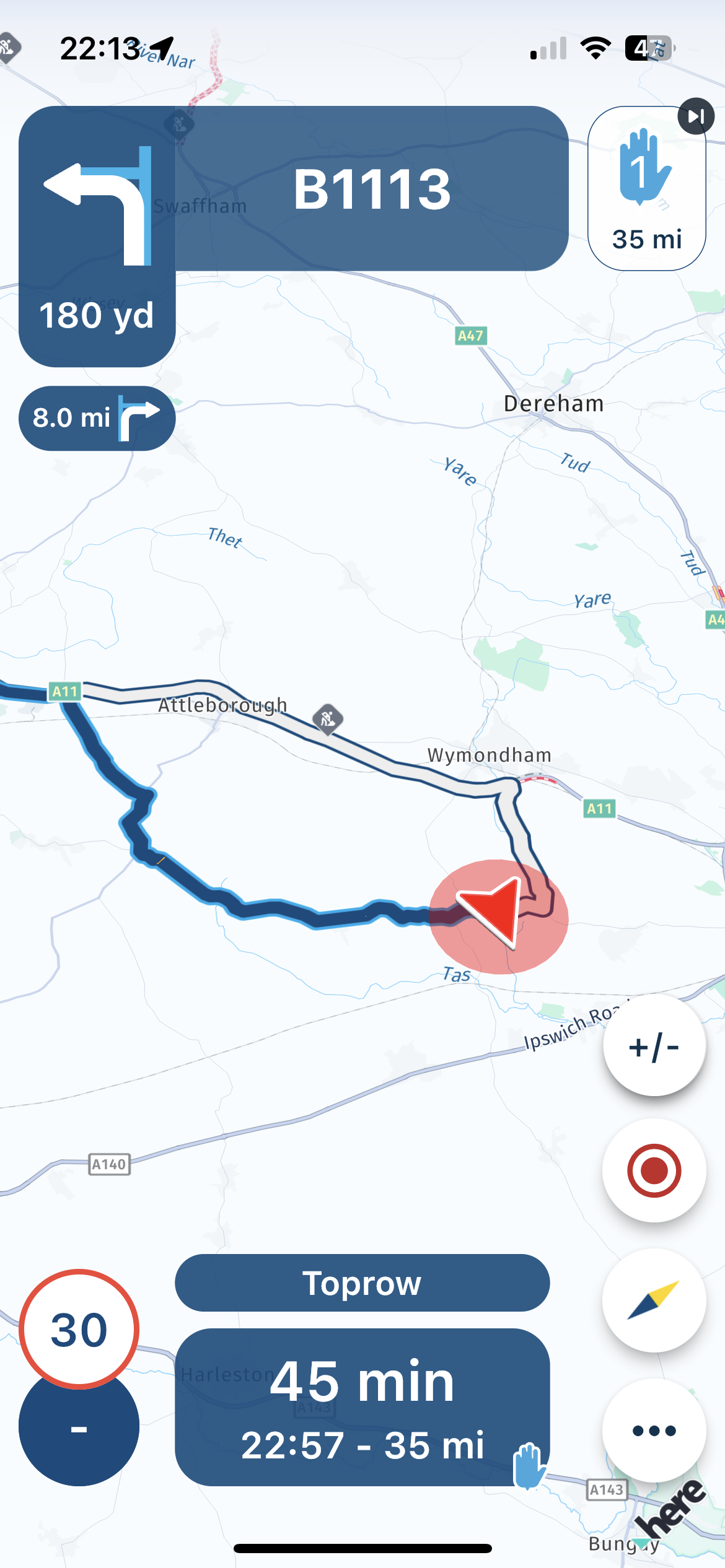
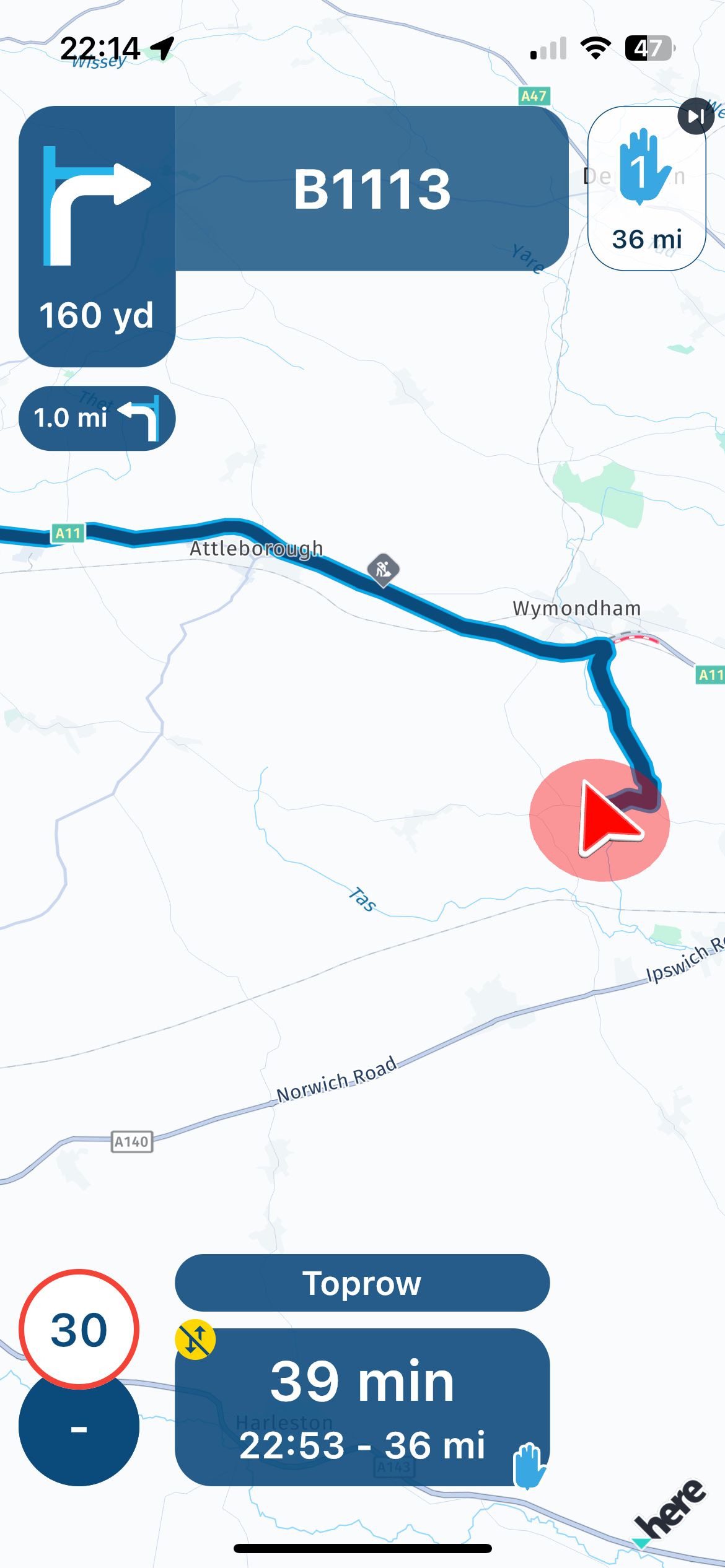
-
Funny thing is: we do use the official material design icon for mobile data off (https://fonts.google.com/icons?selected=Material Symbols Outlined%3Amobiledata_off%3AFILL%400%3Bwght%40400%3BGRAD%400%3Bopsz%4048)
There are quite some other options too.
Just remember for now that no icon is online and a (this) icon there is offline
I’ll give it another look but not a very high priority at this point

@Corjan-Meijerink, that's funny indeed

-
I agree, the whole offline/online maps is not so clear.
I dont find any option to download maps, or select online/offline.Is there an article how to use offline maps, or any other info that might be helpful?
im on iphone8 IOS 16.
@Ufootje, Offline maps are to be found under the 3-lines menu on the main screen, then the profile icon upper right, scroll down a bit.


Hello! It looks like you're interested in this conversation, but you don't have an account yet.
Getting fed up of having to scroll through the same posts each visit? When you register for an account, you'll always come back to exactly where you were before, and choose to be notified of new replies (either via email, or push notification). You'll also be able to save bookmarks and upvote posts to show your appreciation to other community members.
With your input, this post could be even better 💗
Register Login



-
 08204
08204
-
 0521
0521
-
 0746
0746
-
 0314
0314
-
0311
-
0311
-
0212
-
026