Route discarded
-

Ran into a couple of issues yesterday.
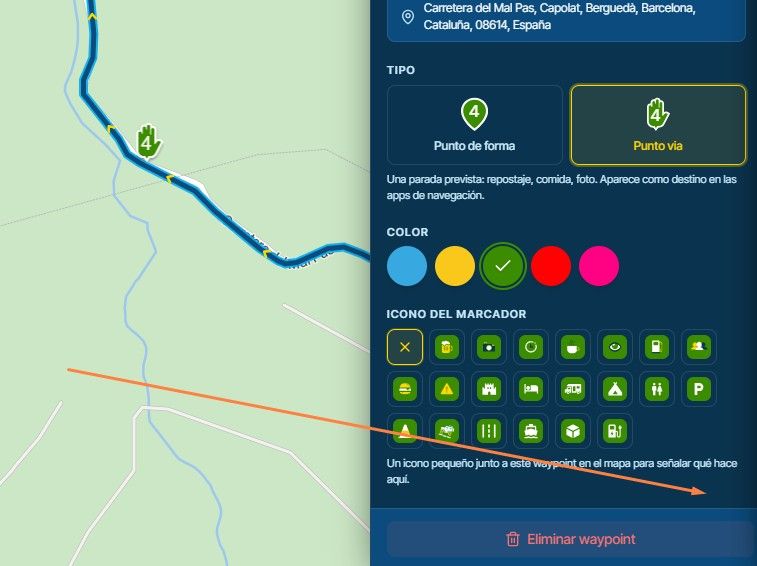
- Loaded a route and did a long press in waypoint 4 as my starting point. The screen changed to show me a route from current location to what I thought was WP 4. Turns out I missed the WP with my finger and a point to point route was created to a spot on the map near WP 4 and the route that I had loaded was discarded. Discovered this when I ended up on a dead end road at the end of the route.
- In offline navigation, selected a destination on the map, selected curvy Road, but when I went to start navigation I get an error message saying I have to turn off offline navigation to use thus feature. Appears that only a straight route can be selected. Why can't we select a curvy route? I noticed that the allowed options also changes.
2010 GL1800 Goldwing using Samsung Galaxy S20 5G Android 13.
-
Ran into a couple of issues yesterday.
- Loaded a route and did a long press in waypoint 4 as my starting point. The screen changed to show me a route from current location to what I thought was WP 4. Turns out I missed the WP with my finger and a point to point route was created to a spot on the map near WP 4 and the route that I had loaded was discarded. Discovered this when I ended up on a dead end road at the end of the route.
- In offline navigation, selected a destination on the map, selected curvy Road, but when I went to start navigation I get an error message saying I have to turn off offline navigation to use thus feature. Appears that only a straight route can be selected. Why can't we select a curvy route? I noticed that the allowed options also changes.

@Doug-Robinson thanks for the feedback.
1: can you reproduce this? A long press on the map should not insert a waypoint. You do generate a route to a chosen location by long pressing on the map you initially see when opening the app. On that screen you cannot long press a waypoint to select as start as the navigation hasn’t even been loaded yet. First start navigation - from the settings screen or the actual navigation you can long press a waypoint to start navigation from there.
2: that’s correct. HERE does not support track navigation in offline mode yet Nothing we can do about that. Route navigation does work in offline mode (which applies to your own routes and the straight curvature setting)
Cheers
-
@Doug-Robinson thanks for the feedback.
1: can you reproduce this? A long press on the map should not insert a waypoint. You do generate a route to a chosen location by long pressing on the map you initially see when opening the app. On that screen you cannot long press a waypoint to select as start as the navigation hasn’t even been loaded yet. First start navigation - from the settings screen or the actual navigation you can long press a waypoint to start navigation from there.
2: that’s correct. HERE does not support track navigation in offline mode yet Nothing we can do about that. Route navigation does work in offline mode (which applies to your own routes and the straight curvature setting)Cheers
@Corjan-Meijerink I went back to see if I could reproduce. You are correct. I must have long pressed on the map before I had started navigation. Long pressing on the map before starting navigation results in a new A -B route and the loaded route gets discarded.
Hello! It looks like you're interested in this conversation, but you don't have an account yet.
Getting fed up of having to scroll through the same posts each visit? When you register for an account, you'll always come back to exactly where you were before, and choose to be notified of new replies (either via email, or push notification). You'll also be able to save bookmarks and upvote posts to show your appreciation to other community members.
With your input, this post could be even better 💗
Register Login-
 01222
01222
-
 0817
0817
-
 0724
0724
-
 1516
1516
-
 0526
0526
-
0417
-
044
-
0487