Force route on uncommon road
-
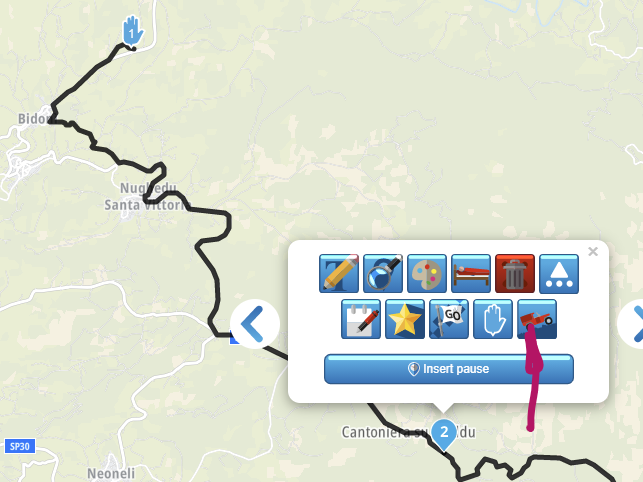
In the Toolkit menu there is an “Offroad” option that will allow you to add points.
If you use the openstreetmaps map and you can see the track/byway etc you will be able to plot the route on it
However, depending on what you use to navigate whilst driving it will not navigate on most Sat Navs or mobile apps if it is not officially a road.
The Garmin Zumo XT can do it by making the track visible on the map but you will not get any waypoint of any kind if it is not officially a road. -
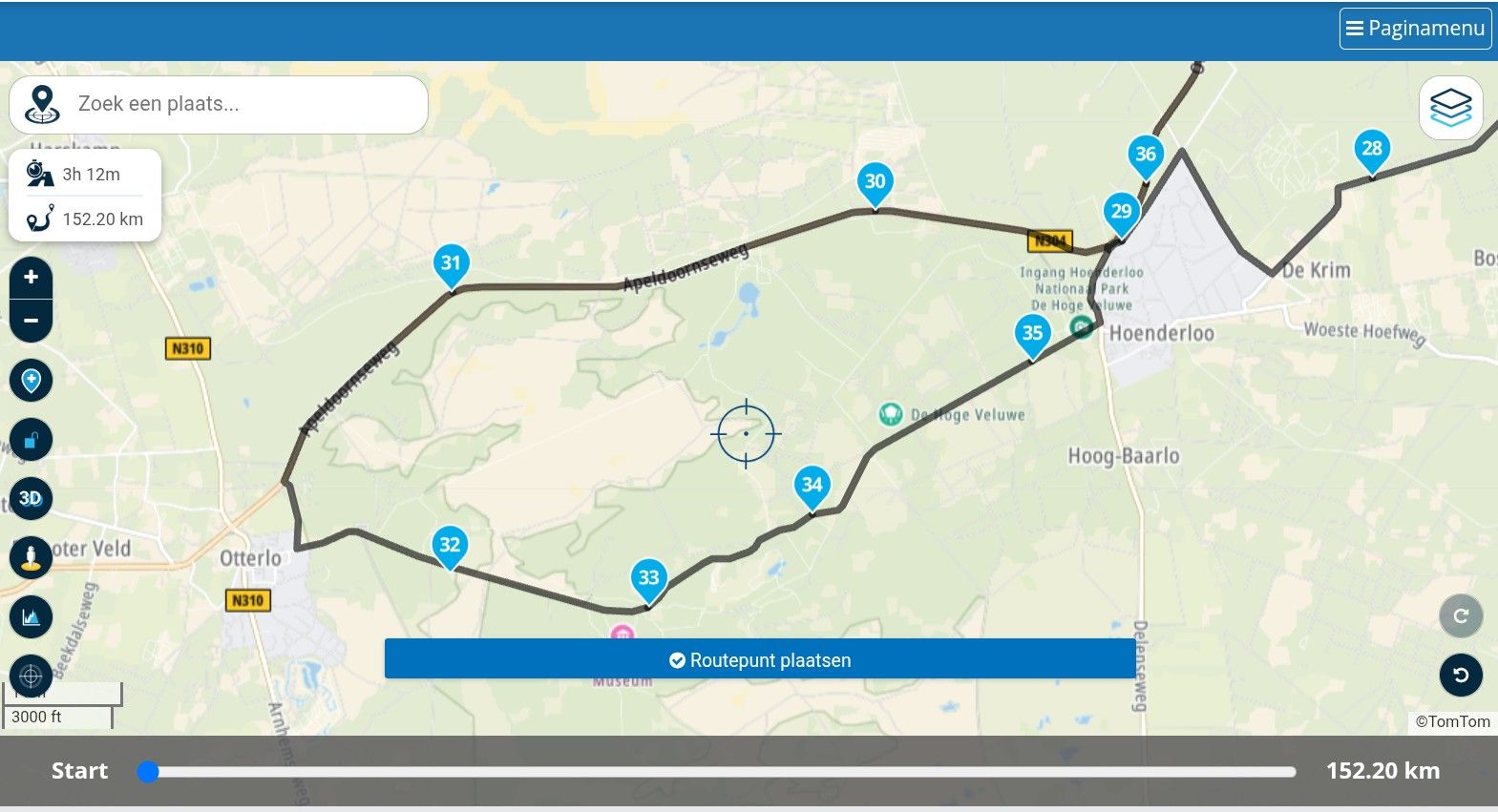
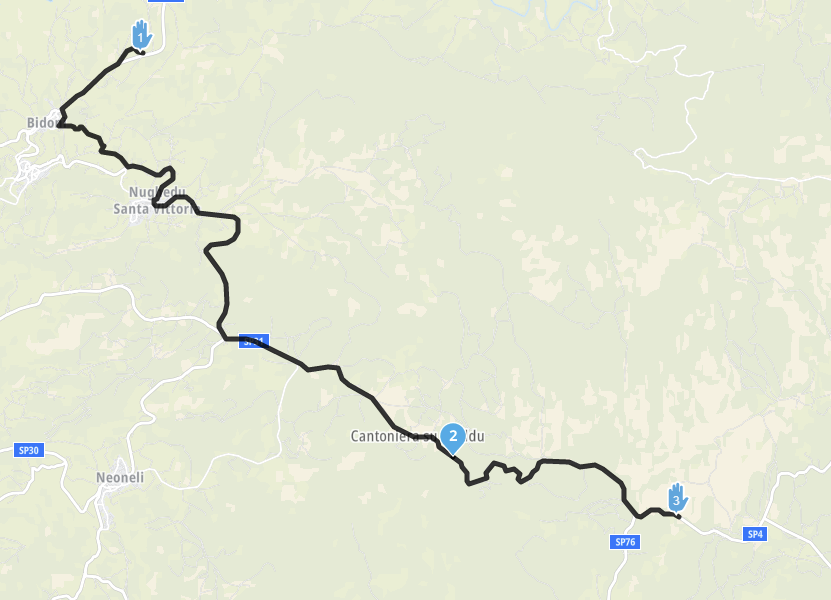
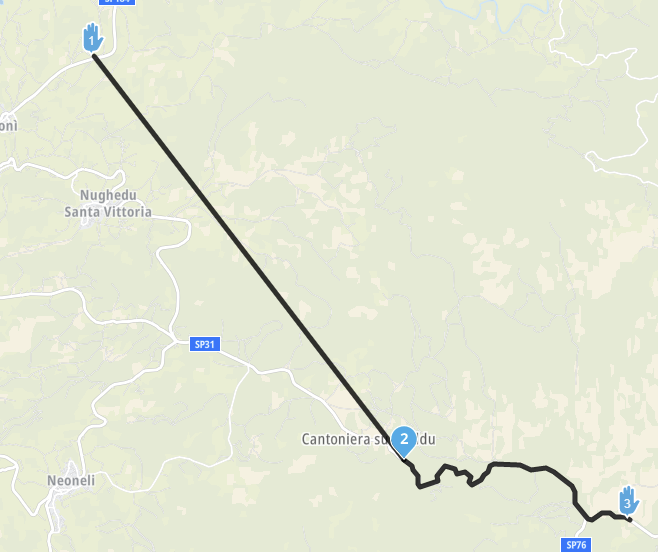
How do I force a route, even if straight line, on a road that is not recognized by any of the map formats? It is a "forest road" but the app keeps saying "road closed" and wont let me draw a line...

Hello! It looks like you're interested in this conversation, but you don't have an account yet.
Getting fed up of having to scroll through the same posts each visit? When you register for an account, you'll always come back to exactly where you were before, and choose to be notified of new replies (either via email, or push notification). You'll also be able to save bookmarks and upvote posts to show your appreciation to other community members.
With your input, this post could be even better 💗
Register Login-
 711110
-
 0726
0726
-
 17335.4k
-
 07127
07127
-
 07184
07184
-
 05122
05122
-
 0444
0444
-
 123193