Photos section missing
-
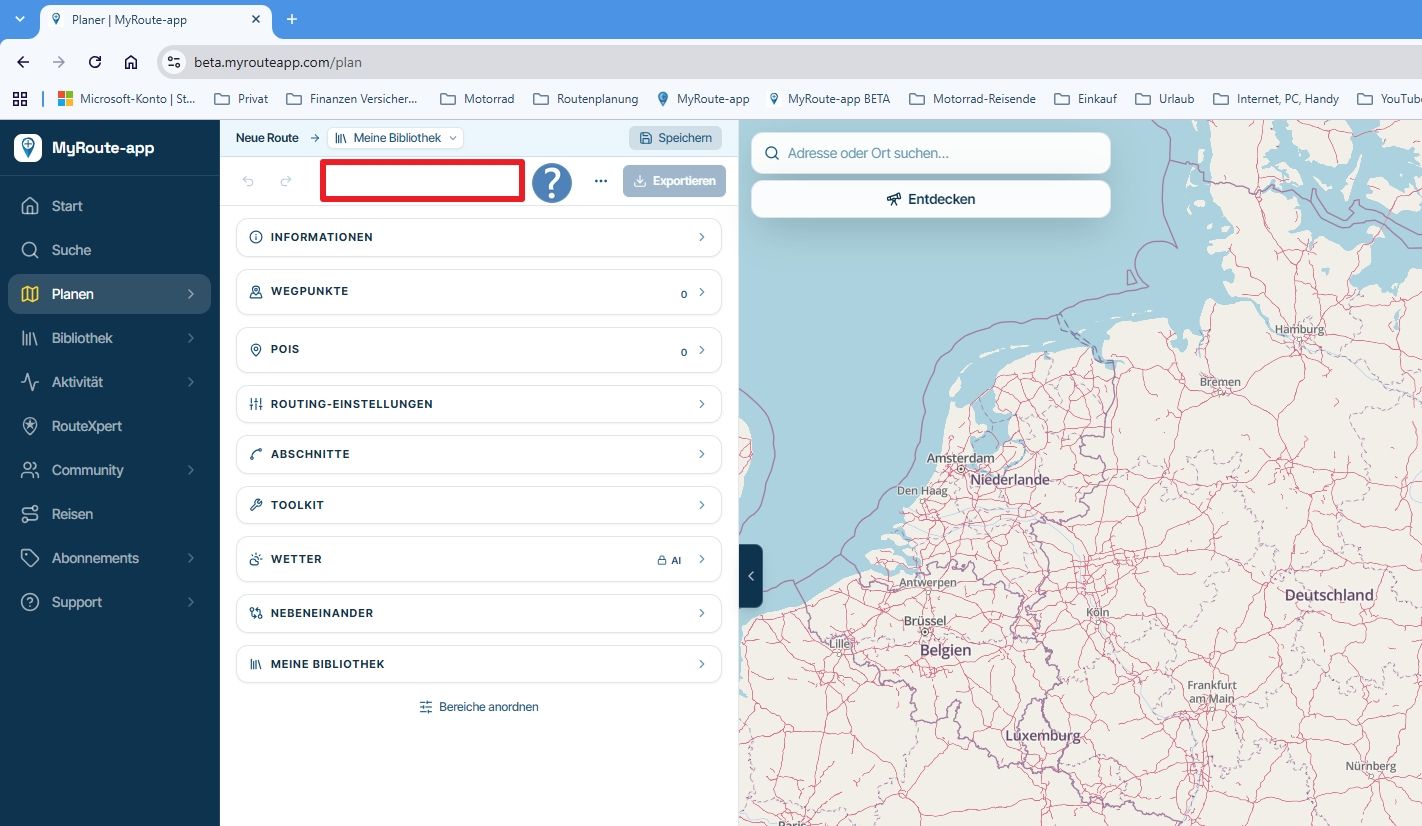
I want to add photos to track but the Photos object is missing from the main menu but 'Photos' is on the arrange section and not hidden.
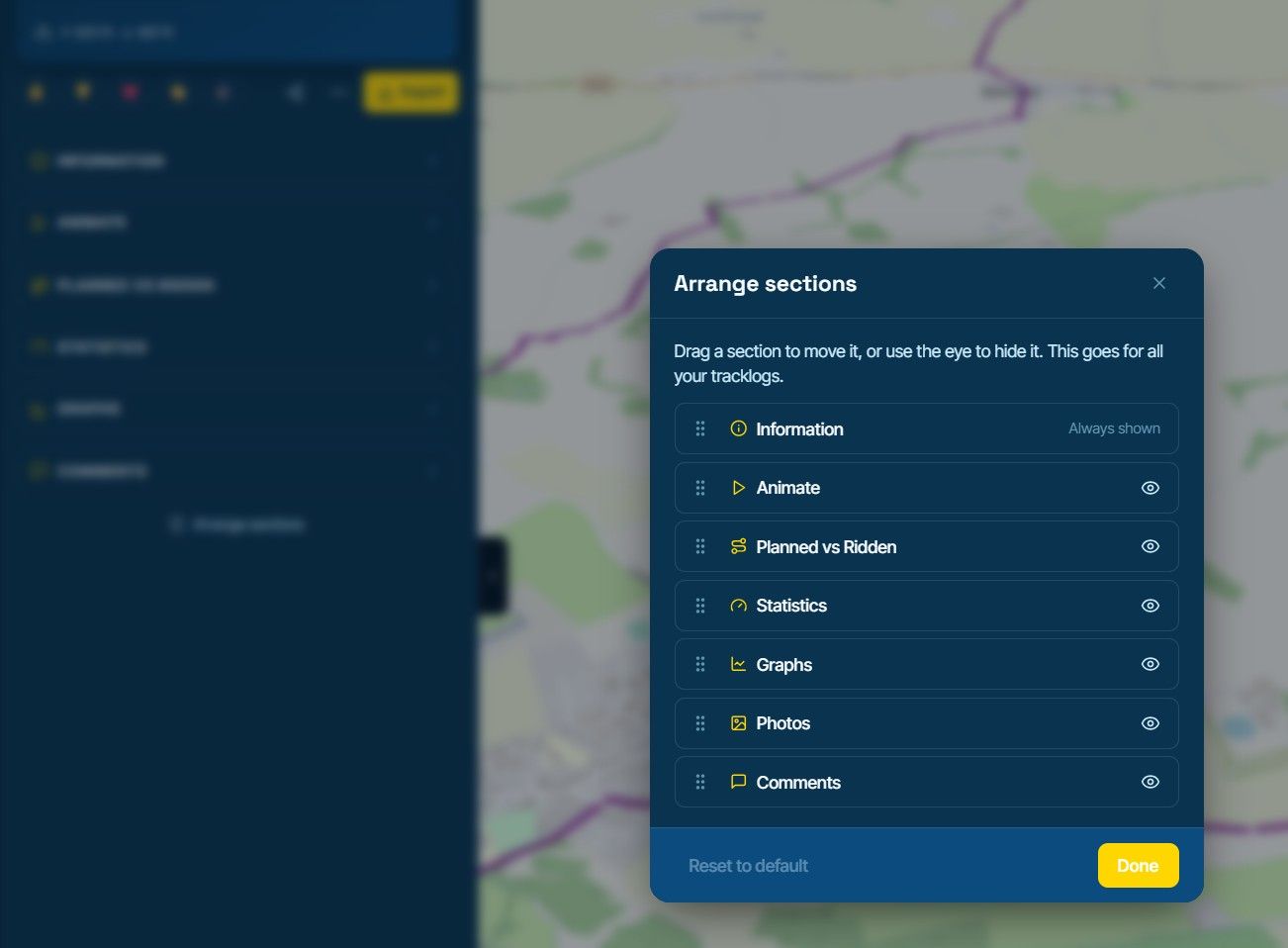
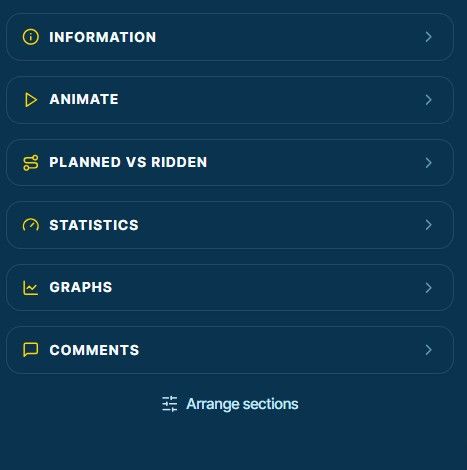
Am I doing something wrong here?
Thanks -

You're not doing anything wrong. The Photos section only showed up once a tracklog already had photos, which is confusing when Arrange sections lists it anyway. Until now the way to add the first photos was the "Add photos" button at the top left of the map, next to "Add moment". Your photos then place themselves where they were taken, using the photo's location or the time it was taken.
We've changed this: on your own tracklogs the Photos section will always be there, with its own "Add photos" button, even before there are any photos. That comes with the next update of the beta.
Hello! It looks like you're interested in this conversation, but you don't have an account yet.
Getting fed up of having to scroll through the same posts each visit? When you register for an account, you'll always come back to exactly where you were before, and choose to be notified of new replies (either via email, or push notification). You'll also be able to save bookmarks and upvote posts to show your appreciation to other community members.
With your input, this post could be even better 💗
Register Login-
 029909
-
 1110114
-
0436
-
0422
-
 0437
-
0429
-
 015178
-
 0399