POI
-

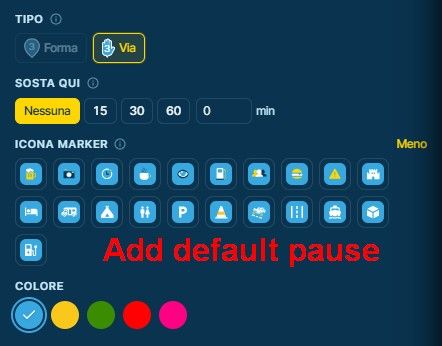
I’m probably doing something wrong. On the old system, when looking for a fuel stop, I would put in fuel on the POI, and it would show on the map, and I would drop a waypoint and mark it for fuel. I would use Google Earth to make sure it had enough pumps for the group and not just one.
With the new beta version, if I put fuel as a POI, it shows them but it will not let me drop a waypoint, just a POI point and Google Earth doesn’t work. Can someone tell me what I am doing wrong?
-
I’m probably doing something wrong. On the old system, when looking for a fuel stop, I would put in fuel on the POI, and it would show on the map, and I would drop a waypoint and mark it for fuel. I would use Google Earth to make sure it had enough pumps for the group and not just one.
With the new beta version, if I put fuel as a POI, it shows them but it will not let me drop a waypoint, just a POI point and Google Earth doesn’t work. Can someone tell me what I am doing wrong?

@Vince-Hyde I assume you mean that you cannot add a gas station to the route planner.
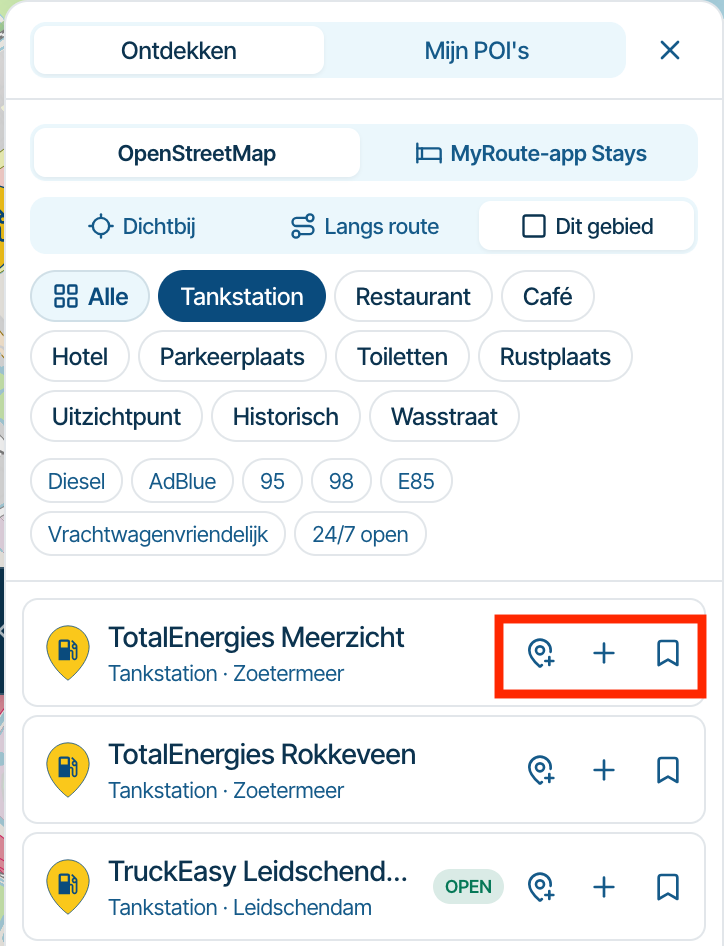
Once you have searched for gas stations and the list of results is displayed, click one of the three icons (see the red box):
- Add as a waypoint.
- Add as a POI.
- Add as a POI to a custom list under My POIs.
-
Thanks, I'll give it a go
Hello! It looks like you're interested in this conversation, but you don't have an account yet.
Getting fed up of having to scroll through the same posts each visit? When you register for an account, you'll always come back to exactly where you were before, and choose to be notified of new replies (either via email, or push notification). You'll also be able to save bookmarks and upvote posts to show your appreciation to other community members.
With your input, this post could be even better 💗
Register Login-
 01586
-
 0735
-
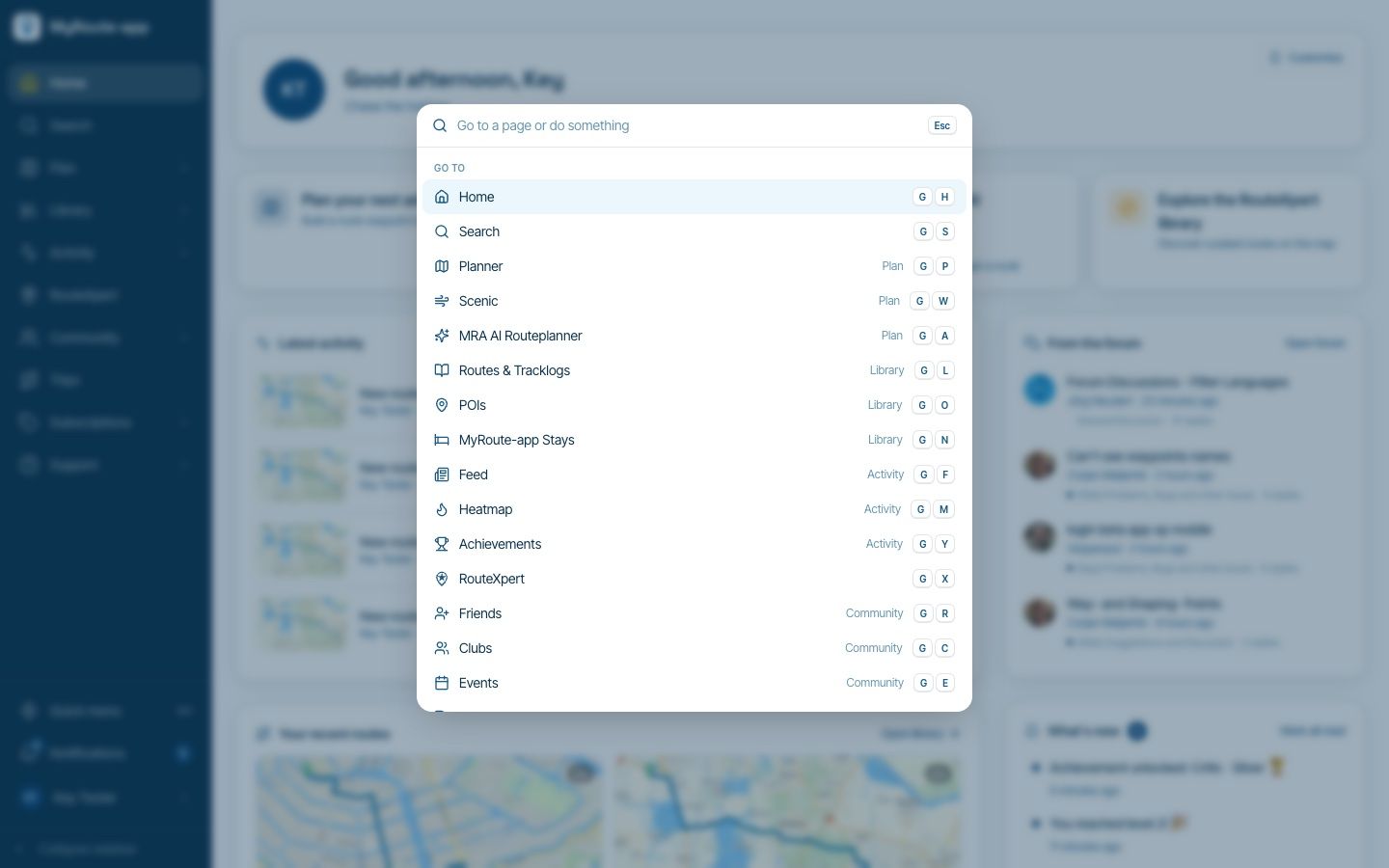
Website update - Keyboard shortcuts, route status, every Discover category and more of your feedback
 6788
-
 0841
-
 06139
-
1539
-
011107
-
 01073