Skip to content
  • Categories
  • Recent
  • Popular
  • Support
  • MyRoute-app
Collapse
Brand Logo

MRA Community Forum

  1. Home
  2. MRA Routeplanner Next Beta
  3. [Web-Beta] Suggestions and Discussions
  4. Disabling Waypoints?

Disabling Waypoints?

Scheduled Pinned Locked Moved [Web-Beta] Suggestions and Discussions
6 Posts 3 Posters 24 Views 1 Watching
  • Oldest to Newest
  • Newest to Oldest
  • Most Votes
Reply
  • Reply as topic
Log in to reply
This topic has been deleted. Only users with topic management privileges can see it.
  • Mike West
    Mike West
    Mike West
    wrote last edited by
    #1

    Good morning team! Loving your work, thanks for the awesome update yesterday.

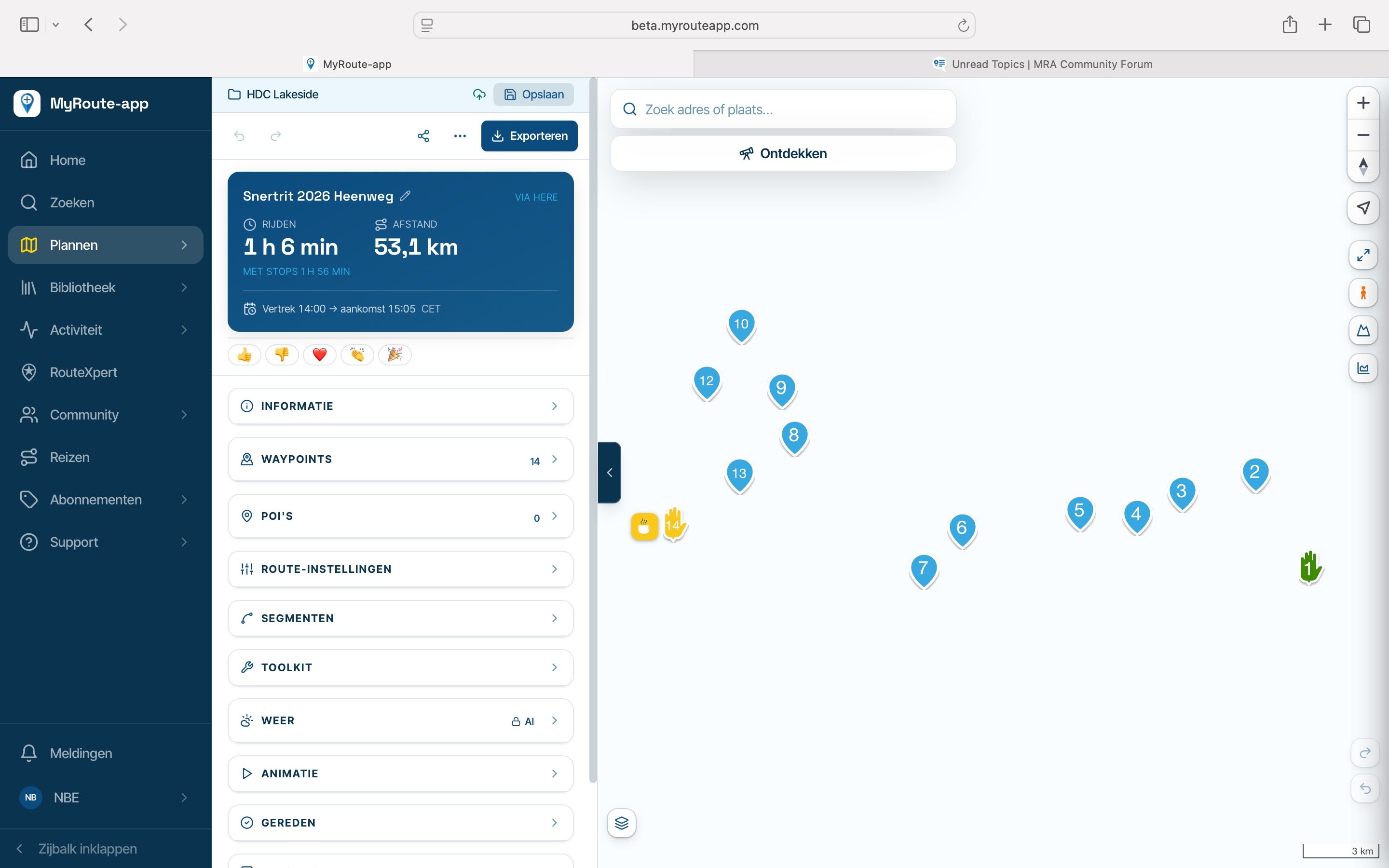
    Is there a way to temporarily disable a waypoint or shaping point without deleting it? It's useful to know how it affects the routing distance and timing. Of course, the slightly long-winded way is to delete the waypoint, then undo, but that's a pain if you want to temporarily disable a whole bunch of shaping points..

    1 Reply Last reply
    0
    • Jannes van Dijken
      Jannes van Dijken
      Jannes van Dijken
      wrote last edited by
      #2

      You could place a POI next to the waypoint you're about to delete... Or make a copy of that route and delete the points in the copy

      Mike West 1 Reply Last reply
      0
      • Corrado Miniati 0
        Corrado Miniati 0
        Corrado Miniati 0
        wrote last edited by
        #3

        On my PC, I delete a waypoint to see how it affects the route, then use CTRL+Z to restore it, or CTRL+Y to delete it again (essentially confirming or undoing the action).
        Give it a try and see if you find it useful.

        Mike West 1 Reply Last reply
        0
        • Corrado Miniati 0 Corrado Miniati 0

          On my PC, I delete a waypoint to see how it affects the route, then use CTRL+Z to restore it, or CTRL+Y to delete it again (essentially confirming or undoing the action).
          Give it a try and see if you find it useful.

          Mike West
          Mike West
          Mike West
          wrote last edited by
          #4

          @Corrado-Miniati-0 Ctrl+Z/Y is a good call, I go for the undo icons. Probably a little quicker, thank you 🙂

          1 Reply Last reply
          0
          • Jannes van Dijken Jannes van Dijken

            You could place a POI next to the waypoint you're about to delete... Or make a copy of that route and delete the points in the copy

            Mike West
            Mike West
            Mike West
            wrote last edited by
            #5

            @Jannes-van-Dijken Both a little bit long winded for a simple A/B 🙂

            1 Reply Last reply
            0
            • Jannes van Dijken
              Jannes van Dijken
              Jannes van Dijken
              wrote last edited by
              #6

              Well... I usually need several route options before I have the one I like. 😁

              1 Reply Last reply
              0

              Hello! It looks like you're interested in this conversation, but you don't have an account yet.

              Getting fed up of having to scroll through the same posts each visit? When you register for an account, you'll always come back to exactly where you were before, and choose to be notified of new replies (either via email, or push notification). You'll also be able to save bookmarks and upvote posts to show your appreciation to other community members.

              With your input, this post could be even better 💗

              Register Login
              Reply
              • Reply as topic
              Log in to reply
              • Oldest to Newest
              • Newest to Oldest
              • Most Votes


              ACTIVE USERS
              Corrado Miniati 0
              Corrado Miniati 0
              Jannes van Dijken
              Jannes van Dijken
              Mike West
              Mike West
              POPULAR TOPICS
              • Website update - More maps, better Street View, embeds and a lot of your feedback
                Captain Haddock
                Captain Haddock
                21
                36
                262

              • Kaart niet zichtbaar
                Corjan Meijerink
                Corjan Meijerink
                0
                31
                176

              • Google maps
                Stanisław
                Stanisław
                0
                13
                163

              • Bij Street View activeren verdwijnt donkerblauwe routelijn
                Corjan Meijerink
                Corjan Meijerink
                0
                8
                33

              • RouteXpert display on the map
                Corrado Miniati 0
                Corrado Miniati 0
                0
                9
                75

              • login beta app op mobile
                Vesparazzi
                Vesparazzi
                0
                6
                127

              • Disabling Waypoints?
                Jannes van Dijken
                Jannes van Dijken
                0
                6
                24

              • Map viewing options
                Peter Zehentreiter
                Peter Zehentreiter
                2
                13
                180

              MY GROUPS
              • Login

              • Login or register to search.
              • First post
                Last post
              0
              • Categories
              • Recent
              • Popular
              • Support
              • MyRoute-app