Disabling Waypoints?
-

Good morning team! Loving your work, thanks for the awesome update yesterday.
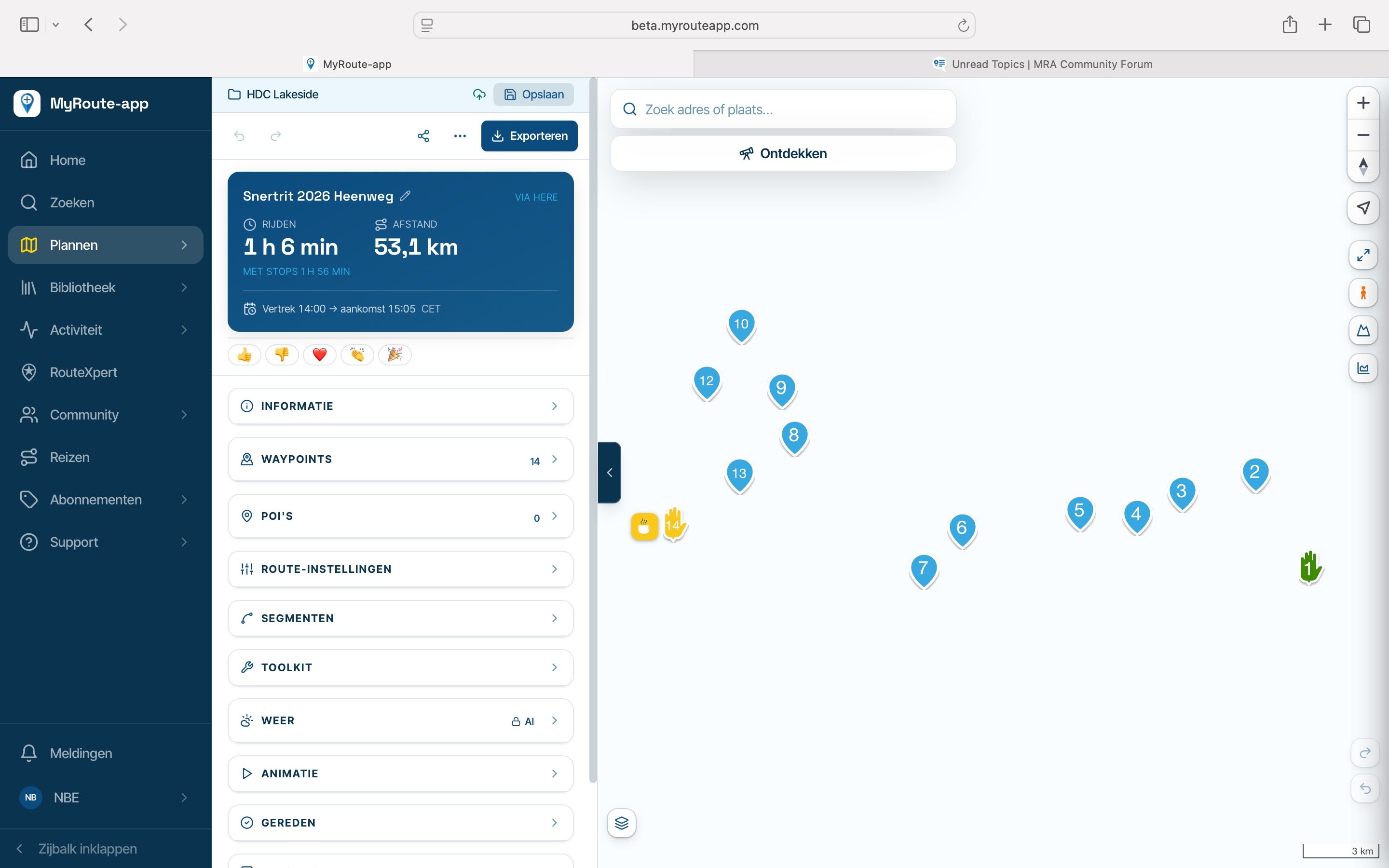
Is there a way to temporarily disable a waypoint or shaping point without deleting it? It's useful to know how it affects the routing distance and timing. Of course, the slightly long-winded way is to delete the waypoint, then undo, but that's a pain if you want to temporarily disable a whole bunch of shaping points..
-

You could place a POI next to the waypoint you're about to delete... Or make a copy of that route and delete the points in the copy
-

On my PC, I delete a waypoint to see how it affects the route, then use CTRL+Z to restore it, or CTRL+Y to delete it again (essentially confirming or undoing the action).
Give it a try and see if you find it useful. -
On my PC, I delete a waypoint to see how it affects the route, then use CTRL+Z to restore it, or CTRL+Y to delete it again (essentially confirming or undoing the action).
Give it a try and see if you find it useful.
@Corrado-Miniati-0 Ctrl+Z/Y is a good call, I go for the undo icons. Probably a little quicker, thank you

-
You could place a POI next to the waypoint you're about to delete... Or make a copy of that route and delete the points in the copy
@Jannes-van-Dijken Both a little bit long winded for a simple A/B
-
Well... I usually need several route options before I have the one I like.

Hello! It looks like you're interested in this conversation, but you don't have an account yet.
Getting fed up of having to scroll through the same posts each visit? When you register for an account, you'll always come back to exactly where you were before, and choose to be notified of new replies (either via email, or push notification). You'll also be able to save bookmarks and upvote posts to show your appreciation to other community members.
With your input, this post could be even better 💗
Register Login-
 2035251
-
 029172
-
013161
-
0975
-
 0729
-
0619
-
 213179
-
 05107