Waypoints and shaping points naming convention
-

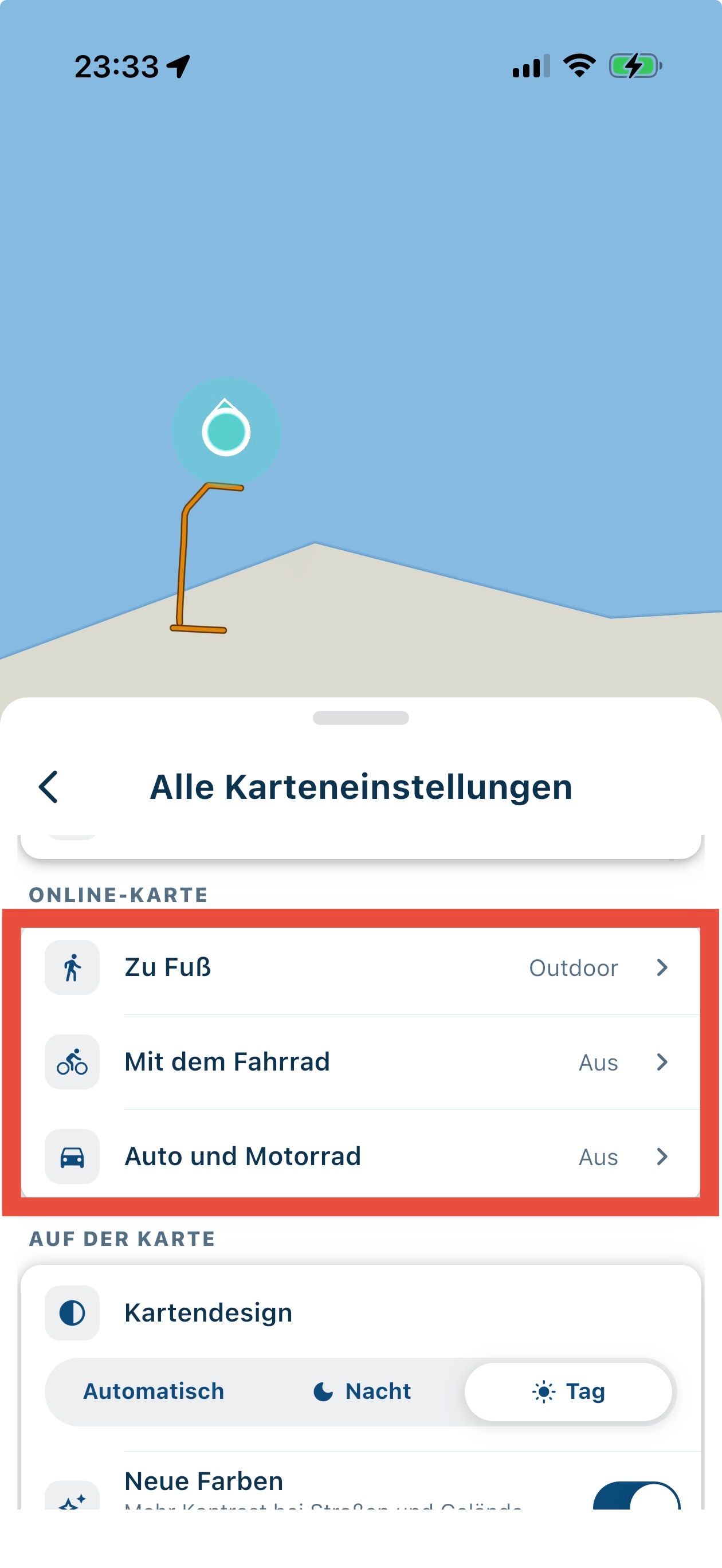
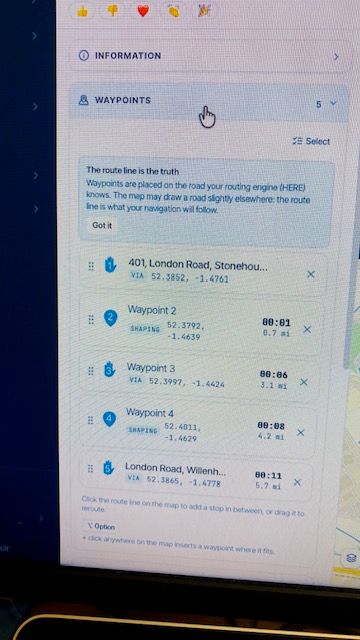
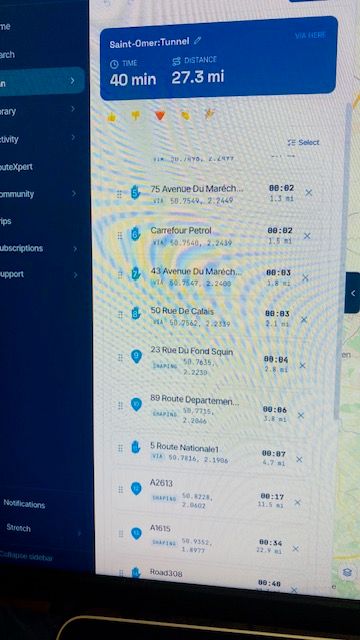
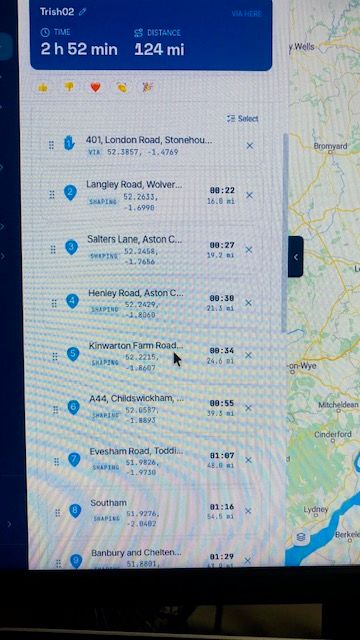
What I've discovered is if I clicked a new waypoint off the road the planner gave it a Waypoint number but automatically moved it to the road based on HERE map.
I picked up the waypoint & dropped it again & it renamed to the road location.
Clicking waypoint on the left menu opens setting & the names can be typed manually.
Very cool that it jumps to the road, I guess there's a setting of offroad routing too.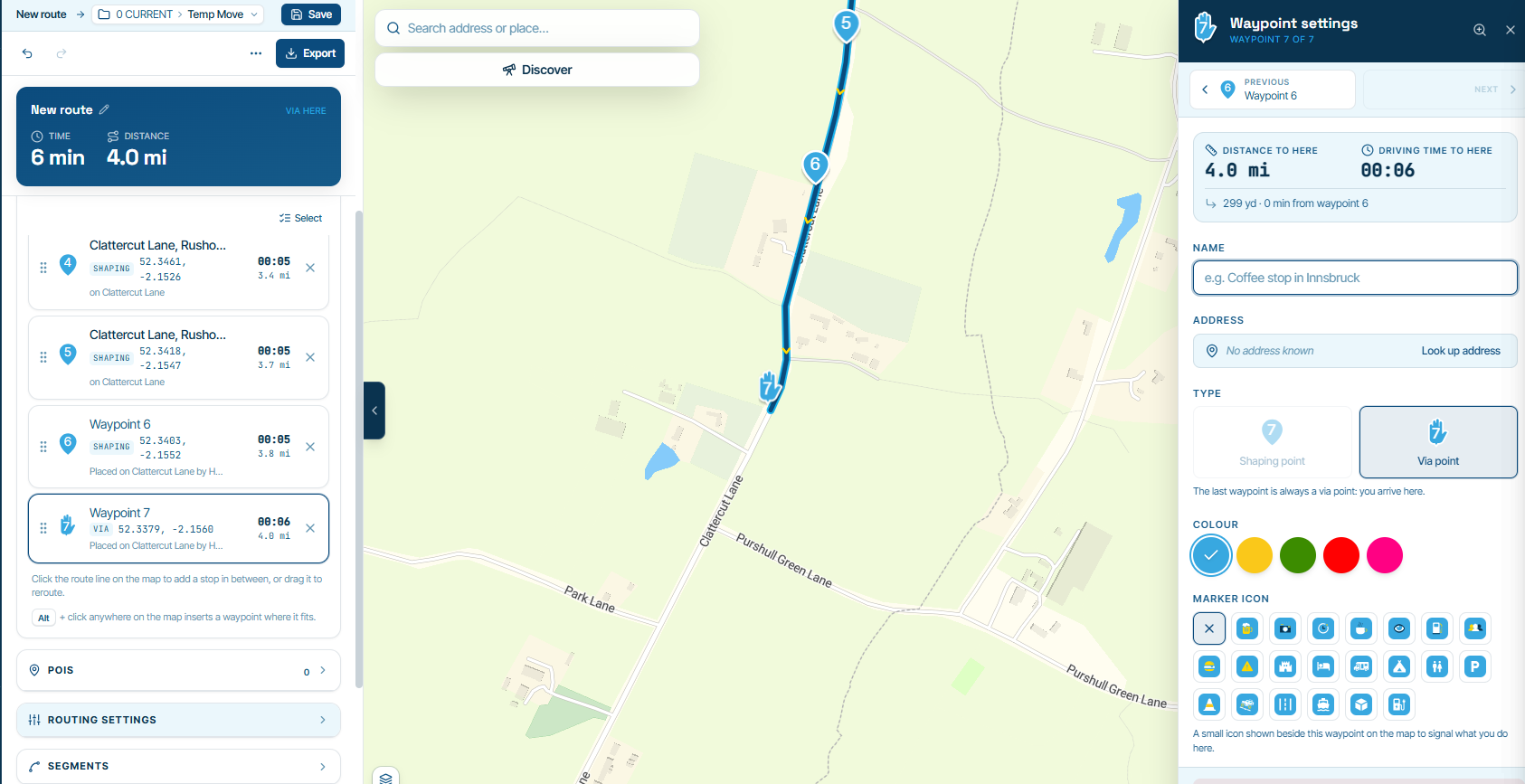
-

Hi Dave,
Thanks for the reply. I have already worked that bit out and came to the same conclusion.
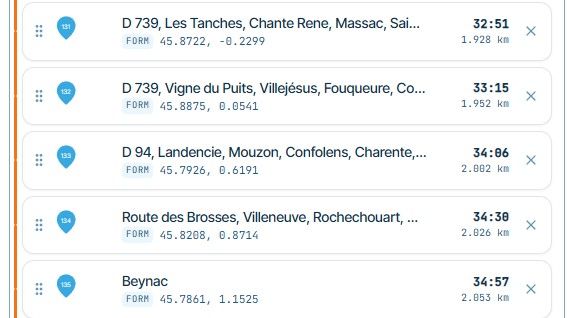
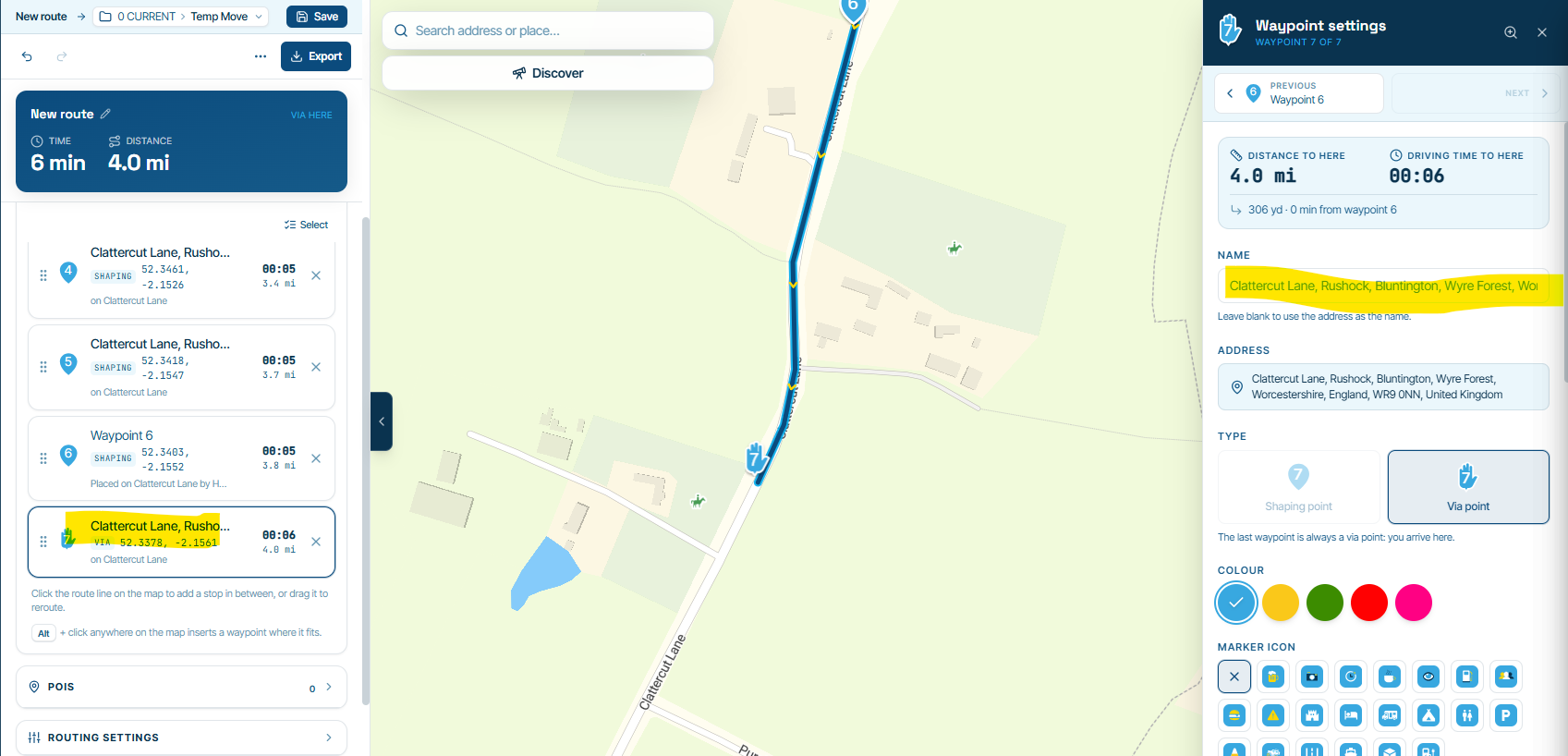
However, I have a few issues with this:- I don't particularly want to have to go into each Waypoint/Shaping point on a 14 day trip and have to rename each one individually, especially when there could be up to 150 points on each day!
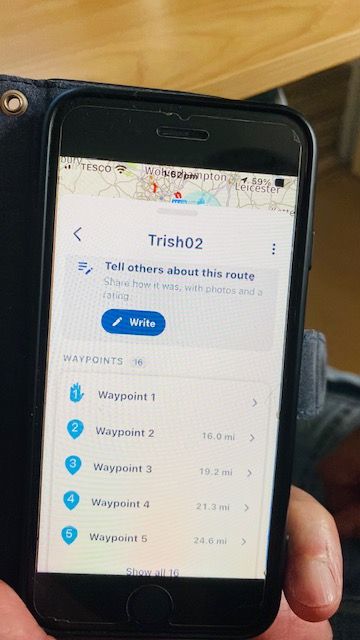
- Having renamed on my test route on computer, when looking at same route on phone app, It only shows numbers and coordinates.
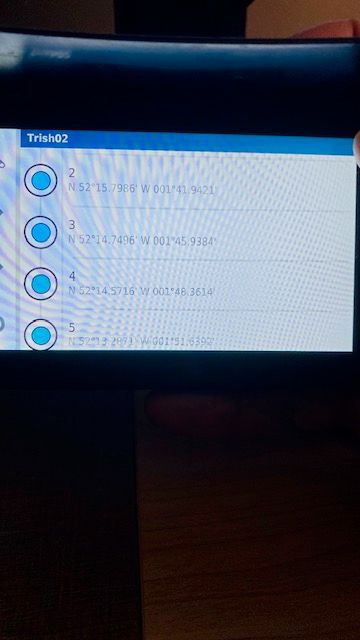
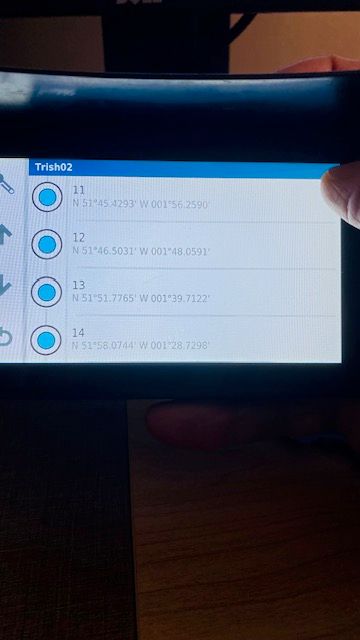
- Have also downloaded said renamed route to SatNav (Garmin XT) and this also only shows Numbers and coordinates
Hello! It looks like you're interested in this conversation, but you don't have an account yet.
Getting fed up of having to scroll through the same posts each visit? When you register for an account, you'll always come back to exactly where you were before, and choose to be notified of new replies (either via email, or push notification). You'll also be able to save bookmarks and upvote posts to show your appreciation to other community members.
With your input, this post could be even better 💗
Register Login-
029971
-
 1110129
-
 0573
-
 0413
-
0427
-
 0330
-
 1387
-
 016194