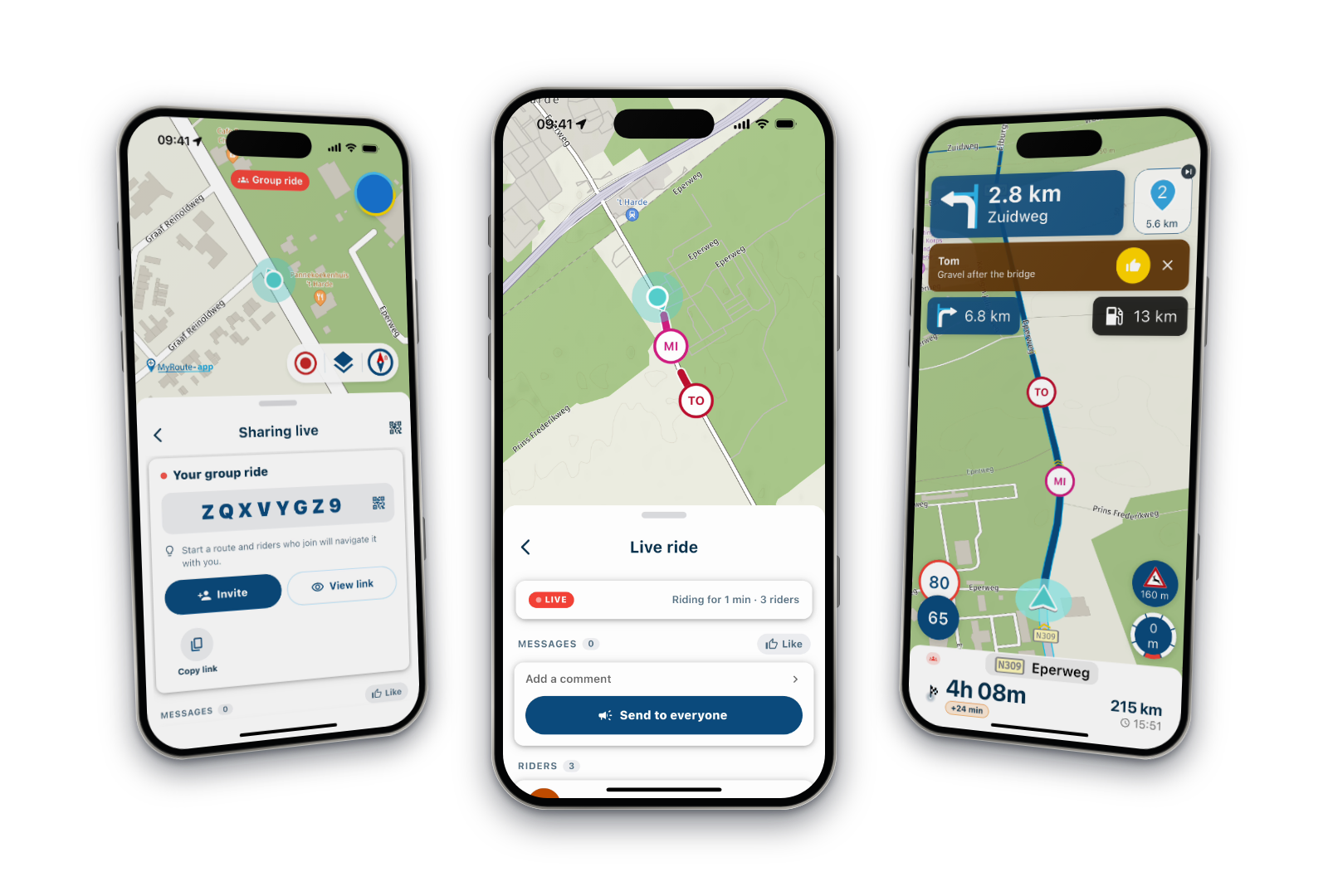
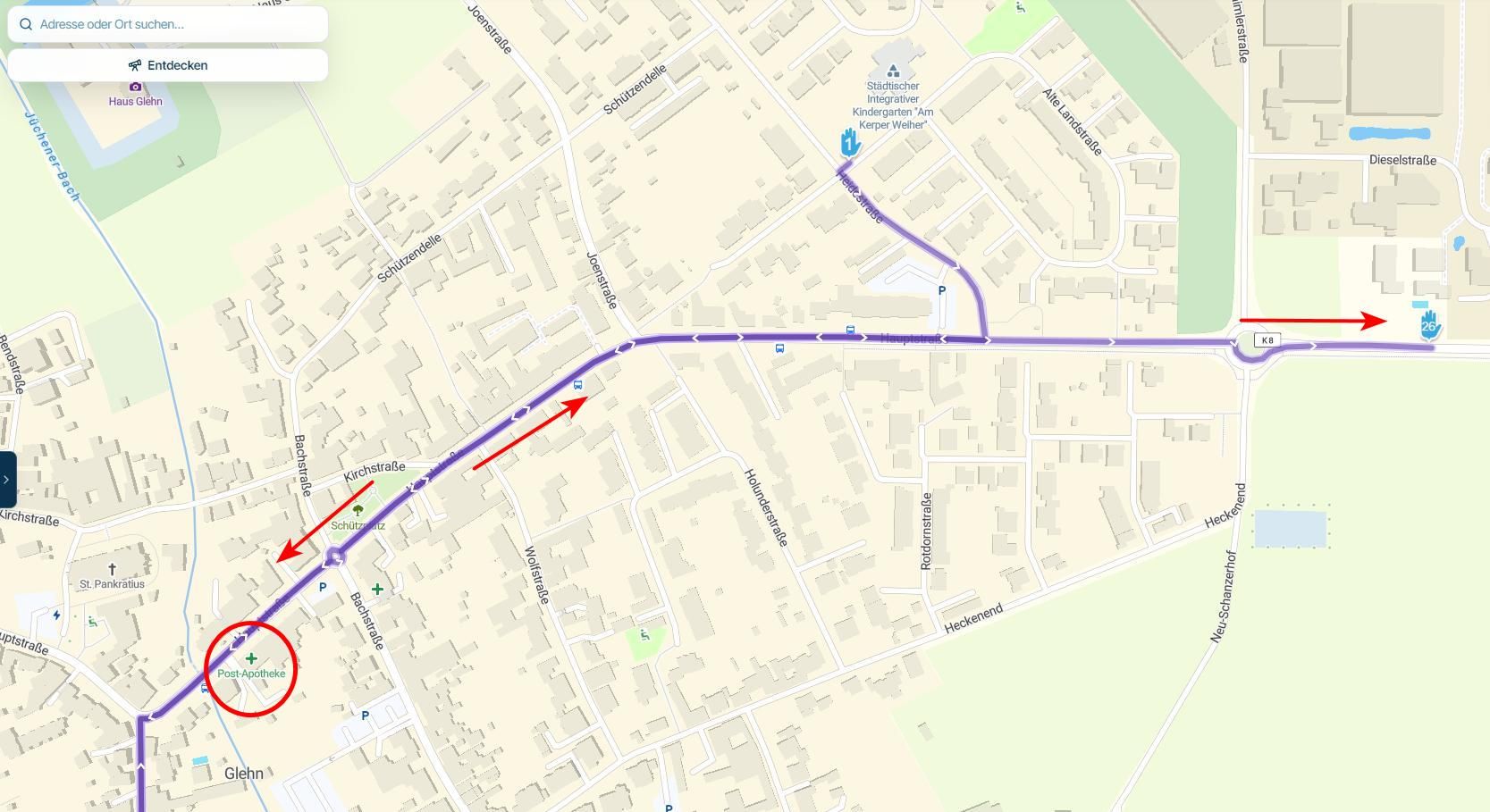
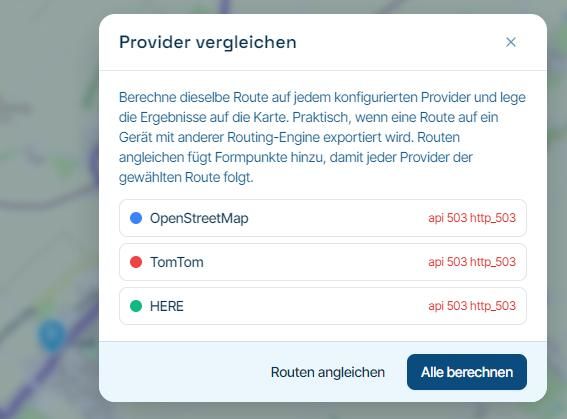
F006 MyRoute-app Studio - Programm Display Auflösung ?
-

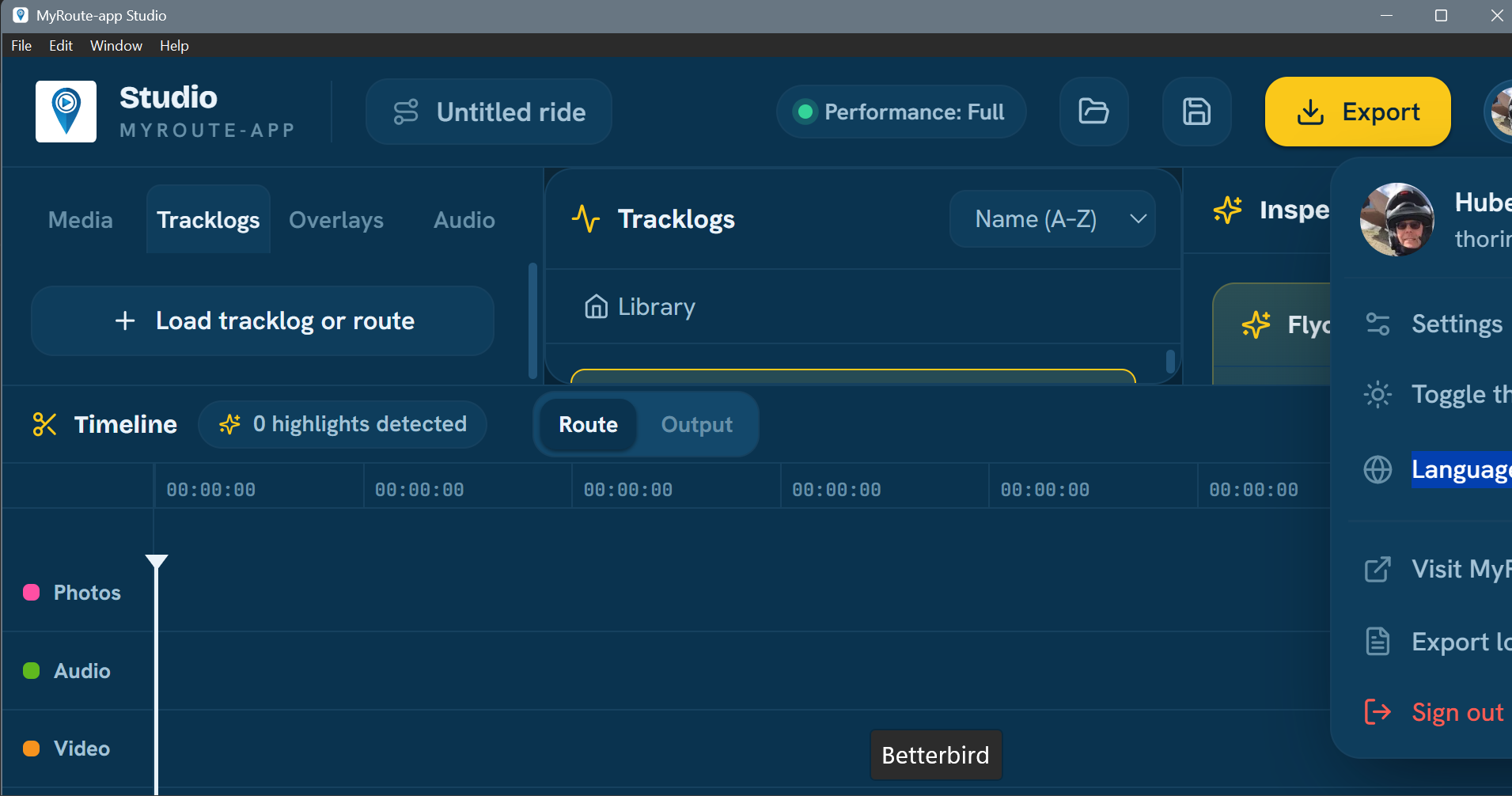
Something is off with the scaling; I can’t change the resolution, and it doesn’t work the way it usually does in a web browser (using the mouse, etc.). If I adjust it on the PC, everything else in other Windows applications ends up being way too small.
-

Is this fullscreen? Or what am I looking at?
-
Regarding your question, that was the start screen... after the installation. Something is missing on the right side. I tried changing the resolution as a test, but then everything outside the program becomes far too small... see image 3.
I’ve just tested a few things... it seems like there are overlapping fields, menus, or something similar...
Bild 1
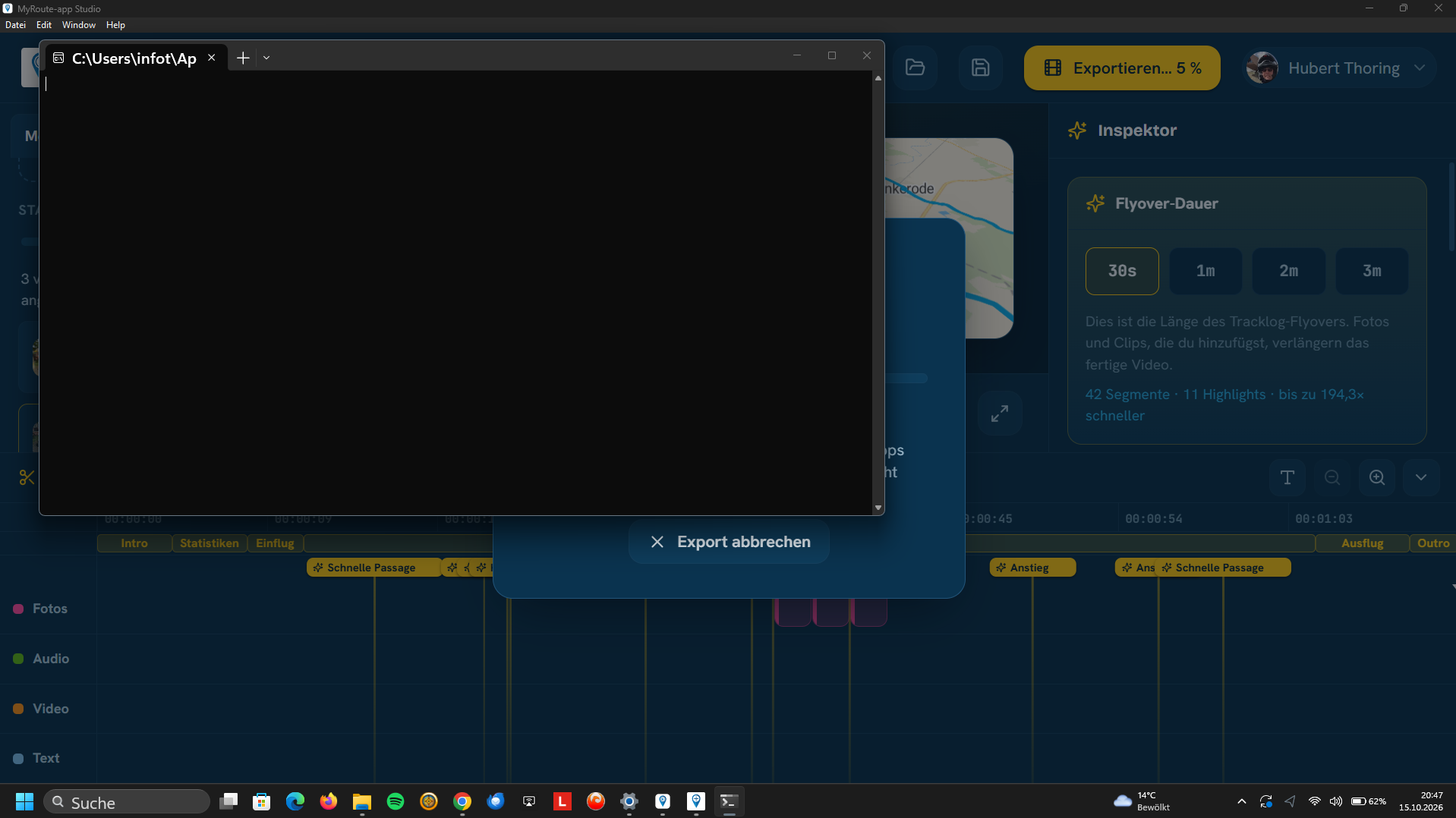
Bild 2
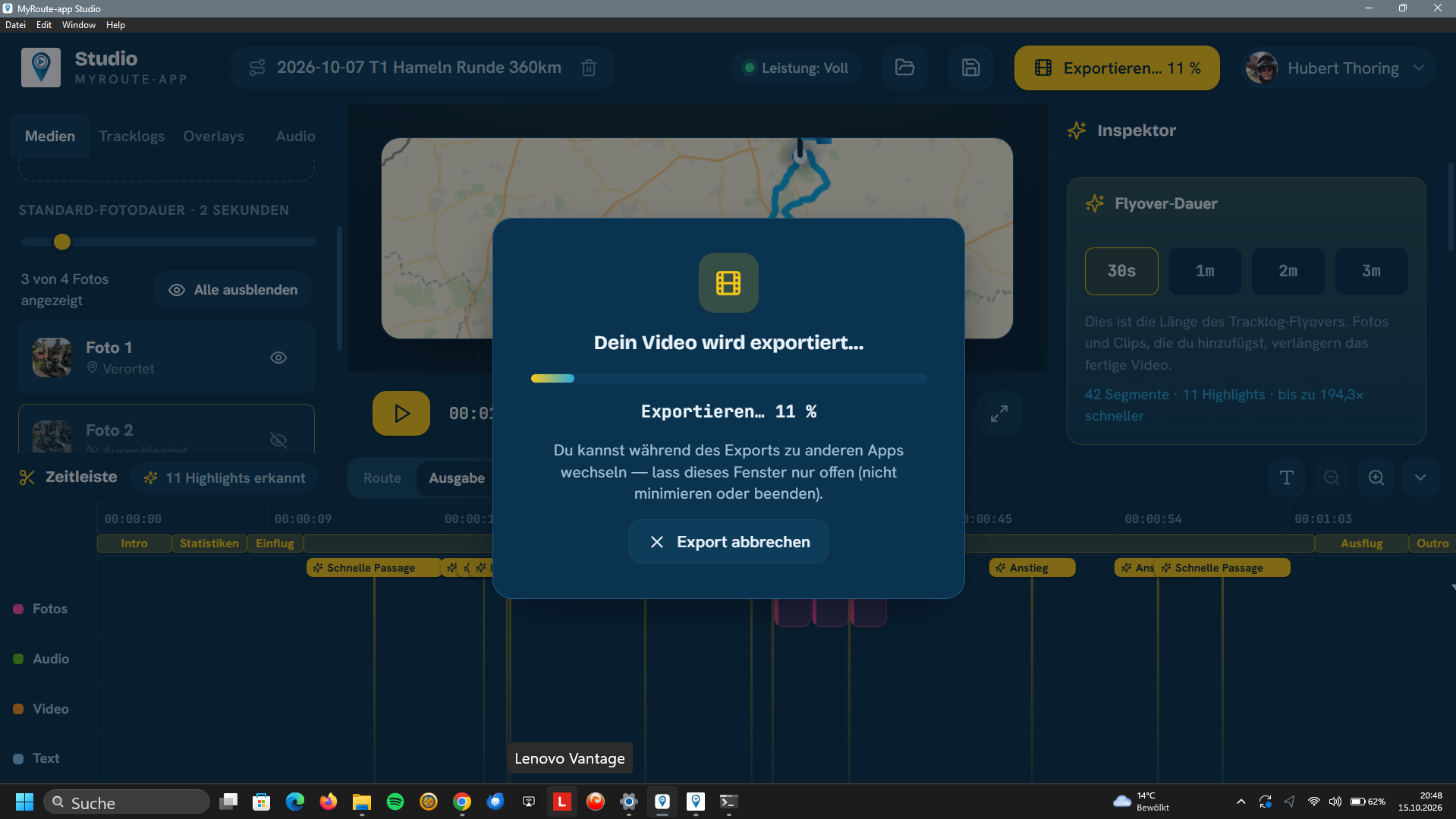
Bild 3
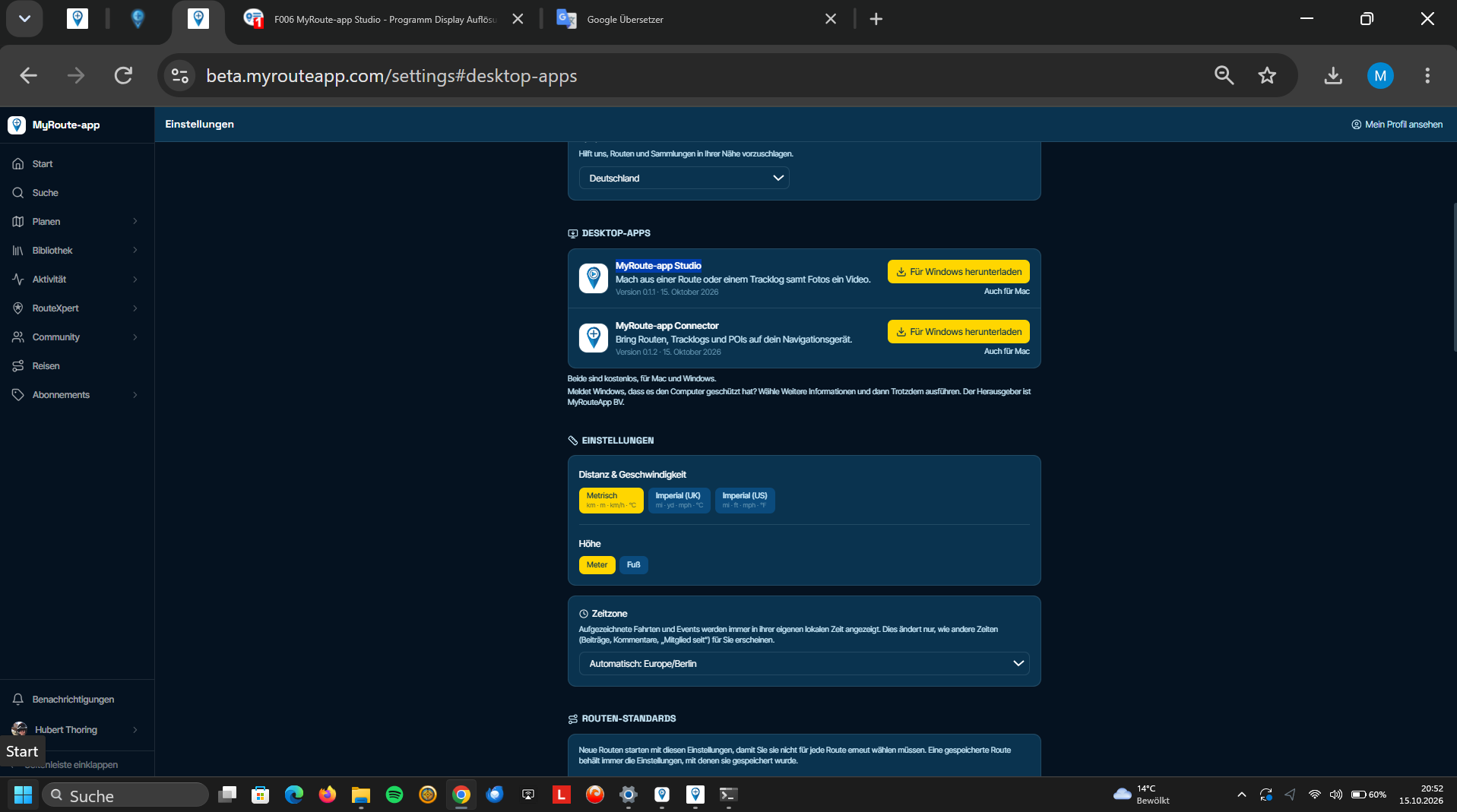
-
The new MyRoute-app Studio program doesn't adjust to the resolution set in Windows 11, and there’s no option to scale it down to match that resolution... I can’t really describe it any better; perhaps it should run inside a browser—that might make things easier...
-
Perhaps one more installation tip: the security certificate is missing, so Chrome and Windows 11 will initially block it...
-
Is this fullscreen? Or what am I looking at?
Is this fullscreen? Or what am I looking at?
Yes, that was the full screen of the laptop.
Hello! It looks like you're interested in this conversation, but you don't have an account yet.
Getting fed up of having to scroll through the same posts each visit? When you register for an account, you'll always come back to exactly where you were before, and choose to be notified of new replies (either via email, or push notification). You'll also be able to save bookmarks and upvote posts to show your appreciation to other community members.
With your input, this post could be even better 💗
Register Login-
1433726
-
 11956
11956
-
 08134
08134
-
066
-
 0637
0637
-
 7525
7525
-
 0946
0946
-
0412