Ending a route
-

I've been using the MyRoute App for several months and continually run into the same issue on my return.
As an explanation I break my to a location and return into two separate segments. The navigation to the location works great. My challenge is that when I start my return it continually wants to return me to the starting point for that segment.
Do I need to end my "to" segmement? I've read the user manuals and can't figure this out. Thanks in advance as I know there are those with much more experience than I have. -
There is an option in functional to stop navigation at arrival, did you turn that on?
@superg No I don't think I have. Can you provide guidance on where to turn that on?
I sincerely appreciate it -
( mine is in dutch, so some translation error can happen) open the app, press right upper corner on your avatar, press 'navigation setting' , press functionality (the first), 3rd tab bottom 'stop navigation on arrival '
@superg Yes I do have that selected. Could it be a conflict between start from nearest waypoint and use current location? Currently I have both selected. Again I appreciate the help
-
@superg Yes I do have that selected. Could it be a conflict between start from nearest waypoint and use current location? Currently I have both selected. Again I appreciate the help

@Eric-Colón-3-0, No, "use current location" simply shows the chosen route including the lead to the start. Where you will be starting is dependent on "start from nearest waypoint".
But what exactly is your problem? I can't deduct that from you opening post.
I am just an enthusiastic MRA user, and hope you will be one too!
Most motorcycle problems are caused by the nut that connects the handlebar to the saddle.
Check out RideSleepRepeat.eu, a biker community for sharing stays across Europe
-
@Eric-Colón-3-0, No, "use current location" simply shows the chosen route including the lead to the start. Where you will be starting is dependent on "start from nearest waypoint".
But what exactly is your problem? I can't deduct that from you opening post.
@Con-Hennekens Thank you and let me try to better explain.
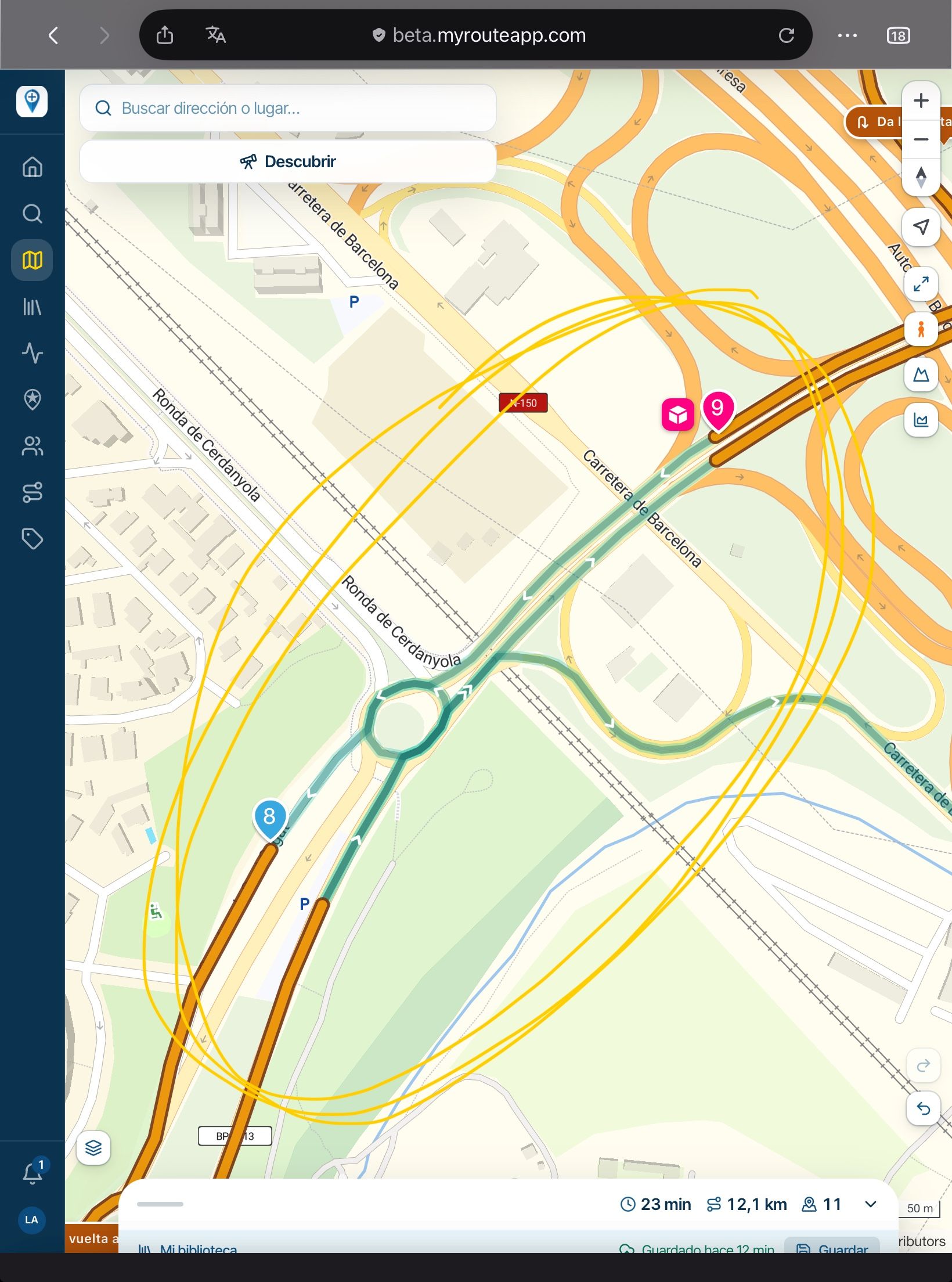
When I am set to return from a road trip and it's assigned route the Nav will always ask me to double back to the starting point. It's as if it doesn't recognize that I am actually on the route with the starting point behind me.
It doesn't seem to matter where on the route I set the starting point.
Does that explain it better? -
@Con-Hennekens Thank you and let me try to better explain.
When I am set to return from a road trip and it's assigned route the Nav will always ask me to double back to the starting point. It's as if it doesn't recognize that I am actually on the route with the starting point behind me.
It doesn't seem to matter where on the route I set the starting point.
Does that explain it better?
@Eric-Colón-3-0, Not really I am afraid...
 Are we talking about just one route where you halfway pause and continue afterwards? If so:
- If you stop a navigation, you always see a pop-up question "Resume navigation?". I you press "Navigate" it will simply continue where you left off
- If you pressed "No" you will need to restart your route. If it is set to start from WP1, yeah, you will be lead there. If you do not want that you can either:
- just press start, be lead to WP1 and long-press the waypoint where you want to take off again
- or BEFORE pressing "Start" open the route settings and enable "Start from nearest route point."
I am just an enthusiastic MRA user, and hope you will be one too!
Most motorcycle problems are caused by the nut that connects the handlebar to the saddle.
Check out RideSleepRepeat.eu, a biker community for sharing stays across Europe
-
@Eric-Colón-3-0, Not really I am afraid...
Are we talking about just one route where you halfway pause and continue afterwards? If so:- If you stop a navigation, you always see a pop-up question "Resume navigation?". I you press "Navigate" it will simply continue where you left off
- If you pressed "No" you will need to restart your route. If it is set to start from WP1, yeah, you will be lead there. If you do not want that you can either:
- just press start, be lead to WP1 and long-press the waypoint where you want to take off again
- or BEFORE pressing "Start" open the route settings and enable "Start from nearest route point."
@Con-Hennekens Thank you! I think you've answered my question. I have a couple hundred mile ride coming up this weekend and look forward to taking your advice. My goal is to have this resolved before an upcoming 9 day 2,700 mile trip. Thanks again
-
@Con-Hennekens Thank you! I think you've answered my question. I have a couple hundred mile ride coming up this weekend and look forward to taking your advice. My goal is to have this resolved before an upcoming 9 day 2,700 mile trip. Thanks again
@Eric-Colón-3-0, You're welcome. You can test all that from your couch, please take that advice too, instead of fumbling with it during your trip
Hello! It looks like you're interested in this conversation, but you don't have an account yet.
Getting fed up of having to scroll through the same posts each visit? When you register for an account, you'll always come back to exactly where you were before, and choose to be notified of new replies (either via email, or push notification). You'll also be able to save bookmarks and upvote posts to show your appreciation to other community members.
With your input, this post could be even better 💗
Register Login-
 01334
01334
-
 01037
01037
-
 912211.7k
-
0619
-
 0517
0517
-
 05115
05115
-
047
-
 0425
0425