Skip to content
  • Categories
  • Recent
  • Popular
  • Support
  • MyRoute-app
Collapse
Brand Logo

MRA Community Forum

  1. Home
  2. The MyRoute-app
  3. [App] Android Auto & CarPlay
  4. UI button contrast when highlighted

UI button contrast when highlighted

Scheduled Pinned Locked Moved [App] Android Auto & CarPlay
2 Posts 2 Posters 235 Views 2 Watching
  • Oldest to Newest
  • Newest to Oldest
  • Most Votes
Reply
  • Reply as topic
Log in to reply
This topic has been deleted. Only users with topic management privileges can see it.
  • Rajpundefined Offline
    Rajpundefined Offline
    Rajp
    wrote last edited by
    #1

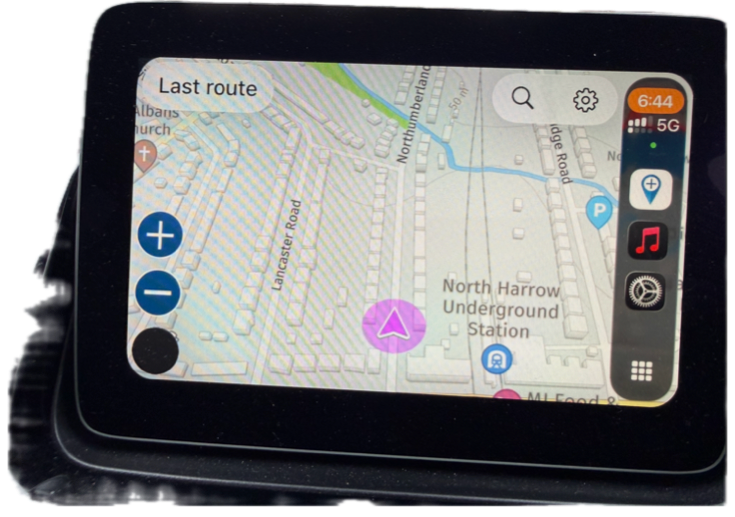
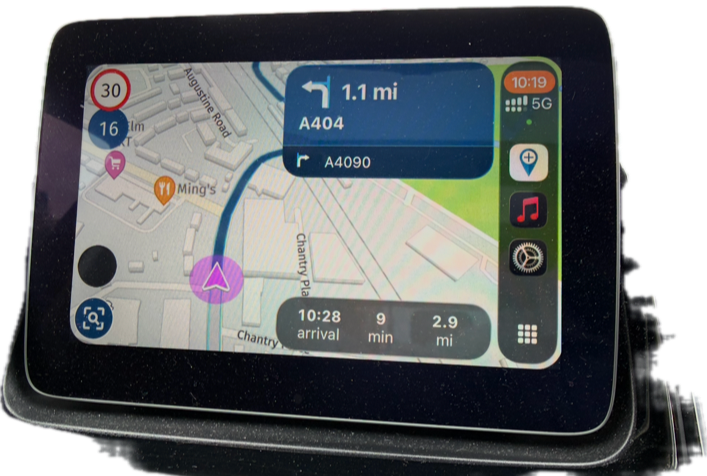
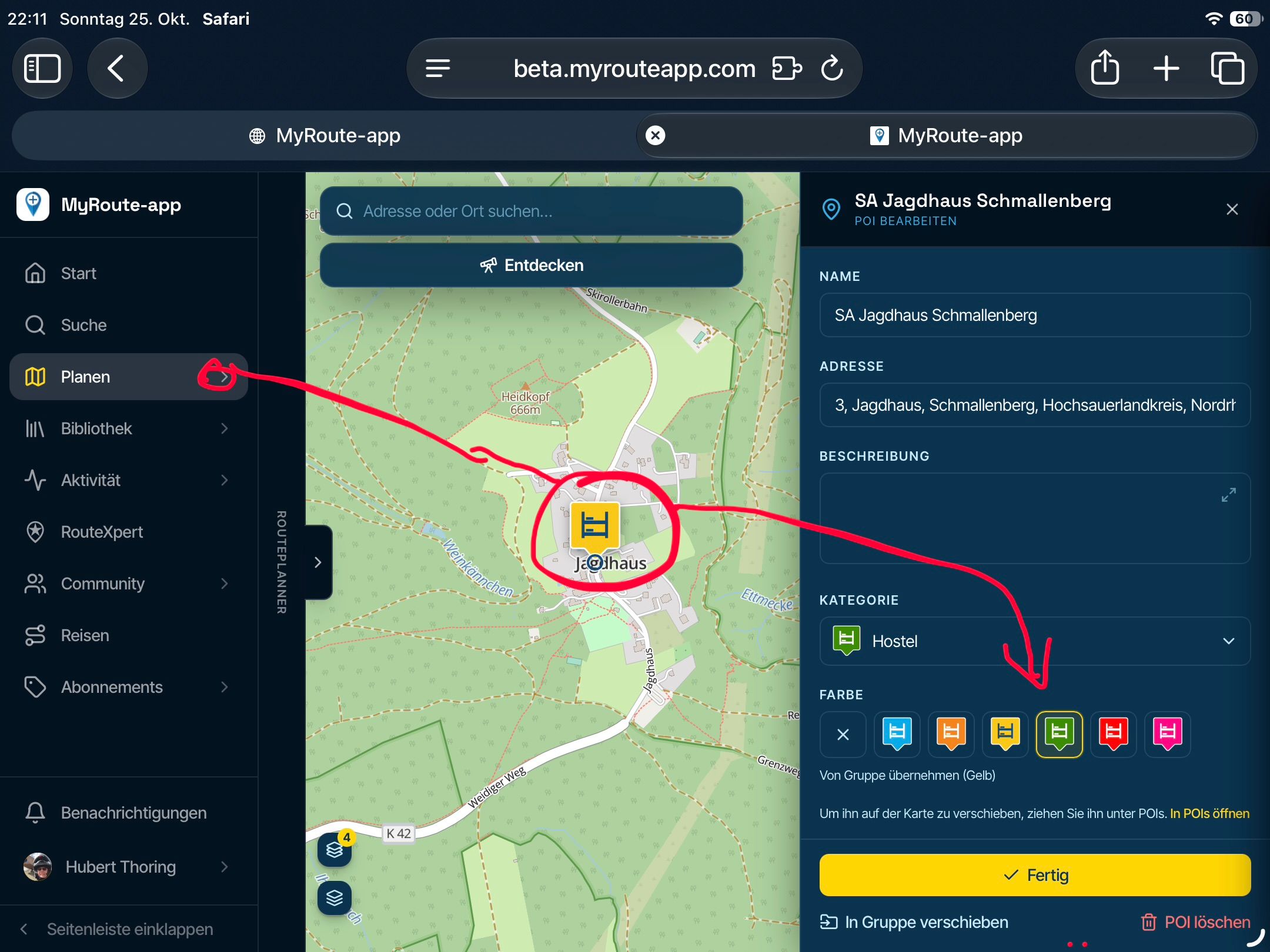
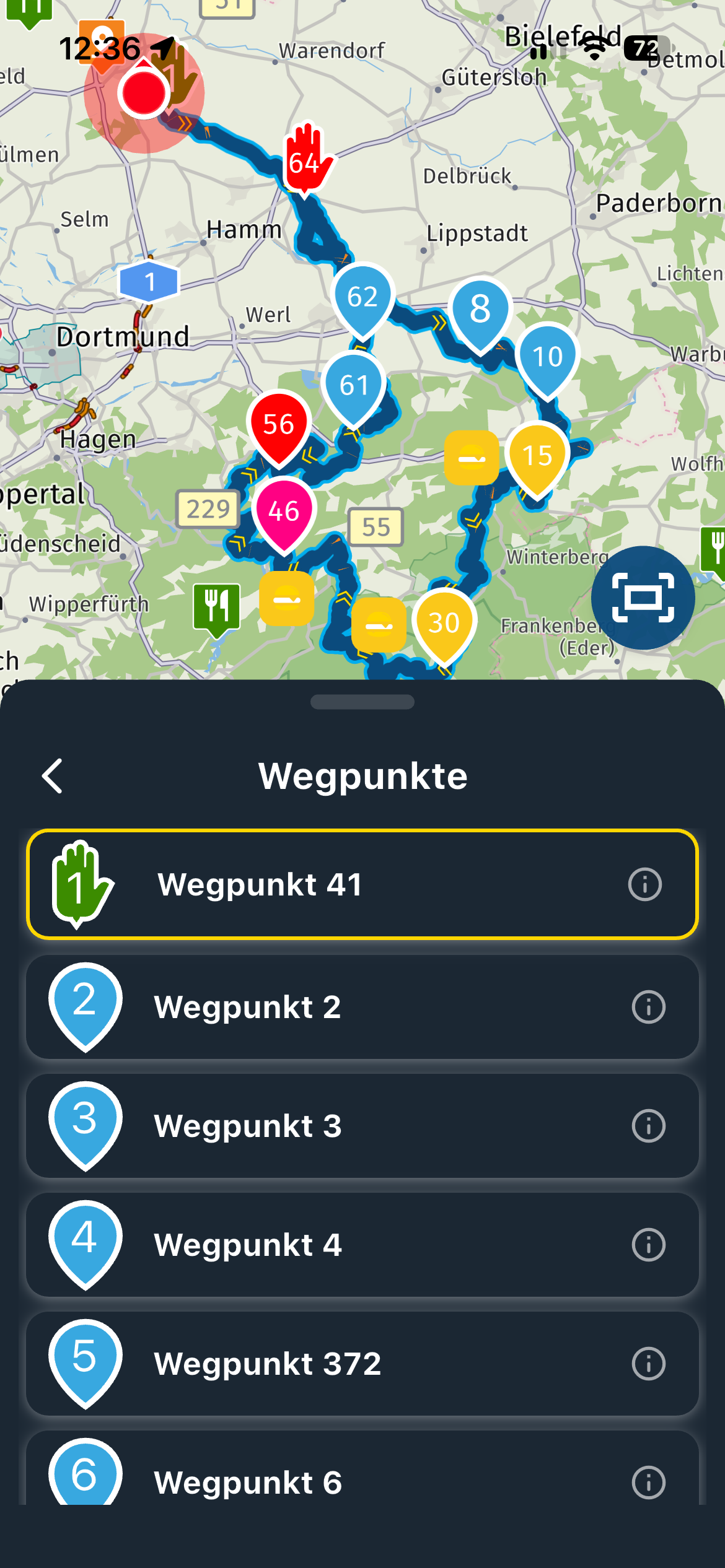
    In CarPlay mode, I’ve noticed that when buttons are highlighted like + (zoom in), - (zoom out) and the overview, the buttons are highlighted in black (or very very dark) and the button symbols remain in dark text, so you can’t actually see what the button is, I would expect the text colour of the symbols to inverse so that it’s clearer to see?
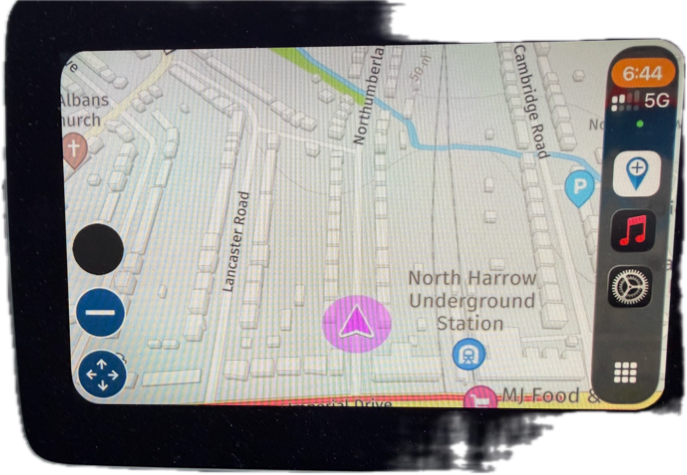
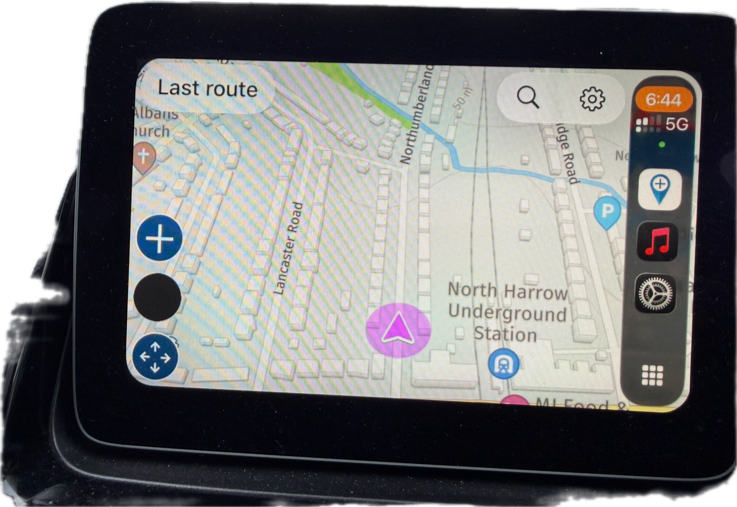
    IMG_0168.png

    IMG_0169.png

    IMG_0170.png

    IMG_0171.png

    1 Reply Last reply
    0
    • Corjan Meijerinkundefined Online
      Corjan Meijerinkundefined Online
      Corjan Meijerink
      Developer
      wrote last edited by
      #2

      Can confirm this issue will be resolved in the 5.1 update!

      1 Reply Last reply
      3
      Reply
      • Reply as topic
      Log in to reply
      • Oldest to Newest
      • Newest to Oldest
      • Most Votes


      ACTIVE USERS
      Corjan Meijerinkundefined
      Corjan Meijerink
      Rajpundefined
      Rajp
      POPULAR TOPICS
      • New beta! 5.1 (457)
        white.mouseundefined
        white.mouse
        13
        42
        271

      • V5.1.0 - 458 Same Point in Route Cycles to First Instance if Later Point Selected - CarPlay
        Dave J 0undefined
        Dave J 0
        0
        3
        11

      • Joining a planned route from a differant position.
        supergundefined
        superg
        0
        3
        57

      • Snelste route vergelijken met de kortste route.
        M. Schrijverundefined
        M. Schrijver
        0
        3
        31

      • Use GPX Format 1.1 for export
        M. Schrijverundefined
        M. Schrijver
        0
        5
        251

      • Clearing existing text in dialogue when editiing
        Marinus van Deudekomundefined
        Marinus van Deudekom
        0
        2
        59

      • Random routes.
        undefined
        0
        1
        0

      • Navigation Route Line Colour
        MattN_73undefined
        MattN_73
        0
        2
        332
      MY GROUPS
      • Login

      • Login or register to search.
      • First post
        Last post
      0
      • Categories
      • Recent
      • Popular
      • Support
      • MyRoute-app