How do I follow a track not Navigate it
-

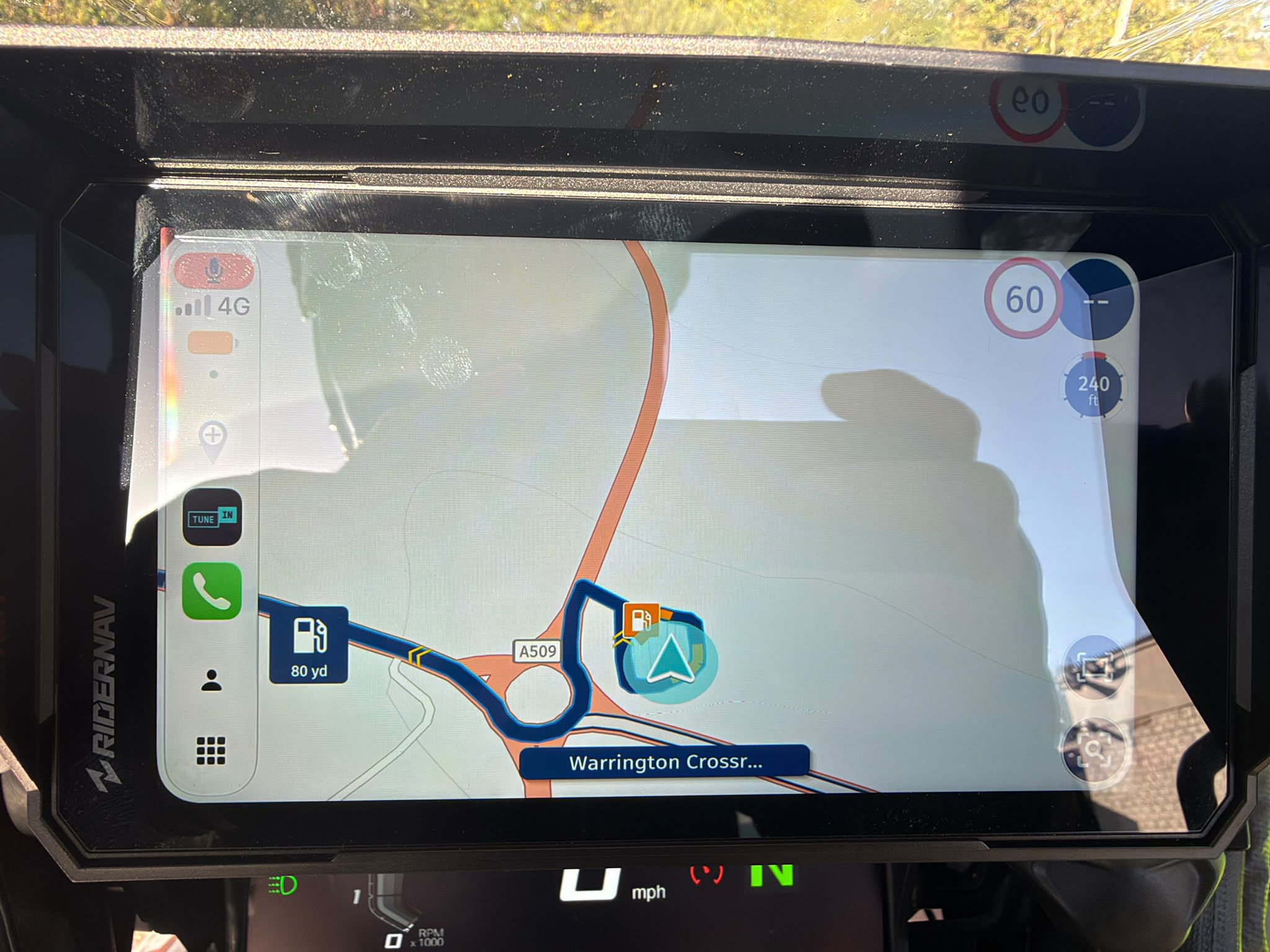
A few times now I've tried to open a tracklog and "follow the line" but the only option seems to be "Navigate." This seems counter intuitive considering the point of a tracklog is you're following an exact path. Getting next turn info along the track seems well and good, until you deviate from the track even slightly, and then navigation takes you who-knows-where, usually it seems to try to take me to the most direct path to the end of the track, even if I get back on the track line. If I just load the track without pressing Navigate then it wants to fit the entire track on the screen, or if I press the "my location" button it's zoomed out way too far to be useful.
I'm going to continue trying to follow a track and play with settings to see if I can solve my own problem, but does anyone have any insight on being able to just follow the line?
-

One possible option:
If you press the Navigate button longer, you can follow the line without announcement and without calculating the navigation, you are responsible for how you drive it.
From the manual: „ App - Routen & Tracklogs“
Open navigation: Click here to open the route in the navigation
ATTENTION! For hiking and cycling routes, the navigation button has been replaced by "Follow the line". So you can follow the route without directions.
ATTENTION! In all other modes of locomotion, you can activate the free ride mode by long pressing the navigation button.
VG Hubert
Beta Test "Next App" dazu die Hardware .
iPad 9. Gen iOS 26.7.1/ iPhone 16e iOS 26.7.1/ Navi iPhone Xr iOS 18.7.10 / PC mit MS Win11 /❗️MyRoute-App im Cradel und Remotek-One❗️ Info zu MRA & Remotek One -
One possible option:
If you press the Navigate button longer, you can follow the line without announcement and without calculating the navigation, you are responsible for how you drive it.
From the manual: „ App - Routen & Tracklogs“
Open navigation: Click here to open the route in the navigation
ATTENTION! For hiking and cycling routes, the navigation button has been replaced by "Follow the line". So you can follow the route without directions.
ATTENTION! In all other modes of locomotion, you can activate the free ride mode by long pressing the navigation button.
@Hubert-Thoring I think that may be exactly what I was looking for! Thank you for the info and the reference, I could not find that at all but figured it had to be possible.
-

In the upcoming 5.0.2 update, this will all be improved

-
In the upcoming 5.0.2 update, this will all be improved
@Corjan-Meijerink said in How do I follow a track not Navigate it:
In the upcoming 5.0.2 update, this will all be improved
Sounds good, looking forward to seeing it.
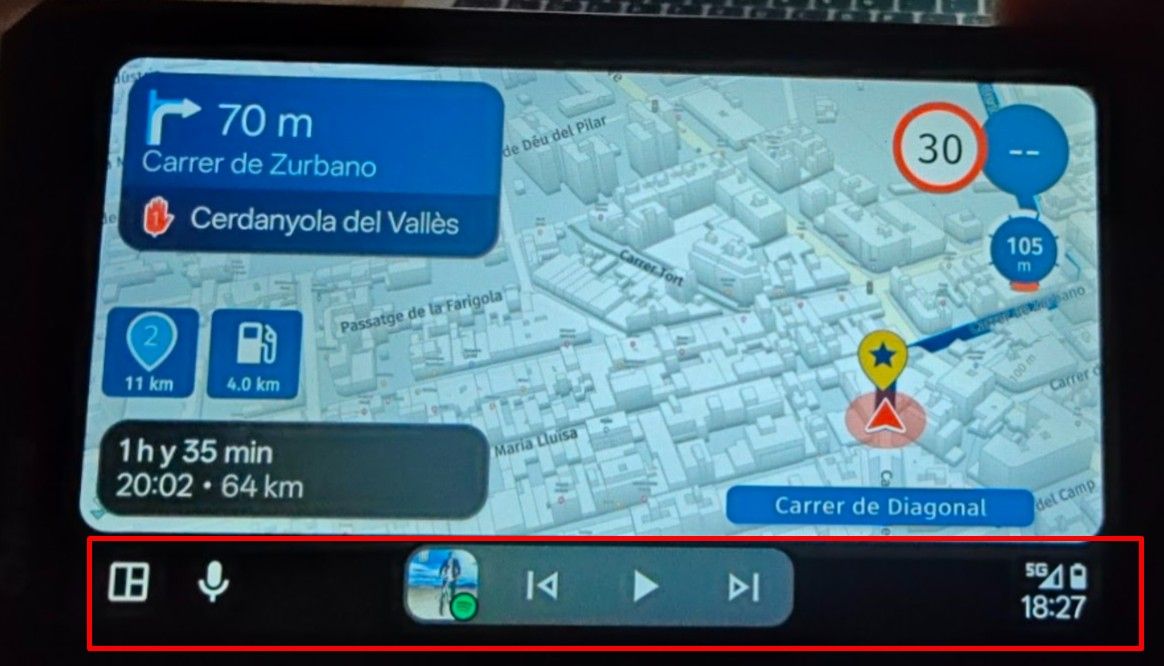
I tested out Hubert's recommendation, and it works just as I was hoping, but only on the phone. I put a Carpuride CarPlay device on my bike so I can see the route while standing, as I can't see my phone while riding off-road. When using CarPlay, it doesn't seem to even give me the option to open a tracklog. If I open it on my phone and Navigate as normal, it mirrors on CarPlay with turn-by-turn directions. If I open it on my phone and hold Navigate to follow the line, it doesn't mirror on the CarPlay. Is this functionality just missing for CarPlay? If so, wil it be added in 5.0.2 or any planned update?
-
@Corjan-Meijerink said in How do I follow a track not Navigate it:
In the upcoming 5.0.2 update, this will all be improved
Sounds good, looking forward to seeing it.
I tested out Hubert's recommendation, and it works just as I was hoping, but only on the phone. I put a Carpuride CarPlay device on my bike so I can see the route while standing, as I can't see my phone while riding off-road. When using CarPlay, it doesn't seem to even give me the option to open a tracklog. If I open it on my phone and Navigate as normal, it mirrors on CarPlay with turn-by-turn directions. If I open it on my phone and hold Navigate to follow the line, it doesn't mirror on the CarPlay. Is this functionality just missing for CarPlay? If so, wil it be added in 5.0.2 or any planned update?
@Benjamin-Ralston I have very good news for you!

https://forum.myrouteapp.com/topic/10385/update-5.0.2-free-drive
-
@Benjamin-Ralston I have very good news for you!
https://forum.myrouteapp.com/topic/10385/update-5.0.2-free-drive
@Corjan-Meijerink Wow what great timing on exactly what I was looking for! Just in time to try it out tomorrow and compare against OnX Offroad while that app's free trial is active. I would love to be able to just use MRA for all my navigation needs (well, it's hard to beat Waze for quick A-to-B navigation, but of coarse that doesn't do route planning), so I'll test it out tomorrow!
-
So I took the bike out today and tested out the new feature, and man does it deliver! Easy to use, and the route line is still bright and highly visible. I compared it against OnX Offroad, and I liked MRA better. I'm sure OnX has better features geared toward offroad riding, but for follow-the-line tracklogs, MRA nailed this one! Thank you so much!
Hello! It looks like you're interested in this conversation, but you don't have an account yet.
Getting fed up of having to scroll through the same posts each visit? When you register for an account, you'll always come back to exactly where you were before, and choose to be notified of new replies (either via email, or push notification). You'll also be able to save bookmarks and upvote posts to show your appreciation to other community members.
With your input, this post could be even better 💗
Register Login-
 02033
02033
-
0619
-
 08246
08246
-
 0517
0517
-
 010635
-
0454
-
04112
-
 0424
0424