Duplicate waypoint
-

Hi,
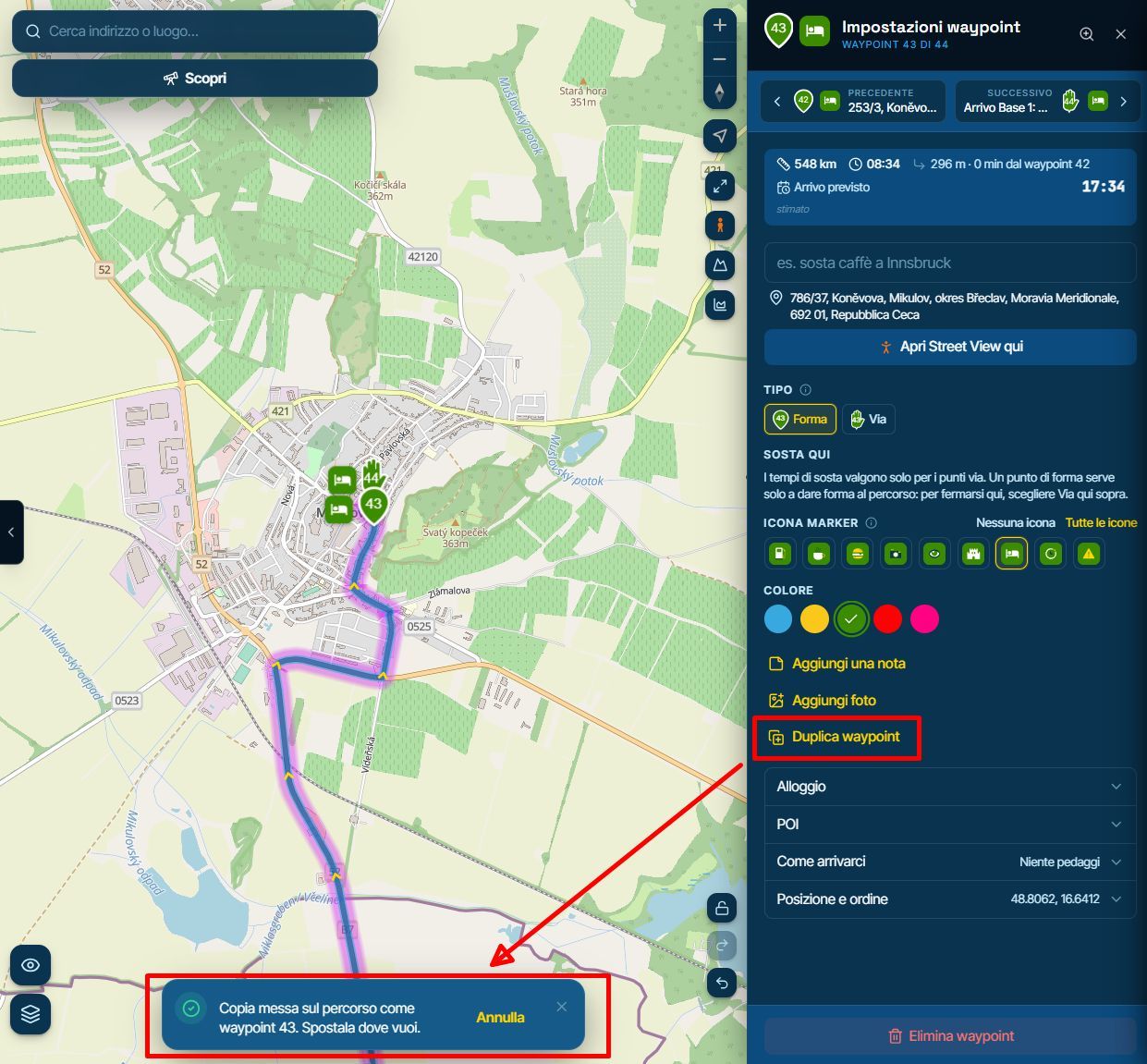
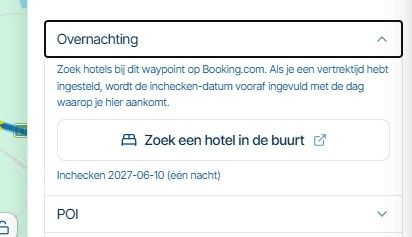
Practical example: at the last minute I had to replace the hotel I had previously booked for tonight, and as a result I need to update both the last viapoint of today's route and viapoint no. 1 of the following day's route.
The only way I found to do this was to manually copy the GPS coordinates of the hotel's last viapoint and then paste them as viapoint no. 1 of the next day's route.
This method is somewhat cumbersome and more importantly, it loses all waypoint details (name, address, notes, etc.).
I tried clicking "Duplicate waypoint" and then opening the route for the following day to paste it, but the duplicated waypoint is not retained and cannot be transferred.
Is there a simple way to perform this operation?
If not, would it be possible to keep the duplicated waypoint details in memory and allow them to be transferred to another already planned route or to a new route?Thanks
Hello! It looks like you're interested in this conversation, but you don't have an account yet.
Getting fed up of having to scroll through the same posts each visit? When you register for an account, you'll always come back to exactly where you were before, and choose to be notified of new replies (either via email, or push notification). You'll also be able to save bookmarks and upvote posts to show your appreciation to other community members.
With your input, this post could be even better 💗
Register Login-
 06132
-
 09217
-
 1763
-
 0432
-
 17165
-
 0341
-
 0320
-
 0334