Website update - Send to your phone, POIs in clubs, search on the map and more
-

Hi everyone!

Another website update is live, and once more a lot of it comes from your forum topics
 Here's what changed since Friday's update.
New
- Send to my phone. Send a route or tracklog to one of your own phones, from the share popup or the planner's menu. Your phone gets a notification, and a tap opens it in the app.
- POIs in clubs and events. A club or event has a POIs tab where POI groups can be linked. Members can open them, show them on the planner map and copy POIs to their own. A group stays with its owner, and their changes show straight away.
- Search on the map. The search box shows its matches on the map while you type, a row and its pin light each other up, and "Show all on the map" frames every match. The box stays open while you pan, and Discover no longer covers it.
- Name or brand in Discover. Find every McDonald's on the map, or only those among the fast food you picked.
- Duplicate a trip to plan an alternative with the same days, dates and nights.
- The trip builder offers to fill in the days between two dated days, so every day counts and the nights run on.
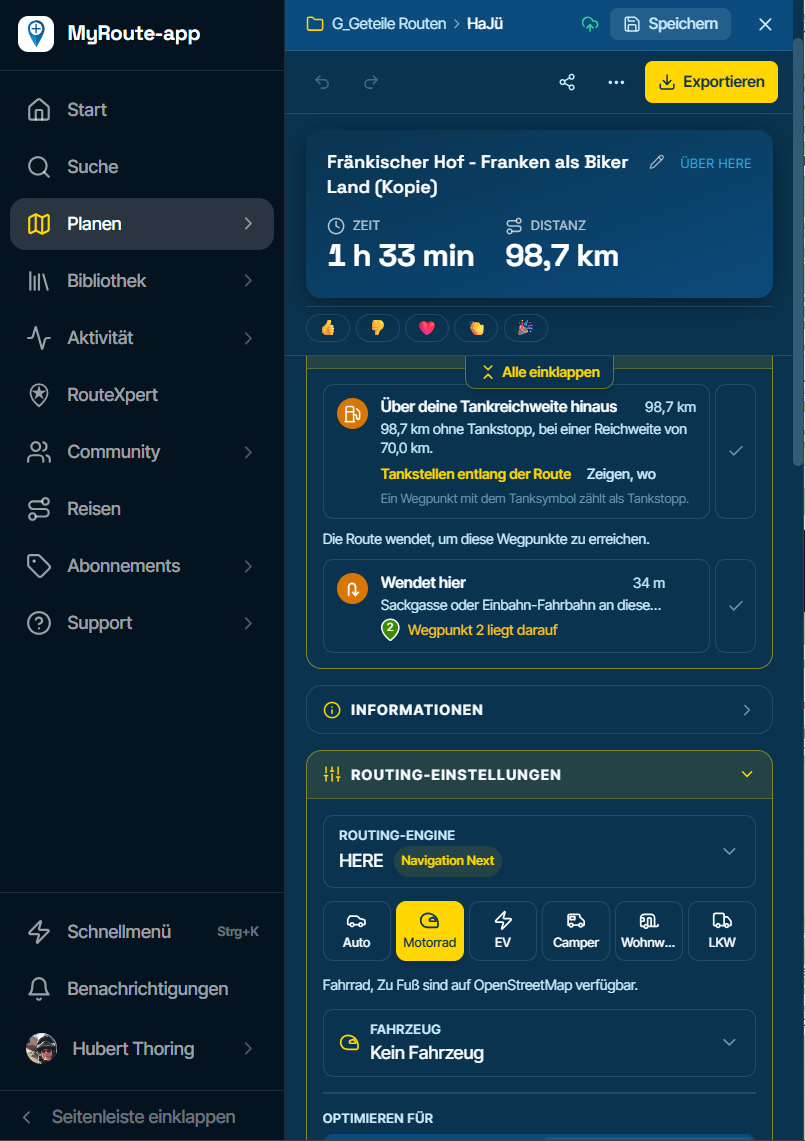
- Show where your day limit runs out. The planner flags a route as soon as it passes your day limit, in hours or kilometres, and "Show where" marks the spot on the map.
- When a route can't be calculated, the planner finds the waypoint that causes it and marks it in the message, the waypoint list and on the map.
- Weather on scenic routes. The scenic route generator shows the weather along each route option, with the weather map on top. The options also show their distance and riding time.
- Photos with friends. The Photos page can show your friends' photos beside yours, and each tracklog's photos start with a tile of its map. "On this day" can remind you of what you took on this day in earlier years, and you can turn that off in your notification settings.
- Collapse all. One tab, or Shift+C, closes every open section in the planner sidebar.
- Maintenance: the usual intervals are filled in and you can type your own numbers in place. A job of your own gets its own name under Other, in the logbook, reminders and service book.
- The star on a vehicle in your garage makes it the default for its travel mode.
Improvements and changes
- Start route here on a route from A to B: Keep direction now turns the route like a loop, so the waypoint becomes 1 and the rest follow in order. Each choice says where the route then ends.
- The calculator also shows the time with the pauses at the waypoints in between.
- The two compare tools have their own names: Compare engines in the toolkit, and Side by side for routes and tracklogs you show next to yours.
- The route plan PDF, Align engines and Avoid this road now follow a route's segments and straight legs, so their distance, time and directions match the planner.
- Discover's Historic finds memorials, batteries and war cemeteries, and Museum finds more museums. Search pins look sharper too.
- A trip day shows its route's description as Route notes while nothing is written about the day yet.
- A trip's action bar keeps Share, Publish and Edit in view and folds the rest into one menu.
- Every tile under Your stats on the home page opens the page behind it.
- Club and event routes name their owner.
- Daylight lists the waypoints you reach in the dark by their pin and number, like the waypoint list.
- Route defaults in Settings name the vehicles whose own settings replace them.
- Event attendance shows how many people are invited but haven't joined yet.
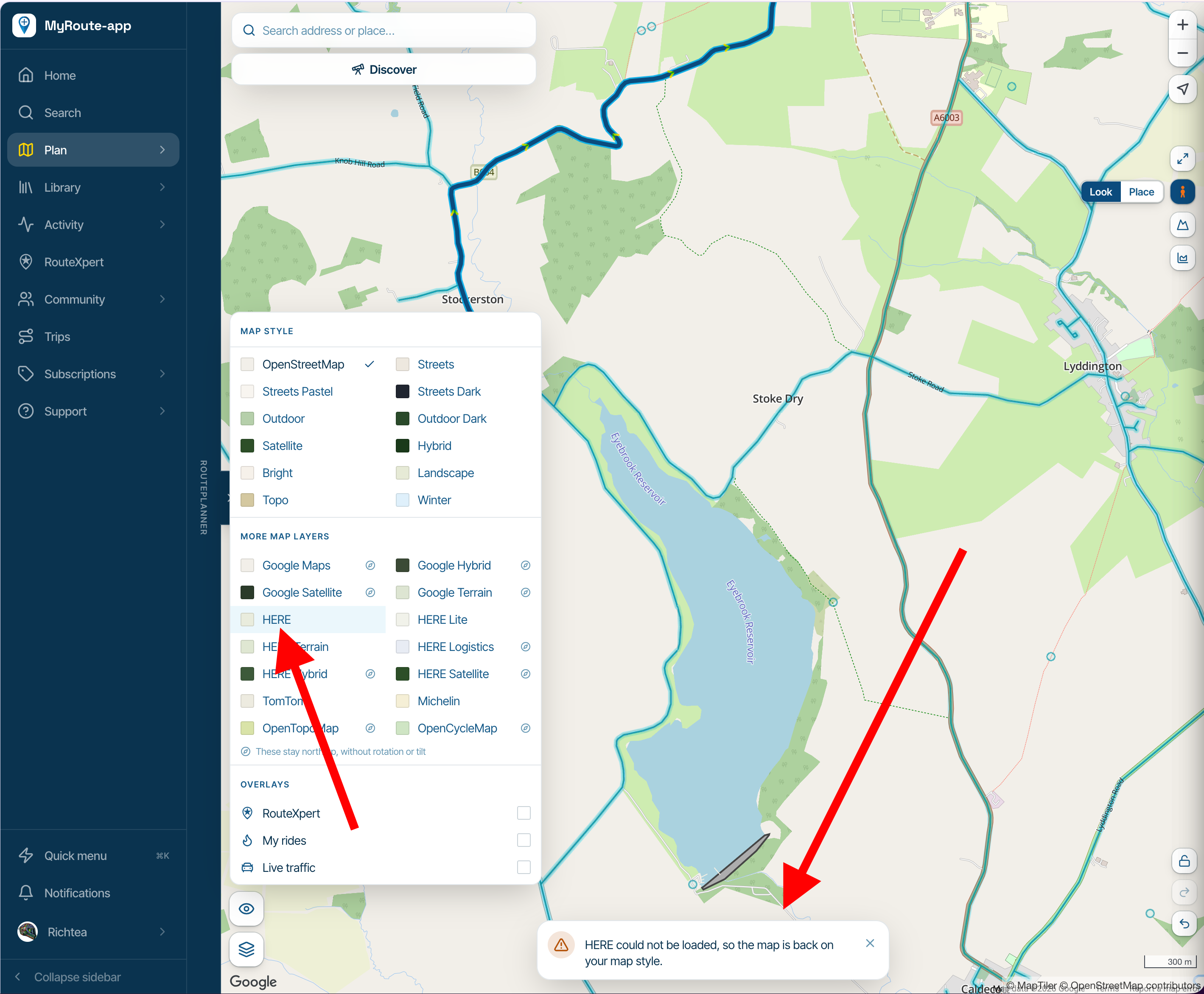
- The map picker lists Google's maps first among the other makers' maps, and opens on the map you're using.
- Search finds your own Unlisted routes and tracklogs, offers Show more under every kind of result, and is much faster.
- The library's overview map frames most of your lines and says which far-away ones it leaves out.
- Route warnings show their whole explanation.
- On a phone or upright tablet the planner offers to continue your unsaved route, and an unsaved route is kept the moment you switch apps.
- The eye in the planner's library brings a route or tracklog into view when it's off screen, and routes made with Split into days or Trim show in that list straight away.
- You can swipe the map sheet's handle to fold or open it.
Fixed
- A write-up with photos side by side, as the classic website made them, no longer loses its text when you save it in the editor.
- Switching maps while one is still loading no longer crashes the planner.
- Pulling down on a page in Safari on iPhone no longer reloads it.
- A route starting at Tanger Med reads Moroccan time instead of Spanish time.
- The month and year lists in the date picker are readable in the dark theme on Windows.
- The Settings page no longer scrolls on past its end, and the Photos page no longer moves sideways on a phone.
That's it! Thanks again for all your feedback

Cheers,
Corjan -

Send to my phone.
I tried this with a new route but the route hadn't sync'd to my phone so when I tapped the share notification the app opened but no route, it then sync'd as I'd just opened the app, sent the 'Share' again and it did open the route as it's now sync'd to my phone.
Hello! It looks like you're interested in this conversation, but you don't have an account yet.
Getting fed up of having to scroll through the same posts each visit? When you register for an account, you'll always come back to exactly where you were before, and choose to be notified of new replies (either via email, or push notification). You'll also be able to save bookmarks and upvote posts to show your appreciation to other community members.
With your input, this post could be even better 💗
Register Login-
 0880
-
 04103
-
0448
-
 012126
-
0319
-
 0432
-
 0325
-
1212