Optie om contact persoen van de iPhone te kiezen
-
Hoi,
Nog steeds super enthousiast over de nieuwe update.
Heb wel een idee, zou het mogelijk zijn om bij een bestemming direct naar je contact personen te kunnen zoeken? dan zou je ze niet als aparte favoriet te hoeven aanmaken.
En misschien nog een stapje verder, je agenda te koppelen aan My route zodat de afspraken direct als bestemming worden ingevoerd? -

Ik doe het op de volgende manier (op Android, maar kan vast ook op iPhone)
Ik ga naar de contactpersoon, kopieer het adres, ga naar myroute-app en plak het adres daar in de zoekfunctie. Op deze manier hoef je niet contactpersonen dubbel op te slaan als favoriet.
Rechtstreeks je contactpersonen benaderen zou wel iets korter zijn. -
Hoi,
Nog steeds super enthousiast over de nieuwe update.
Heb wel een idee, zou het mogelijk zijn om bij een bestemming direct naar je contact personen te kunnen zoeken? dan zou je ze niet als aparte favoriet te hoeven aanmaken.
En misschien nog een stapje verder, je agenda te koppelen aan My route zodat de afspraken direct als bestemming worden ingevoerd?
@Hanza-0 ...doe het andersom: open je contact in je contacten-app, tik op het adres – en kies bij de vraag met welke app dit moet worden geopend voor de MyRoute-app.
De MyRoute-app wordt meteen geopend, toont deze locatie – en je kunt direct op de knop ‘Navigeren’ drukken. Voilà...Nothing is impossible ;-)
In past: GARMIN Zumo 210->GARMIN Zumo 395->GARMIN XT=> now: DMD T865-X + MyRoute-App, LocusMaps, OsmAnd.
In past: GARMIN MapSource ->GARMIN BaseCamp->Tyre->Kurviger->Calimoto=> now: MRA-Routplanner. -
@Hanza-0 ...doe het andersom: open je contact in je contacten-app, tik op het adres – en kies bij de vraag met welke app dit moet worden geopend voor de MyRoute-app.
De MyRoute-app wordt meteen geopend, toont deze locatie – en je kunt direct op de knop ‘Navigeren’ drukken. Voilà...
@Guzzist Niet op een iPhone voor zover ik het heb bekeken!
-
@Guzzist Niet op een iPhone voor zover ik het heb bekeken!
@Rob-Verhoeff ...ok- good to know. Thank you.
-

Hi, interessting Idea.
The AI answer:
The MyRoute app (MRA) does not have a direct import interface to access the iPhone address book. As the app sometimes expects addresses to be formatted quite strictly (house number and postcode must be clearly separated), the quickest way is via the clipboard.
It’s best to use the following workflow to navigate there directly:The quickest workflow (Copy & Paste)
- Copy the address from an iPhone contact:
• Open the Contacts app on your iPhone and select the person.
• Press and hold your finger briefly on the address until the context menu appears, then tap Copy. - Paste into the MyRoute app:
• Open the MyRoute app.
• Tap the magnifying glass (search function) at the top of the map.
• Tap once in the empty search field, hold down briefly and select Paste. - Check the formatting (important):
• The MRA search sometimes plays up if the address is pasted as a single block. If the address does not appear immediately as a suggestion, manually insert a space between the street name, house number and postcode. - Start navigation:
• As soon as the address appears in the list of suggestions, tap it. The pin will jump to the map and you can start navigation directly to this destination.
So without the import interface, there is no other possibility in the moment.
- Copy the address from an iPhone contact:
-
@guzzist Dat klinkt nog simpeler en korter dan mijn copy - paste actie. Op mijn Motorola met Android 16 opent altijd Google Maps als ik op een adres in contactpersonen tik. Ik krijg geen vraag om een app te kiezen. Heb ik ergens een instelling verkeerd staan?
-
@Guzzist Niet op een iPhone voor zover ik het heb bekeken!

Niet op een iPhone voor zover ik het heb bekeken!
Jawel ook op de iPhone. Bij het contactpersoon adres staat een bolletje in een cirkel. Klik daarop en de navigatie star.
Vanuit Instellingen - Apps - Standaardapps kom je in het menu om de app te kiezen waarmee je standaar navigeert.
Maar bij mij staat MRA nieten die keuzes. (Is overigens wel een instelling die MRA dan moet opnemen)
Hello! It looks like you're interested in this conversation, but you don't have an account yet.
Getting fed up of having to scroll through the same posts each visit? When you register for an account, you'll always come back to exactly where you were before, and choose to be notified of new replies (either via email, or push notification). You'll also be able to save bookmarks and upvote posts to show your appreciation to other community members.
With your input, this post could be even better 💗
Register Login-
01595
-
 0961
-
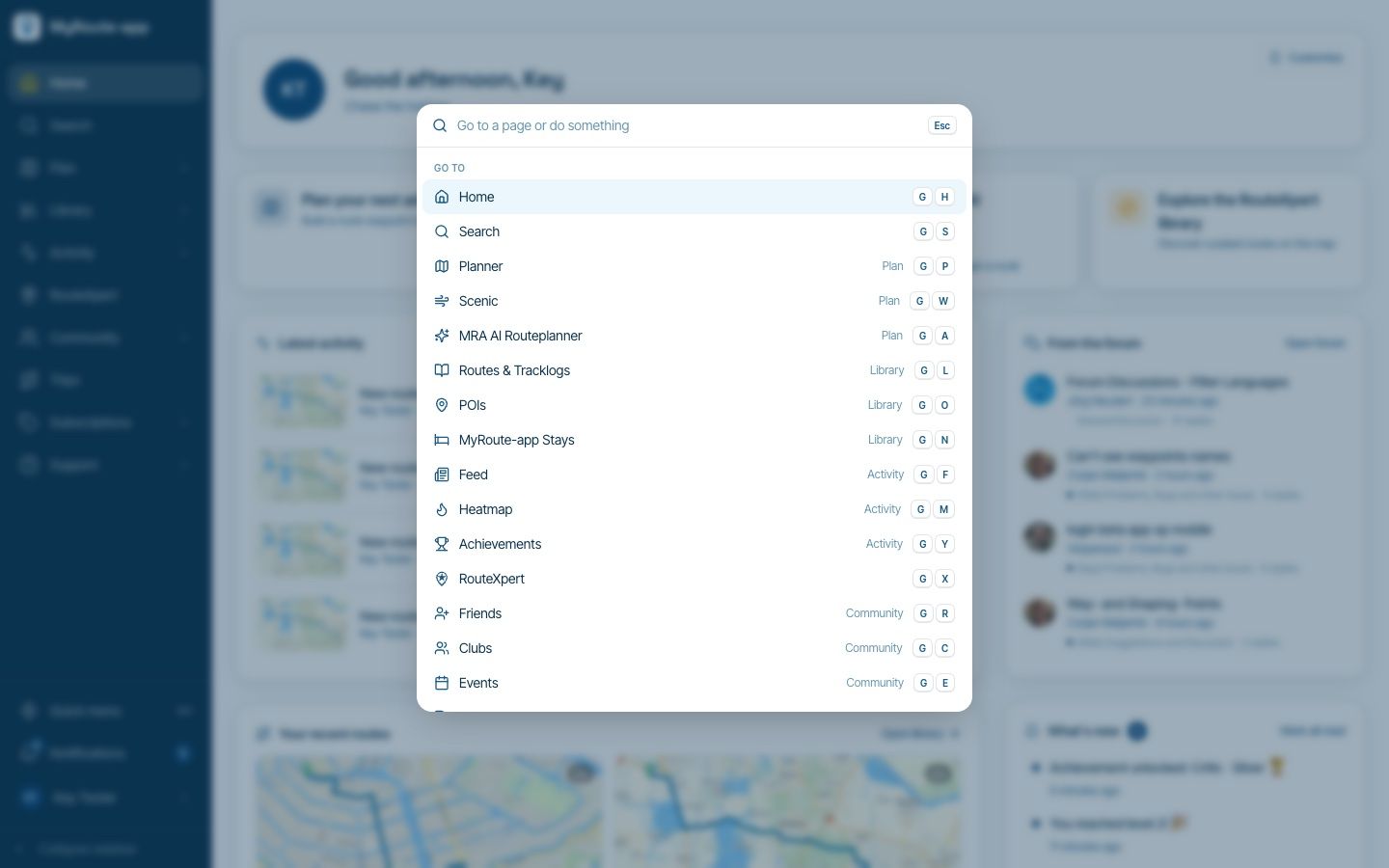
Website update - Keyboard shortcuts, route status, every Discover category and more of your feedback
 610140
-
1856
-
 26146
-
0615
-
 0959
-
0543