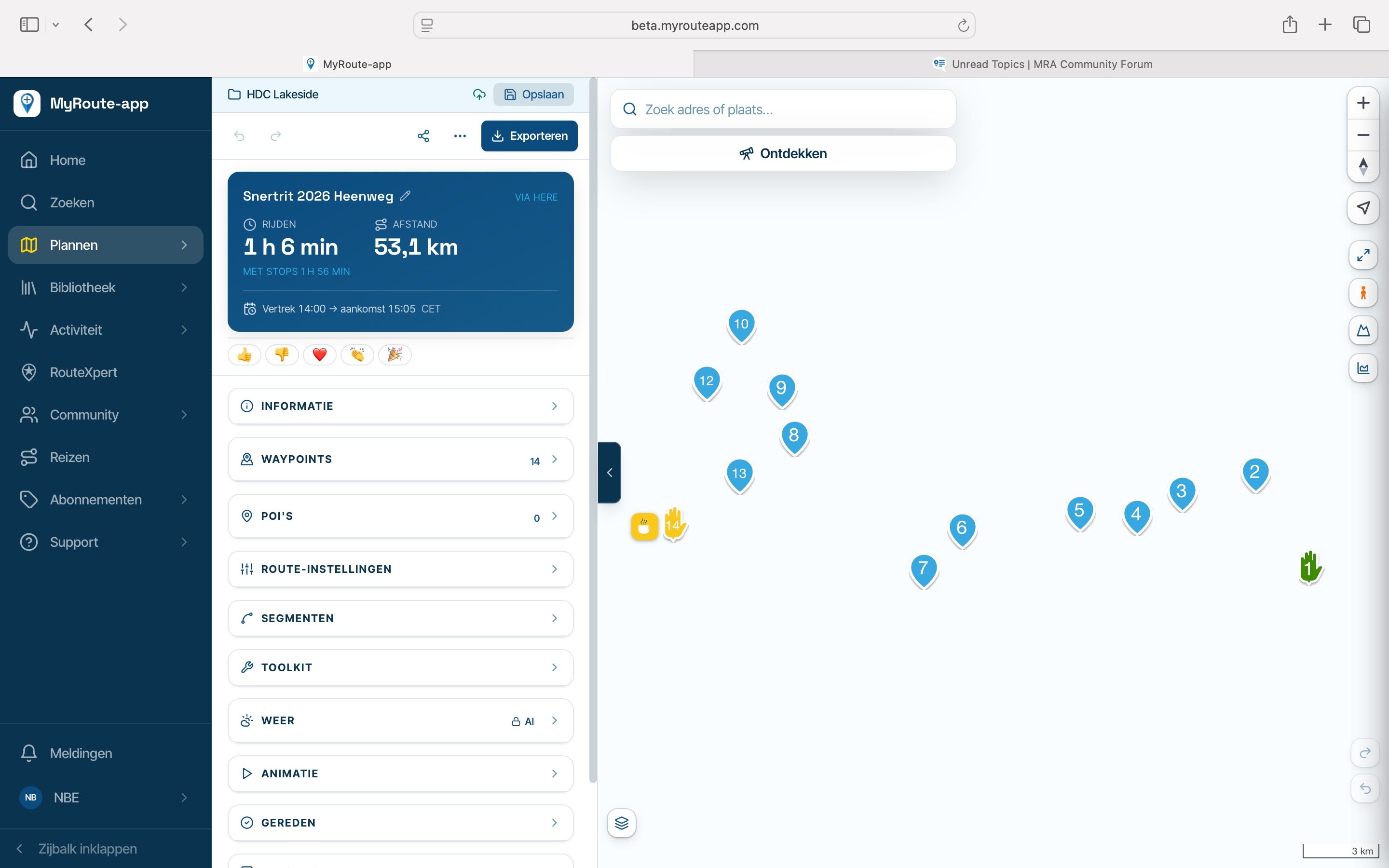
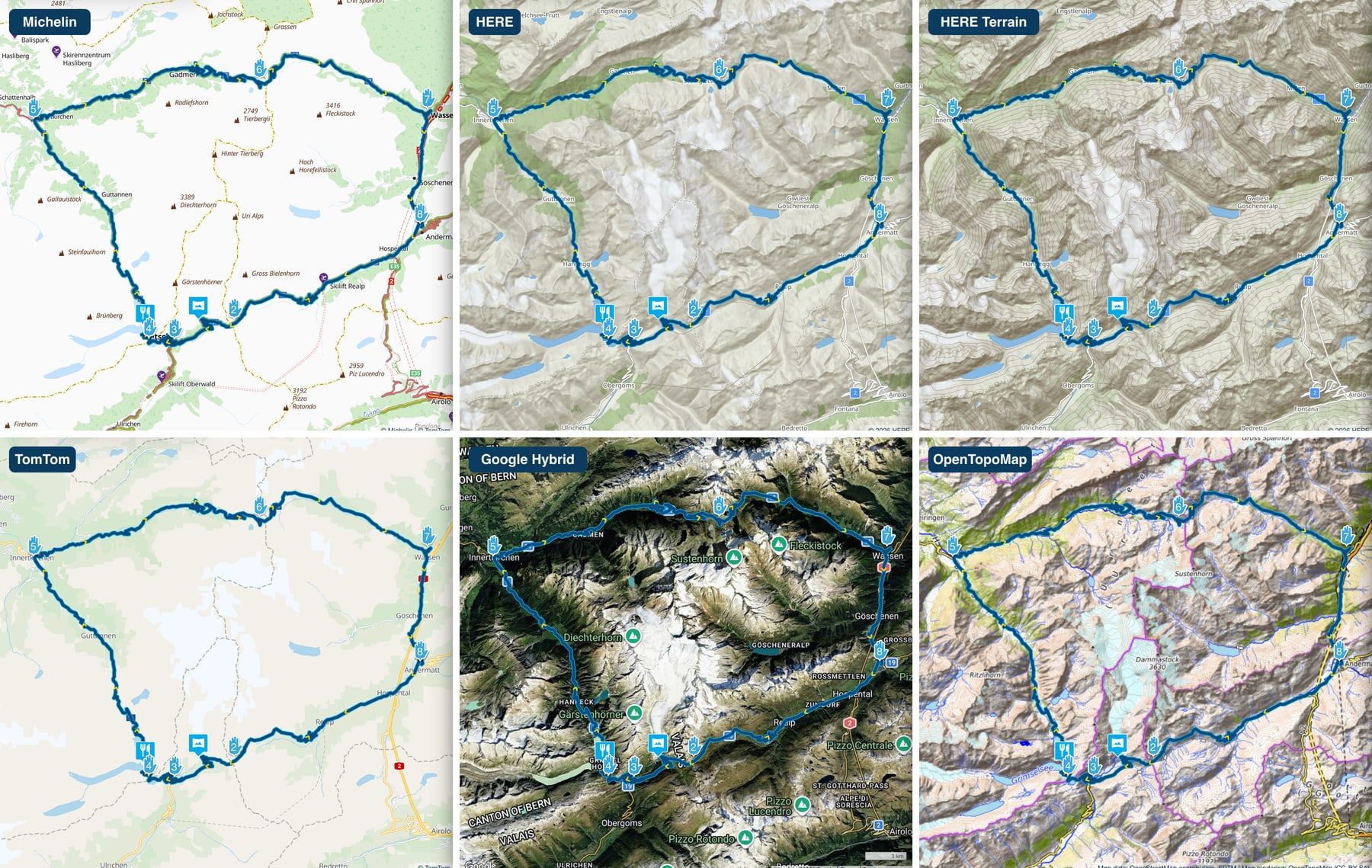
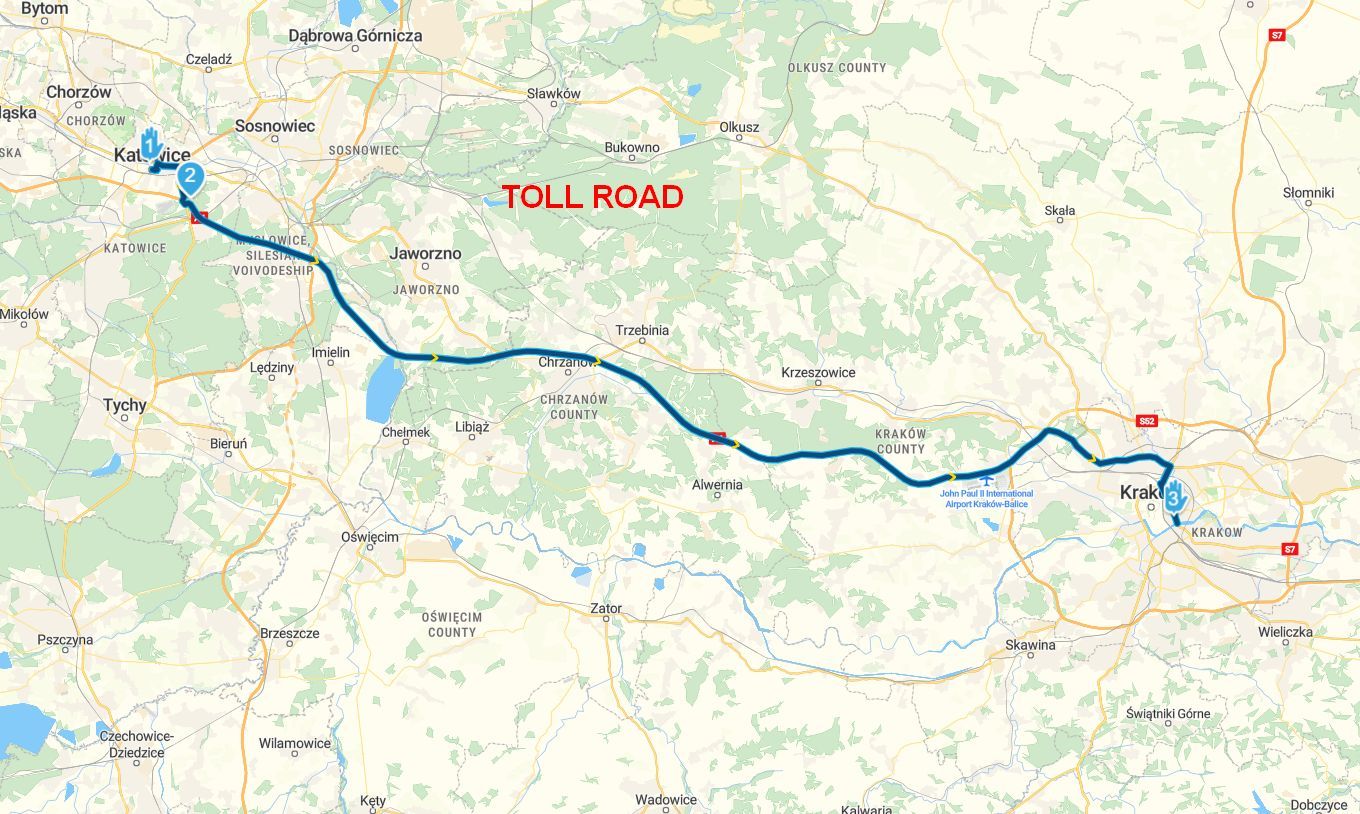
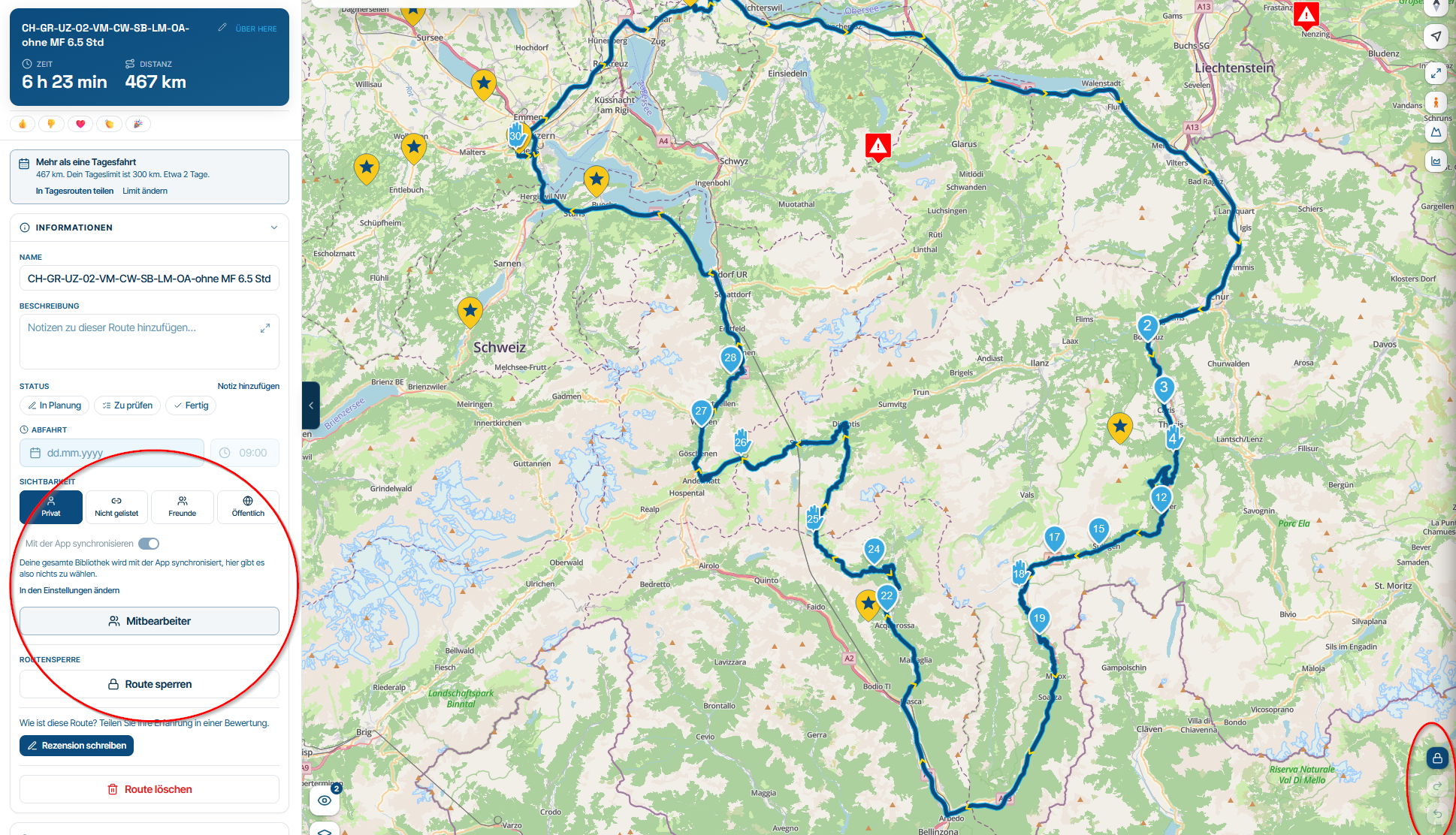
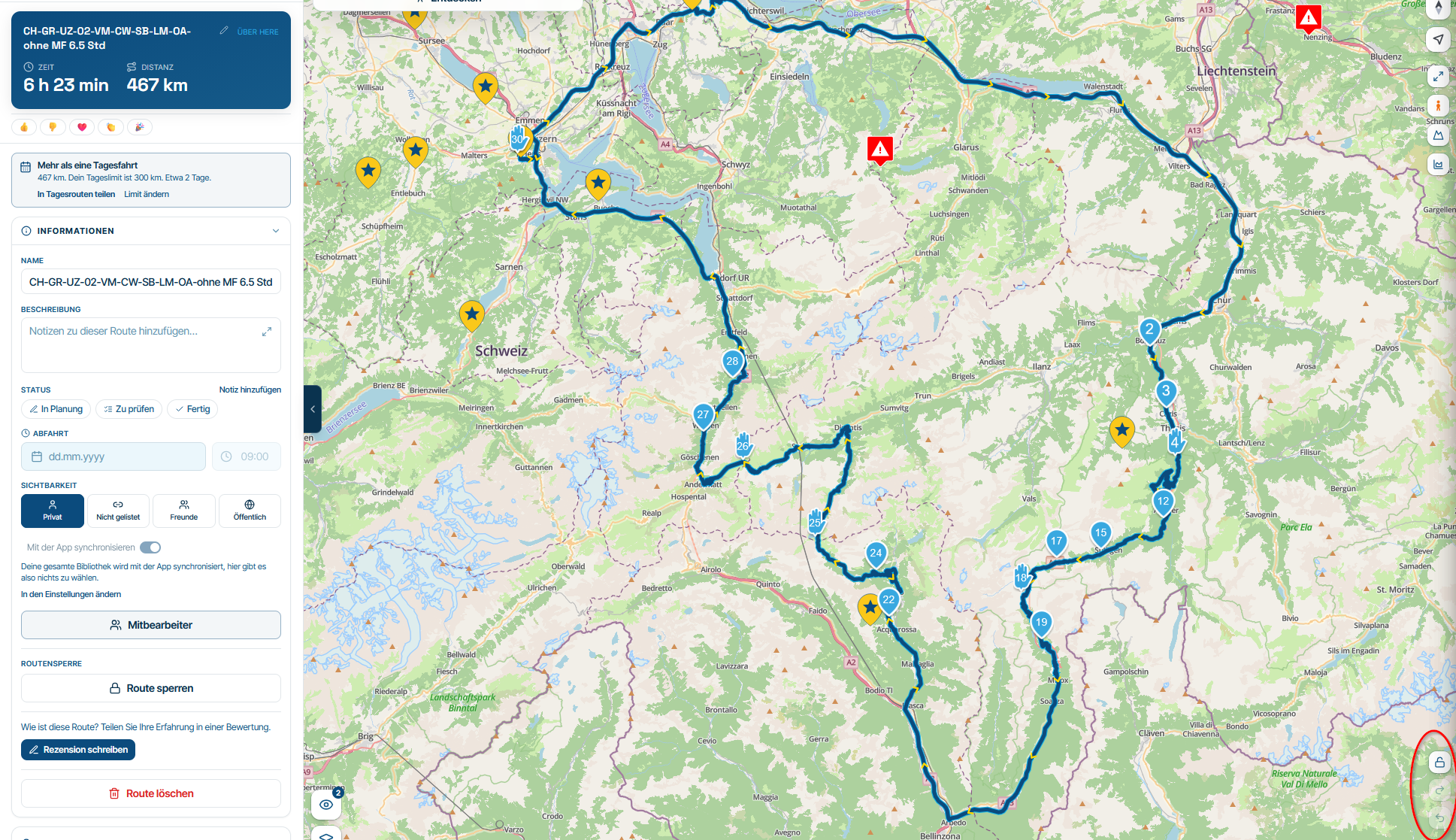
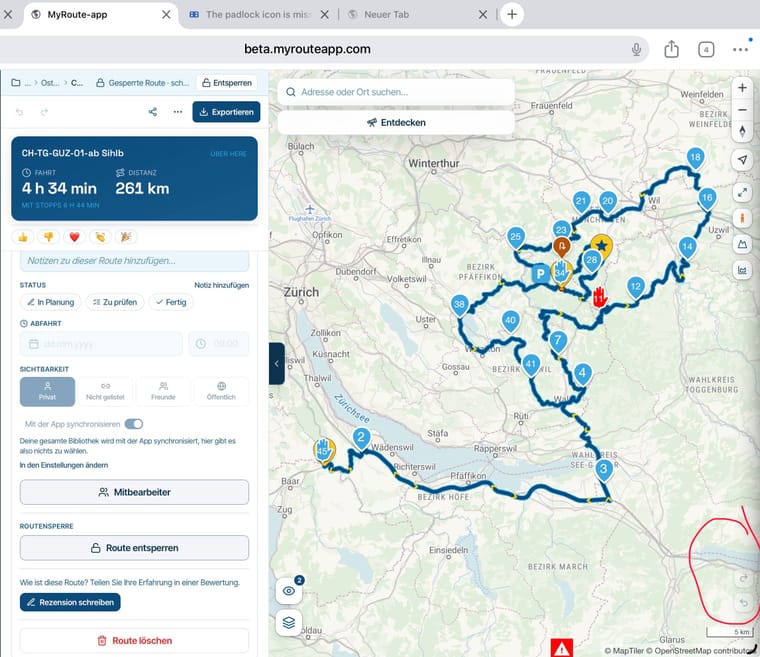
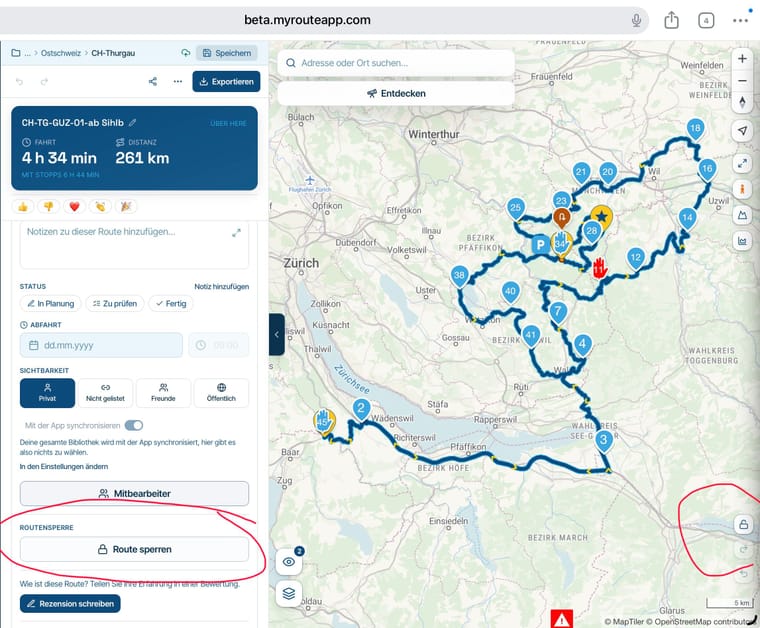
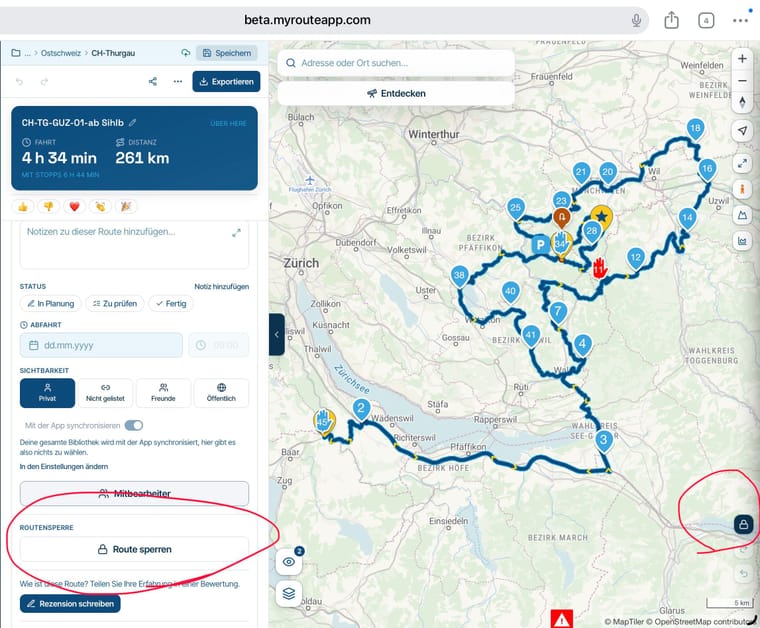
The padlock icon is missing from the map when routes are locked on the computer.
-
When you open a locked route on the computer, the padlock icon is not initially visible on the map. You must first click ‘Unlock’ in the route details; only then does the icon appear on the map. However, the route is still locked at this stage and you must click the padlock icon again before the route is unlocked. This is the case with Firefox.
With Microsoft Edge, the icon appears once you have unlocked the route.
The padlock icon is missing initially in both browsers.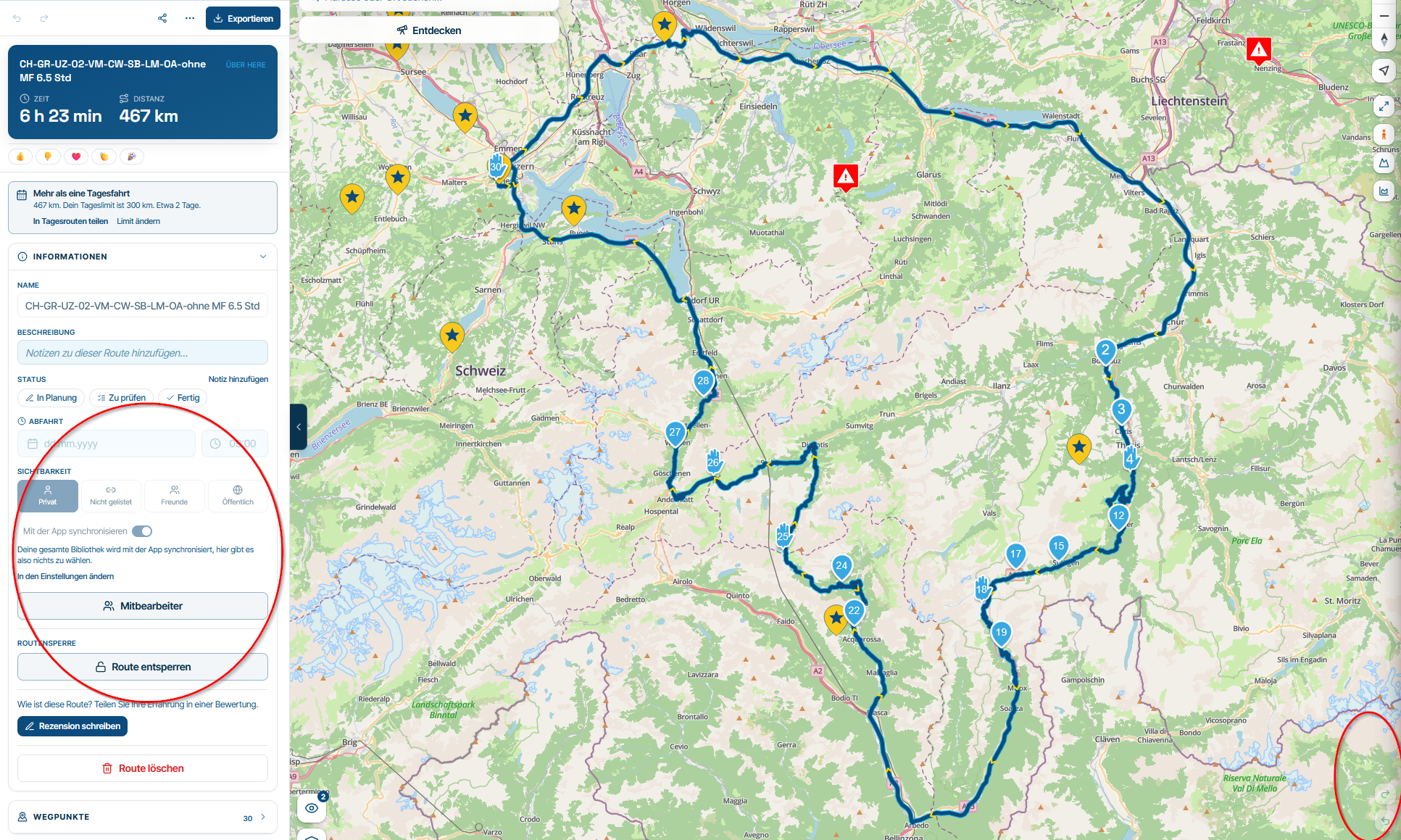
Hello! It looks like you're interested in this conversation, but you don't have an account yet.
Getting fed up of having to scroll through the same posts each visit? When you register for an account, you'll always come back to exactly where you were before, and choose to be notified of new replies (either via email, or push notification). You'll also be able to save bookmarks and upvote posts to show your appreciation to other community members.
With your input, this post could be even better 💗
Register Login-
 034211
-
 2241361
-
 01153
-
 015208
-
0850
-
 1866
-
 722288
-
 016143