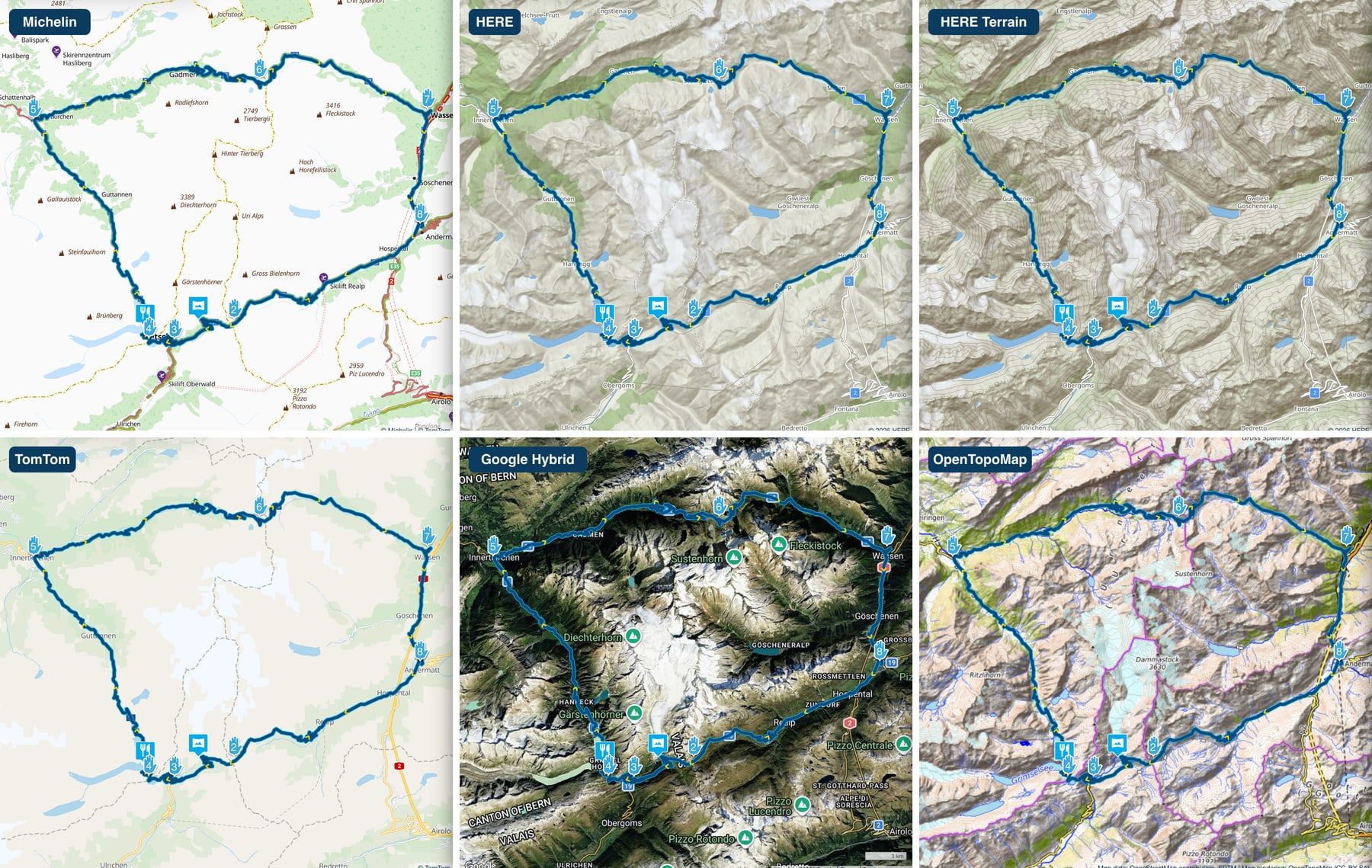
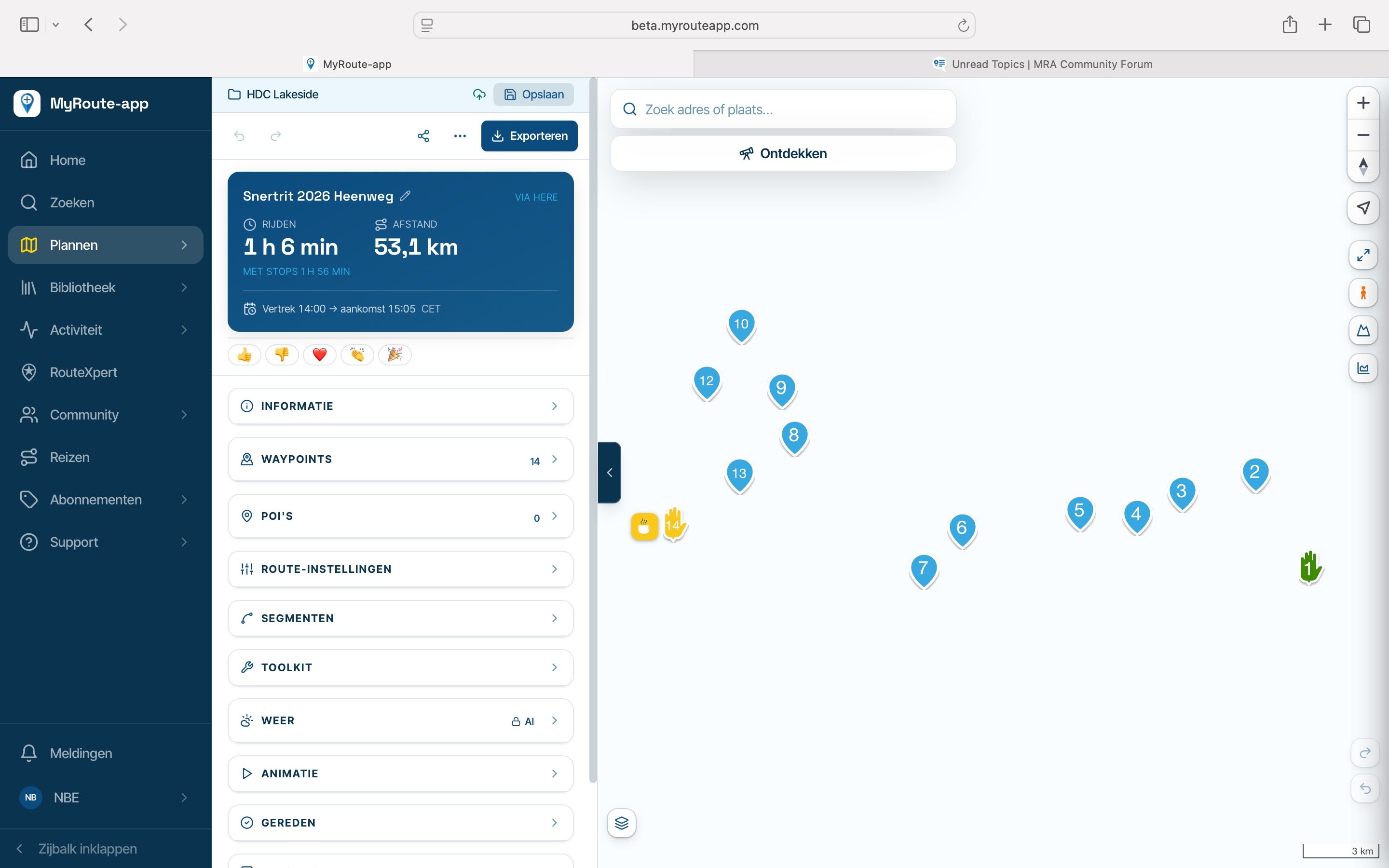
RouteXpert display on the map
-
Hello,
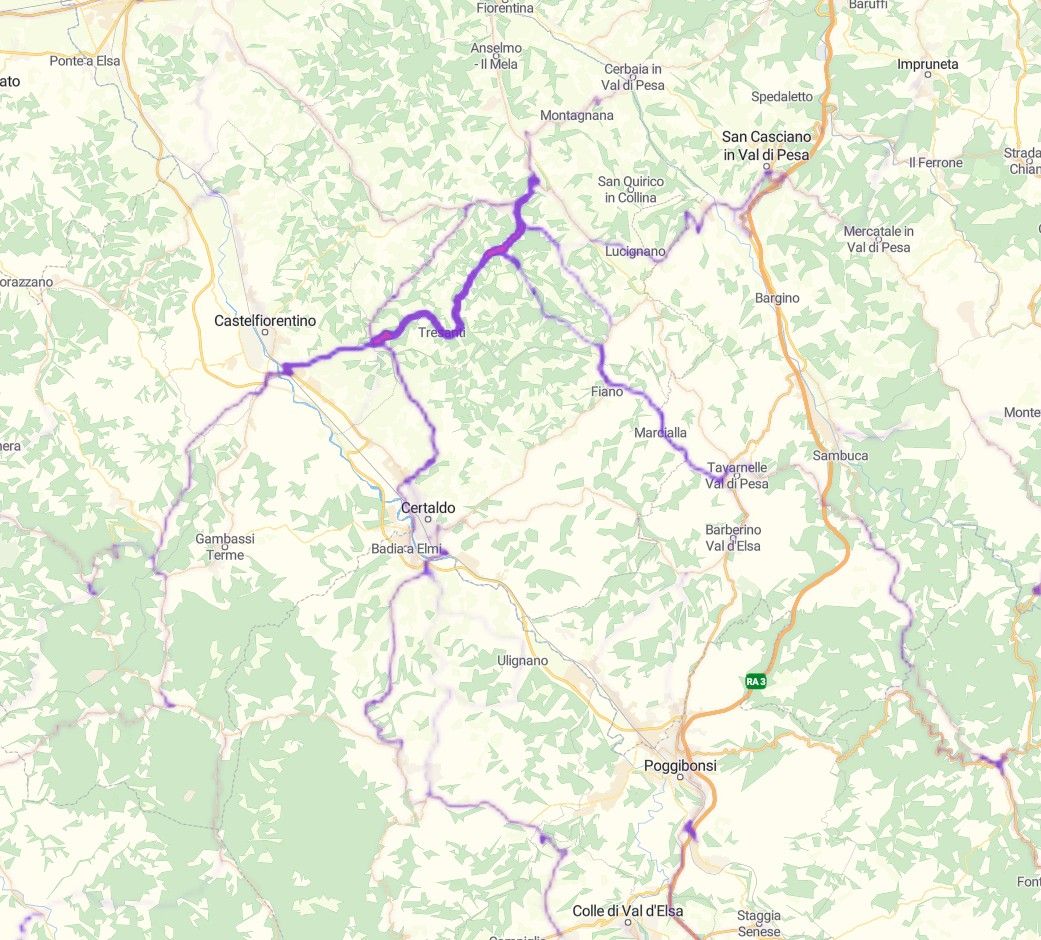
When I select the option in the planner to display RouteXpert routes on the map, they appear as faint purple lines—sometimes more intense, and at other times much less visible.
Is this the correct way for them to be displayed?
What do the varying intensities of the purple lines signify?Thanks a lot
-

That's a heat map. The more intense the colour, the more a route goes there. What is the relation to the routeXpert route? I suspect you are looking at a selected folder with routes, not a single route?
I am just an enthusiastic MRA user, and hope you will be one too!
Most motorcycle problems are caused by the nut that connects the handlebar to the saddle.
Check out RideSleepRepeat.eu, a biker community for sharing stays across Europe
-
That's a heat map. The more intense the colour, the more a route goes there. What is the relation to the routeXpert route? I suspect you are looking at a selected folder with routes, not a single route?
@MotoCon
Hello, and thanks for the feedback.
Let me try to explain more clearly, in the RouteXpert folder within the planner, I found this route, which was shared by a team member: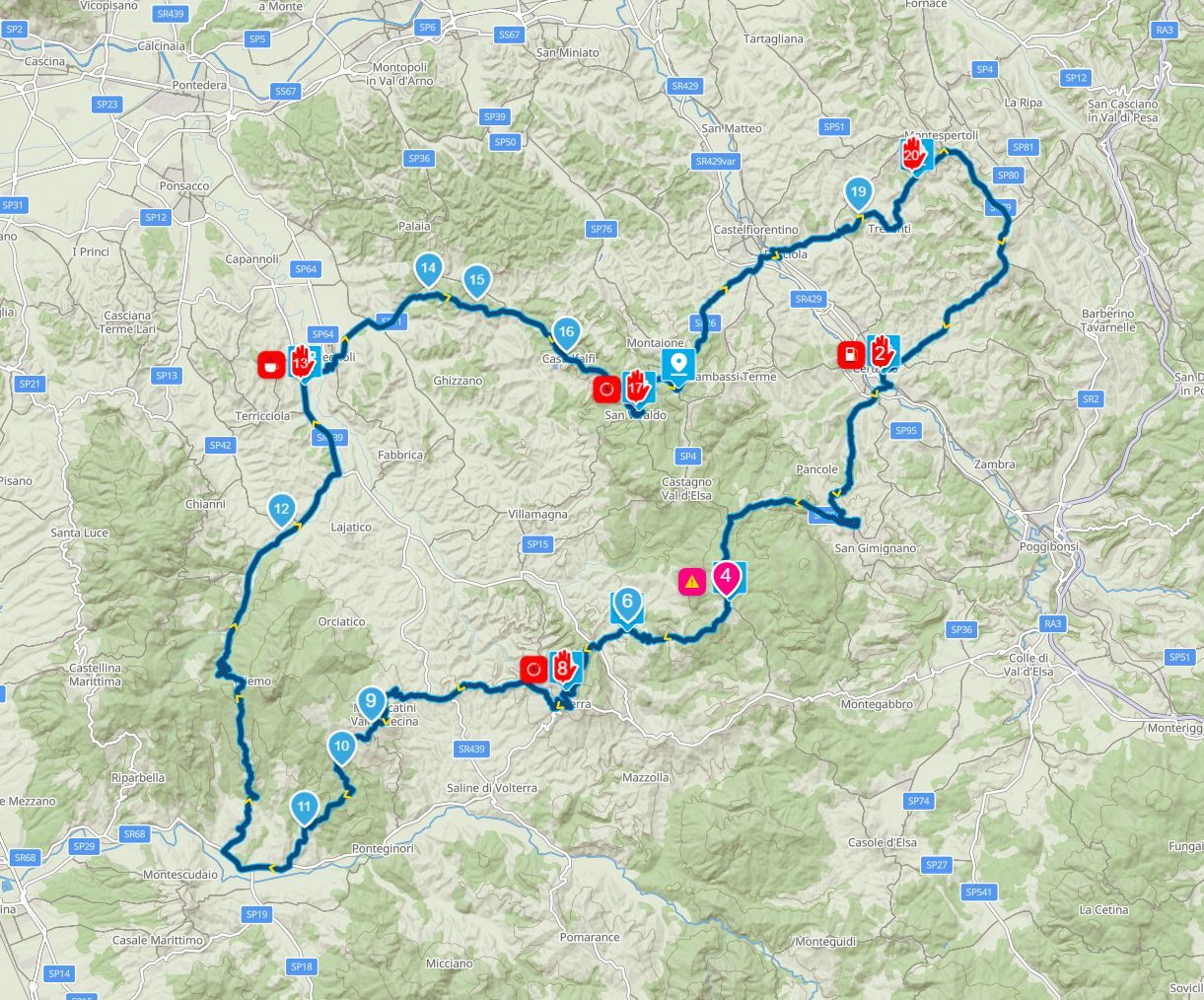
However, when I open the planner and view that same area on the map, if I enable the RouteXpert option in the map layers I only see the heat map (in purple) but the route shared by the team member does not appear.
What am I doing wrong?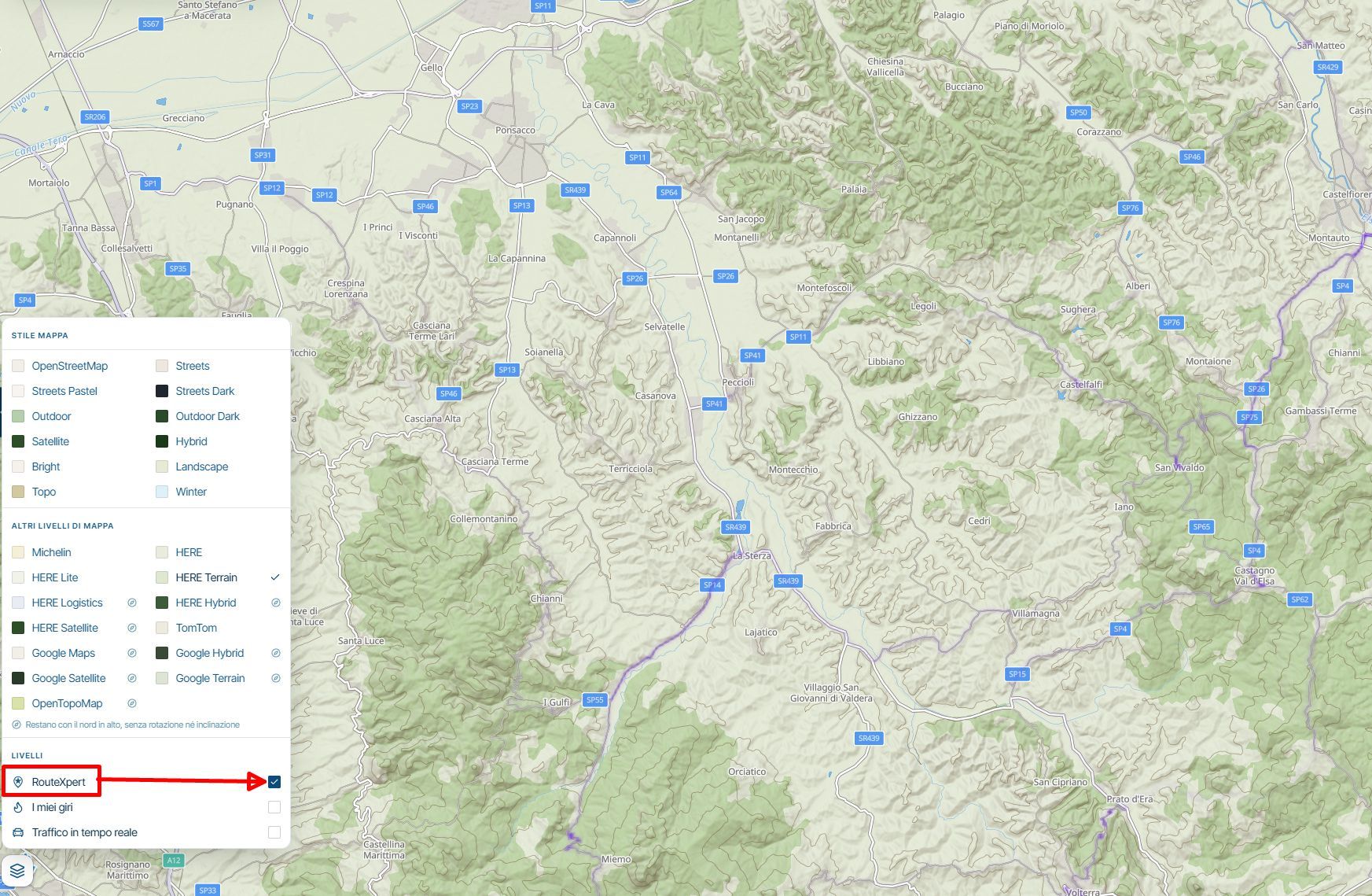
Hello! It looks like you're interested in this conversation, but you don't have an account yet.
Getting fed up of having to scroll through the same posts each visit? When you register for an account, you'll always come back to exactly where you were before, and choose to be notified of new replies (either via email, or push notification). You'll also be able to save bookmarks and upvote posts to show your appreciation to other community members.
With your input, this post could be even better 💗
Register Login-
 033243
-
 132179
-
 14291.6k
-
012102
-
 01082
-
412142
-
29113
-
0751