Passwords
-

Good morning,
I've just enrolled for the beta version of MRA and am looking forward to spending the winter planning next years trips around the north of the UK.
Just a very minor point about passwords and particularly google generated passwords. The beta site requires a new password, but when I log onto my old version it tries to use that, not the original one. Its no great hassle to type in my easily remembered password but is there a way of separating these?
-

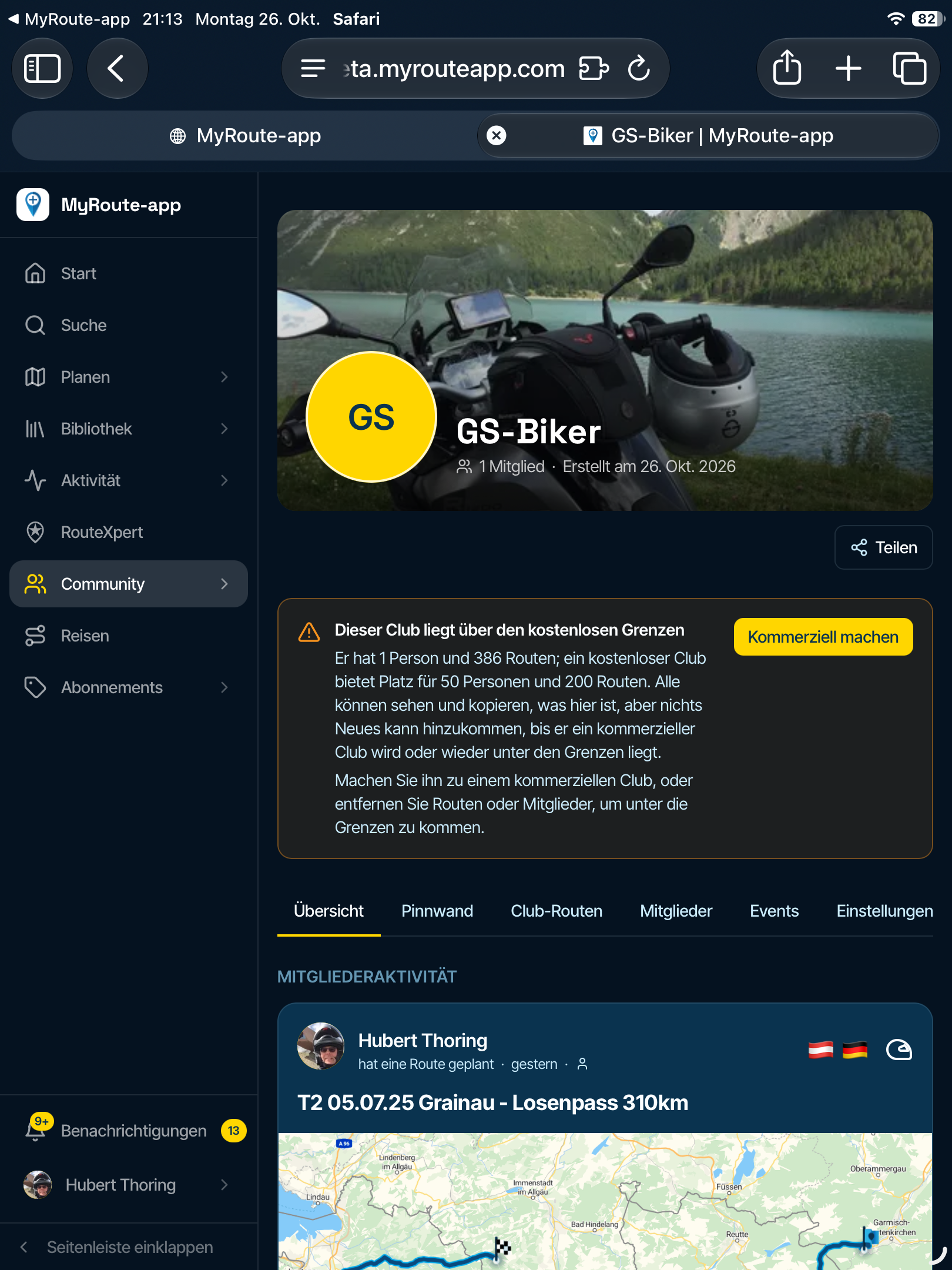
I'd recommend checking if your password manager has a subdomain setting.
The beta is on a subdomain of myrouteapp.comOther amazing idea.
Go to myrouteapp.com/account and update your password to match beta
-
Starting from February we will move navigation app login and password to the new one (account created in the beta platform) or it will stay as is now?
-
The app will handle this for you.
It will detect when you have access to the new platform and ask if you want to login there. -
perfect, thanks

-

Really looking forward to RoutePlanner Next, brilliant updates happening to MRA, well done team.
If I understood correctly, I had to use a different email address to register for the beta site then associate my lifetime Gold email address during the registration to get the reduced fee etc.
Which email address should I be using now for navigation next and the new beta routeplanner next site and also after the new beta access is enabled on 2 November?
When do I use the new email address?
Hello! It looks like you're interested in this conversation, but you don't have an account yet.
Getting fed up of having to scroll through the same posts each visit? When you register for an account, you'll always come back to exactly where you were before, and choose to be notified of new replies (either via email, or push notification). You'll also be able to save bookmarks and upvote posts to show your appreciation to other community members.
With your input, this post could be even better 💗
Register Login-
 2869
2869
-
 019119
-
 012238
-
018946
-
015374
-
0658
-
 06132
06132
-
1331467