Adding a Via Point to or Edit a Round Trip
-

Not sure if this is something that may be already hidden in a menu, or a new suggestion.
When creating a random Round Trip - once created, it would be good to be able to accept, but perhaps add a via point (such as a coffee stop near to the random route) within the app. Short of downloading the route and editing, I cannot see a way to do an edit to the route.
-
Not sure if this is something that may be already hidden in a menu, or a new suggestion.
When creating a random Round Trip - once created, it would be good to be able to accept, but perhaps add a via point (such as a coffee stop near to the random route) within the app. Short of downloading the route and editing, I cannot see a way to do an edit to the route.

@OneLooseNut, Any route you generate using curvy options or roundtrips technically are tracks (with no shaping or viapoints). Editing a track is not possible.
-

Assuming you're using a computer, it's very simple. Create your round trip. Then select "Use."
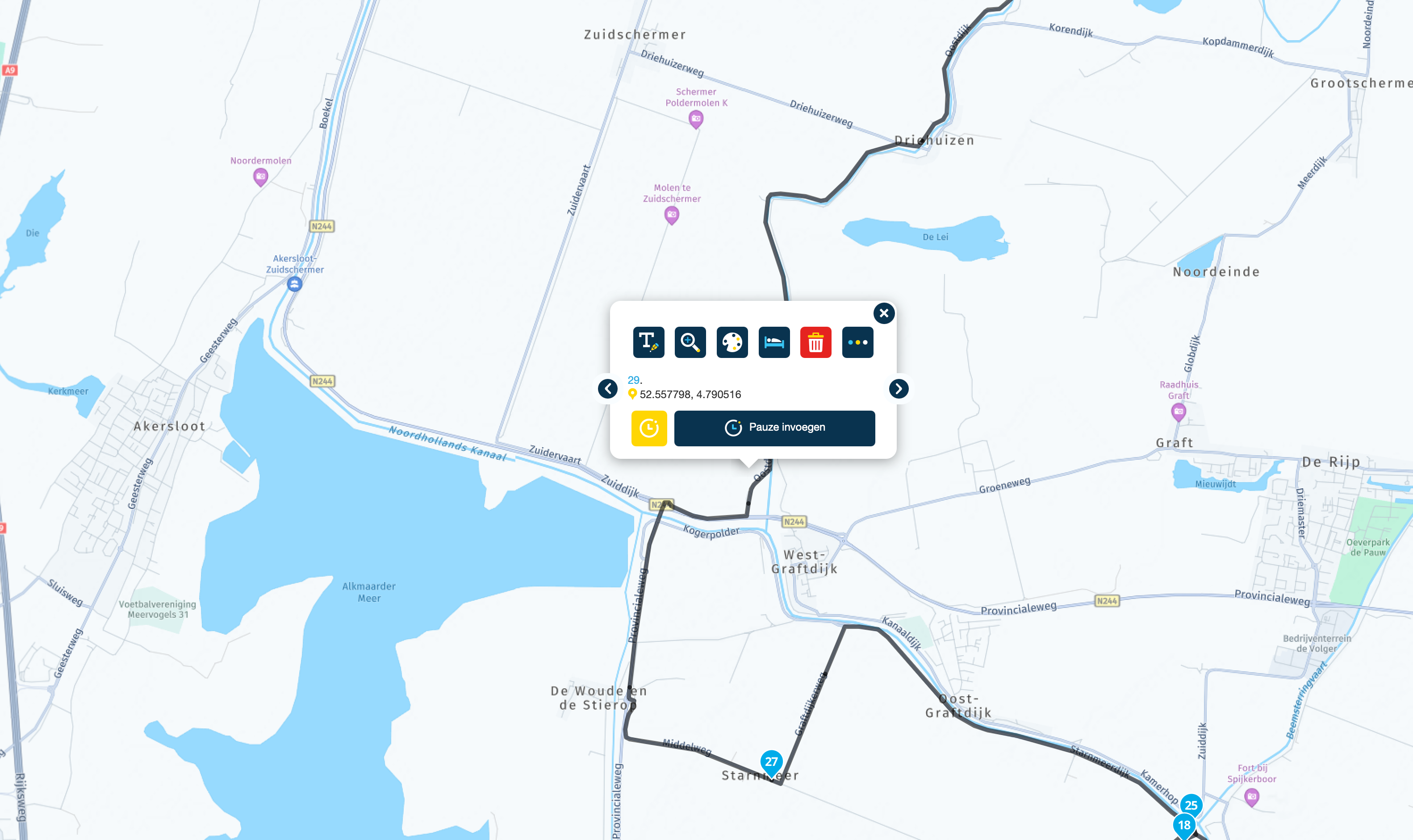
The route will then appear on the map. You can then select the "Edit route track" option. This will convert the track into a route with waypoints. You can then edit it as usual.
Unfortunately, I don't know if it works the same way on a phone!met een R1250RT met TFT
en BMW Connected Ride App(die dus nog steeds niet voldoet!) ; M.R.A. in combinatie met de Carpuride W702 (voor Android op de Motor!), de Garmin Zumo XT als backup en een Samsung Galaxy S24 -
Assuming you're using a computer, it's very simple. Create your round trip. Then select "Use."
The route will then appear on the map. You can then select the "Edit route track" option. This will convert the track into a route with waypoints. You can then edit it as usual.
Unfortunately, I don't know if it works the same way on a phone!
@white.mouse, Yes of course, that's converting a track to a route, not adding anything to it

-
Formally You are right. But after that you are able to ad or move the route as you like! And as far as I know its the only way to edit a track!
met een R1250RT met TFT
en BMW Connected Ride App(die dus nog steeds niet voldoet!) ; M.R.A. in combinatie met de Carpuride W702 (voor Android op de Motor!), de Garmin Zumo XT als backup en een Samsung Galaxy S24 -
Formally You are right. But after that you are able to ad or move the route as you like! And as far as I know its the only way to edit a track!
@white.mouse, You are absolutely right. Converting the track to route is the only way to change it. But the result is not a track anymore
I interpreted the question as for on the move, or underway, but i might have been presumptuous with that. But if @oneloosenut has the time and patience to convert the track to a route, your suggested method is perfectly fine.
Hello! It looks like you're interested in this conversation, but you don't have an account yet.
Getting fed up of having to scroll through the same posts each visit? When you register for an account, you'll always come back to exactly where you were before, and choose to be notified of new replies (either via email, or push notification). You'll also be able to save bookmarks and upvote posts to show your appreciation to other community members.
With your input, this post could be even better 💗
Register Login-
 28104
28104
-
 01582
01582
-
 014770
-
06120
-
017842
-
 0318
0318
-
09245
-
 0352
0352