Exporting to Garmin Zumo XT2.
-

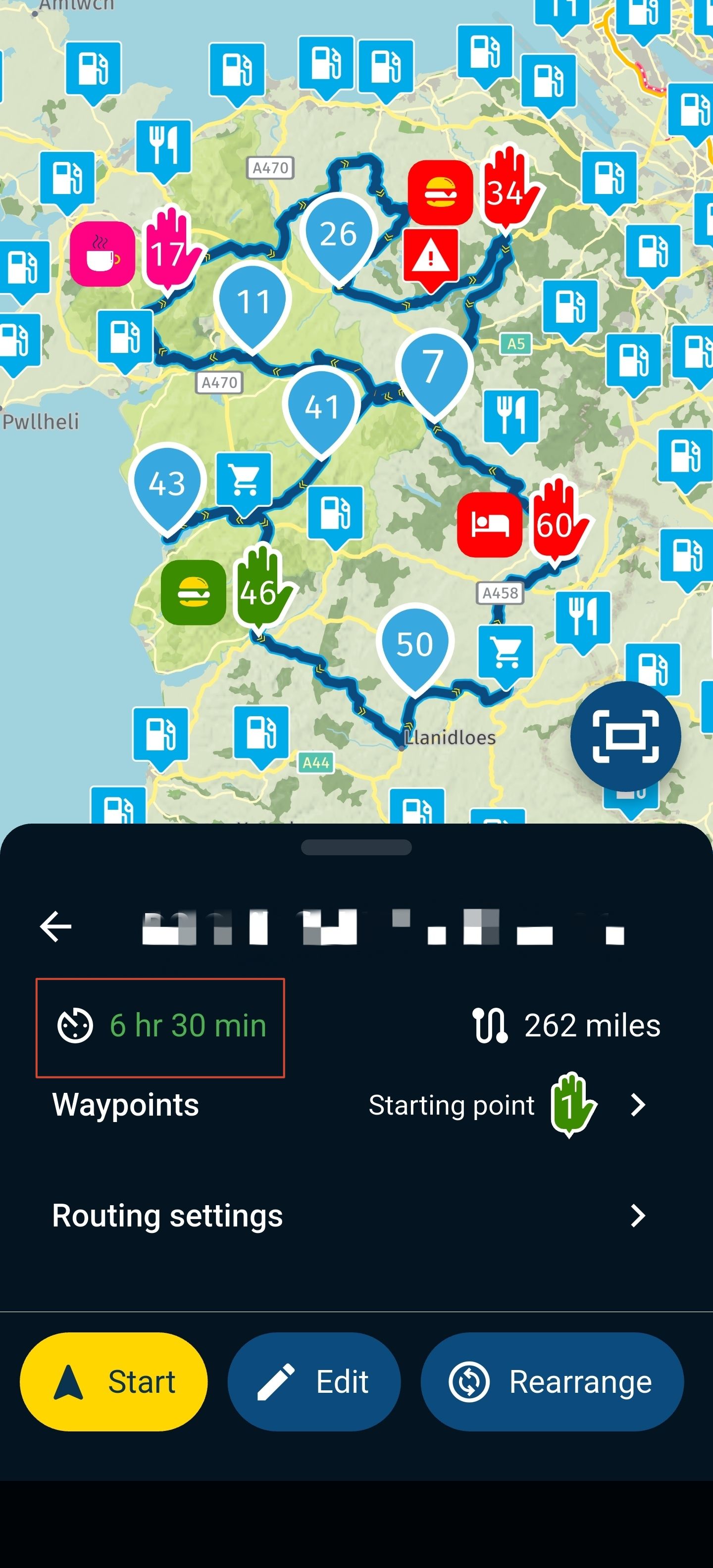
I am creating a route on both my pc and Lenovo Tab12 Tablet. I save the route in my OneDrive folder on the PC/phone/tablet. I then open the open using garmin tread app. The route on my xt2 appears to open as the fastest route and not the round trip I created.. Please help.
-

Hi Pete,
I’m sorry to hear about your problems, but these are the reasons why I sold my XT2 and switched my setup to an Android navigation phone. I had similar issues and was never able to fix them properly. I made some progress here and there by reinstalling the Tread app or rebuilding my Tread library using the Garmin website. At best, I reached the point where the route was imported correctly, but I still lost all the planned via points on the XT2.Sorry that I don’t have a solution for you.
-
I am creating a route on both my pc and Lenovo Tab12 Tablet. I save the route in my OneDrive folder on the PC/phone/tablet. I then open the open using garmin tread app. The route on my xt2 appears to open as the fastest route and not the round trip I created.. Please help.

Create the export in 1.1GPX format and then transfer it to the XT2... maybe it will help to display the route better.
Otherwise, read the MRA manual

VG
(ich habe kein Garmin mehr) -

in several forums, users criticises the Tread app and wouldn't no longer use them.
You can go the way, @guzt describes, but there is no guarantee, the route presented in your Garmin after import is identical with your planned route on PC. Because every navigation device/app is interpreting imported data by their own algorithms!
To set enough route points (via or shaping) in planning, could prevent different interpretation after transmitting to other navigation devices/app.
I did this a long time - but was not satisfied and tired about.In the end, I found an easy and perfect way: do the planning in MRA and use for navigation the MyRoute Navigation. There is no need of file transmitting anymore, because of automated synchronisation.
Try it, you will love it... -
tread app is useless crap, like most apps from garmin

Hello! It looks like you're interested in this conversation, but you don't have an account yet.
Getting fed up of having to scroll through the same posts each visit? When you register for an account, you'll always come back to exactly where you were before, and choose to be notified of new replies (either via email, or push notification). You'll also be able to save bookmarks and upvote posts to show your appreciation to other community members.
With your input, this post could be even better 💗
Register Login-
 0581
0581
-
0449
-
 17301
17301
-
013402
-
 0251
0251
-
59539
-
-
2146.2k