[Android Auto] GPS indicator moves jerky (V5 424)
-

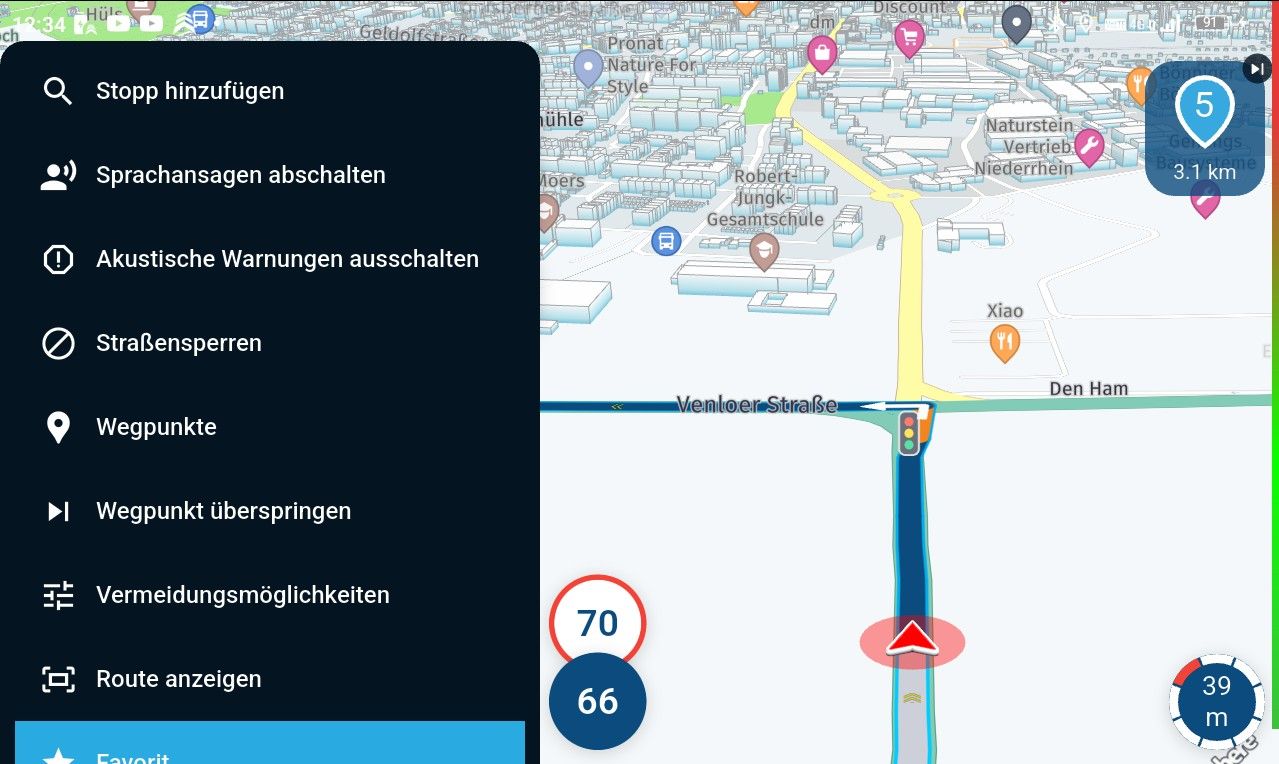
Today i noticed the movement of the GPS/Position indicator was jerky. In a earlier V5 beta version it was smooth. Just as in older versions.
It was also jerky when no route was active.Could this be caused by the changes in the autozoom behaviour?
-

What exactly does "jerky" means in this context?
I'm not sure what the explanation for the behavior could be. -
Instead of constant smooth movement. It jumps. But not constant.
For a few seconds is movement is smooth. Then it stops moving and a second (or two) later it jumps to correct position. Al this time it stays on the routeline/road.
Mostly multiple jumps and then a short period of smooth movement.It looks like the map jumps and the indicator reacts to it. In other words the indicator keeps it postion related to the screen pretty well.
I hope this helps you.
-

Yes, I can also confirm that, perhaps also in connection with an imminent illustration at a traffic light intersection or roundabout if you really have to stop while driving, and that a little longer than the app thinks !!
-
I made a short video of this problem.
The video shows MRA on the smartphone but on Android Auto it looks the same.(I use MRA Next only on Android Auto. Every comment, suggestion, etc will be based on my usage with Android Auto)
-
I made a short video of this problem.
The video shows MRA on the smartphone but on Android Auto it looks the same.
@M.-Schrijver In your opening post you mention that this happens in build 424. Have you also tested this in build 426? That’s the most recent beta version, which will also be released to the public.
-
Today i made a ride with latest version available in the Play Store. That is version you see in the video.
In my case that means 424. A newer version is not offered to me.
I just checked the Play Store. Still 424 as latest version(I use MRA Next only on Android Auto. Every comment, suggestion, etc will be based on my usage with Android Auto)
-
Today i made a ride with latest version available in the Play Store. That is version you see in the video.
In my case that means 424. A newer version is not offered to me.
I just checked the Play Store. Still 424 as latest version
@M.-Schrijver You have the latest version, as I understand it. You’ll have to wait until monday for the final Android build… iOS is a bit ahead in the rollout.
-
This issue won’t differ between the versions.
If you go to account (in the app) and tap “location settings”, what happens? It almost looks like you denied some location permissions.
If you are redirected to the Android location settings, that’s fine. If you see a popup in our app, do tell.
Can you check if:
- Location permissions are set to “always” (including background)
- Google location optimisation is enabled
-
I can and will check this. But......
I have changed no settings or permissions between version 4...... and 5.
In version 4 this issue wasn't there. -

I have exactly the same issues
Hello! It looks like you're interested in this conversation, but you don't have an account yet.
Getting fed up of having to scroll through the same posts each visit? When you register for an account, you'll always come back to exactly where you were before, and choose to be notified of new replies (either via email, or push notification). You'll also be able to save bookmarks and upvote posts to show your appreciation to other community members.
With your input, this post could be even better 💗
Register Login-
 17132
17132
-
 06144
06144
-
04126
-
 0414
0414
-
0312
-
 06317
06317
-
0316
-
0270