Adding POI as waypoint has weird options
-

HI all.
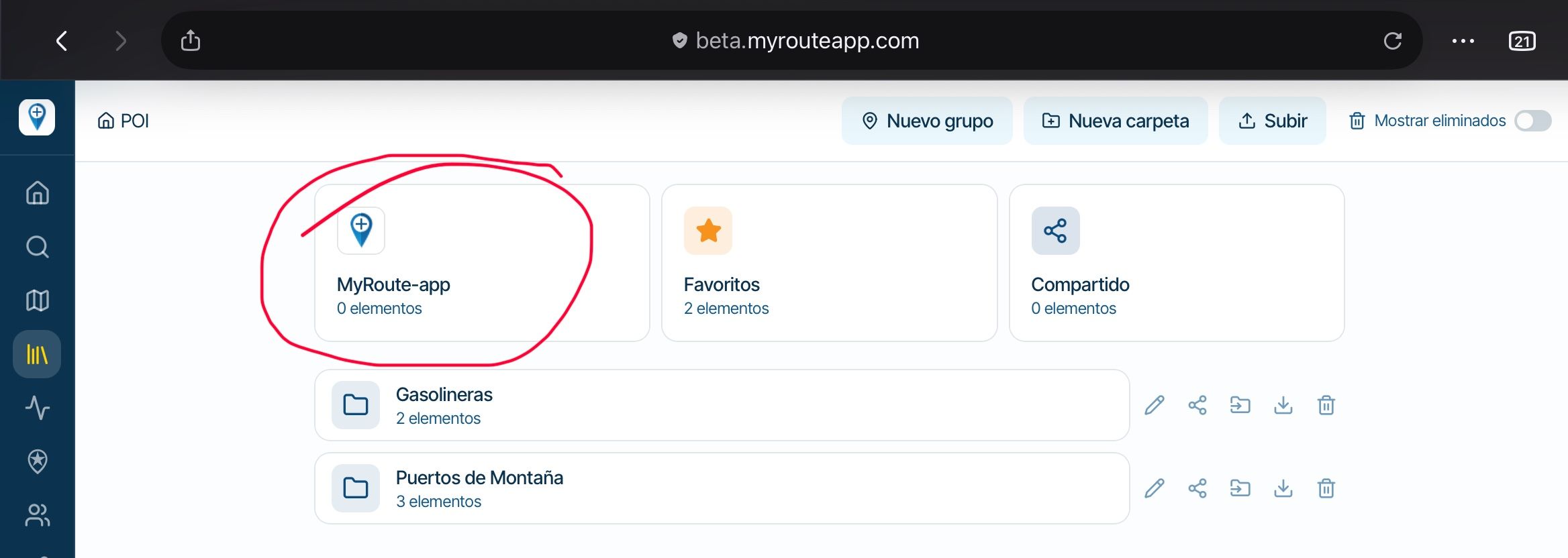
This is an issue I have encountered several times, so I suggest to improve it. It's not a bug.During route creation on the web site, I add a POI library (in the left column).
I zoom in until the POIs are visible. So fare so good.
I want to add a POI to the route I am creating, so I click the desired POI, and then click the big plus icon to add the POI to the route.I am presented with this popup, suggesting the name from my POI collection.
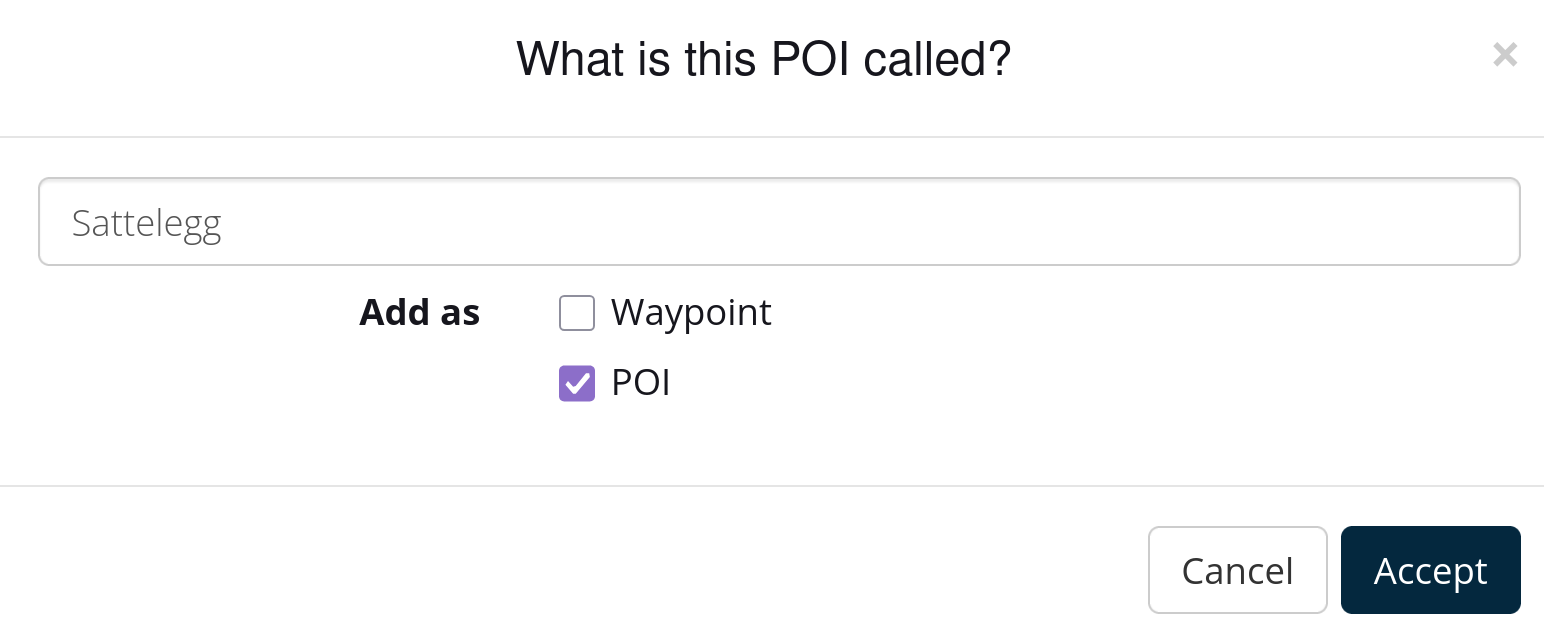
Since I already clicked the plus icon before, it does not seem logical to also have to tick adding it as a waypoint. But okay, that's what I do, otherwise it won't work.The weirdest thing is the second option. Why can I untick POI? If I do, will that POI be deleted from my POI collection? Or will it be added as a POI in some other POI collection?
Best regards, Makro
-
HI all.
This is an issue I have encountered several times, so I suggest to improve it. It's not a bug.During route creation on the web site, I add a POI library (in the left column).
I zoom in until the POIs are visible. So fare so good.
I want to add a POI to the route I am creating, so I click the desired POI, and then click the big plus icon to add the POI to the route.I am presented with this popup, suggesting the name from my POI collection.
Since I already clicked the plus icon before, it does not seem logical to also have to tick adding it as a waypoint. But okay, that's what I do, otherwise it won't work.The weirdest thing is the second option. Why can I untick POI? If I do, will that POI be deleted from my POI collection? Or will it be added as a POI in some other POI collection?

@Makro To start with the easiest question: no, if you deselect a POI, it does not disappear from your own POI list.
The options you are given—adding it as a POI and/or as a waypoint—allow you to choose whether to see both or just one of them. You can then place the created waypoint on the route line (for example, if the POI point is far away from the road) while leaving the original POI point in its original location.After placing the POIs in your route, you can deselect your own library. Only the POIs that have been placed in your route will then be visible. This is especially useful if your own list contains more than 2,000 POIs, as there is a limitation in the navigation app: it displays a maximum of 2,000.
Hello! It looks like you're interested in this conversation, but you don't have an account yet.
Getting fed up of having to scroll through the same posts each visit? When you register for an account, you'll always come back to exactly where you were before, and choose to be notified of new replies (either via email, or push notification). You'll also be able to save bookmarks and upvote posts to show your appreciation to other community members.
With your input, this post could be even better 💗
Register Login-
 0464
0464
-
 0420
0420
-
 0575
0575
-
02119
-