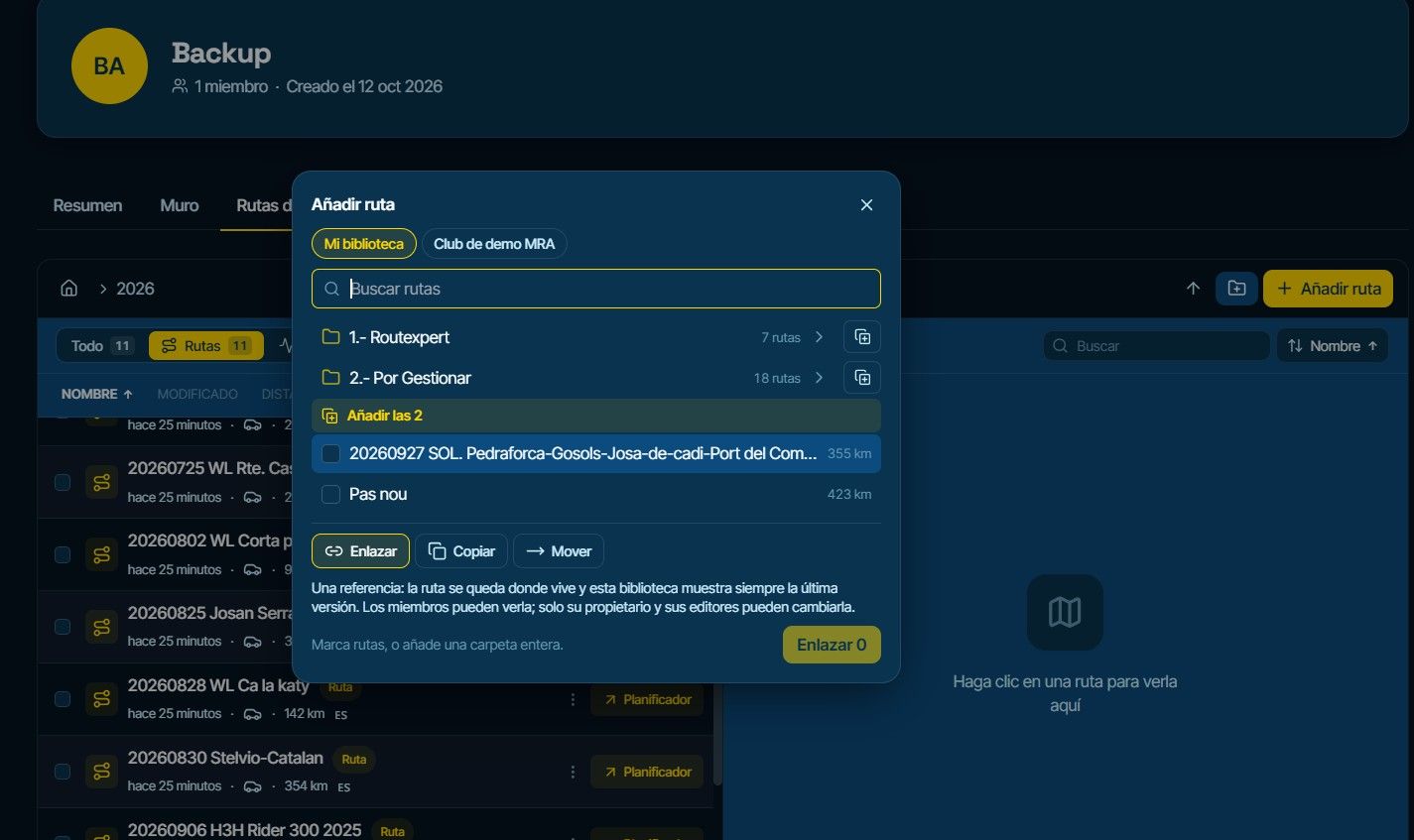
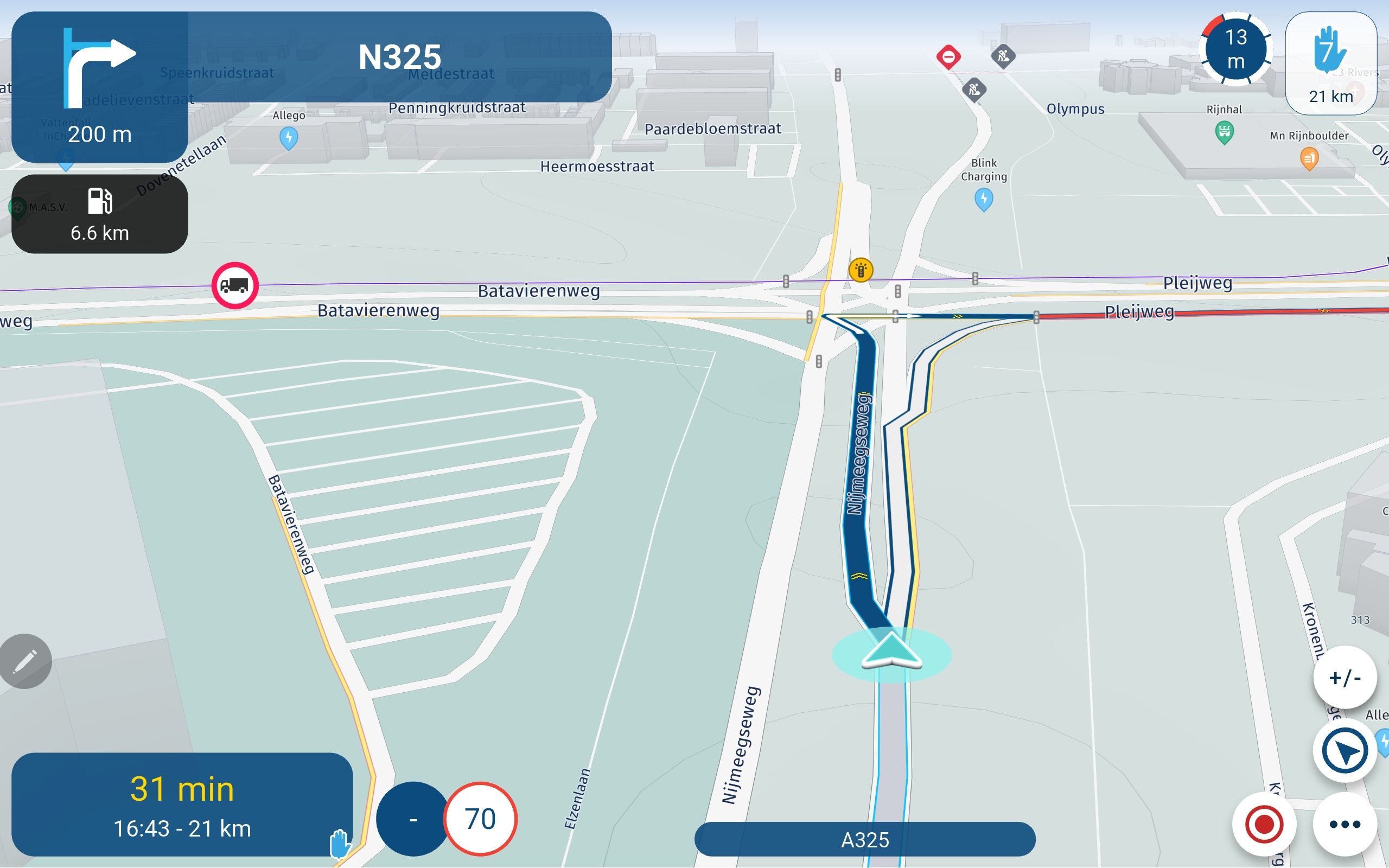
Adding shaping points confirmation dialog
-

I am helping my brother setup his MRA online planner and app and I have come across something that I haven't seen before and I don't know how to configure.
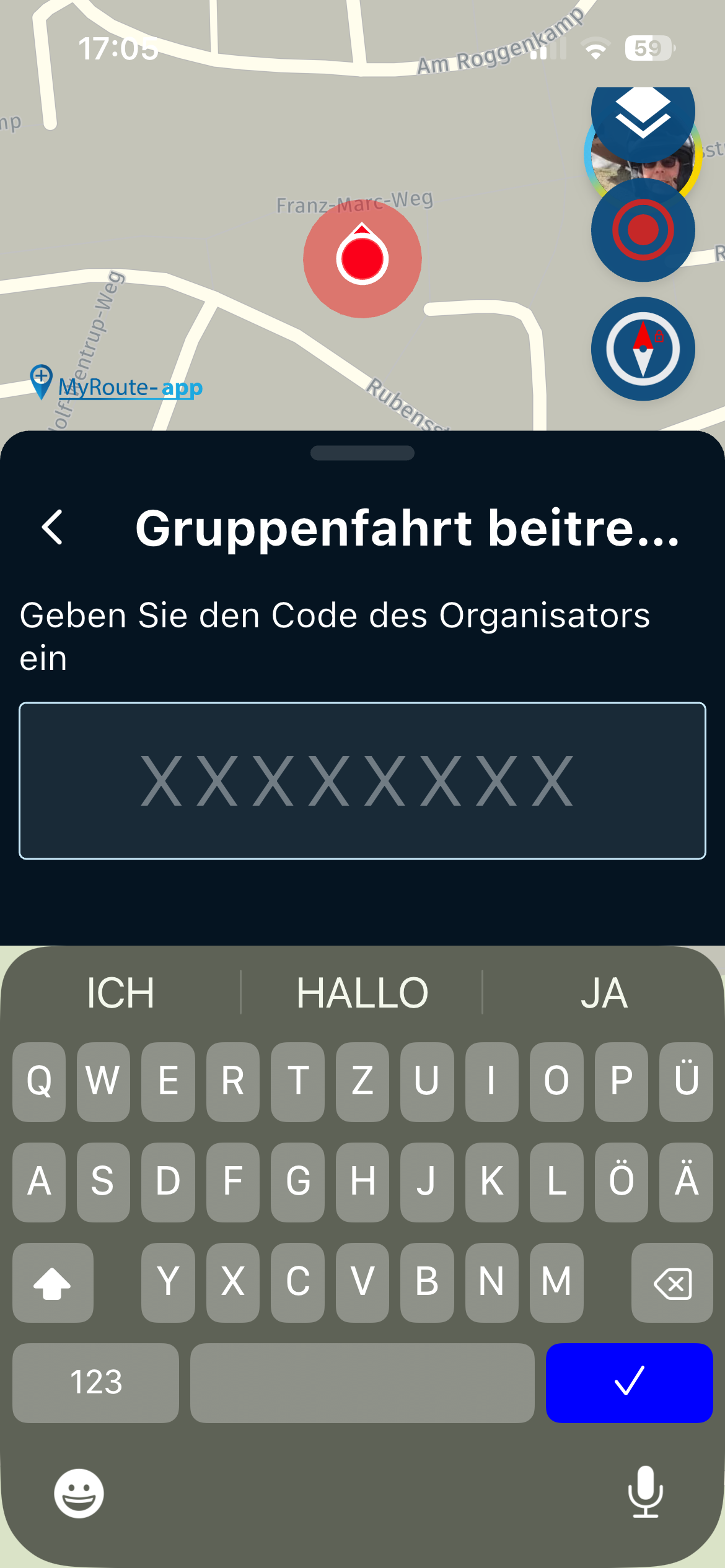
Every time he creates or moves a shaping (or via) point a dialog pops up asking for confirmation of what he wants to call it. I've been using MRA for several years now and have never seen this dialog pop up in this case. It really slows you down and is really annoying. If I want to change the text it's very easy to do, but that very much the exception and not the rule.
How do I turn this "feature" off where the dialog box doesn't pop up every time a shaping point is added or moved?
Thanks,
Steve
Steve Jarrell
Western North Carolina USLifetime Routeplanner Gold & Navigation Next
2025 BMW R1300GS
2025 Can-Am Spyder
DMD T865-X 8" Tablet
Garmin XT3 -
I am helping my brother setup his MRA online planner and app and I have come across something that I haven't seen before and I don't know how to configure.
Every time he creates or moves a shaping (or via) point a dialog pops up asking for confirmation of what he wants to call it. I've been using MRA for several years now and have never seen this dialog pop up in this case. It really slows you down and is really annoying. If I want to change the text it's very easy to do, but that very much the exception and not the rule.
How do I turn this "feature" off where the dialog box doesn't pop up every time a shaping point is added or moved?
Thanks,
Steve

Hi Steve, go to the toolbox and uncheck "Ask routepoint name"

BMW BMW Connected Ride Navigator/Garmin Zumo XT3/XT2/XT//Tourstart/ MyRouteapp (The App)/...
Een dag niet gelachen is een dag niet geleefd / Een route is net zo goed als deze uitgezet is. -
Hi Steve, go to the toolbox and uncheck "Ask routepoint name"
@Hans-van-de-Ven-MR-MRA Thank you! I looked right at it multiple times and didn't see it. I guess it's the same condition that I have when I look right at something in the refrigerator and can't see it. My wife calls it "refrigerator blindness" so I guess I also have "MRA blindness"!

I really appreciate it!
/steve
Hello! It looks like you're interested in this conversation, but you don't have an account yet.
Getting fed up of having to scroll through the same posts each visit? When you register for an account, you'll always come back to exactly where you were before, and choose to be notified of new replies (either via email, or push notification). You'll also be able to save bookmarks and upvote posts to show your appreciation to other community members.
With your input, this post could be even better 💗
Register Login-
 01926
01926
-
 0429
0429
-
04105
-
0424
-
 039
039
-
 0583
0583
-
04222
-
 07603
07603