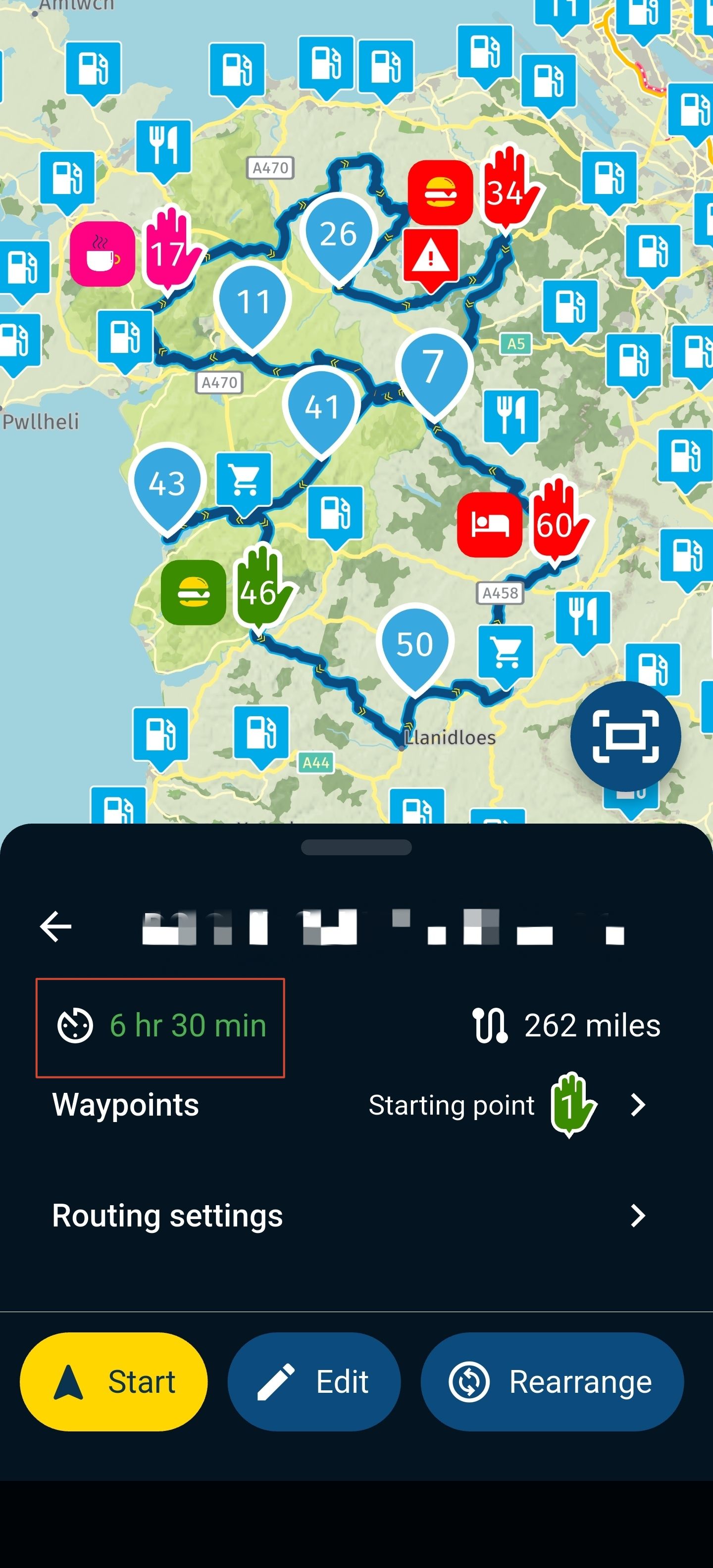
Route name missing in the banner
-

Something changed in my web route planning application few weeks ago. I do not see the nabe of the route I work on in the blue banner at the top of the window. I am pretty sure it was displayed there before with the location in the file tree.
Has anyone experience it?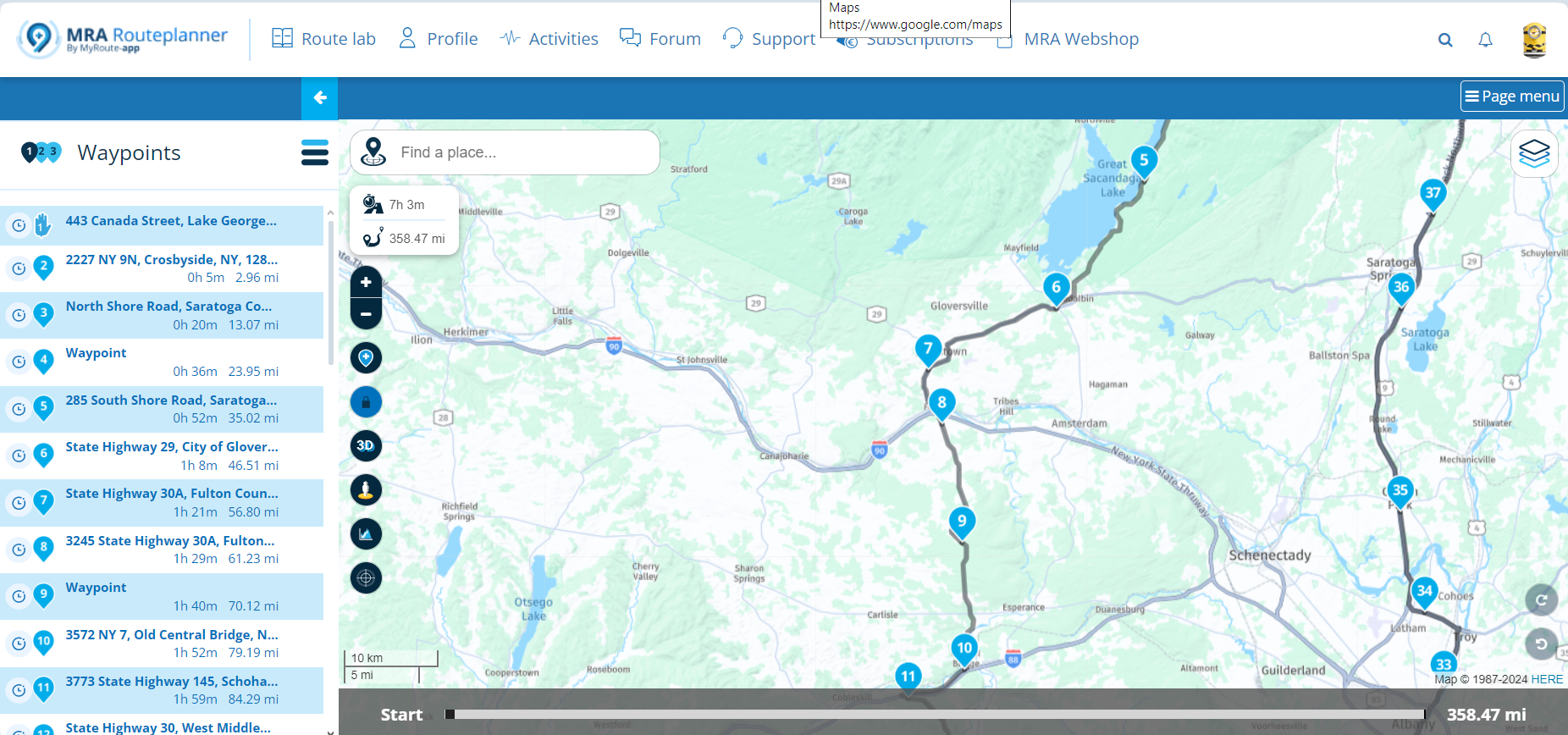
-

Looks like you changed to mobile version of the Web view.
This changes also when reduce the windows size of the browser.Hardware
iPhone 12 pro (iOS 26.2.1)
iPad (7.Gen.) 18.7.3
Oukitel RT3 Pro (Andr. 14)
Wireless CarPlay mit (Elebest C650)
Wired CarPlay (SEAT Arona - 2021)
MRA Workshops in Deutsch sind hier zu finden -
Looks like you changed to mobile version of the Web view.
This changes also when reduce the windows size of the browser. -
Something changed in my web route planning application few weeks ago. I do not see the nabe of the route I work on in the blue banner at the top of the window. I am pretty sure it was displayed there before with the location in the file tree.
Has anyone experience it?
@UltraStar Set your browser's zoom to 90% instead of 100 and you will see the bar again.
🏍️ Tiger: DMD Nor7e + SilverFox controller
🏍️ Bobber: iPhone 15 Pro + Quad Lock mount
🚗 Car: iPhone 15 Pro with wireless Apple CarPlay -
@UltraStar Set your browser's zoom to 90% instead of 100 and you will see the bar again.
-
@UltraStar you’re welcome
 ️
️

Hello! It looks like you're interested in this conversation, but you don't have an account yet.
Getting fed up of having to scroll through the same posts each visit? When you register for an account, you'll always come back to exactly where you were before, and choose to be notified of new replies (either via email, or push notification). You'll also be able to save bookmarks and upvote posts to show your appreciation to other community members.
With your input, this post could be even better 💗
Register Login-
 011189
-
0773
-
 0544
0544
-
 0588
0588
-
1447
-
010234
-
 010153
-
0357