Differnet lay-out screen and loading route
-

I think some subjects are already mentioned, however…
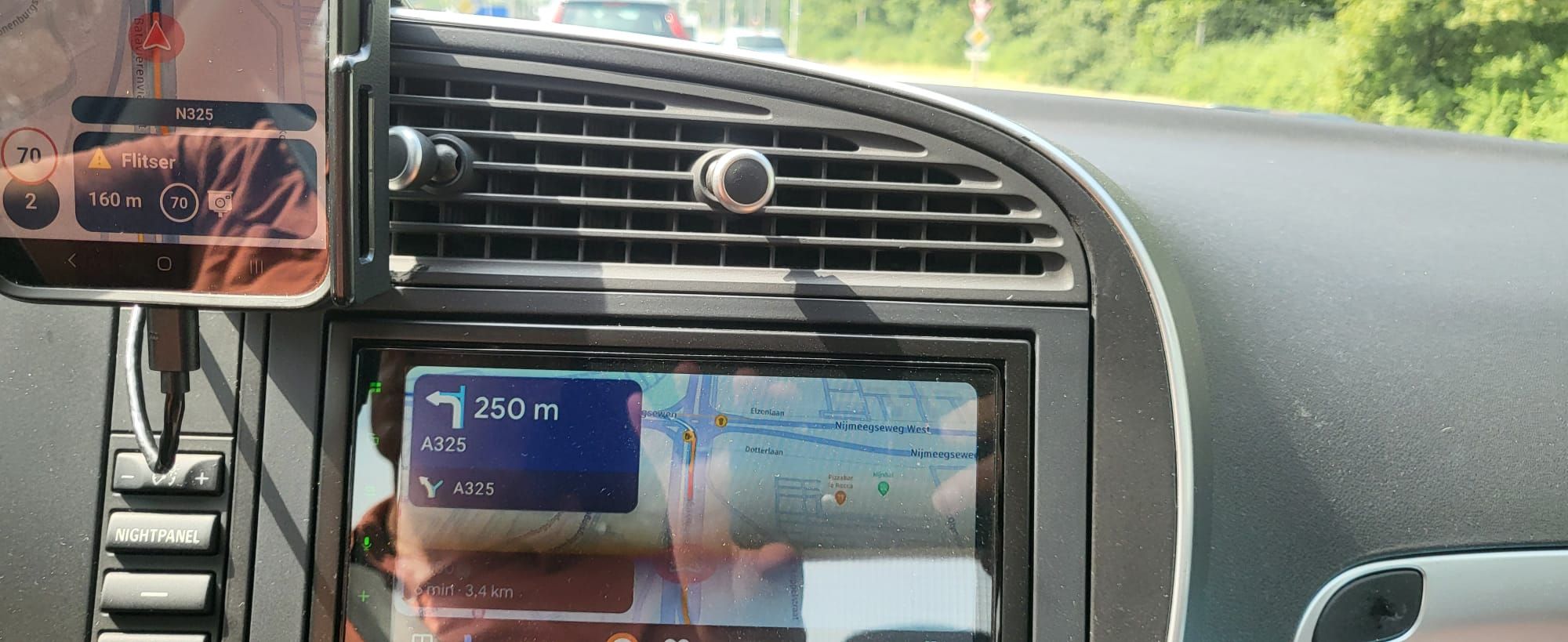
There is a big difference between MRA on my Samsung S22+ smartphone and my Pioneer SPH-DA250DAB Android auto car system.
The most important difference is the fact that on the car system the speed limit and the current speed are not shown and driving in a speed limit zone, the zone is shown on the phone, but not on the car screen.
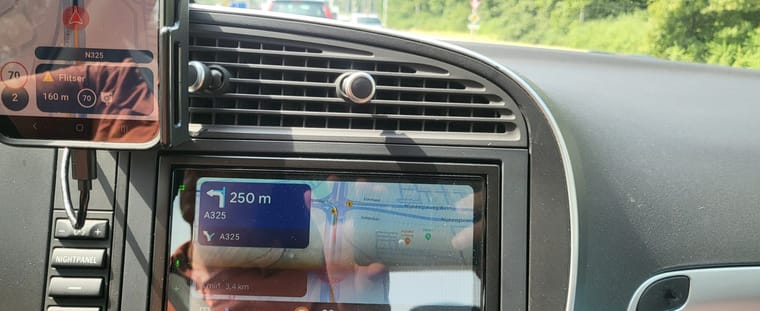
Another problem I found is the option to navigate to an address, chosen on the Car audio system by voice command. The address is shown in the top left of the window, but when the suggested route is selected, the system hangs and the route does not appear on the screen.
If I select the route via the smartphone, the navigation will start. I do have to disconnect the phone from the car audio, otherwise the image on the car audio will no longer refresh. Navigation on the phone will continue to run smoothly. -
I think some subjects are already mentioned, however…
There is a big difference between MRA on my Samsung S22+ smartphone and my Pioneer SPH-DA250DAB Android auto car system.
The most important difference is the fact that on the car system the speed limit and the current speed are not shown and driving in a speed limit zone, the zone is shown on the phone, but not on the car screen.
Another problem I found is the option to navigate to an address, chosen on the Car audio system by voice command. The address is shown in the top left of the window, but when the suggested route is selected, the system hangs and the route does not appear on the screen.
If I select the route via the smartphone, the navigation will start. I do have to disconnect the phone from the car audio, otherwise the image on the car audio will no longer refresh. Navigation on the phone will continue to run smoothly.
@Hans-Baars Thanks for the feedback!
Do know that due to limitations in Android Auto there will always be quite a difference between the app and the car.Regarding the lack of features, we are working on them

Hello! It looks like you're interested in this conversation, but you don't have an account yet.
Getting fed up of having to scroll through the same posts each visit? When you register for an account, you'll always come back to exactly where you were before, and choose to be notified of new replies (either via email, or push notification). You'll also be able to save bookmarks and upvote posts to show your appreciation to other community members.
With your input, this post could be even better 💗
Register Login-
 01541
01541
-
 911410.7k
-
0926
-
 01040
01040
-
 0714
0714
-
0620
-
0730
-
 0726
0726